Free trial
A playground at dezyn.io/playground lets visitors use the editor without signing up, and the Starter tier is free rather than a time limited trial.
Learn moreCloud architecture diagrams that respond when you click.

Dezyn is a browser based diagram builder for cloud architecture, with AWS, Azure and GCP components, clickable nodes that carry real config, prompt to diagram generation and live collaboration. A no sign up playground is available, and paid plans start at $4.99 per month.
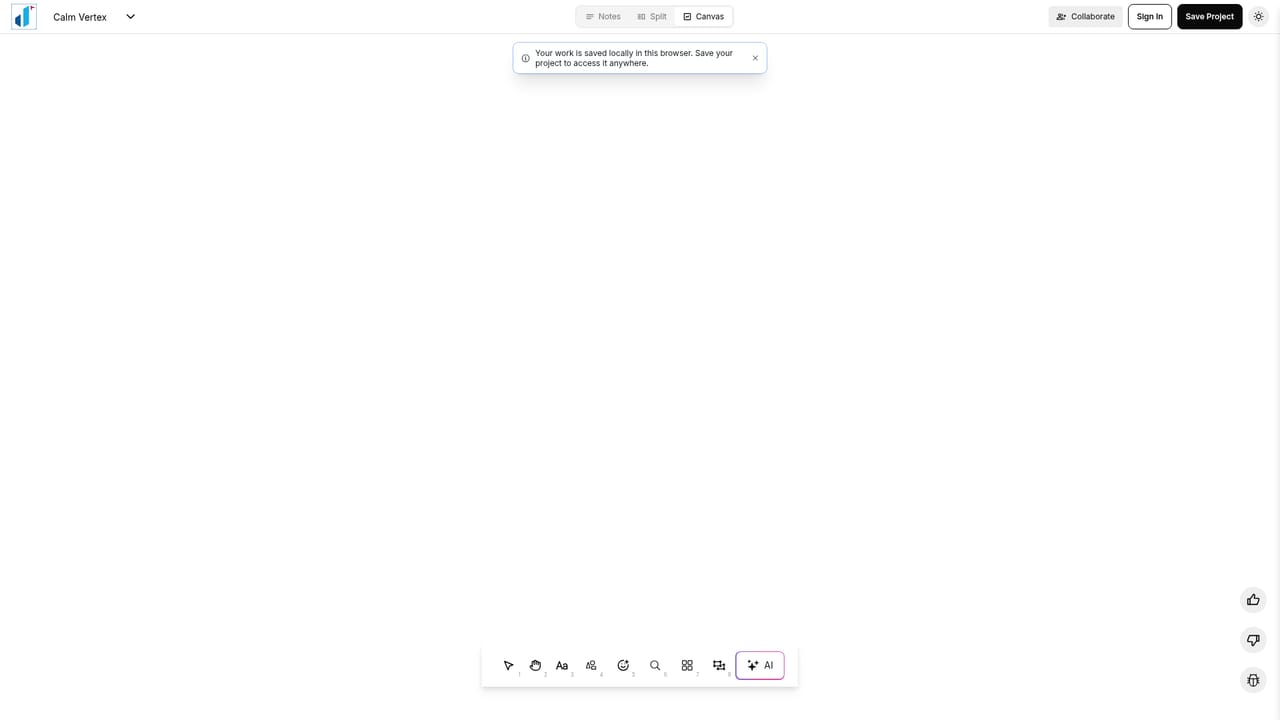
Dezyn is a browser based diagram builder aimed at engineers who need to document cloud systems rather than decorate slides. The canvas is built around real service components: every node and edge can carry configuration, dependencies and runbook links, so clicking a service reveals what it actually does instead of showing a label and nothing else. A built in library covers AWS, Azure and GCP brand marks alongside roughly 4,400 general icons, all searchable and draggable, which removes the usual hunt for the right asset pack. The AI side is a prompt to diagram flow. A plain English sentence describing a system, or an uploaded wireframe, produces a drafted architecture with inferred connections and a clean layout that can then be edited by hand. Animations go further than static output: traffic can be animated along edges, failures simulated, and a timeline scrubbed back and forth, which makes the diagram usable as a walkthrough for people who did not build the system. Collaboration happens live on the same canvas. Multiple cursors, threaded comments and reviewer stamps support both whiteboard sessions and asynchronous review, so the team is not passing exported PNGs around a chat channel. The pricing splits cleanly. Starter is free with 5 documents, 3 AI diagrams and 50 custom components. Professional is listed at $4.99 per month against a struck $9.99, with unlimited documents, unlimited AI diagrams and unlimited custom components. Enterprise adds team features and dedicated support by arrangement. The tool is for platform engineers, data engineers, solutions architects and engineering managers who present distributed systems regularly. It sits closest to established diagramming suites but leans harder on cloud vendor iconography and clickable metadata than general purpose whiteboards do. A playground lets visitors test the editor without creating an account, and the sign up path is a plain email form rather than a sales call.
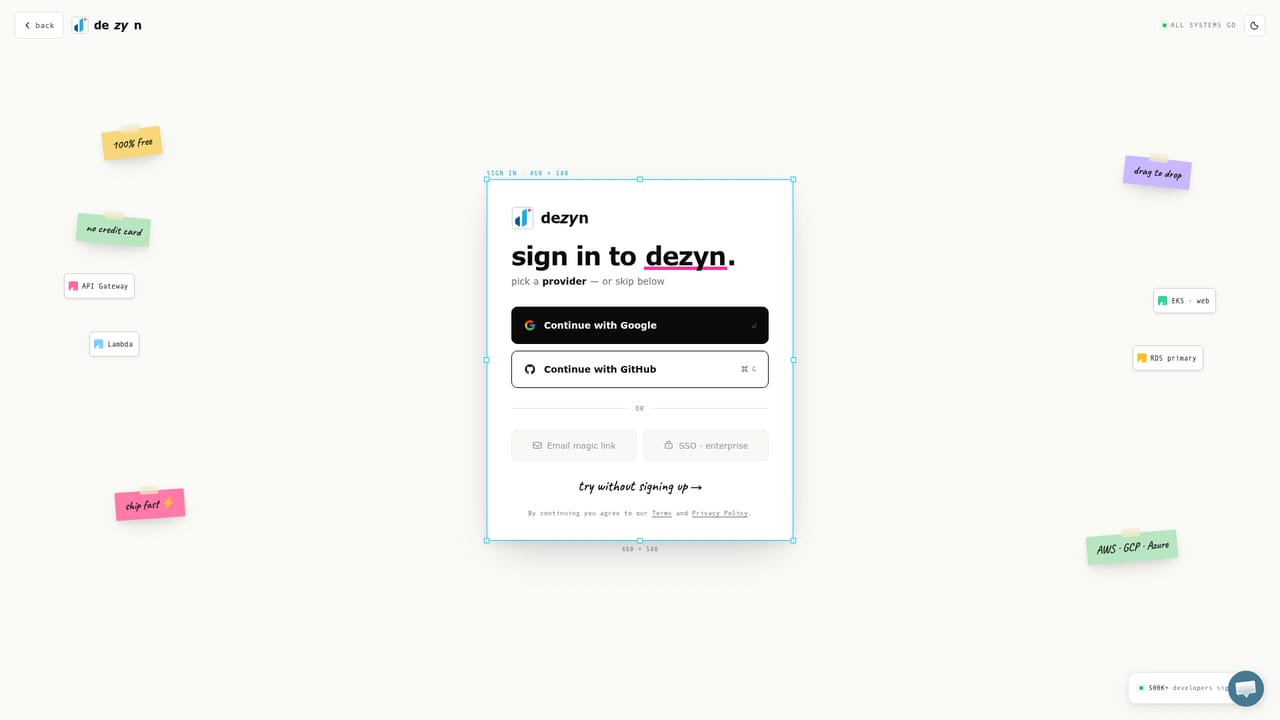
A playground at dezyn.io/playground lets visitors use the editor without signing up, and the Starter tier is free rather than a time limited trial.
Learn moreStarter is free with 5 documents, 3 AI diagrams and 50 custom components. Professional is shown at $4.99 per month against a struck $9.99, with unlimited documents, AI diagrams and custom components plus advanced features. Enterprise adds team features and exclusive support via a contact email.
Learn moreEnterprise plans list exclusive support, reachable through the contact email published on the pricing section. No help centre or documentation portal is linked from the homepage.
Prompt to diagram generation from plain English or an uploaded wireframe, clickable nodes and edges that hold configuration, dependencies and runbooks, a library of AWS, Azure and GCP marks plus roughly 4,400 general icons, animated traffic and failure simulation with a scrubbable timeline, and live multi user collaboration with comments and review stamps.
 AI Angels400+ customizable AI girlfriends for NSFW chat, voice calls, and roleplay
 Candy AIExperience the future of companionship with AI friends who chat, role-play, and connect with you on a human level.
 ourdream.aiA vast AI roleplay platform with millions of characters for chat, images, video and voiceAI Angels400+ customizable AI girlfriends for NSFW chat, voice calls, and roleplayCandy AIExperience the future of companionship with AI friends who chat, role-play, and connect with you on a human level.ourdream.aiA vast AI roleplay platform with millions of characters for chat, images, video and voice


