Free trial
A free plan is available after sign up with limited functions and a capped number of lines of code. Once the limit is reached, a paid subscription is required. The site also allows trying an example without logging in.
Learn moreAI code explanations and doc comments without touching your source files

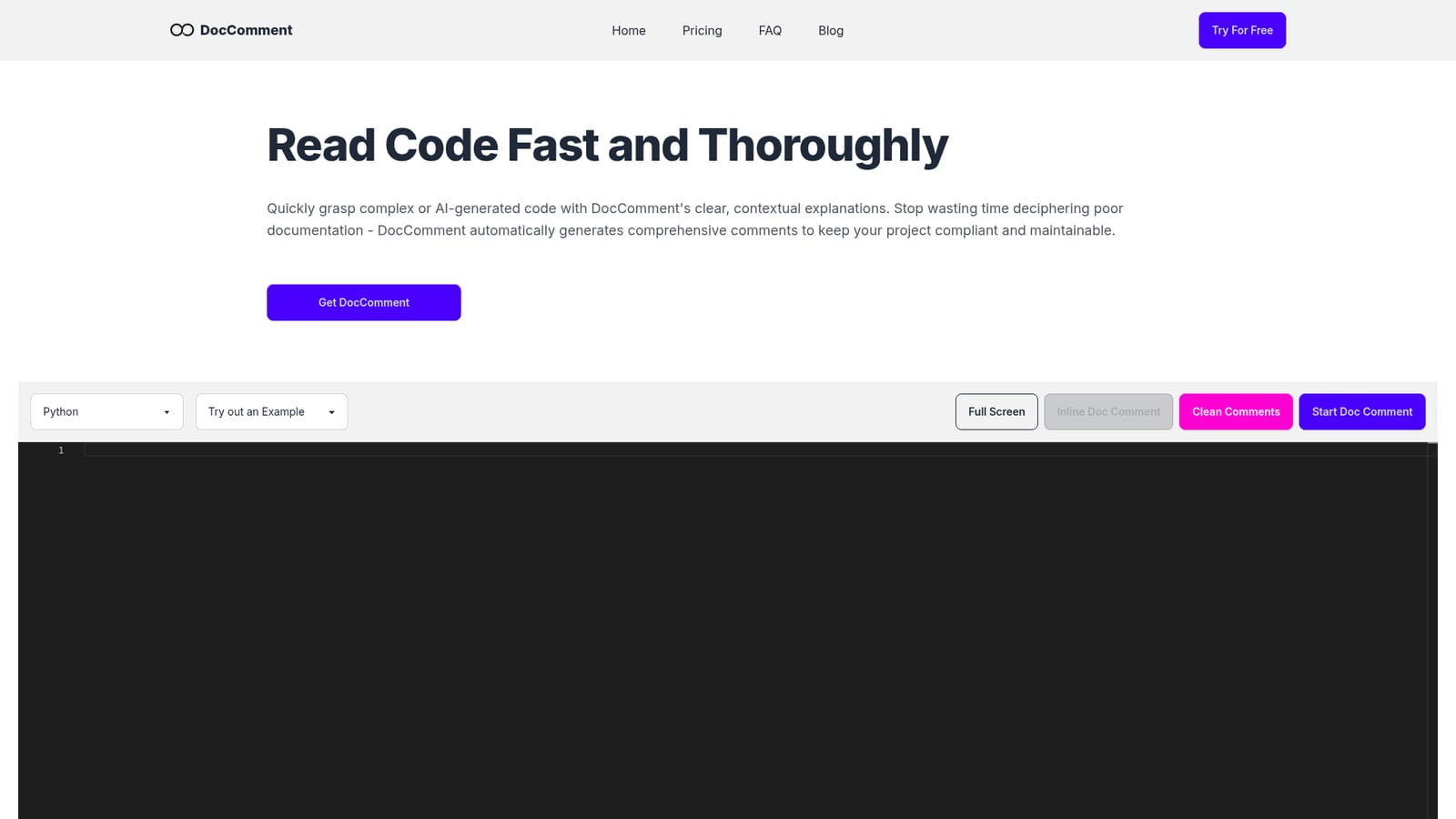
DocComment generates plain language explanations and inline doc comments for pasted code in Java, Python, Go, JavaScript, TypeScript, C#, and PHP. Sidecar explanations sit beside the source without modifying it, while an optional inline mode writes compliant comments. Useful for reading AI generated or undocumented code.
DocComment is a web based assistant that turns unfamiliar or poorly documented source code into readable, structured explanations. Paste a file into the editor, pick the language, and the tool returns two layers of output: broad descriptions of classes, interfaces, methods and functions, plus finer notes attached to the three to five lines currently in view. It supports Java, Python, Go, JavaScript, TypeScript, C# and PHP. The engine combines code structure analysis with large language models, splitting input into smaller parts and explaining each one in plain language. A distinguishing design choice is the sidecar model. Many copilots write comments straight into the file, which modifies the working copy and can create noise in diffs. DocComment keeps explanations beside the code, so nothing changes unless the user explicitly chooses Inline Doc Comments, which produces automated comments for teams that must meet documentation requirements. Sidecar storage also means the same explanation can be retrieved later and across devices. The tool is aimed at developers who inherit undocumented repositories, review AI generated code, or onboard into a codebase quickly. It works in tandem with generators such as GitHub Copilot and Cursor: those tools produce code, and DocComment explains it to the reader. Teams can also use it to standardise documentation practice, with a Git integration and IDE plugin planned for the Silver tier. Compared with general coding assistants, the scope here is narrower and deeper on explanation rather than generation. The web app requires no log in for basic experimentation, and a signed up free allowance covers a limited number of lines before a paid plan is needed. Pricing separates single file use from repository level work, and annual billing stretches the quota across the year instead of resetting it monthly. Smaller shops that only need occasional clarity on a snippet can stay on Bronze; groups working across a repo are pointed at Silver.

A free plan is available after sign up with limited functions and a capped number of lines of code. Once the limit is reached, a paid subscription is required. The site also allows trying an example without logging in.
Learn moreTwo paid tiers. Bronze is $9 per month for single code files and includes 50K standard lines of code per month, unlimited explanation storage, and email support. Silver is $19 per month for Git repositories and raises the quota to 100K lines, adding Git integration and an IDE plugin. Annual billing offers 16 percent off and spreads the quota across the year. Monthly quota does not roll over.
Learn moreEmail support is included on both paid plans. No chat, phone, or community support channel is listed.
Git integration and an IDE plugin appear on the Silver plan but are waitlisted rather than live. Major editors such as VSCode and Cursor are described as planned, and no public API is mentioned.
Learn moreCode comments at two granularities (class level and 3 to 5 line level), non-intrusive sidecar explanations that leave source files unchanged, inline doc comments for compliance, unlimited explanation storage, and support for Java, Python, Go, JavaScript, TypeScript, C#, and PHP. Git integration and an IDE plugin are listed for the Silver plan but currently gated by a waitlist.
 AI Angels400+ customizable AI girlfriends for NSFW chat, voice calls, and roleplay
 Candy AIExperience the future of companionship with AI friends who chat, role-play, and connect with you on a human level.
 ourdream.aiA vast AI roleplay platform with millions of characters for chat, images, video and voiceAI Angels400+ customizable AI girlfriends for NSFW chat, voice calls, and roleplayCandy AIExperience the future of companionship with AI friends who chat, role-play, and connect with you on a human level.ourdream.aiA vast AI roleplay platform with millions of characters for chat, images, video and voice