Support
Support is available through help center articles on AI settings and AI FAQs, plus a trust center covering security and privacy standards including ISO, SOC, GDPR and CCPA.
Learn moreAI roleplay simulations for practicing real workplace conversations.

Docebo is a learning tool. Docebo Roleplay is an AI simulation tool inside Docebo for practicing workplace conversations. Learners rehearse sales, leadership, onboarding and compliance scenarios with a customizable avatar by voice or chat, then receive instant scorecards on clarity, confidence, energy and non-verbal cues.
Docebo Roleplay is an AI simulation tool for workplace training, built into the Docebo learning platform as part of its Creator experience. It gives employees a private space to rehearse high-stakes conversations, from sales pitches and objection handling to conflict resolution and compliance scenarios. Learners interact with a customizable AI avatar through voice or chat (video avatars are described as coming soon), and the system returns a scorecard on clarity, confidence, energy and non-verbal cues. The stated goal is to replicate live coaching at scale and close the gap between knowing something and doing it under pressure. Instructional designers and L&D teams can start from pre-set scenario templates for common use cases or build simulations from scratch. Objectives, avatar personality and role, context and conversation flow are all editable, which lets organizations mirror their own tone, products and customer situations. The company positions the product across customer success, leadership development, sales enablement, onboarding and compliance management, so it is aimed at enterprises with distributed teams rather than individual learners. In practice, an admin or designer configures a scenario in Docebo, assigns it to a group, and learners run the simulation at their convenience. Feedback arrives immediately, and past sessions stay available for review, which supports reflection between live coaching sessions. Analytics sit alongside the learner scorecards, giving training teams evidence of skill development to justify the program. Pre-set templates shorten the path to a first launch, while fully custom scenarios demand more design effort up front. Compared with standalone conversation-practice tools, Roleplay is strongest when an organization already uses Docebo for LMS or content creation, since it sits inside the same ecosystem. Teams outside that ecosystem face a larger commitment. Buyers should also weigh the reliance on AI evaluation of soft skills and the limited public detail on packaging.
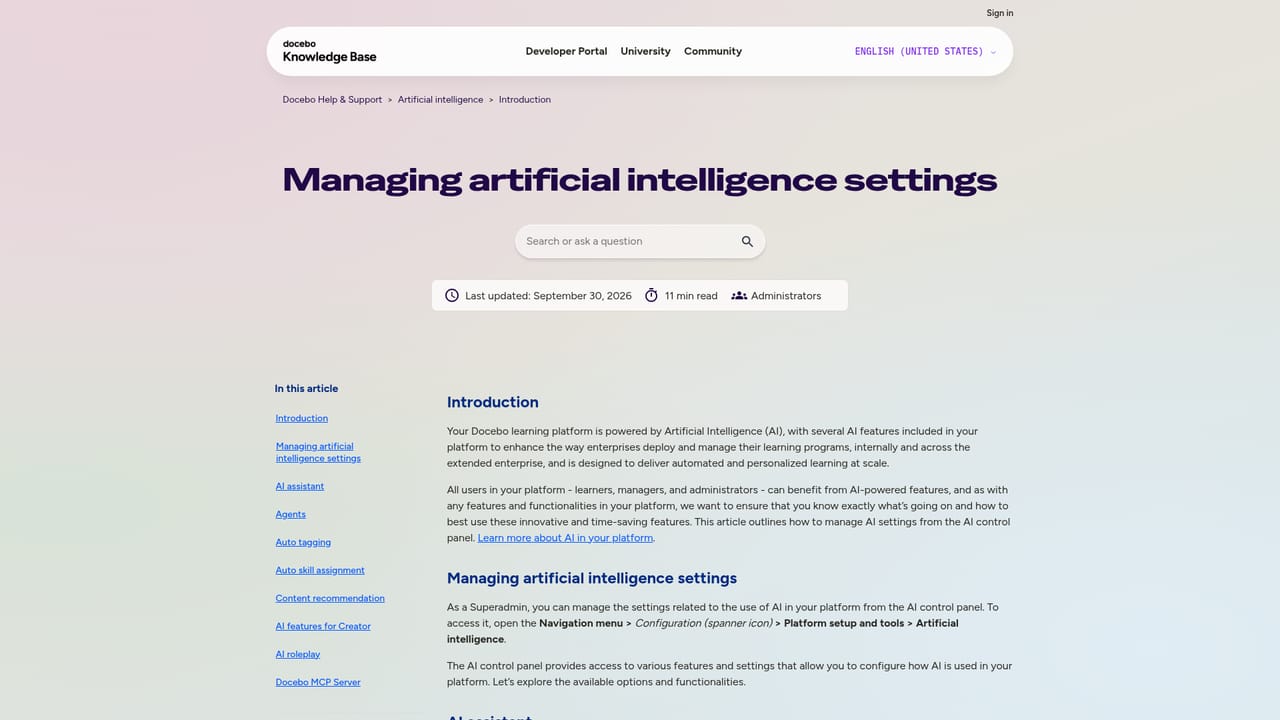
Support is available through help center articles on AI settings and AI FAQs, plus a trust center covering security and privacy standards including ISO, SOC, GDPR and CCPA.
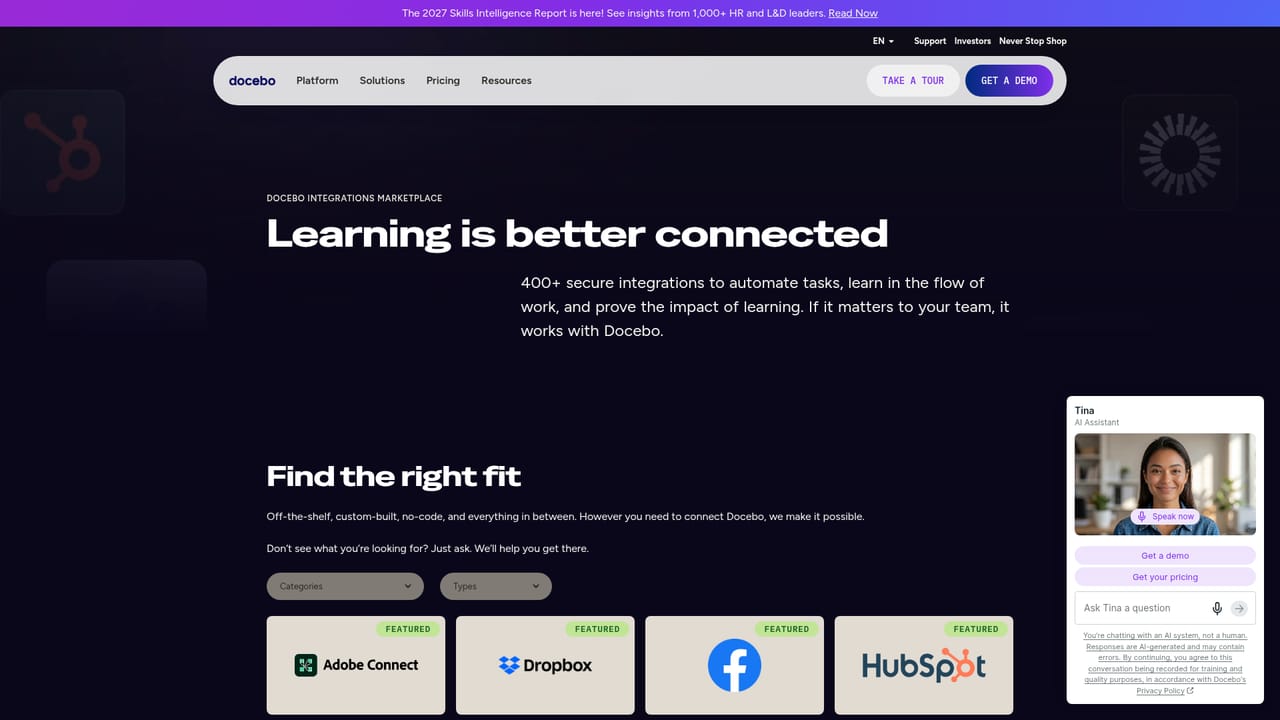
Learn moreDocebo states integrations with Salesforce, Microsoft Teams, Zoom and Google Drive, with a broader integrations directory on its site.
Learn moreRoleplay provides AI-driven simulations with customizable avatars, objectives, context and conversation flow. Learners practice by voice or chat, with video avatars listed as coming soon. Real-time feedback covers clarity, confidence, energy and non-verbal cues, and past sessions can be reviewed. Pre-set templates cover sales, leadership, onboarding, customer success and compliance. Admins control AI settings at feature level.
Learn more AI Angels400+ customizable AI girlfriends for NSFW chat, voice calls, and roleplay
 Candy AIExperience the future of companionship with AI friends who chat, role-play, and connect with you on a human level.
 ourdream.aiA vast AI roleplay platform with millions of characters for chat, images, video and voiceAI Angels400+ customizable AI girlfriends for NSFW chat, voice calls, and roleplayCandy AIExperience the future of companionship with AI friends who chat, role-play, and connect with you on a human level.ourdream.aiA vast AI roleplay platform with millions of characters for chat, images, video and voice


