Free trial
A 7 day free trial is available for the HelpKit AI chatbot, with no credit card required. It is described as an add-on, so a HelpKit account is needed to start.
Learn moreTurn your Notion docs into a 24/7 AI support agent

Helpkit is an AI chat bot tool that turns your Notion docs into a 24/7 AI support agent. HelpKit AI is an add-on that turns a Notion knowledge base into an AI support chatbot.
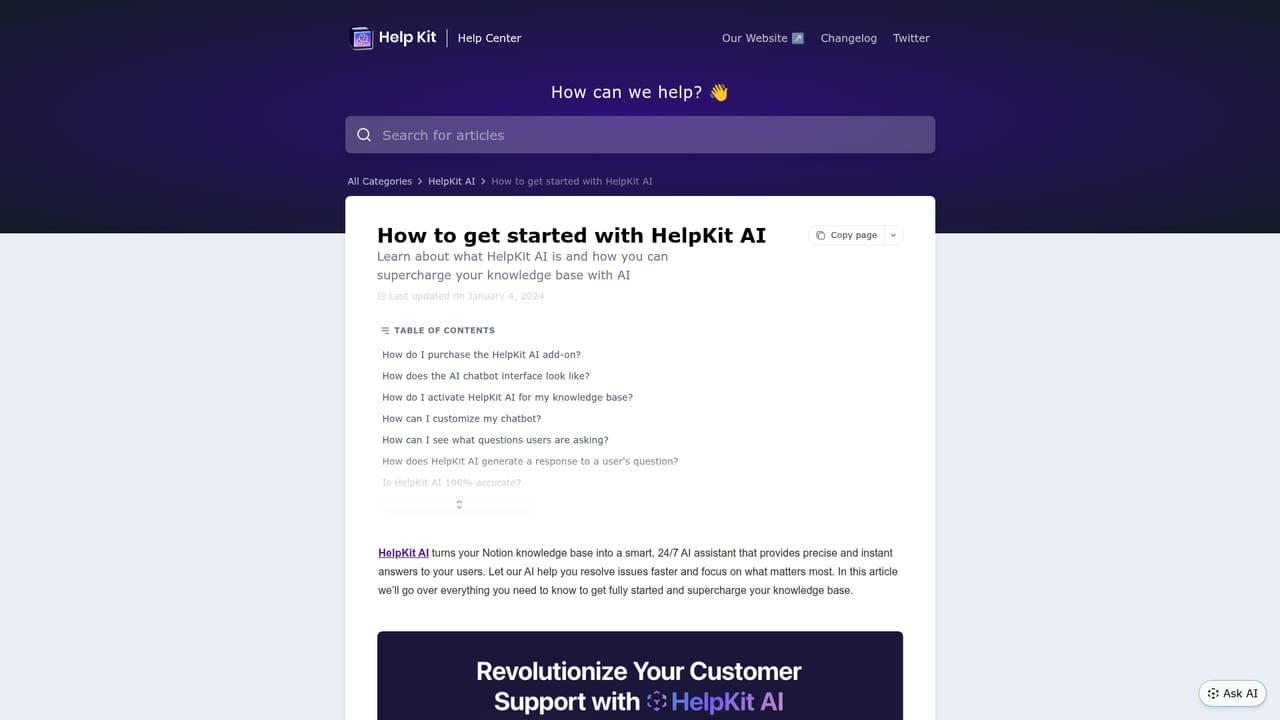
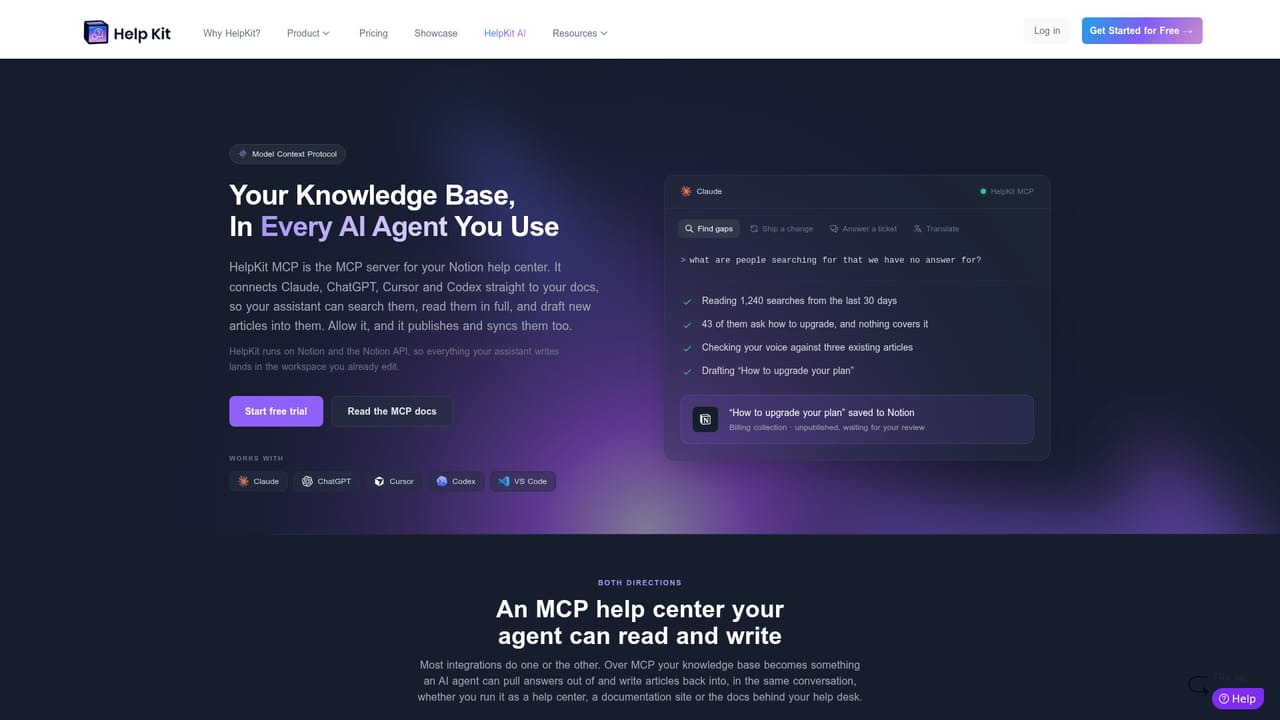
HelpKit AI converts an existing Notion knowledge base into an AI support assistant that answers user questions around the clock. Content is indexed through OpenAI, and when a visitor asks something, the system locates the relevant passages across your help articles, combines them, and returns a semantic answer within seconds. Each reply carries clickable references back to the source articles, so users can verify where the answer came from. The bot draws only on your own knowledge base, not on outside material. Setup is an add-on to an existing HelpKit subscription, activated from the dashboard. Once live, an "Ask AI" button appears when visitors begin using the search bar on your site. The chatbot surface adapts to your chosen help center layout: a slide-over panel on the Help Center template, or a search command bar on the Documentation template. Both are built for mobile and can be embedded as a widget. Language and behavior are configurable so the assistant matches your brand voice, and an insights dashboard shows what people ask, how the bot responds, and how satisfied they are. The product targets teams that already document in Notion and want to deflect repetitive support questions without building a separate knowledge pipeline. It is a natural fit for SaaS help centers, developer documentation sites, and small support teams that cannot staff round the clock coverage. Buyers comparing it against standalone chatbot builders should note that it is not a general purpose platform: it is a layer on top of HelpKit hosting. A separate HelpKit MCP server extends the same knowledge base to Claude, ChatGPT, Cursor, Codex and VS Code, letting those tools search articles, draft missing ones (unpublished until approved), and read insights and analytics.
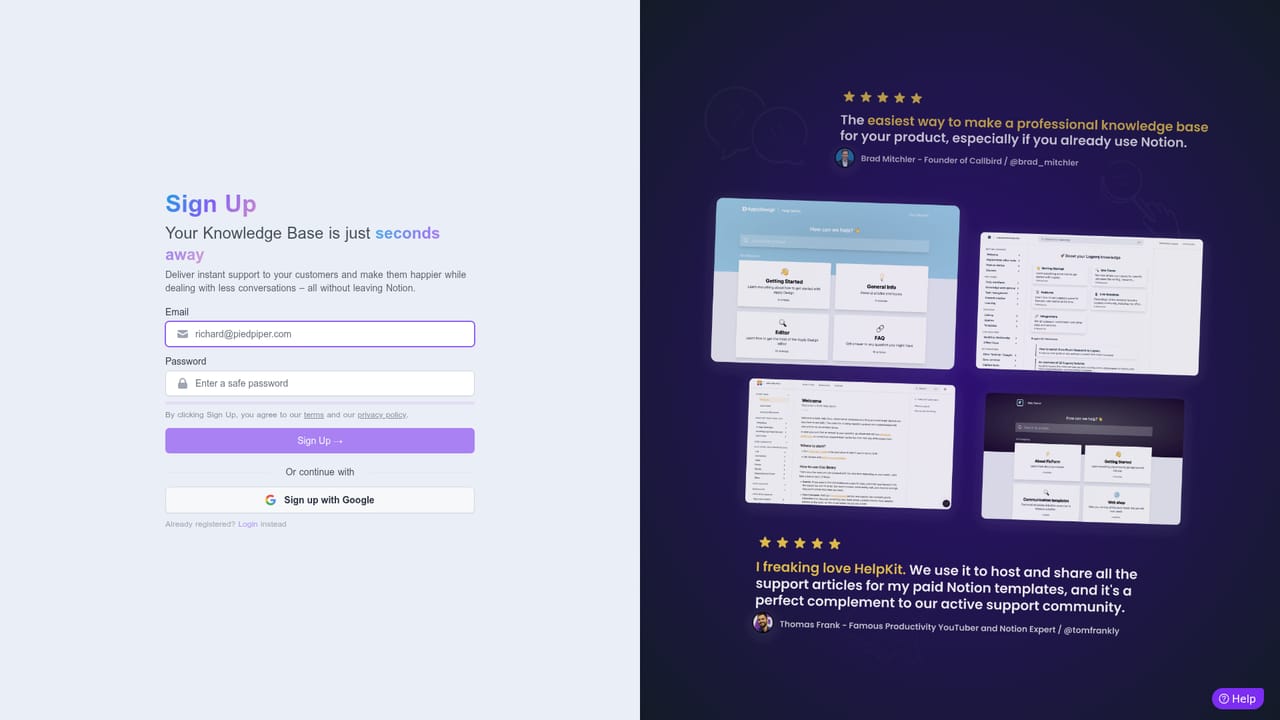
A 7 day free trial is available for the HelpKit AI chatbot, with no credit card required. It is described as an add-on, so a HelpKit account is needed to start.
Learn moreHelpKit AI costs +$49 per month as an add-on to any HelpKit subscription plan. It is not sold as a standalone product, so the total cost includes the base HelpKit plan. A 7 day free trial is offered.
Learn moreHelpKit publishes a support help center with an AI getting started guide. The homepage invites visitors to reach out and ask if they cannot find an answer. A public docs site is also listed.
Learn moreHelpKit AI works with Notion knowledge bases and is powered by the OpenAI API. A HelpKit MCP server connects the same content to Claude, ChatGPT, Cursor, Codex and VS Code.
Learn moreChatGPT-like chatbot trained on your Notion knowledge base, semantic answers with clickable references to source articles, support for help center slide-over and documentation search bar layouts, embeddable widget, customizable chatbot UI and behavior, insights dashboard for questions and satisfaction, and a HelpKit MCP server for connecting Claude, ChatGPT, Cursor, Codex and VS Code to your knowledge base.
 AI Angels400+ customizable AI girlfriends for NSFW chat, voice calls, and roleplay
 Candy AIExperience the future of companionship with AI friends who chat, role-play, and connect with you on a human level.
 ourdream.aiA vast AI roleplay platform with millions of characters for chat, images, video and voiceAI Angels400+ customizable AI girlfriends for NSFW chat, voice calls, and roleplayCandy AIExperience the future of companionship with AI friends who chat, role-play, and connect with you on a human level.ourdream.aiA vast AI roleplay platform with millions of characters for chat, images, video and voice


