Edge

Task-based AI for patent drafting and trademark clearance

Advanced
Screenshot of Edge, Task-based AI for patent drafting and trademark clearance

What is Edge?

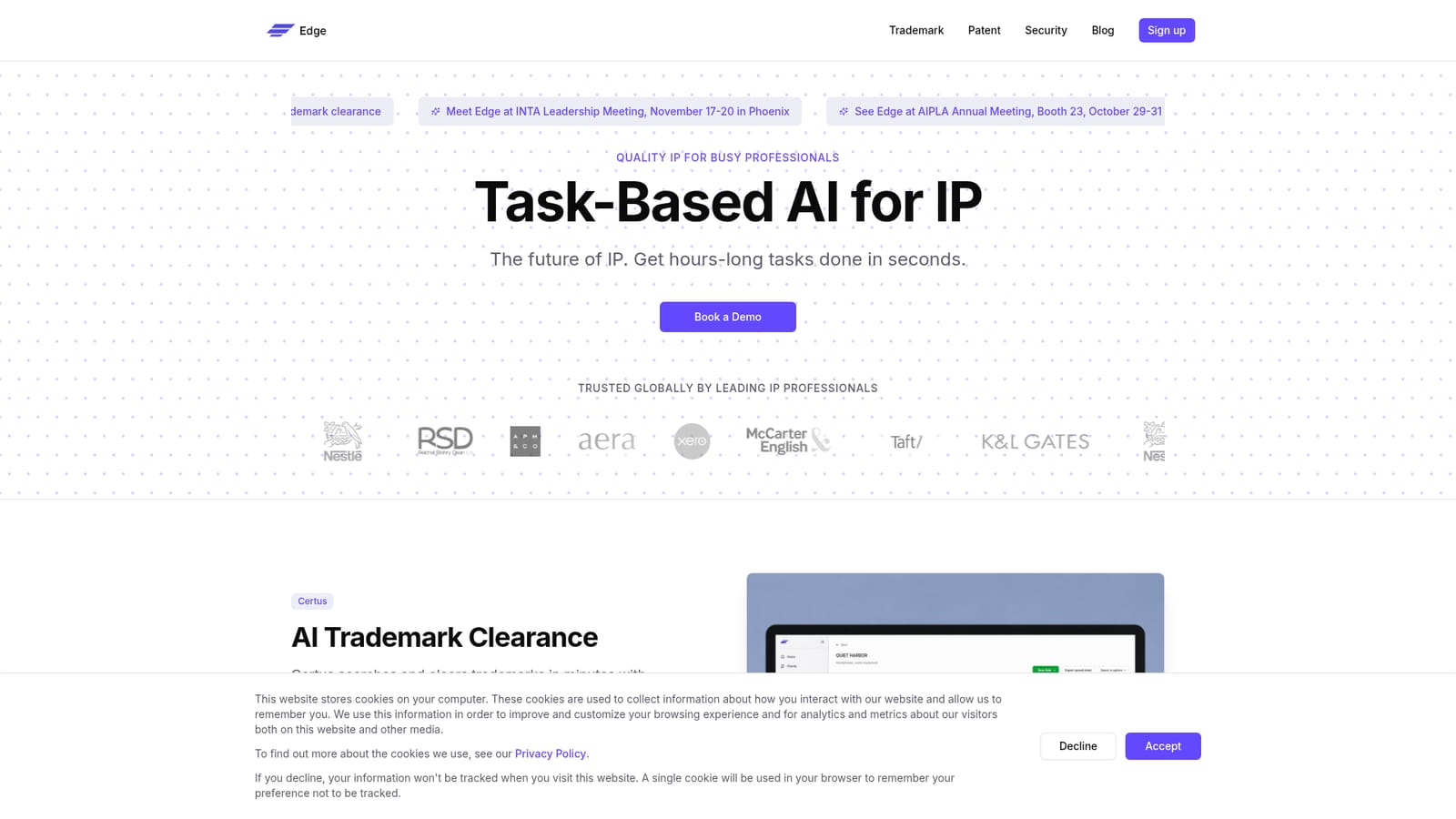
Edge is an AI platform for intellectual property professionals, offering Ingenia for patent claims, specifications, figures and disclosures, and Certus for AI-driven trademark search and clearance across a global database. Built for law firms and in-house IP teams, with SOC 2 Type II security.

Edge is a specialist AI platform built for intellectual property work rather than general office tasks. Its two products target the two halves of an IP practice: Ingenia handles patent drafting, and Certus handles trademark clearance. The pitch is narrow but pointed, taking hours-long drafting and searching work and compressing it into a much shorter session while keeping the output in a form a professional can review and edit. Ingenia is the patent side. It helps draft claims and specifications, work with special objects such as figures and sequences, and build disclosures from whatever an inventor supplies. A dedicated patent-focused figure editor sits alongside the AI assistance, and the tool supports regional formatting so work can be prepared for the USPTO or the EPO. Certus is the trademark side, built around search strategies an AI assembles from the details of a specific mark, then filtering and ranking results so the most relevant hits surface first. The stated database is described as the world's most comprehensive trademark collection, and results come with supporting evidence and context rather than bare matches. Practically, this is software for people who already know patent and trademark procedure. Independent attorneys, in-house IP teams and law firm associates are the obvious audience, since the workflow assumes familiarity with claims, disclosures, classification and clearance opinions. Edge publishes client logos including several law firms and corporate brands, and positions security prominently: SOC 2 Type II certification, GDPR compliance, encryption in transit and at rest, no training on customer data, and data residency options tied to practice location. The competitive frame is split. Patent drafting tools tend toward general writing assistance dressed up for legal text, while trademark search tends to sit inside legacy database subscriptions. Edge sells both as task-specific modules under one roof, so a mixed IP practice can cover drafting and clearance from a single vendor. The trade-off is that it is a focused product: firms wanting broad legal research or docketing will still need other systems. Pricing is not published on the homepage, and access starts with a demo request, so evaluation requires a conversation with sales.

How do you use Edge?

  1. 1Review the product lines and pick your starting module
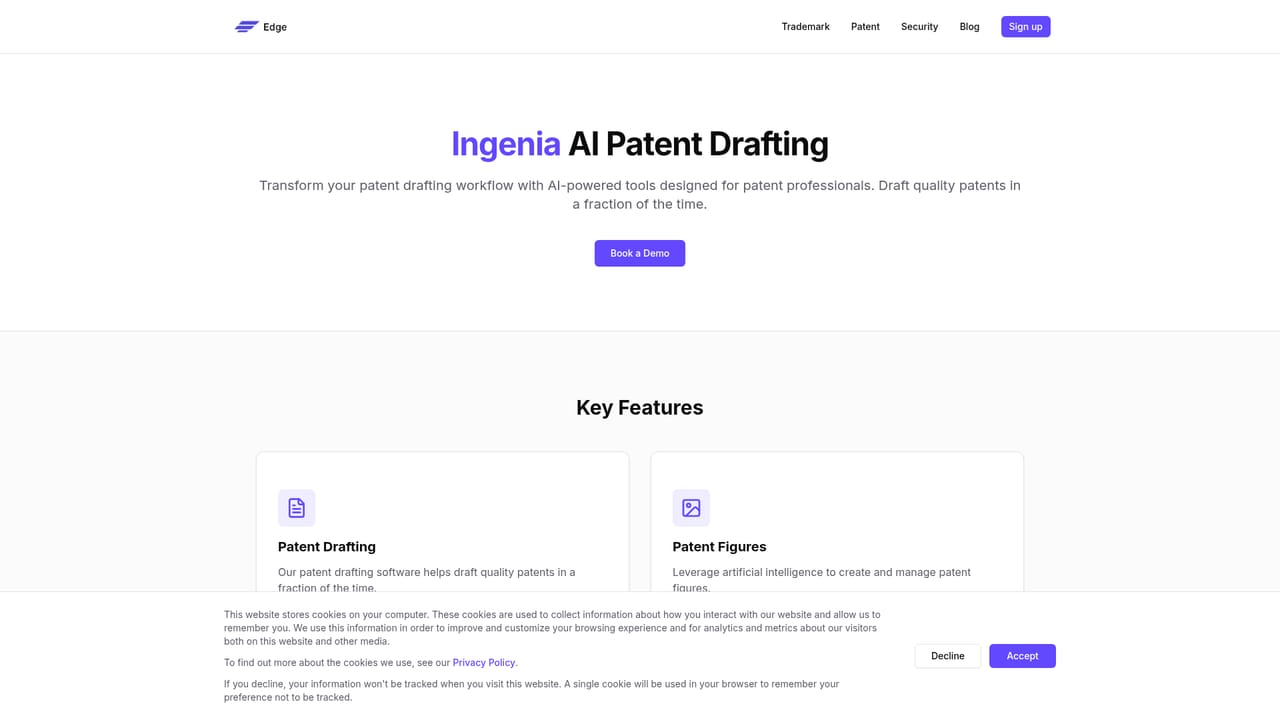
    Read the homepage sections for Certus and Ingenia to decide whether your first task is trademark clearance or patent drafting. Each has its own dedicated page with a fuller feature outline.
    Edge — Review the product lines and pick your starting module
  2. 2Read the detail page for your module
    The Ingenia page covers drafting, figures, disclosure and regionalization, while the Certus page covers search strategy generation and result prioritization. Use these to build a shortlist of tasks you want to test.
    Edge — Read the detail page for your module
  3. 3Check the trust and security documentation
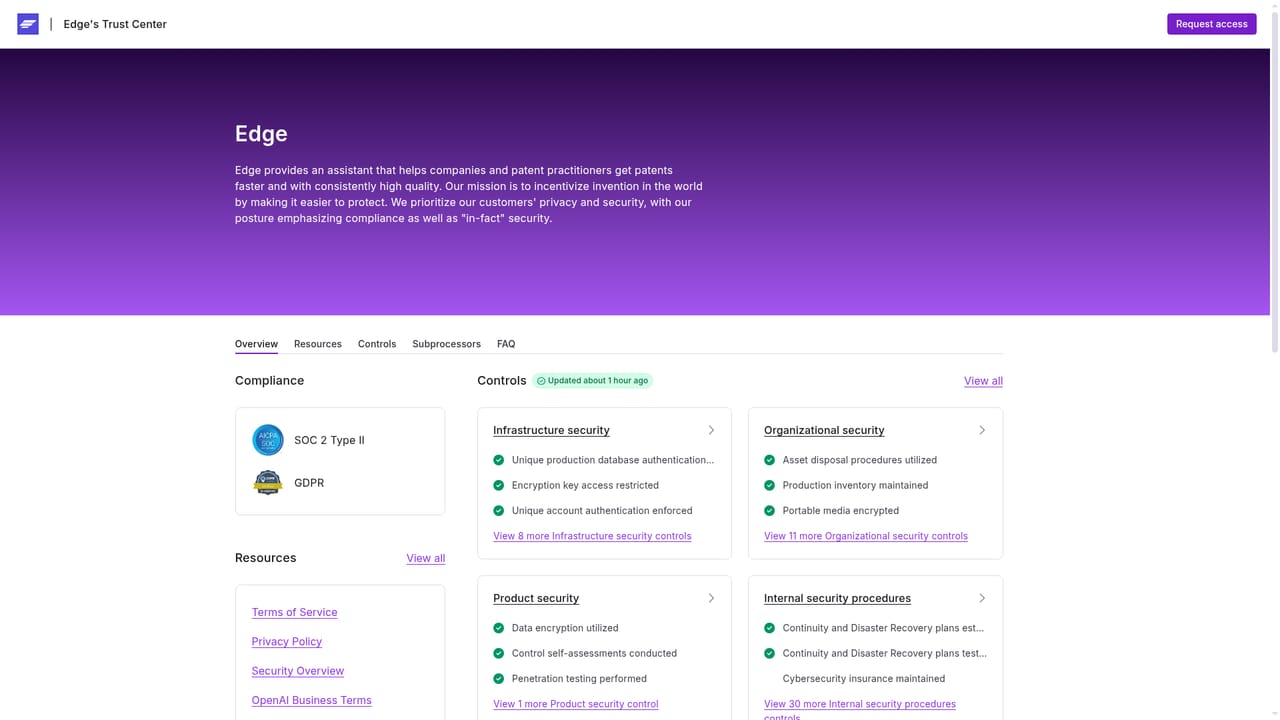
    Open the trust page to review the SOC 2 Type II certification, GDPR position, encryption practices, data residency options and the no-training-on-your-data commitment before sharing client material.
    Edge — Check the trust and security documentation
  4. 4Request a demo with your own task
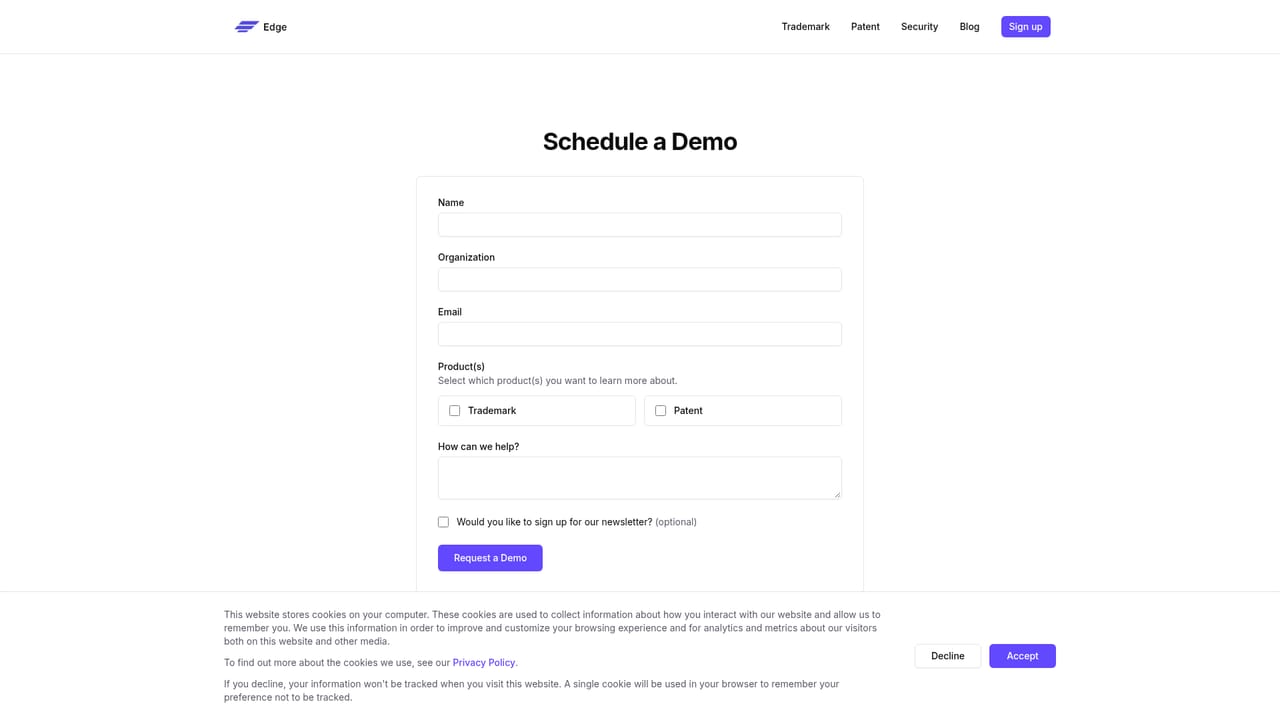
    Use the contact page to book a demo. Bring a real disclosure or a sample mark so the walkthrough exercises the workflow you actually run, not a canned example.
    Edge — Request a demo with your own task
  5. 5Run a pilot and compare against your current process
    After account setup, draft one application or clear one mark end to end. Compare time spent and output quality against your existing tools before committing the team.

Pros and cons

Pros

  • Purpose-built for IP work rather than generic legal writing, with separate modules for patents and trademarksAI
  • Ingenia covers claims, specifications, figures, sequences and disclosures in one drafting workspaceAI
  • Regional support for USPTO and EPO formatting means output fits the filing destinationAI
  • Certus pairs AI-generated search strategies with result prioritization and supporting evidenceAI
  • Strong published security posture: SOC 2 Type II, GDPR, encryption, no training on customer dataAI

Cons

  • No public pricing; every engagement routes through a demo request and sales conversationAI
  • Homepage gives no detail on which trademark jurisdictions or registries the database actually coversAI
  • No stated integrations with docketing, document management or existing IP records systemsAI
  • Feature claims are marketing level, with no public accuracy benchmarks against attorney-drafted workAI
  • Public material says nothing about support channels, onboarding time or training resourcesAI

How much does Edge cost?

Features

Ingenia drafts and edits patent claims and specifications, includes a patent-focused figure editor, supports disclosure work from inventor materials and handles regional formats such as USPTO and EPO. Certus generates AI search strategies for trademark clearance, prioritizes results and enriches them with evidence and context against a global trademark database. Security covers SOC 2 Type II, GDPR, encryption and data residency options.

Learn more

Frequently asked questions about Edge

  • How do you use Edge?
    The walkthrough on this page covers 5 steps: 1. Review the product lines and pick your starting module 2. Read the detail page for your module 3. Check the trust and security documentation 4. Request a demo with your own task 5. Run a pilot and compare against your current process.
  • What platforms does Edge support?
    Edge is available on Web App.
  • What are the limitations of Edge?
    No public pricing; every engagement routes through a demo request and sales conversation. Homepage gives no detail on which trademark jurisdictions or registries the database actually covers. No stated integrations with docketing, document management or existing IP records systems.

Status

StatusActive
Views0
Outbound clicks0
Added10/21/2026

Platforms

Web App

Pricing

Paid