Free trial
The site offers a free way to get started, framed as free signup and described by users as free to install. Plan limits are not itemised on the homepage.
Learn moreProofreading and editing inside ChatGPT, with tracked changes you approve

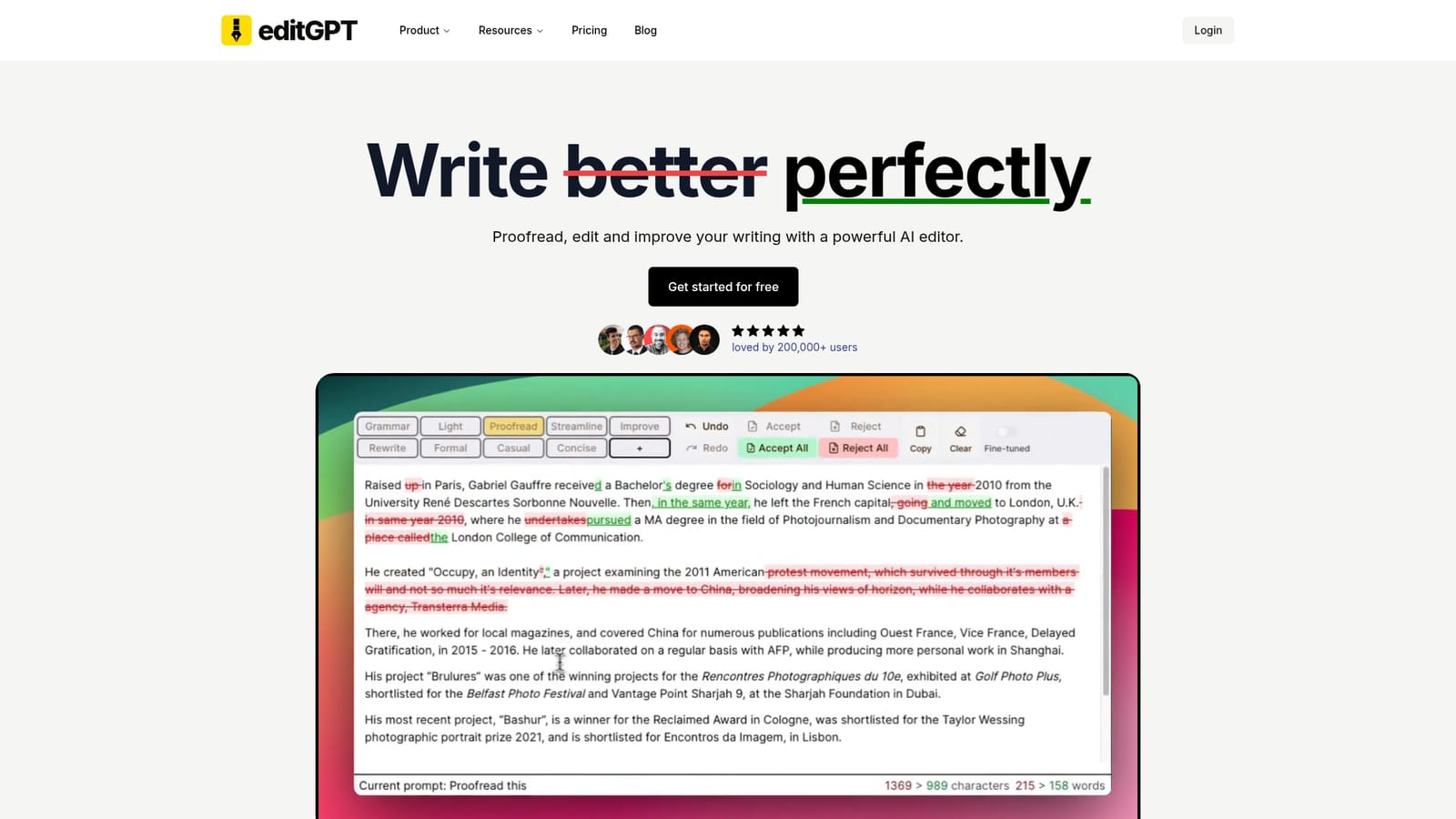
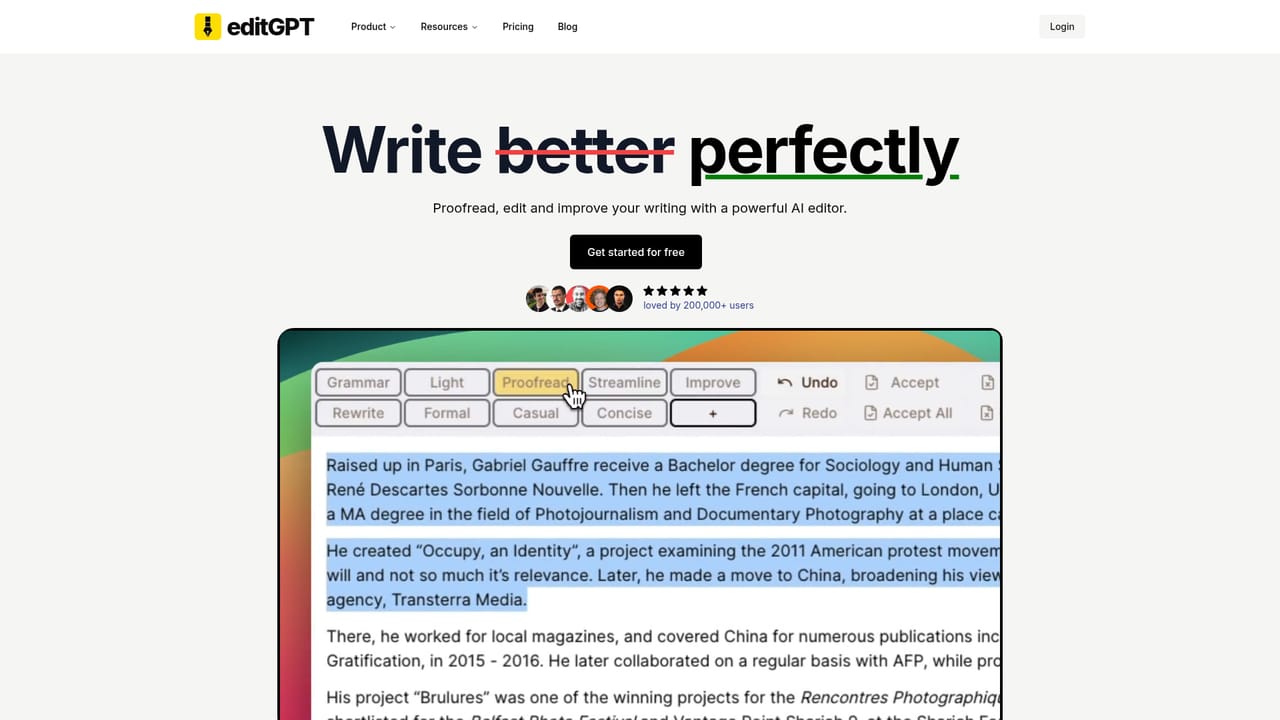
editGPT is a Chrome extension that turns ChatGPT into a tracked-changes proofreading tool. It suggests grammar, clarity and tone edits that you accept or reject one by one, so the final text stays yours. Positioned as a Grammarly alternative, it is aimed at novelists, academics, students and general writers.
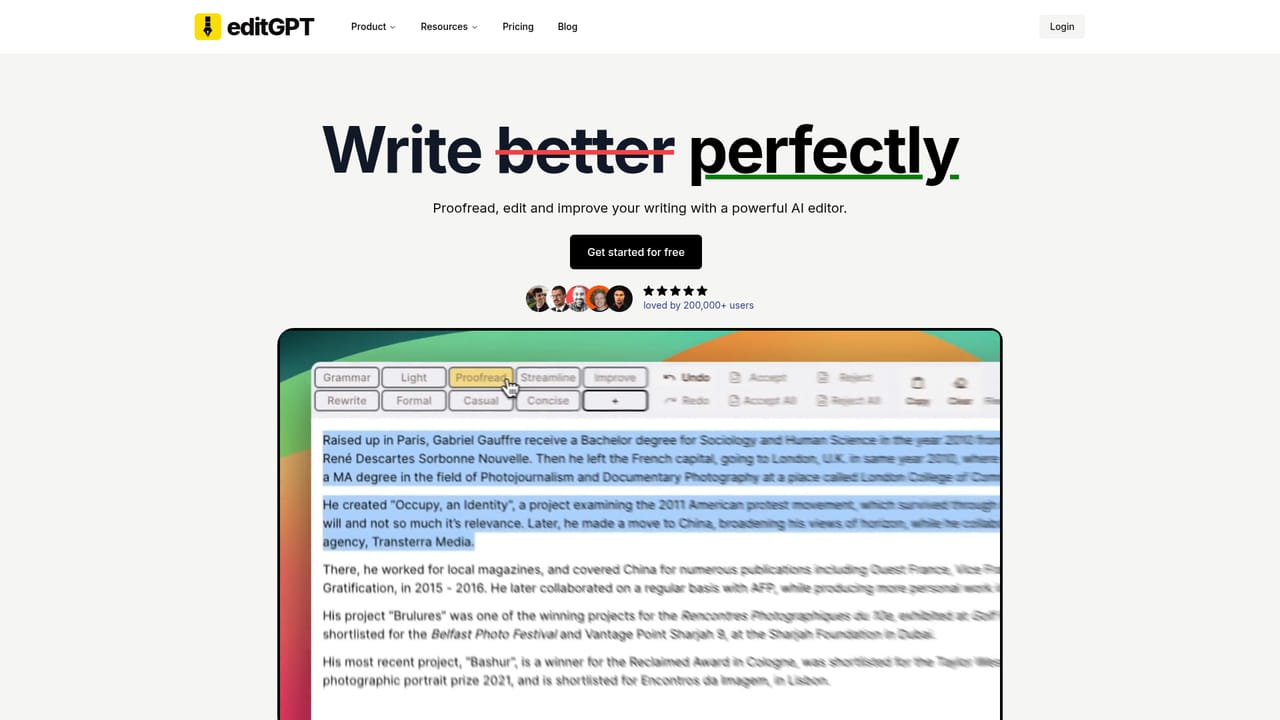
editGPT is a Chrome extension that layers a proofreading and editing workflow on top of ChatGPT. Instead of reading a wall of rewritten text and guessing what changed, you see the AI's suggestions as tracked changes, then accept or reject each one. The stated goal is to keep the writing yours: the model proposes edits, and the author decides which of them survive. In practice the tool supports grammar correction, clarity and flow improvements, a more academic register, and multi-language text. Because it runs on custom prompts, users can define their own editing instructions rather than relying on a single fixed style. That makes it useful for several audiences: novelists cleaning up manuscripts, researchers polishing papers before submission, students working on essays, and anyone who wants a Grammarly-style pass without leaving the ChatGPT interface they already use. The extension is installed from the Chrome Web Store and works through ChatGPT, so the editing happens where the drafting already happens. The tool is positioned explicitly as a Grammarly alternative, and its marketing leans on user testimonials making that swap. It also publishes pages aimed at specific tasks: proofreading, book editing, paper editing, and Word track changes. Where it fits: dedicated grammar checkers tend to be fast and deterministic but limited in stylistic range, while raw ChatGPT output rewrites freely and often drifts in tone. editGPT sits between the two, borrowing the model's flexibility while restoring the review step. The tool reports more than 200,000 users and offers a free way to start. It is a sensible choice for writers who want AI suggestions on a leash; anyone needing offline operation, deep document-suite integrations, or enterprise compliance guarantees should check those requirements against what the product actually documents.
The site offers a free way to get started, framed as free signup and described by users as free to install. Plan limits are not itemised on the homepage.
Learn moreA contact page is available. No help centre, documentation hub or support SLA is described on the homepage.
Learn moreCore features include tracked-changes proofreading, grammar correction, clarity and flow improvements, an academic tone option, multi-language support, and custom prompts for repeatable editing instructions. The tool runs as a Chrome extension over ChatGPT and is marketed as a Grammarly alternative for books, papers and general writing.
Learn more AI Angels400+ customizable AI girlfriends for NSFW chat, voice calls, and roleplay
 Candy AIExperience the future of companionship with AI friends who chat, role-play, and connect with you on a human level.
 ourdream.aiA vast AI roleplay platform with millions of characters for chat, images, video and voiceAI Angels400+ customizable AI girlfriends for NSFW chat, voice calls, and roleplayCandy AIExperience the future of companionship with AI friends who chat, role-play, and connect with you on a human level.ourdream.aiA vast AI roleplay platform with millions of characters for chat, images, video and voice