What ChatGPT overlay tools do
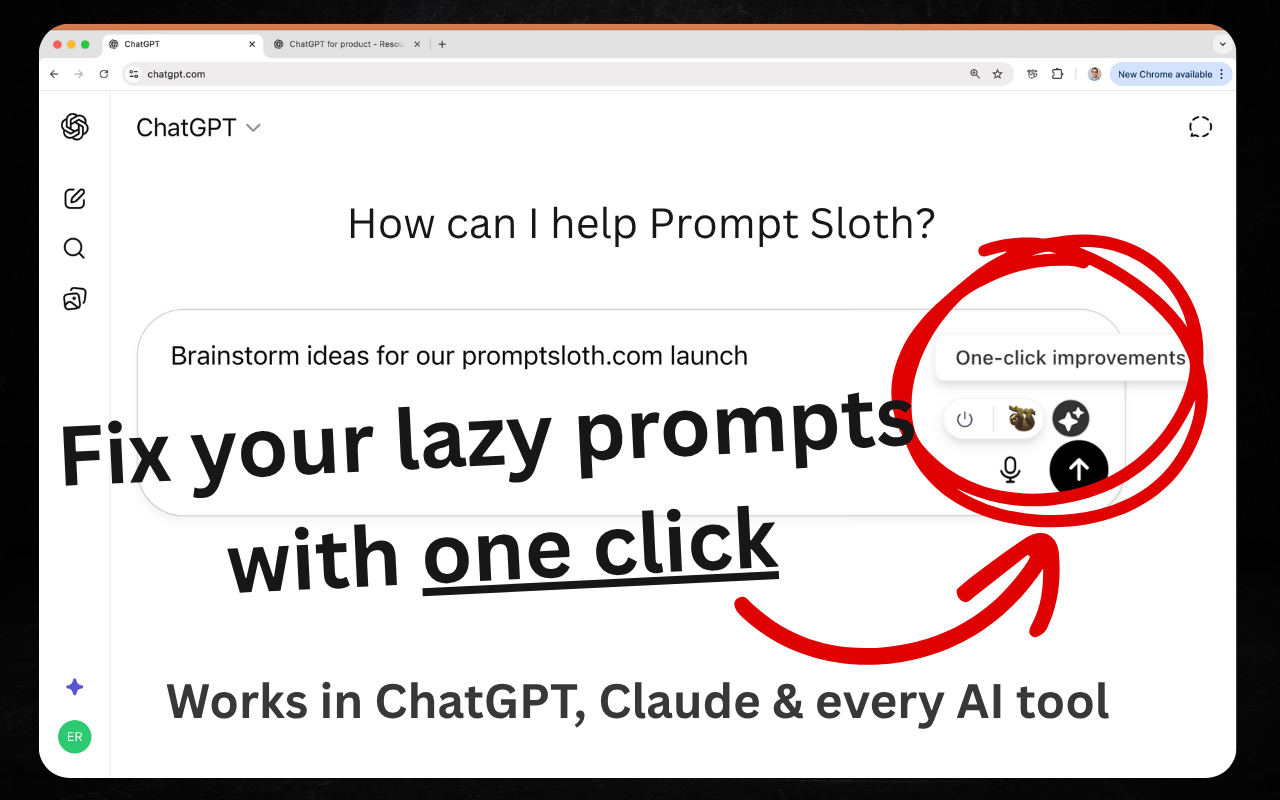
A ChatGPT overlay sits on top of whatever you are working in. Some are desktop apps that float above other windows so a model is one shortcut away. Others are browser extensions that either add a sidebar to the page you are reading or bolt new features onto the ChatGPT interface, such as folders, search, export and usage meters.
These tools are built for people who use ChatGPT many times a day and find the standard tab-and-copy-paste routine slow: researchers, writers, developers, job candidates and anyone who keeps long chat histories. They replace the habit of keeping a chat tab open, pasting text back and forth and scrolling to find an old conversation.
How to choose a ChatGPT overlay
Start with where the overlay lives. A desktop app works across every program on the machine, while a browser extension only helps inside the browser. Check the platform list first: some tools run on MacOS only, others cover Windows and Linux as well.
Next, decide what the overlay should add. If the goal is a chat that can see the page you are on, look for a page-aware sidebar. If the goal is a tidier ChatGPT, look for folders, search and export. If the goal is control, look for usage gauges or privacy features that handle sensitive text before it reaches a cloud model.
Then compare models and pricing. Some overlays are free, some are freemium or subscription-based, and some are a single paid purchase. Also note whether a tool works with only ChatGPT or with several assistants, since that decides how much of your routine it can cover.
Notable ChatGPT overlay tools
Thunderflow brings GPT across the desktop on MacOS and Windows, with a free trial before paid plans. Bolt by Sparcle is a desktop assistant for MacOS, Windows and Linux that masks secrets before cloud models see them, which suits work involving sensitive text.
Metrician is a free floating Chrome gauge that tracks AI usage limits, useful for anyone who regularly runs into caps. AI Toolbox adds folders, search and export for ChatGPT, Gemini, Claude and Grok as a browser extension.
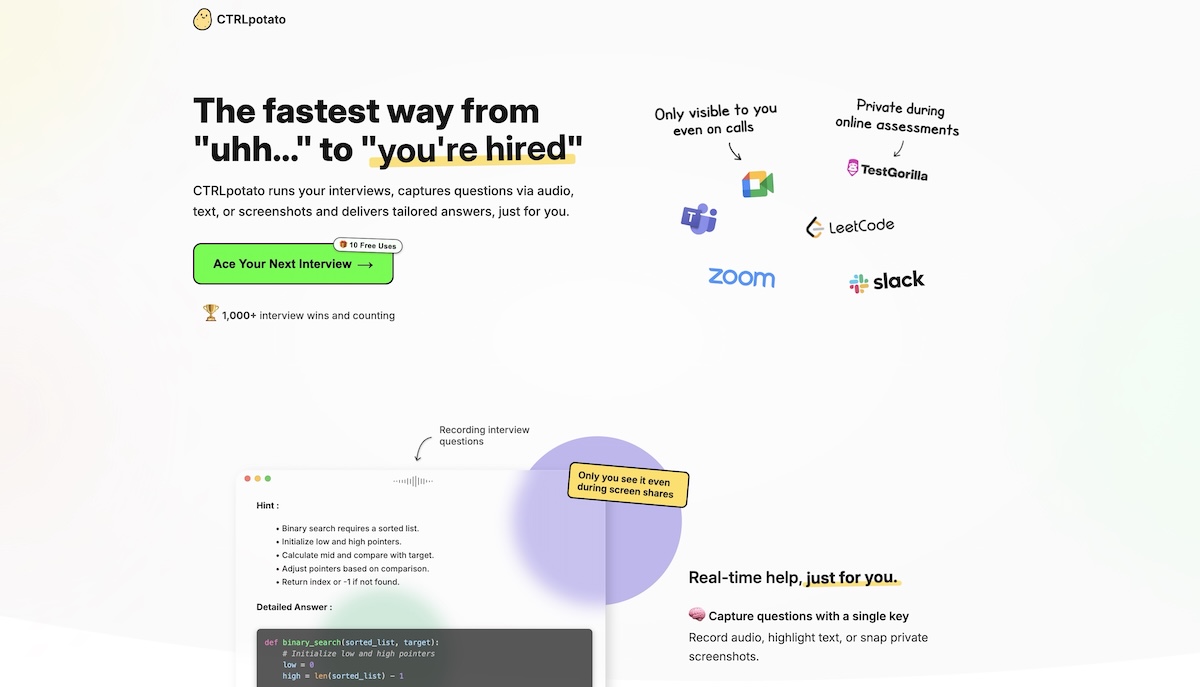
Firefox offers a page-aware AI chat sidebar with 100+ models, available as a free browser extension and on iOS. PiriPiri AI is a desktop overlay for MacOS and Windows that drafts interview answers live as questions land.
Common questions
What is a ChatGPT overlay?
It is a layer placed over another interface so that AI help appears without a separate tab. The layer can be a floating desktop window or an extension that changes how ChatGPT or a web page looks and behaves.
Is a chatgpt-overlay tool the same as a ChatGPT extension?
Not always. An extension runs inside the browser and often modifies ChatGPT itself. An overlay can also be a standalone desktop app that floats above every program, so the two overlap but are not identical.
When to look elsewhere
An overlay mainly speeds up access to a chat. For an assistant that acts on its own initiative, see Proactive AI Assistant. For capturing and organizing what comes out of those chats, Note Maker is the closer fit.