Free trial
A free trial is offered on the Starter and Business plans. You can connect your software, use every feature, and cancel during the trial at no cost.
Learn moreAI financial forecasting and reporting without an analyst on payroll

ELECTE is a pattern recognition tool. Financial forecasting and reporting platform for small and mid-sized companies. Connects accounting and banking data, compares six forecast methods, and generates dashboards, cash flow projections and scheduled reports, with an AI Agent for automatic commentary and competitor research.
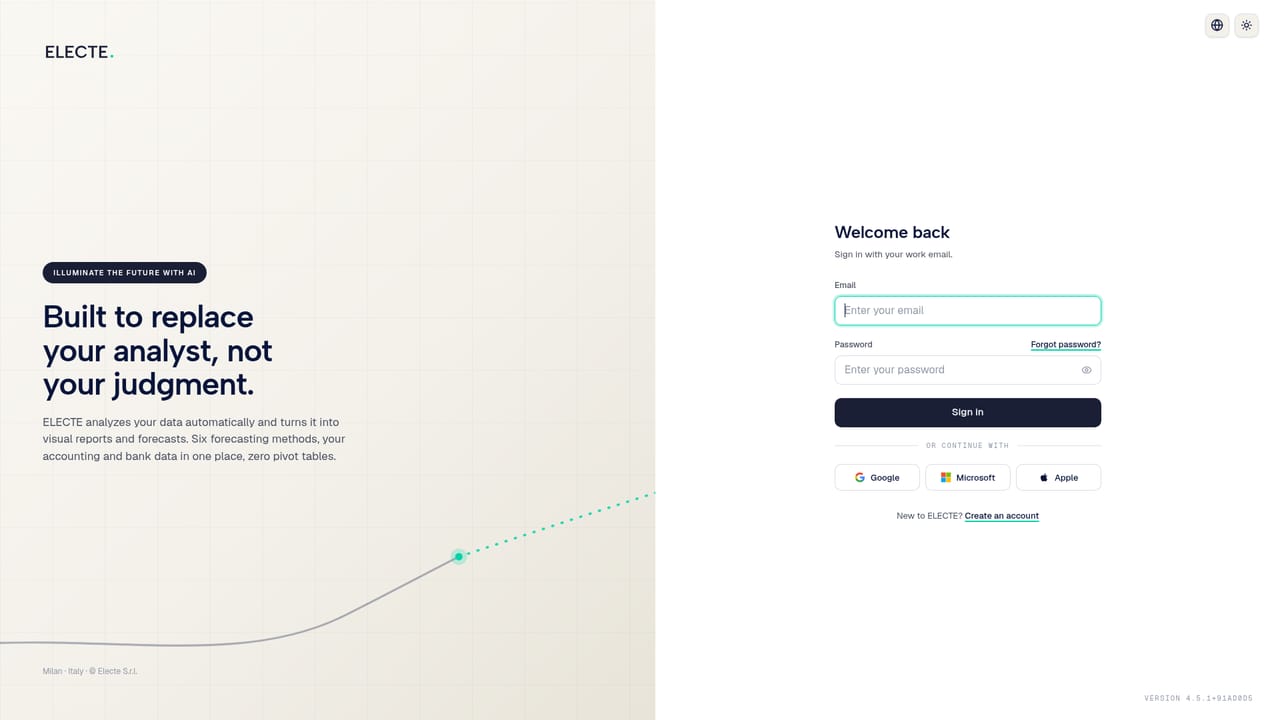
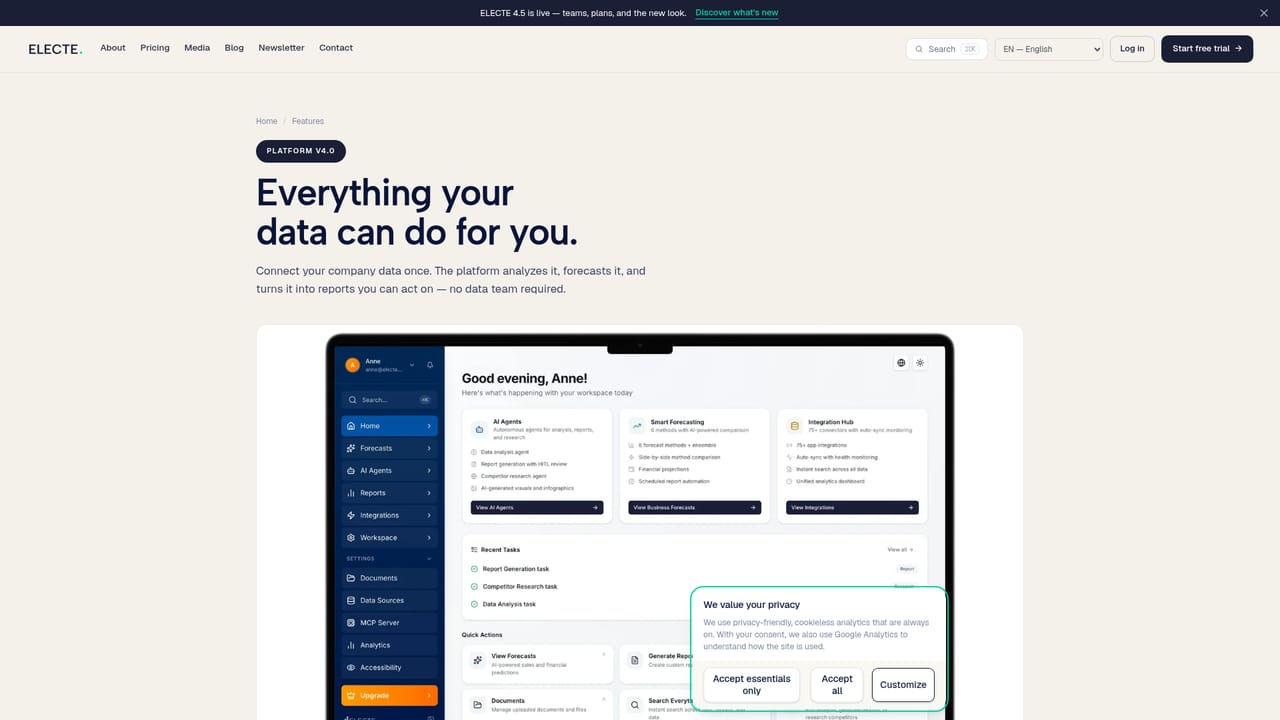
ELECTE is a financial analytics platform that turns accounting, banking and spreadsheet data into forecasts, cash flow projections and board-ready reports. The stated audience is small and mid-sized companies plus independent professionals who need analyst-grade output but do not have an analyst. Setup is deliberately short: connect accounts such as Xero or QuickBooks, or upload an Excel or CSV file, and the platform begins producing projections without an integration project or IT involvement. The core mechanic is model comparison rather than a single fixed algorithm. Six forecasting methods run against the same dataset and are scored against one another, with the highest-scoring method selected for the output. On the homepage the vendor illustrates this with accuracy scores where an ensemble approach leads. Forecasts are re-run automatically as fresh data arrives, so the picture updates without a manual refresh. Outputs are visual dashboards covering sales forecasts, cash flow and trend lines, exportable or shareable with a team in one click. The Business tier adds an AI Agent that handles work normally delegated to an analyst: reading the data, drafting commentary, and producing weekly, monthly or board-cycle reports that note what changed since the previous edition. A competitor research mode returns a sourced brief on positioning and pricing moves. For companies already running BI tools or spreadsheets built by a finance lead, ELECTE competes on automation and speed rather than depth of custom modelling. Data is hosted on servers in Germany, and the vendor lists GDPR, CCPA, PCI DSS, CSA STAR and W3C compliance alongside API access for pulling forecasts into other systems.
A free trial is offered on the Starter and Business plans. You can connect your software, use every feature, and cancel during the trial at no cost.
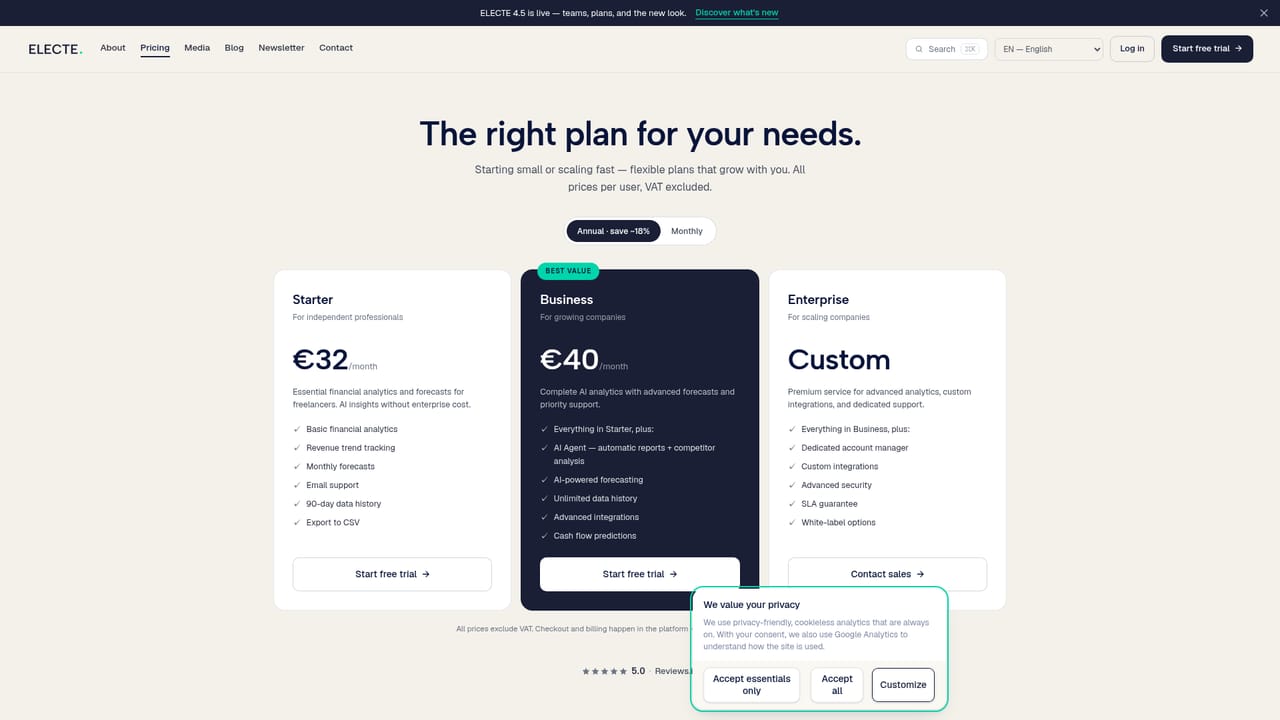
Learn moreStarter is €32 per month for freelancers with monthly forecasts, 90-day data history and CSV export. Business is €40 per month and adds the AI Agent, unlimited data history, advanced integrations and cash flow predictions. Enterprise is custom-priced with a dedicated manager, custom integrations, SLA and white-label options. Annual billing saves roughly 18 percent; prices exclude VAT.
Learn moreEmail support is included on Starter, with priority support on Business. Enterprise adds a dedicated account manager and an SLA guarantee. A contact page is available for sales and general enquiries.
Learn moreThe vendor advertises 75+ integrations. Named on the homepage are Xero, QuickBooks, Google, Microsoft, HubSpot, PayPal, PostgreSQL, MongoDB and Meta, plus Excel and CSV uploads and API access.
Learn moreDashboard aggregating accounting, banking and spreadsheet sources; six forecasting methods scored against each other with automatic re-runs; sales, cash flow and trend forecasts; scheduled weekly, monthly or board-cycle reports with commentary; AI Agent for on-demand analysis and competitor research; team management; CSV export; API access for pulling data and forecasts into other systems.
Learn more AI Angels400+ customizable AI girlfriends for NSFW chat, voice calls, and roleplay
 Candy AIExperience the future of companionship with AI friends who chat, role-play, and connect with you on a human level.
 ourdream.aiA vast AI roleplay platform with millions of characters for chat, images, video and voiceAI Angels400+ customizable AI girlfriends for NSFW chat, voice calls, and roleplayCandy AIExperience the future of companionship with AI friends who chat, role-play, and connect with you on a human level.ourdream.aiA vast AI roleplay platform with millions of characters for chat, images, video and voice


