Pricing
The homepage shows a Try Pro option alongside the free search experience, indicating a paid upgrade above the base tier, but no prices or plan details are published there.
Learn moreScience-based answers to medical questions, drawn from guidelines and research.

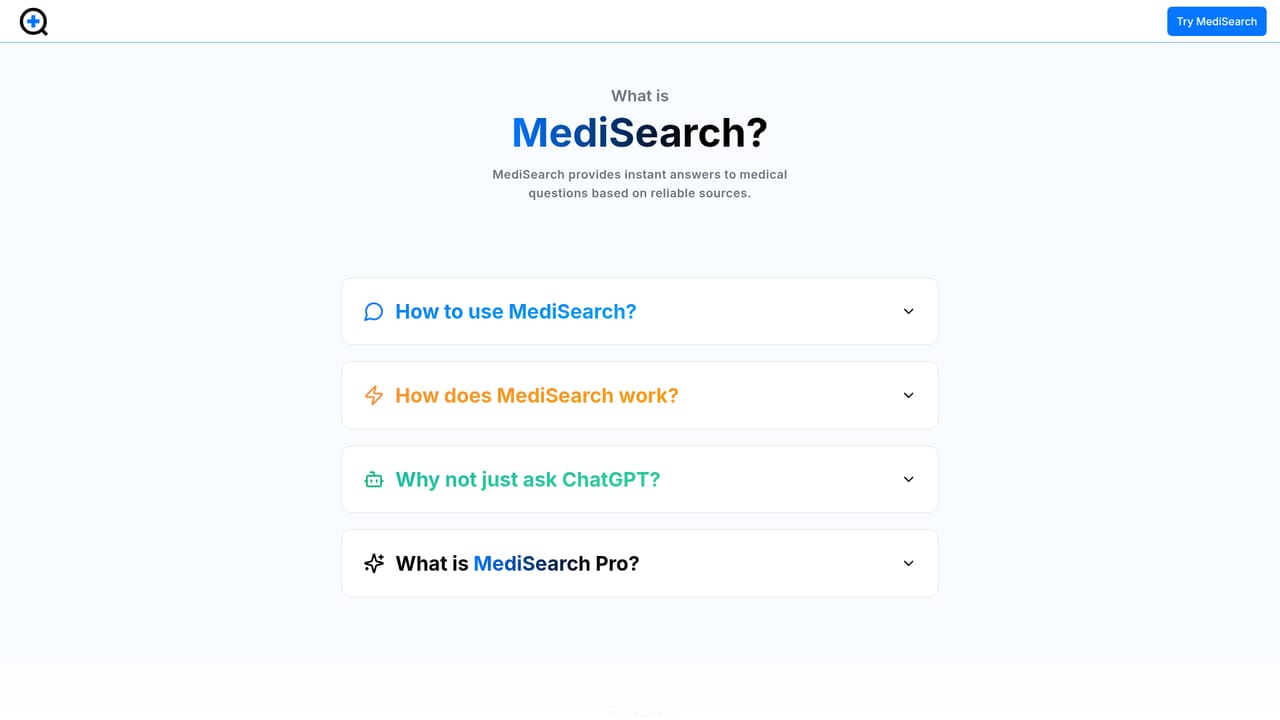
MediSearch is an academic research tool. A medical search engine that answers health questions using clinical guidelines and research articles, with filters for publication date, document type and issuing organisation.
MediSearch is a medical question answering engine built around evidence rather than opinion. A user types a health question, either a broad everyday one such as whether coffee is good for you or a narrow clinical one about clot risk after surgery, and the tool returns a direct answer assembled from trusted medical literature. The homepage frames the product simply: evidence-based answers to medical questions, delivered as a search experience rather than a chatbot conversation. The search layer is where MediSearch separates itself from a generic assistant. Queries can be narrowed with filters covering publication date (1950 to 2026, with presets for the last ten years, five years, or one year), document type (clinical guidelines or research articles), and issuing organization. That last filter is unusually granular, listing bodies such as the WHO, the CDC, the American Heart Association, NCCN, NICE-adjacent national societies and dozens of specialist associations across cardiology, oncology, nephrology, pediatrics and more. The result is an answer that can be traced back to named institutional sources instead of an unattributed paragraph. In practice the tool suits two audiences. Curious non-specialists get plain answers to common health questions without wading through PubMed. Clinicians, students, medical writers and health journalists get a faster first pass over guideline literature, with the option to attach files to a chat when a question depends on a specific document. Answers can be shared through public links, which makes MediSearch usable for discussion or teaching. A separate track for business and developer access exists, suggesting the underlying answering engine can be embedded elsewhere. Compared with general AI chat tools, MediSearch trades conversational flexibility for sourcing discipline: it is narrower, but the filters and citation trail are the point. Compared with a raw literature database, it is far more approachable and answers the question first. It is not a diagnostic service, and the homepage makes no claim to replace a physician.
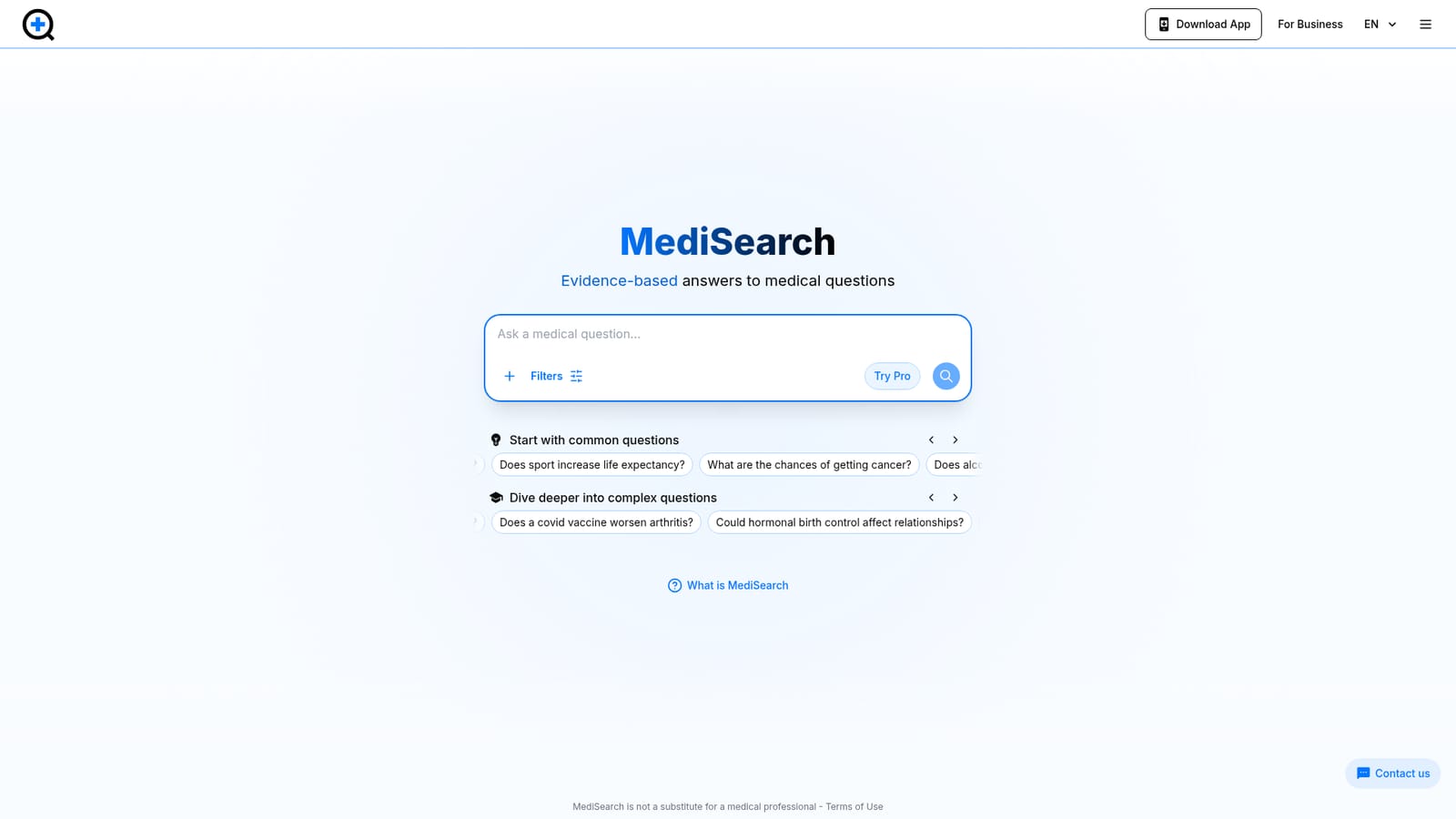
The homepage shows a Try Pro option alongside the free search experience, indicating a paid upgrade above the base tier, but no prices or plan details are published there.
Learn moreSupport runs through a contact page linked from the footer and header. No chat, phone or documentation centre is mentioned on the homepage.
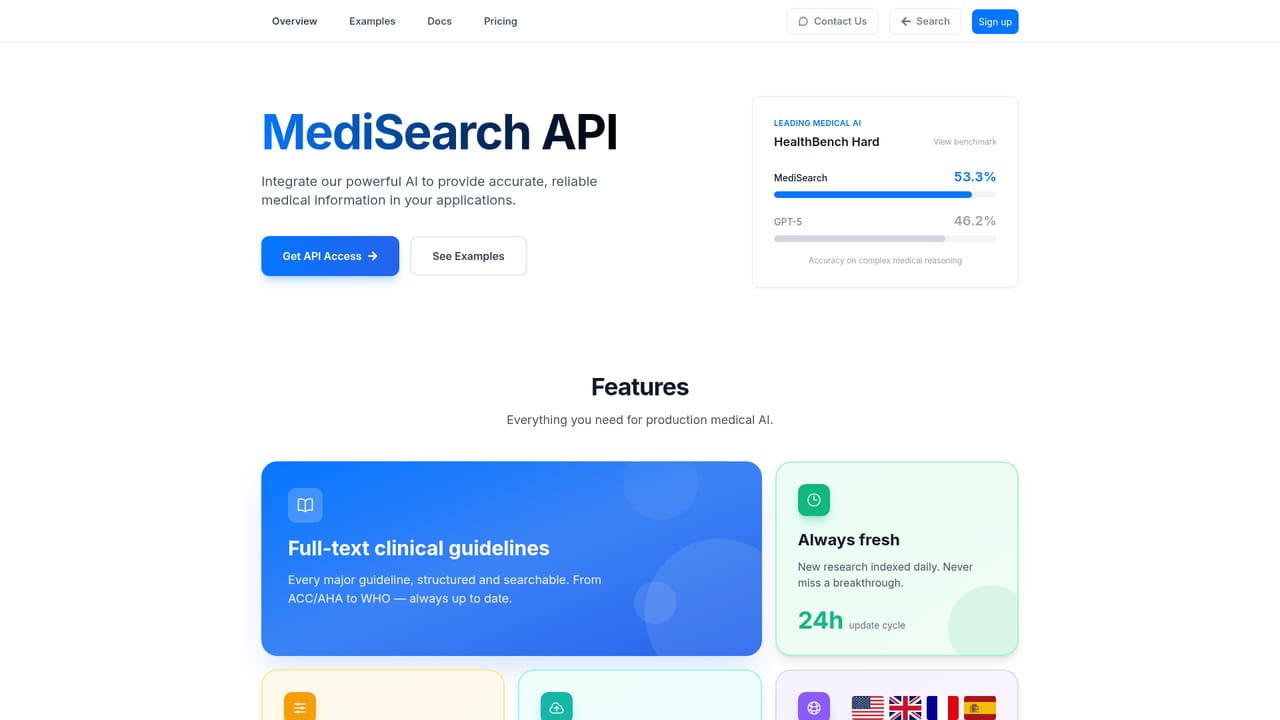
Learn moreNo third party integrations are described on the homepage. A business and developer page exists for teams interested in using MediSearch commercially.
Learn moreQuestion answering over medical literature, with filters for publication date, document type (clinical guidelines or research articles) and issuing organisation. Supports file attachments in chat, public share links for answers, a Pro tier, and a separate offering for business and developer use.
Learn more AI Angels400+ customizable AI girlfriends for NSFW chat, voice calls, and roleplay
 Candy AIExperience the future of companionship with AI friends who chat, role-play, and connect with you on a human level.
 ourdream.aiA vast AI roleplay platform with millions of characters for chat, images, video and voiceAI Angels400+ customizable AI girlfriends for NSFW chat, voice calls, and roleplayCandy AIExperience the future of companionship with AI friends who chat, role-play, and connect with you on a human level.ourdream.aiA vast AI roleplay platform with millions of characters for chat, images, video and voice


