Support
The homepage points unanswered questions to a contact page rather than a help centre or knowledge base.
Learn moreBuild a custom chatbot on your own business data in minutes

Emma AI is an AI chat bot tool that builds a custom chatbot on your own business data in minutes. Emma AI lets teams build custom chatbots that answer questions from their own documents, spreadsheets and connected business tools.
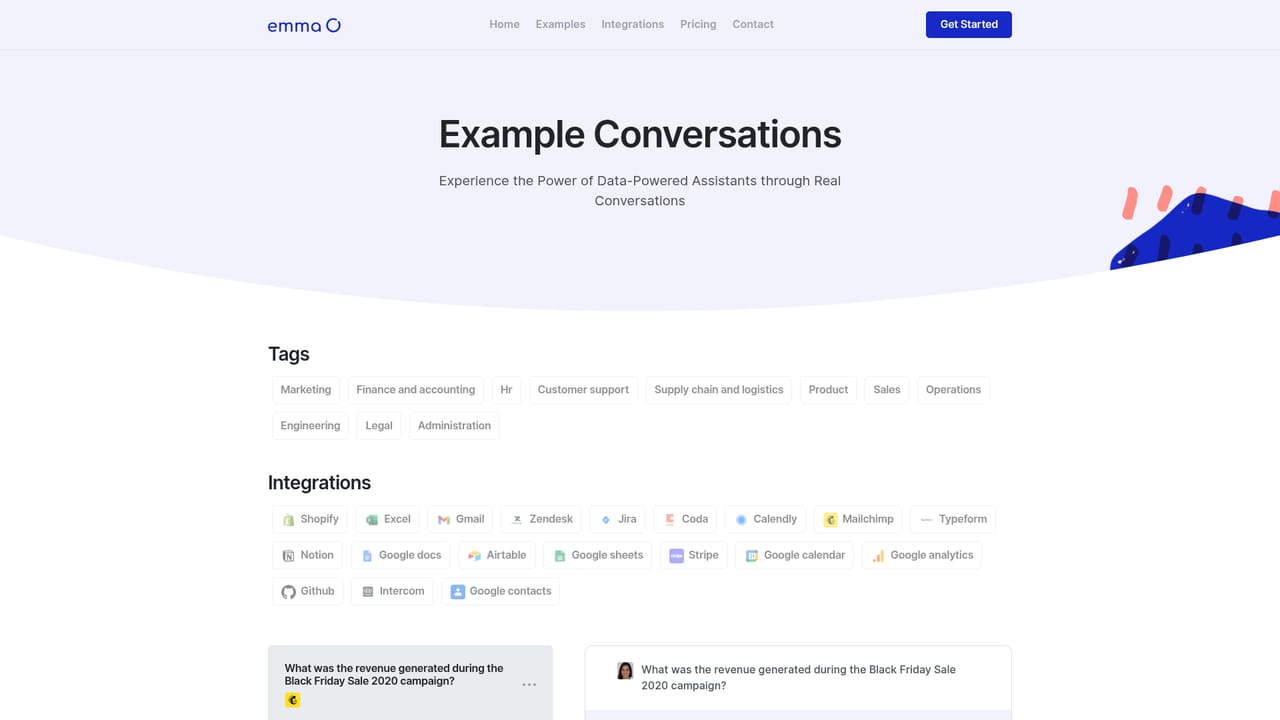
Emma AI is a chatbot builder for teams that want an assistant grounded in their own material rather than in general web knowledge. The product centers on a simple premise: create an assistant, point it at the sources it should know about, and let staff query those sources through a chat window instead of hunting through tools or emailing colleagues. The marketing shows this pattern in practice, with sample exchanges that pull campaign revenue figures, employee contact details and HR records straight into the conversation. There are three routes to giving an assistant its knowledge. The first is connecting business tools and data sources from a library of integrations. The second is uploading documents or spreadsheets directly. The third, aimed at teams with no data ready to hand, is a training mode where Emma asks questions about the information the assistant should hold and learns from the answers. Access can be scoped per assistant, so a marketing bot and an accounting bot can be given entirely different data sets, and permissions can be changed at any point. Interaction happens through the hosted chat page, a desktop application, connected integrations or the Emma API. Teams can build separate assistants for different departments, projects or workflows, and the chat interface itself can carry a custom image, cover image and colour, or be embedded in an existing site or app through the API. Slack, helpdesk software, Zapier and email tools appear among the integration options listed. Emma fits the category of internal knowledge and help-desk chatbots, closer to a private company assistant than to a general conversational tool. Setup is pitched as a five minute job of creating an account, configuring an assistant and connecting data. The homepage names GPT-3.5 in its meta description and GPT-4 in its title, a discrepancy worth clarifying before committing. Pricing tiers are not published on the homepage, so the pricing page is the place to check before deciding.
The homepage points unanswered questions to a contact page rather than a help centre or knowledge base.
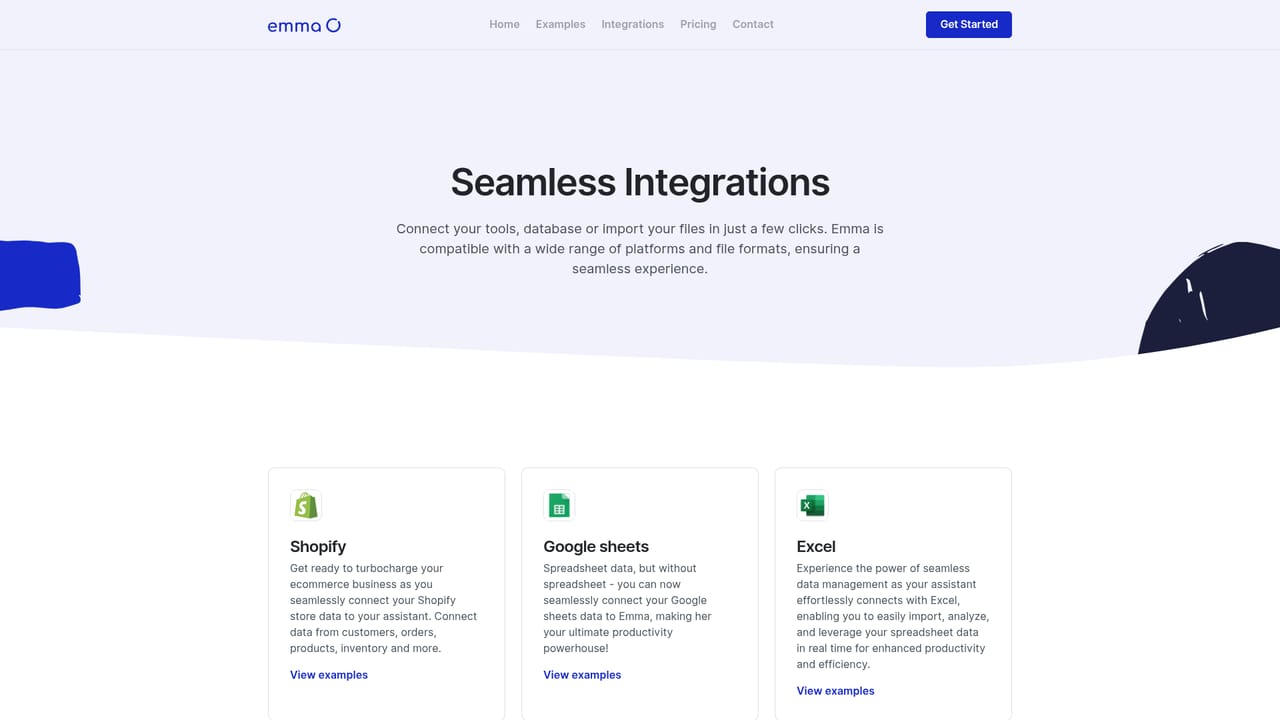
Learn moreDocumented options include Slack, support and helpdesk applications, Zapier and email software, plus connections to business tools and databases. The integrations page carries the full list.
Learn moreCustom assistants built on your own data, with per-assistant data access control. Knowledge arrives through integrations, document and spreadsheet uploads, or a question-based training mode. Assistants can be reached via the hosted chat page, a desktop application, connected integrations or the Emma API, and the chat page supports a custom image, cover image and colour. No stated limit on the number of assistants.
Learn more AI Angels400+ customizable AI girlfriends for NSFW chat, voice calls, and roleplay
 Candy AIExperience the future of companionship with AI friends who chat, role-play, and connect with you on a human level.
 ourdream.aiA vast AI roleplay platform with millions of characters for chat, images, video and voiceAI Angels400+ customizable AI girlfriends for NSFW chat, voice calls, and roleplayCandy AIExperience the future of companionship with AI friends who chat, role-play, and connect with you on a human level.ourdream.aiA vast AI roleplay platform with millions of characters for chat, images, video and voice


