Free trial
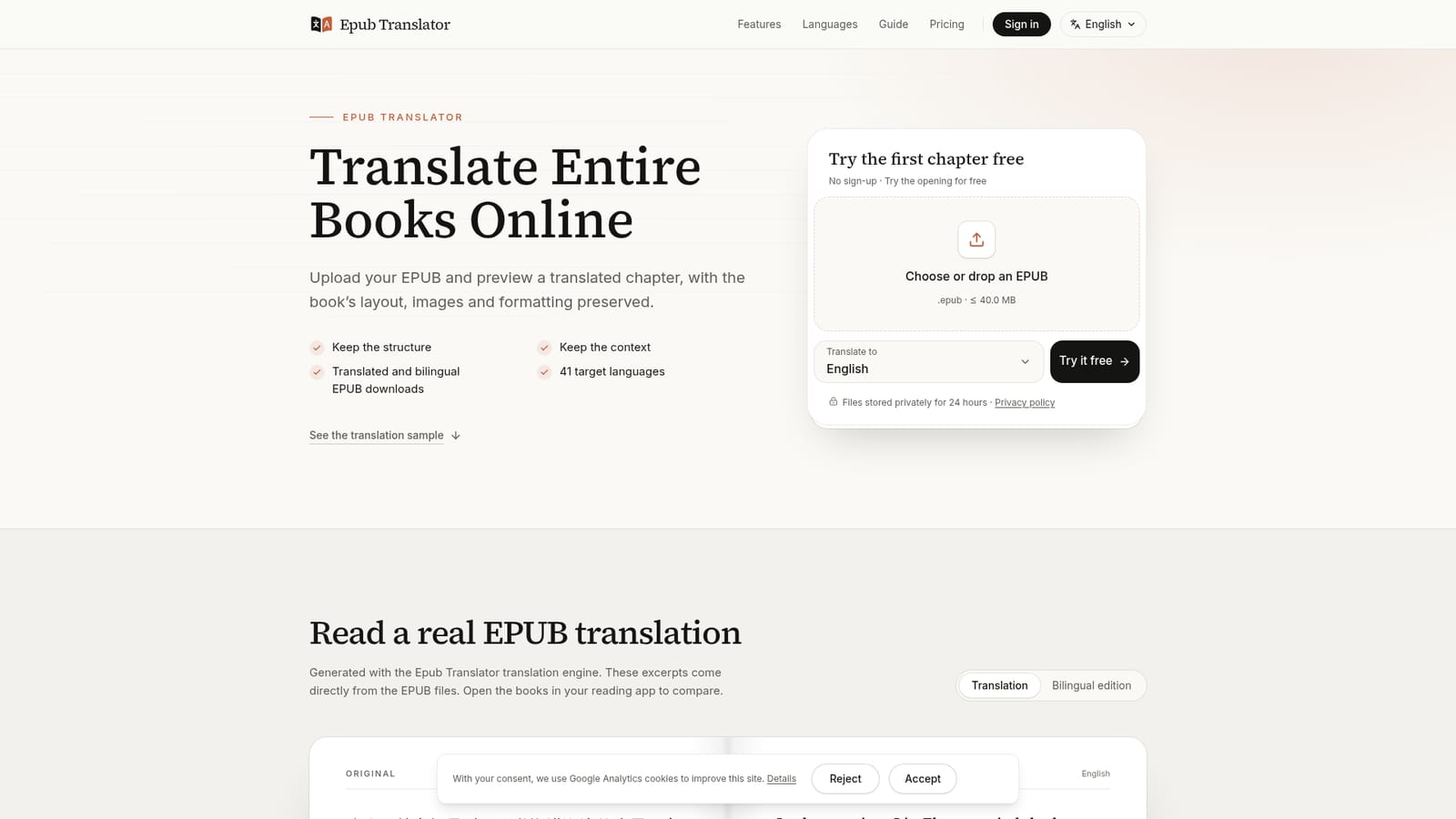
The opening chapter of an uploaded EPUB can be translated for free, with no sign-up and no card. Free samples are deleted after 24 hours.
Learn moreTranslate whole EPUB books into 41 languages, layout intact
Own Epub Translator? Verify ownership to get a dofollow link

Epub Translator is a books tool that translates whole EPUB books into 41 languages, layout intact. Epub Translator converts whole DRM-free EPUB books into 41 languages with AI, preserving chapters, images and formatting, and delivers both a translated and a bilingual EPUB.
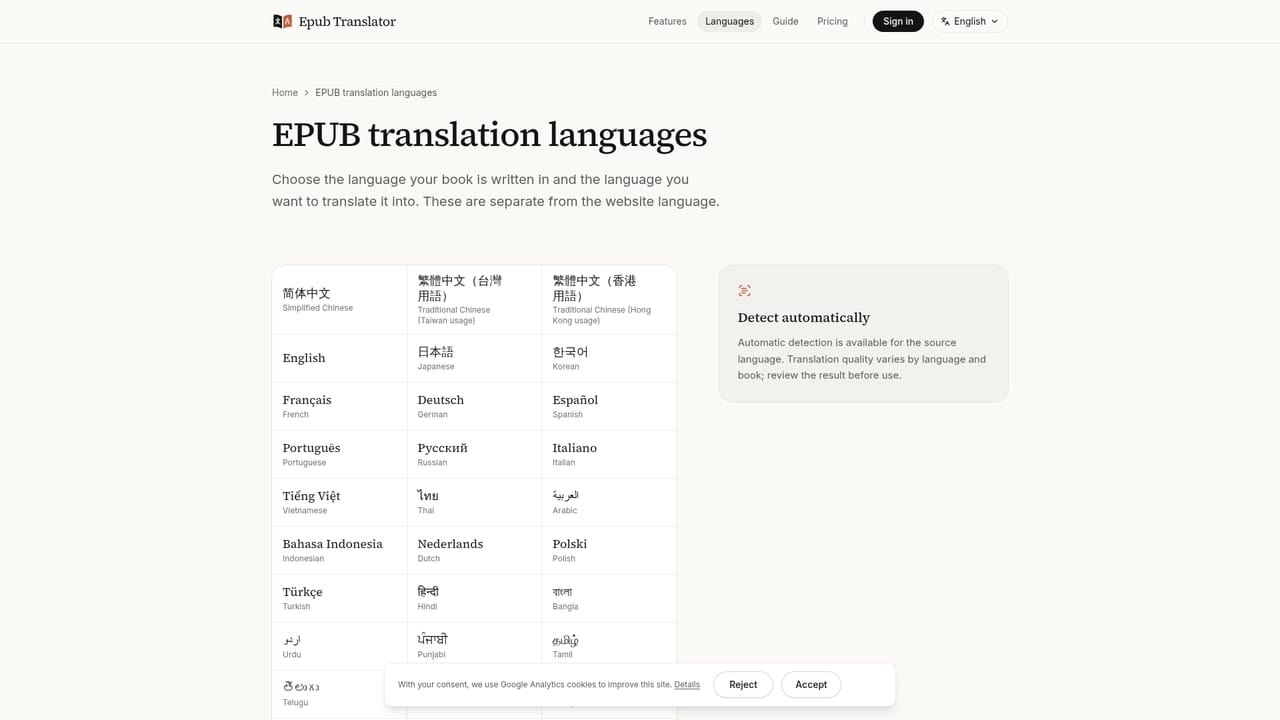
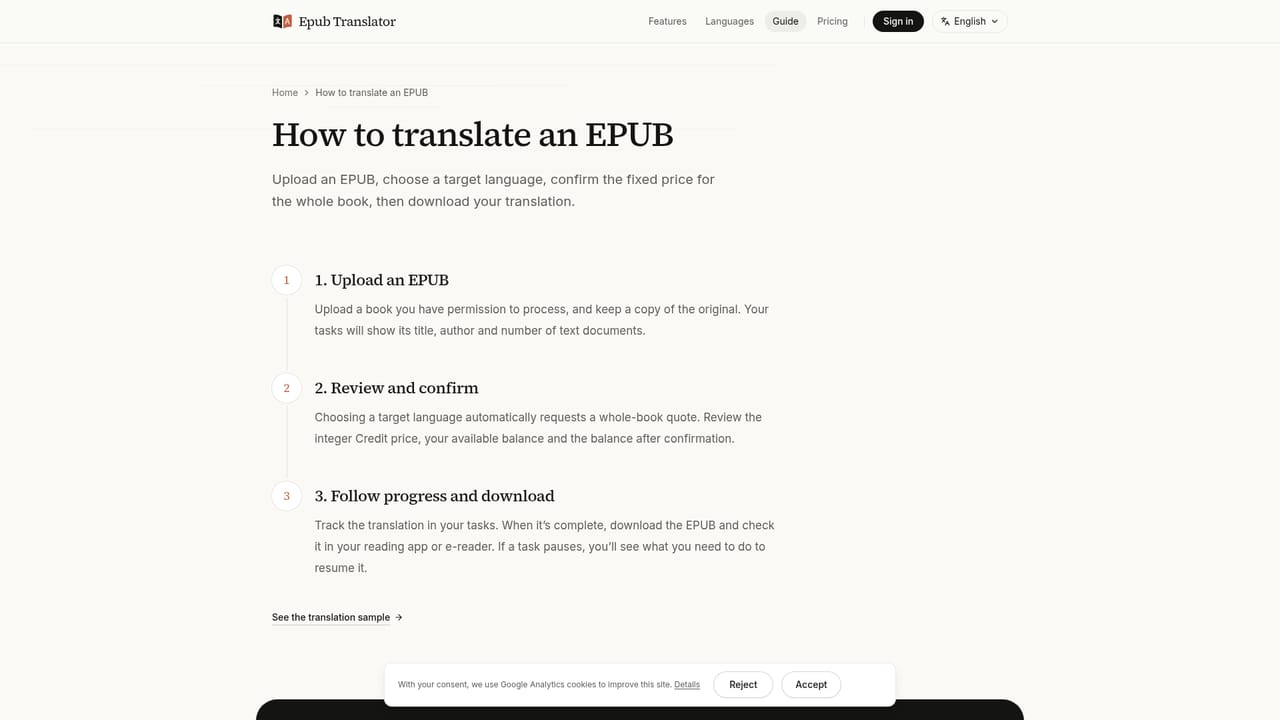
Epub Translator is a web service that translates complete EPUB ebooks into another language while keeping the book usable as a book. Instead of flattening a file into one block of text, it works inside the EPUB's own structure, aiming to retain chapter order, links, images, the table of contents and supported inline formatting while the readable text is replaced. Headings and navigation entries are translated too, so the finished file can be browsed like the original. The service is aimed at readers who want a foreign-language novel or nonfiction title in their own language, language learners, and anyone who owns a DRM-free EPUB and has permission to translate it. It supports 41 target languages, including Simplified Chinese and Traditional Chinese in Taiwan or Hong Kong usage, plus Japanese, Korean, major European languages, Arabic, Hindi, Swahili and others. The source language is read from the file's metadata and can be corrected before translation starts. In practice, a visitor uploads an EPUB (up to 40 MB) and receives a free translation of the opening, with no sign-up, which can be read next to the original. A whole-book quote then states a fixed price and when payment is due; some eligible books can be paid for after translation. A glossary and chapter summaries help keep names and terminology consistent across the book. When the job finishes, two files come from the same translation and price: a translation-only EPUB and a paragraph-by-paragraph bilingual EPUB. Pricing is per book, with no subscription or credit purchase required, and downloads stay available for 24 hours. Limits are stated openly. PDFs are not accepted and there is no OCR, DRM-protected files are rejected, and complex tables or heavily styled pages may render differently across reading apps. The site also says no automated translation is perfect, and recommends human review for publication. Compared with pasting text into a general translator, it trades speed and control for a finished, readable book file.
The opening chapter of an uploaded EPUB can be translated for free, with no sign-up and no card. Free samples are deleted after 24 hours.
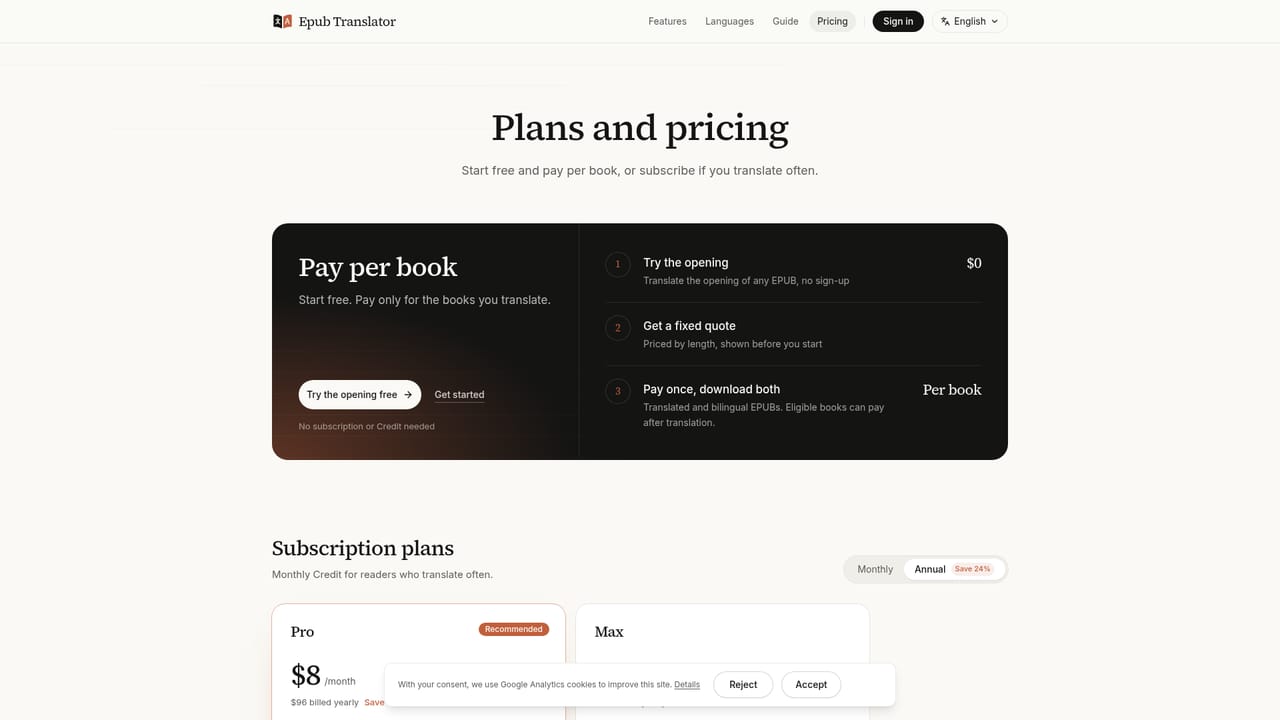
Learn morePriced per book with a fixed whole-book quote shown after upload. No subscription or credit purchase is required. Some eligible books can be paid for after translation; others need payment first. Exact amounts are not stated on the homepage.
Learn moreThe site offers a guide, a credits explainer, a languages page and a detailed FAQ. A privacy policy is linked. No support channel is stated on the homepage.
Learn moreNo integrations are listed. Output is a standard EPUB that opens in reading apps or devices that support EPUB import.
Whole-book EPUB translation into 41 languages, preserved images, styles and navigation, glossary and chapter summaries for consistency, background processing, and paired translated and bilingual EPUB downloads from one translation.
Learn more


