Free trial
The homepage links to a free trial of EraseID in the PiktID studio, but it does not state how many images or features the free entry includes.
Learn moreReplace real faces with AI identities instead of blurring them

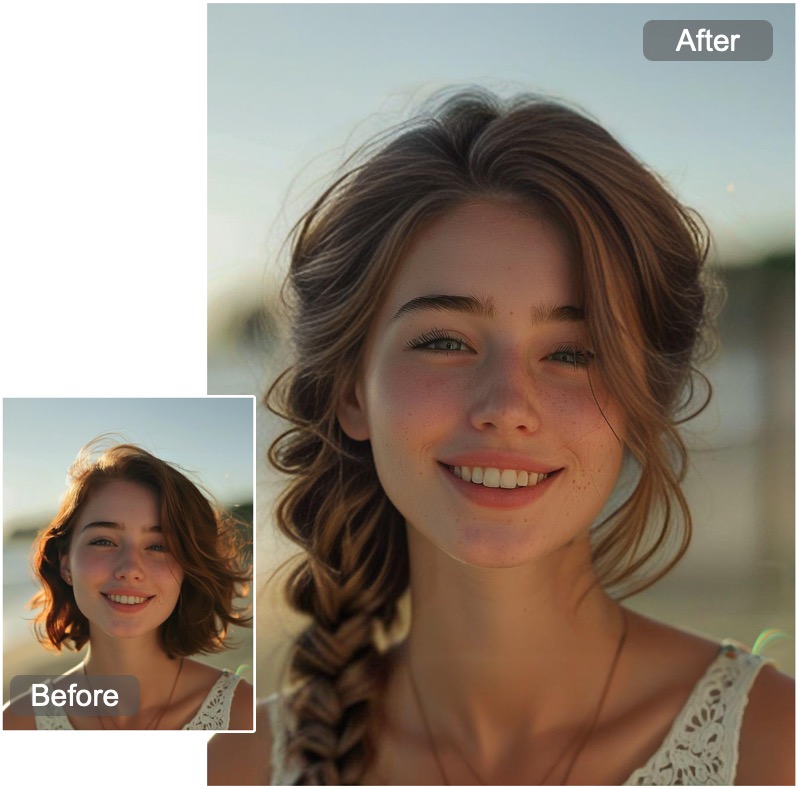
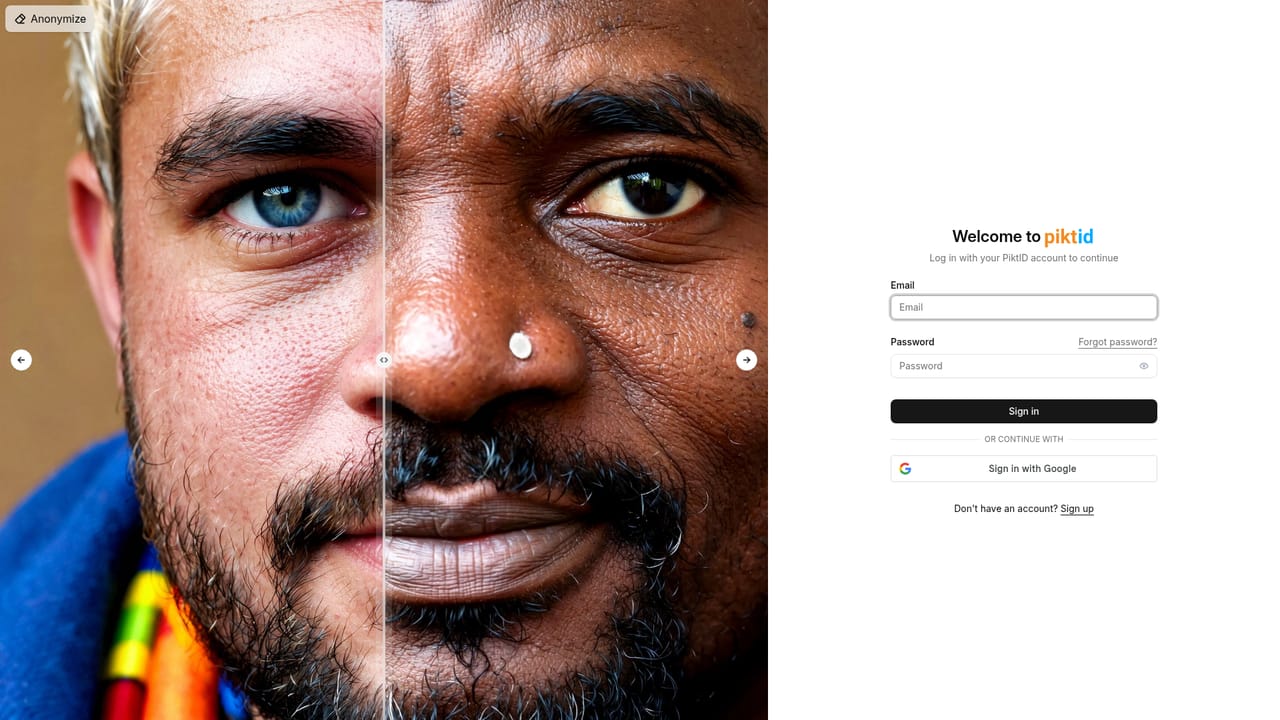
EraseID is a face editor tool that replaces real faces with AI identities instead of blurring them. EraseID swaps recognizable faces in photos for generated AI identities, letting teams anonymize images for privacy or marketing without blur bars, while tuning expression, age, ethnicity and hair to fit the scene.
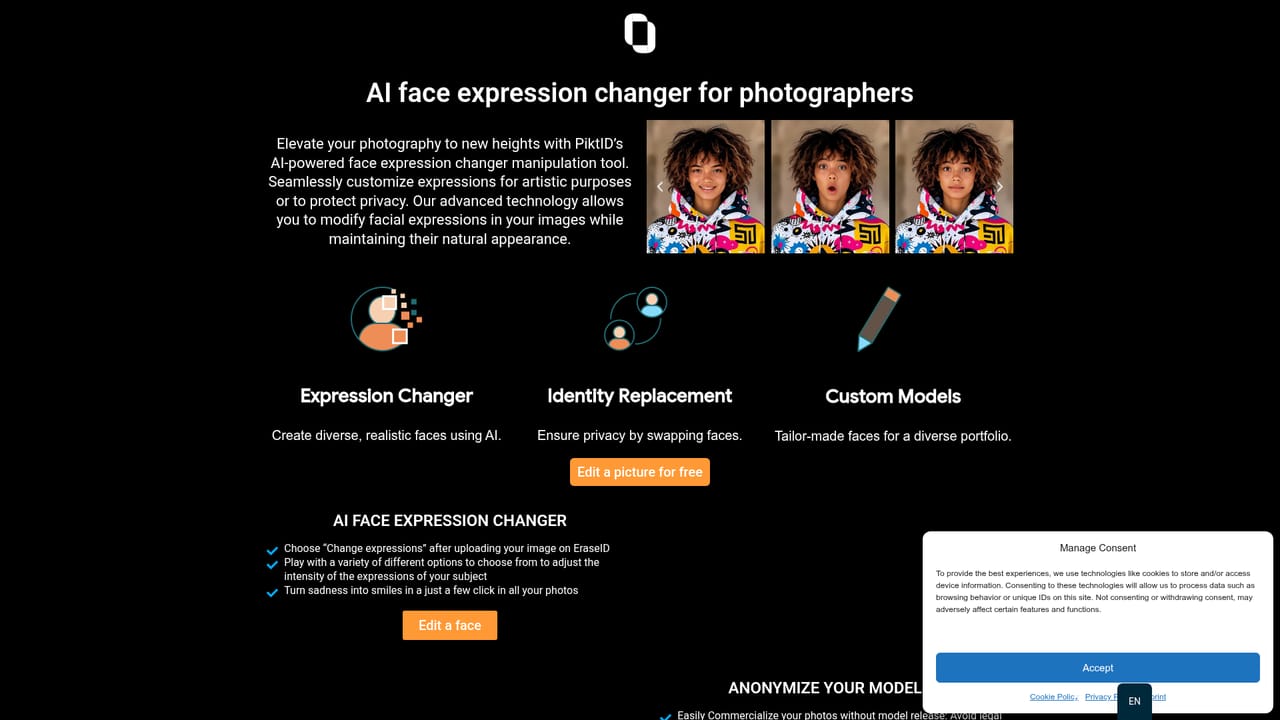
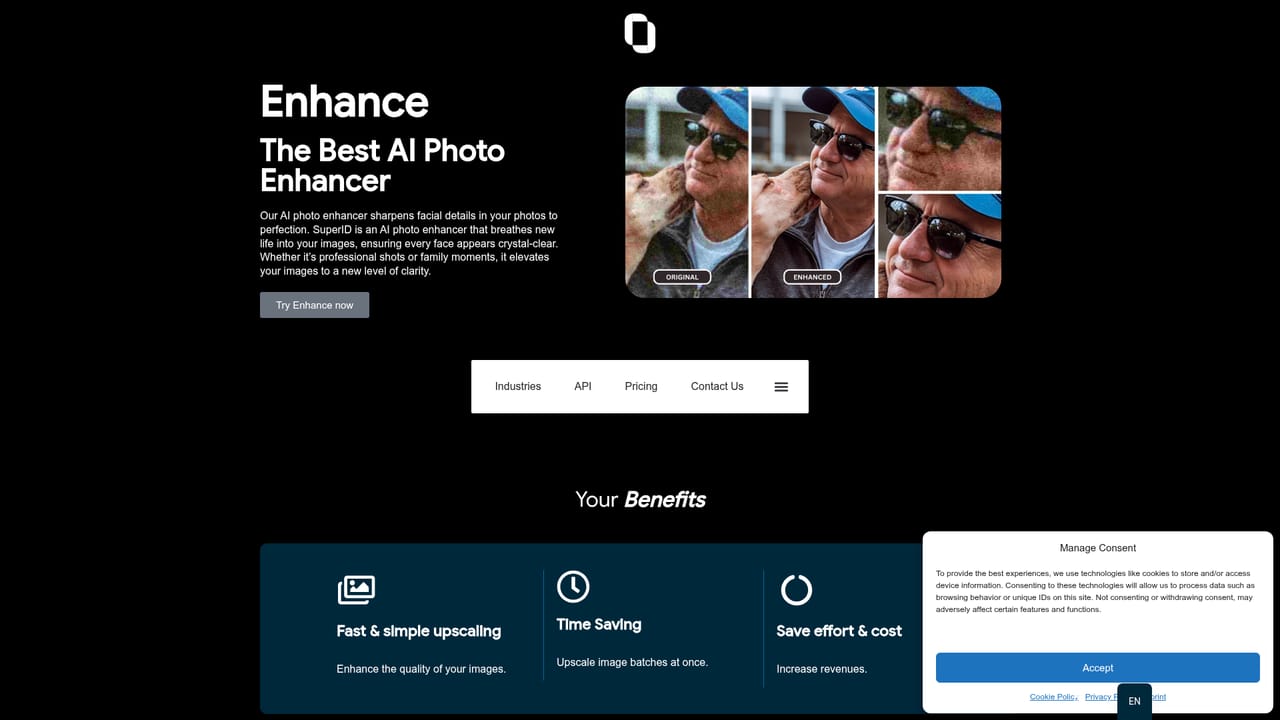
EraseID is an AI face anonymizer from PiktID that swaps the people in a photo for generated identities rather than covering them with a blur bar. The original subject is removed and a new, photorealistic face is generated into the same spot, so the picture keeps its composition, lighting and mood while the person in it stops being recognizable. Fine controls let an editor adjust expression, ethnicity, age and hairstyle so the replacement fits the scene instead of looking pasted on. The pitch splits between two audiences. Marketing and advertising teams use it to build campaign imagery without model releases or repeated photo shoots, adapting the same shot for different regions and target groups. Privacy teams, schools and enterprises use the anonymization side to publish internal or public photos where faces must be hidden but the visual quality still matters, with the vendor positioning the output as a step up from blurring and as a route to GDPR-friendly publishing. Photographers and graphic designers sit in between, using the face editing features to diversify a portfolio or meet a client brief. In practice the work happens in PiktID's browser studio: upload an image, select a face, then generate and refine a replacement using the expression, age and appearance controls until it reads naturally. For higher volume, PiktID offers APIs for embedding the face replacement and anonymization capability into other applications. EraseID is one product in a wider PiktID family that includes SuperID for upscaling, SwapID for face swaps, TagID for image tagging, plus dedicated face generator and expression changer pages. That makes it a reasonable pick when anonymization is one job among several in an image pipeline, and a thinner choice if all you need is a simple blur tool integrated into an existing editor. Pricing is not published on the homepage, and the free entry point should be verified in the studio before committing a team to it.
The homepage links to a free trial of EraseID in the PiktID studio, but it does not state how many images or features the free entry includes.
Learn moreSupport runs through the PiktID contact page, and the EraseID page carries an FAQ covering privacy, GDPR and model release questions.
Learn morePiktID APIs can be integrated into external applications to add face replacement and anonymization, with diversity and GDPR compliance as the stated goals. Setup goes through the contact page.
Learn moreCore capabilities are face replacement for privacy, generation of new identities, AI face editing across features, origin, age and hair, and consistent identities for brand personas. PiktID also offers an expression changer, a hairstyle generator, high-resolution generative face fill, and an API for embedding anonymization and face replacement in other applications, with multilingual support mentioned.
 AI Angels400+ customizable AI girlfriends for NSFW chat, voice calls, and roleplay
 Candy AIExperience the future of companionship with AI friends who chat, role-play, and connect with you on a human level.
 ourdream.aiA vast AI roleplay platform with millions of characters for chat, images, video and voiceAI Angels400+ customizable AI girlfriends for NSFW chat, voice calls, and roleplayCandy AIExperience the future of companionship with AI friends who chat, role-play, and connect with you on a human level.ourdream.aiA vast AI roleplay platform with millions of characters for chat, images, video and voice