Photo Lab

Mobile photo editor with AI looks, hairstyles and art styles

Beginner
Screenshot of Photo Lab, Mobile photo editor with AI looks, hairstyles and art styles

What is Photo Lab?

Photo Lab is a face editor tool. A mobile photo editor built around AI looks, hairstyle swaps, face replacement in photos and videos, style transfer art, skin enhancement and pop art meme templates. Curated one-tap results in seconds, with more than 500 million downloads reported.

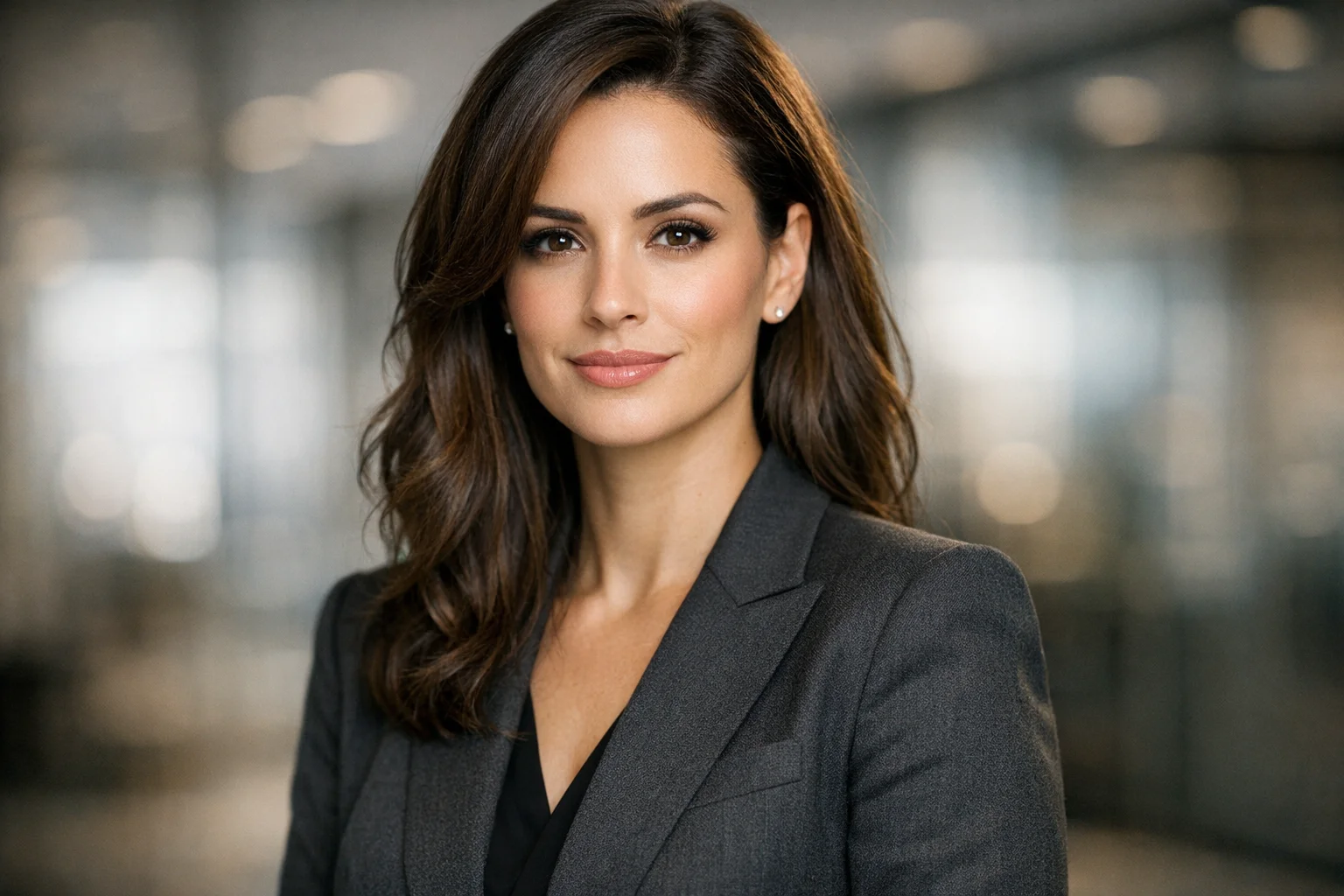
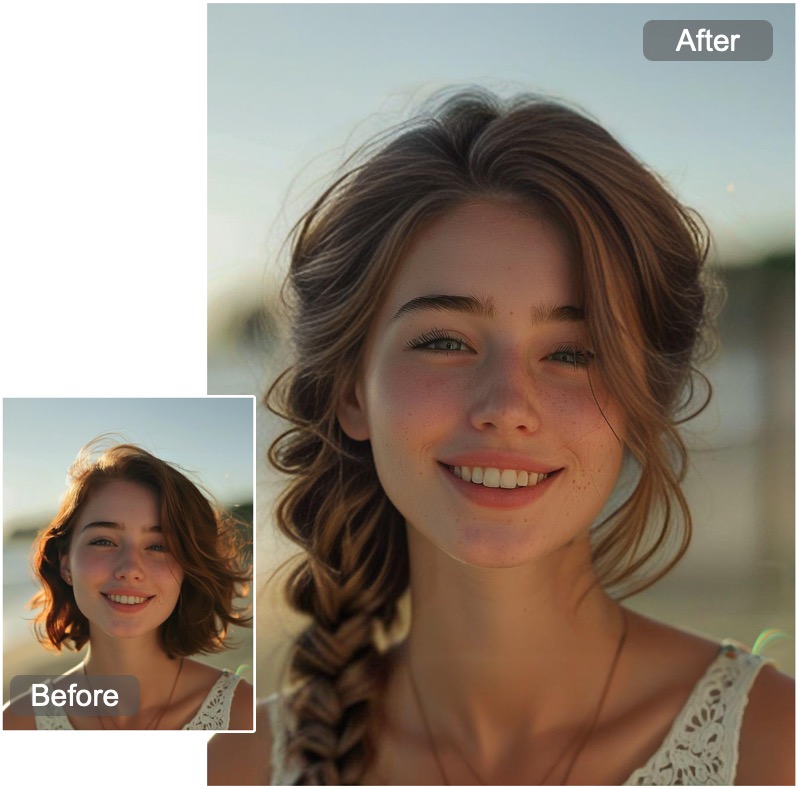
Photo Lab is a long-running mobile photo editor that has moved its feature set onto AI processing. The app is distributed through the App Store and Google Play, and the publisher reports more than 500 million downloads. The core offer is a large library of one-tap transformations: swap a hairstyle, restyle a portrait as a painting, insert a face into a video, or push a selfie through a comic-book pop art meme template with captions preset in 12 languages. The design keeps the workflow deliberately short, so most results arrive seconds after a photo is uploaded. The AI features fall into a few groups. LookLab and LookLab 2.0 place a face into different professions, nationalities and historical eras, with controls for hair color, hairstyle and apparent age. DreamLook blends themes that range from realistic photographs to heavily stylized art while preserving the subject's facial features, skin tone and hair. ArtLook combines generative AI with style transfer, so a reference painting's brushwork can be applied to a portrait or a text prompt can build a new image in that style. The Enhancer handles skin refinement, tone and color with several intensity levels, from subtle correction to full glamorization. Identity work goes further with InstaLook, which uses facial recognition for face replacement in still images, and InstaMotion, which does the same for video. The Hairstyle tool covers a catalog from a clean shave and buzz cut through bobs, braids, dreadlocks and long waves, for men and women. Pop Art Meme Maker is the lightest entry point: bold comic panels with pre-set or custom text. Photo Lab suits casual users who want shareable results without learning an editor, and social creators who need volume rather than fine control. Compared with desktop editors built around manual layers and masking, it trades precision for speed: the selections are curated, and the output depends on how well the AI reads the source photo. It complements rather than replaces a full editor when retouching or compositing is the job.

How do you use Photo Lab?

  1. 1Install the app from your store
    Photo Lab runs on phones, so pick it up from the App Store for iOS or Google Play for Android using the download buttons on the site.
  2. 2Load a photo and pick a feature
    Open the app, choose a source photo, then select the tool that matches your goal: Hairstyle, Enhancer, LookLab, ArtLook or the meme maker.
  3. 3Try hairstyles and looks
    Use Hairstyle to cycle through cuts and styles in seconds, or LookLab to change profession, era and hair color on the same face.
  4. 4Enhance skin and tones
    Run the Enhancer and compare the intensity levels, from Pure for subtle correction to Glam for a stronger finish, before saving.
  5. 5Generate art with a prompt or reference
    In ArtLook, type a style description or supply a reference image, then let the style transfer and generative model build the result.
  6. 6Check the browser demo and help pages
    The publisher hosts a web portal for its apps where you can look for product information and help links beyond the mobile download page.

Pros and cons

Pros

  • Broad AI feature set in one app: hairstyles, looks, enhancer, art styles, face swap and memesAI
  • Results typically arrive seconds after upload, so it works for quick social postingAI
  • ArtLook combines style transfer with text prompts, giving more control than fixed filtersAI
  • Hair catalog covers short cuts through long styles for both men and womenAI
  • Pop art meme captions ship preset in 12 languages or can be rewrittenAI

Cons

  • Output quality depends on how cleanly the AI detects the face, so poor lighting or angles can produce artifactsAI
  • Curated templates and presets leave little room for manual masking, layering or fine retouchingAI
  • Face replacement in photos and videos raises consent and misuse questions that the app does not visibly addressAI
  • Homepage gives no pricing detail, so cost of premium features must be checked in the store listingAI
  • No desktop editor, which limits use for print work or batch professional workflowsAI

How much does Photo Lab cost?

Features

Features include LookLab and LookLab 2.0 for profession, era, age and hair changes; DreamLook for themed portraits that keep facial features and coloring; ArtLook for prompt-driven style transfer art; an Enhancer with five levels from Pure to Glam; InstaLook for face replacement in photos and InstaMotion for video; a hairstyle catalog spanning shaved to long styles; and a Pop Art Meme Maker with captions in 12 languages.

Frequently asked questions about Photo Lab

  • How do you use Photo Lab?
    The walkthrough on this page covers 6 steps: 1. Install the app from your store 2. Load a photo and pick a feature 3. Try hairstyles and looks 4. Enhance skin and tones 5. Generate art with a prompt or reference 6. Check the browser demo and help pages.
  • What platforms does Photo Lab support?
    Photo Lab is available on iOS and Android.
  • What are the limitations of Photo Lab?
    Output quality depends on how cleanly the AI detects the face, so poor lighting or angles can produce artifacts. Curated templates and presets leave little room for manual masking, layering or fine retouching. Face replacement in photos and videos raises consent and misuse questions that the app does not visibly address.

Status

StatusActive
Views0
Outbound clicks0
Added10/21/2026

Platforms

iOSAndroid

Pricing

FreeFreemium