What face editor tools do
Face editor tools work on the face in a photo you already have, rather than generating a new picture from scratch. The tools on this page cover several distinct jobs: previewing a new haircut, hair color or beard on your own portrait, blurring faces, text or backgrounds, restoring old and blurry face photos, and swapping or editing faces with software that runs on your own machine.
They are aimed at people who want to see a change before committing to it, at anyone who needs to anonymize a photo before sharing it, and at creators who retouch portraits. They stand in for manual masking and brush work in a desktop editor, and for guessing how a new style will look.
How to choose a face editor
Start with the job, because the tools split cleanly by purpose. For trying hairstyles, hair colors or beards, pick one of the preview tools built around a single portrait. For hiding identities, look for a blurring tool. For damaged or soft old photos, choose a restoration tool. For open-ended face editing and swapping, choose software you can control.
Then check these points:
- Where it runs. Most tools here are web apps that work in the browser. FaceFusion runs locally on Windows, MacOS or Linux, which matters if you do not want photos leaving your computer.
- Uploads and accounts. BlurOutAI describes itself as working in the browser with no uploads and no account, which suits quick privacy edits.
- Pricing. LipFlip is listed as free, while several others are freemium or subscription. Test the free tier on one photo before assuming it covers what you need.
- Scope. A narrow tool that does one preview well is often faster than a broad editor, but only if the preview is the result you want.
Notable face editor tools
BlurOutAI blurs faces, text and backgrounds in the browser, with no uploads and no account needed. It is a fit for anonymizing images quickly.
FaceFusion is open-source face swapping and editing that runs on your own machine. It is listed for Windows, MacOS and Linux.
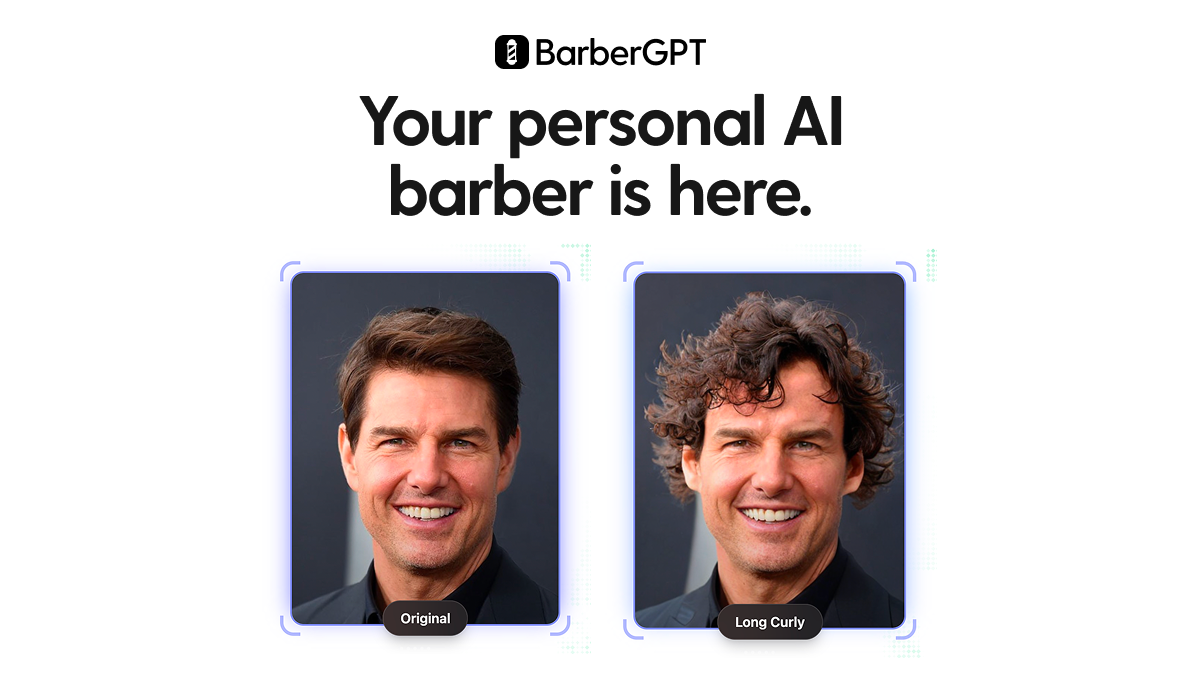
Hairstyle Changer by LEMONO AI previews new hairstyles on your own portrait photo in the browser.
Stylery AI previews new haircuts, colors and beards on your own selfie, so it covers facial hair as well as hair.
LipFlip is a free simulator that previews a subtle lip flip on your own photo.
restorePhotos.io uses AI to restore old and blurry face photos, which makes it the restoration option in this group.
Common questions
What is a face editor?
A face editor is a tool that changes or analyzes the face in a photo. Depending on the tool, that can mean previewing a hairstyle, restoring a blurry portrait, obscuring a face or swapping one face for another.
Is there a free face editor?
Yes. LipFlip is listed as free and BlurOutAI as free or freemium, and FaceFusion is open-source software you run yourself. Others offer a free tier with paid plans, so limits vary by tool.
Can a face editor run without uploading photos?
Some can. BlurOutAI works in the browser without uploads, and FaceFusion runs on your own computer. Check each tool's own description before sharing a sensitive image.
When to look elsewhere
If the goal is replacing one person's face with another, the Face Swap category is a closer match. For sharpening or upscaling a whole photo rather than editing a face, see Image Enhancer. Both sit under the same Image Editing hub as this page.