Free trial
A free trial is promoted across the homepage, including a 14 day free trial referenced in a customer review. Exact trial limits and features are not stated on the homepage.
Learn moreAI course generator that builds full interactive SCORM-ready units
Own eSkilled AI Course Creator? Verify ownership to get a dofollow link

eSkilled AI Course Creator is a content tool. An AI course builder that generates complete interactive units (modules, lessons, images, quizzes, narration) from a prompt or source material, aimed at training providers, HR and L&D teams who need to produce e-learning at volume.
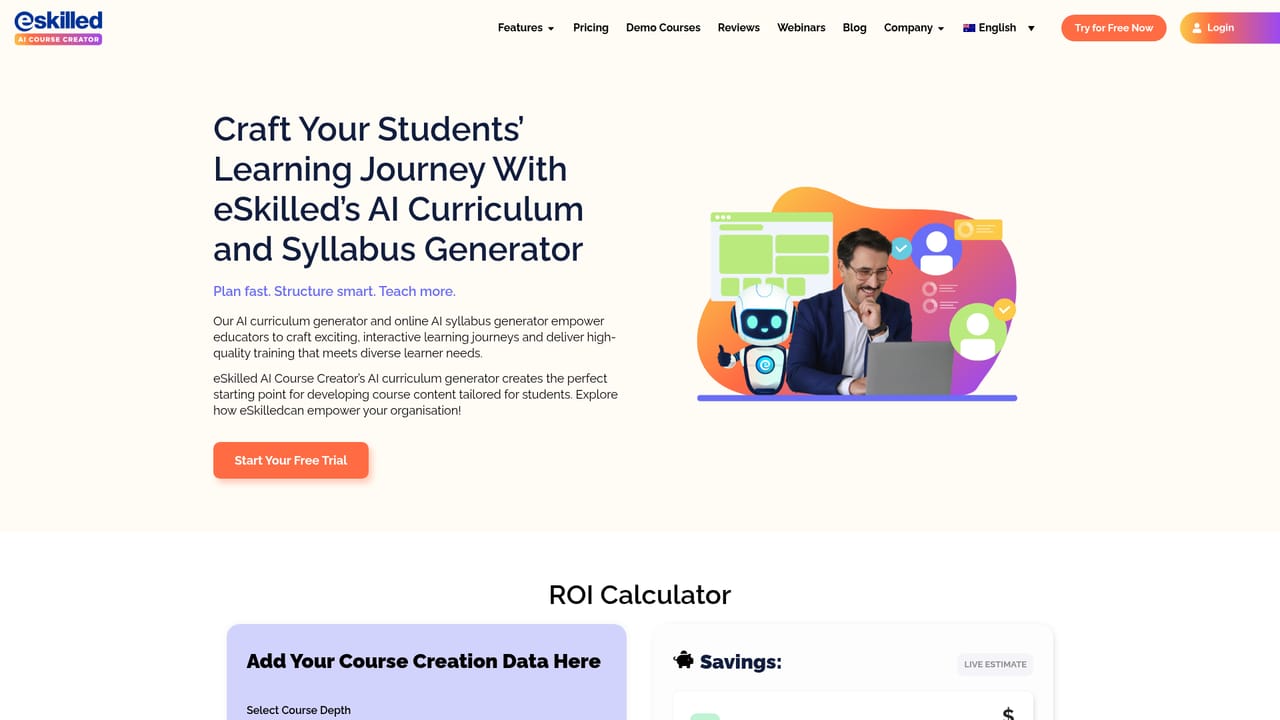
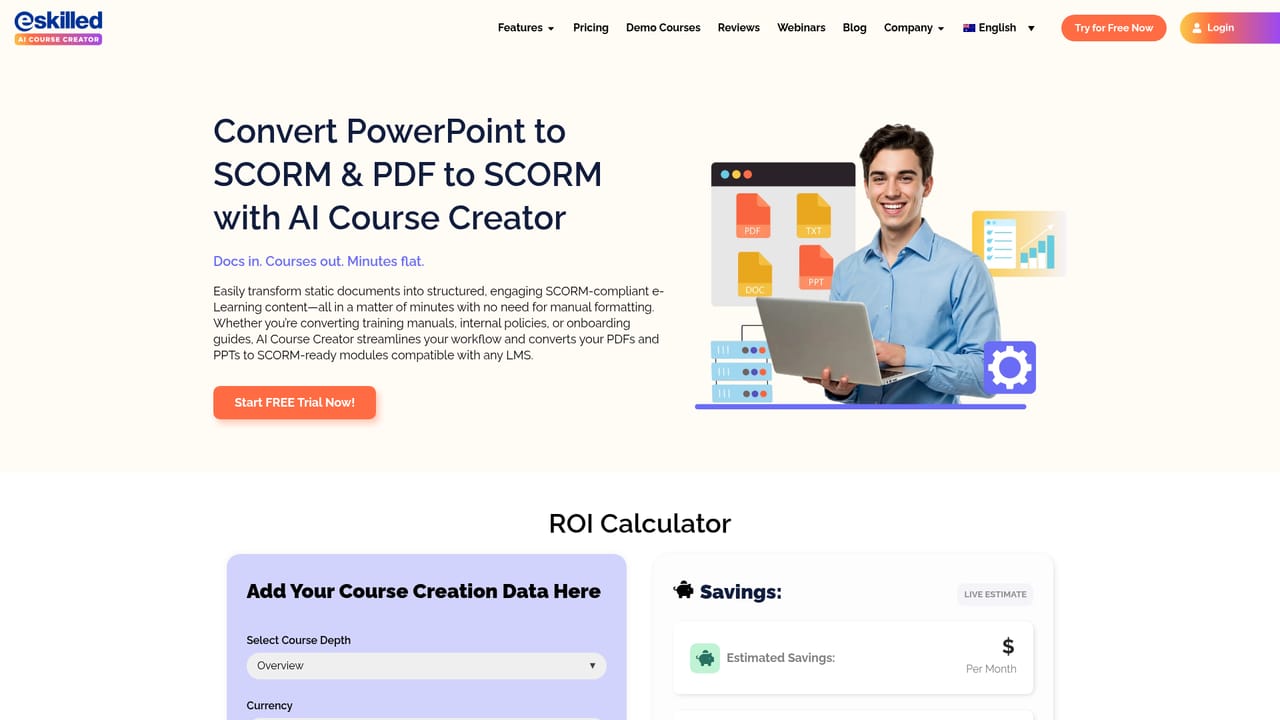
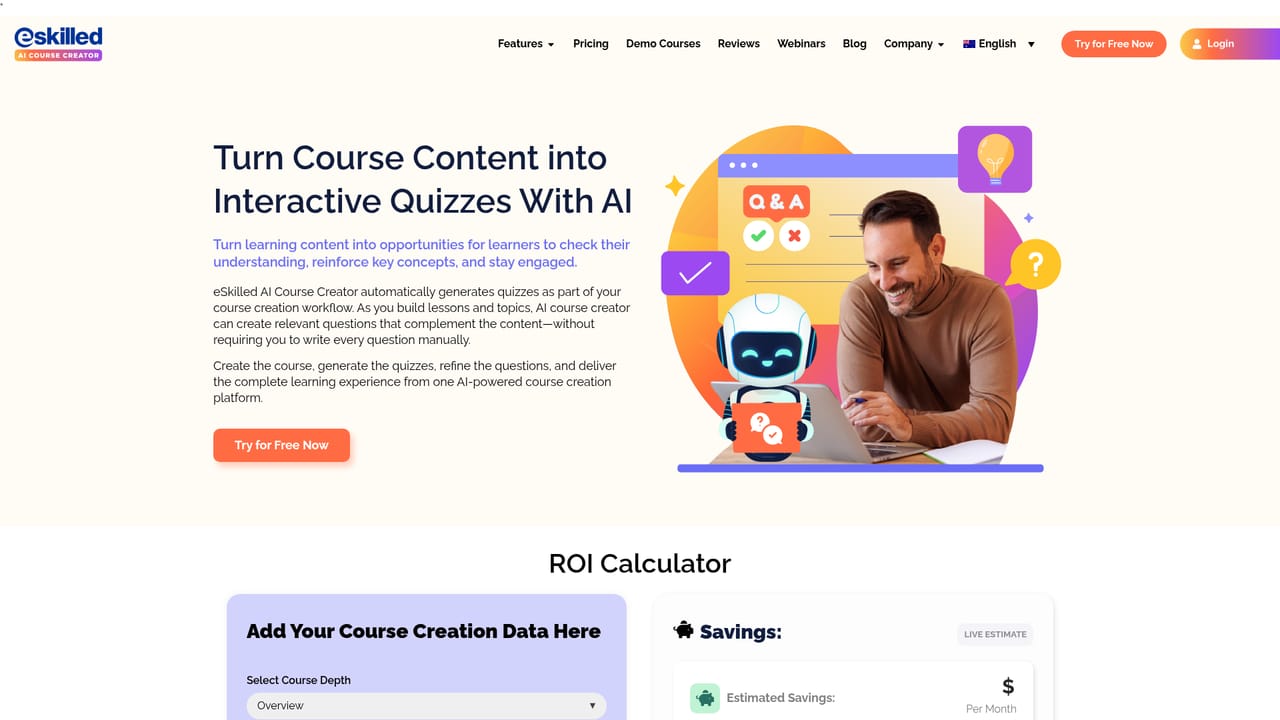
eSkilled AI Course Creator is a browser-based authoring tool that turns a topic outline or an existing document into a structured, ready-to-deliver online course. The core promise is scope: rather than drafting isolated lessons, the generator produces a full unit with modules, topics and subtopics, then fills them with written content and review questions. Courses can be launched without manually assembling assets, and the output runs inside the vendor's own e-learning environment. The build extends past plain text. Generated units can carry images, infographics, diagrams, flip cards, scenario-based activities, case studies, quizzes and narration produced by a text-to-speech narrator. Content depth is selectable, so a short induction module and a comprehensive vocational qualification can come from the same starting prompt. The vendor also advertises PDF-to-SCORM conversion and context-aware localization for teams that already hold material in one language or format and need it in another. Instructional designers, training providers, HR and L&D teams, and educators are the stated audience, and the vendor splits its messaging by role and by sector (construction, healthcare, vocational education among them). The workflow suits people who need volume and consistency more than bespoke visual design: generate, then review, refine and add your own resources. A savings calculator on the homepage frames the pitch in designer hours, and the tool is positioned against manual authoring rather than against other AI writing assistants. There are limits worth naming. The homepage confirms the output still may need formatting, review or validation, so AI drafts are a starting point, not a finished compliance artifact. Design and look-and-feel controls appear shallower than dedicated authoring suites, and the tool lives in the vendor's ecosystem rather than exporting freely to any platform of your choosing.
A free trial is promoted across the homepage, including a 14 day free trial referenced in a customer review. Exact trial limits and features are not stated on the homepage.
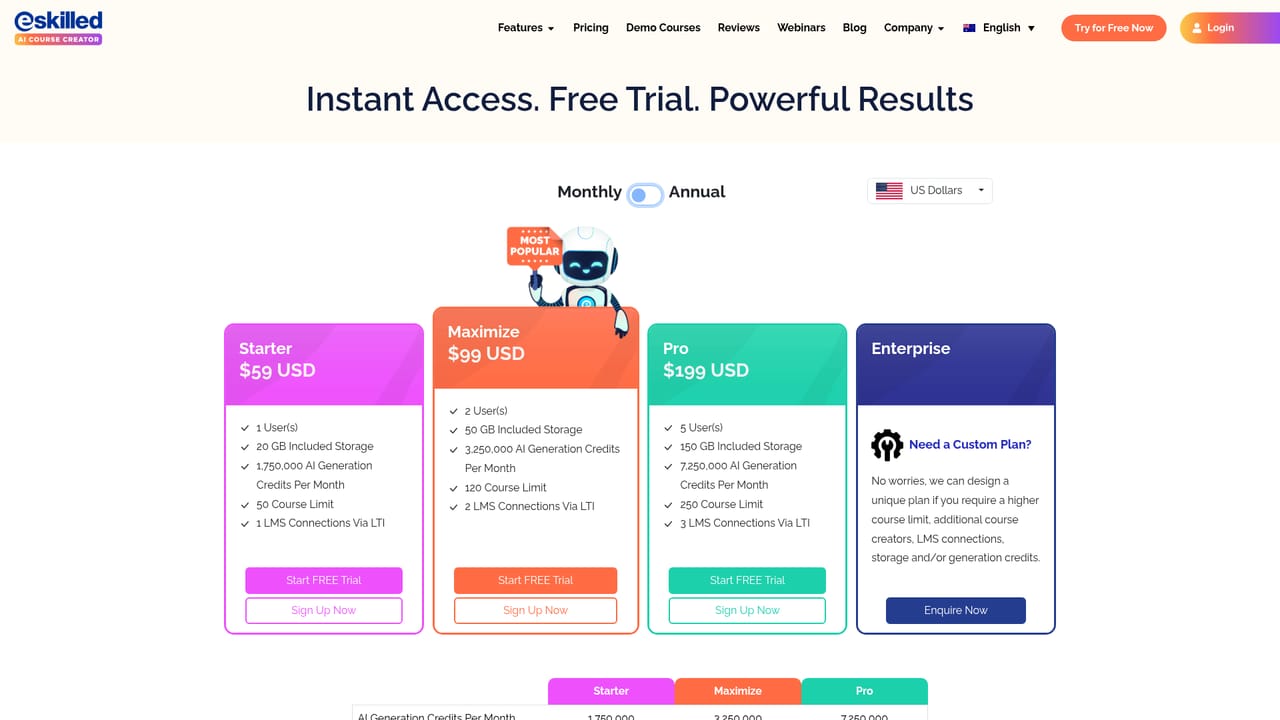
Learn moreThe homepage does not list prices or tier names. It advertises a free trial and shows an ROI calculator that estimates savings and maps your inputs to a suggested subscription tier, with links to the pricing page for actual plans.
Learn moreSupport is not detailed on the homepage. Customer reviews mention direct help from a named staff member during onboarding and fast fixes when issues were reported, but no formal support channels or SLAs are published.
The homepage does not describe third-party integrations. It covers PDF conversion to SCORM and delivery within the vendor's own e-learning environment, but no LMS or HR system connectors are listed.
Learn moreCourse generation from a brief or source material, structured modules and topics, selectable course depth, interactive activities and flip cards, scenario-based learning, case studies, self-marking quizzes, AI images and diagrams, text-to-speech narration, PDF to SCORM conversion, localization, e-learning course themes and SCORM authoring.
Learn more AI Angels400+ customizable AI girlfriends for NSFW chat, voice calls, and roleplay
 Candy AIExperience the future of companionship with AI friends who chat, role-play, and connect with you on a human level.
 ourdream.aiA vast AI roleplay platform with millions of characters for chat, images, video and voiceAI Angels400+ customizable AI girlfriends for NSFW chat, voice calls, and roleplayCandy AIExperience the future of companionship with AI friends who chat, role-play, and connect with you on a human level.ourdream.aiA vast AI roleplay platform with millions of characters for chat, images, video and voice


