Free trial
A free allowance of 100 graded essays is offered at signup, which functions as a trial of the full grading workflow.
Learn moreAI essay grading built for teachers, with rubrics and LMS sync

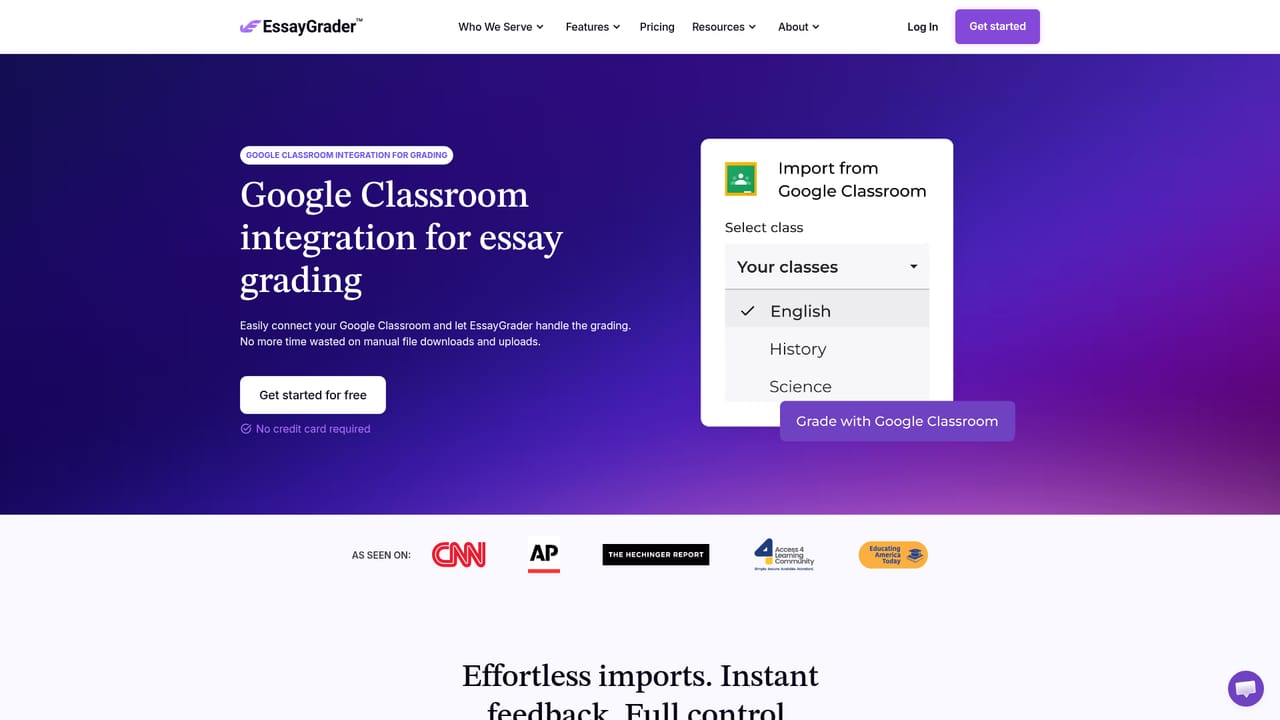
EssayGrader is an AP history grader tool. An AI grading workspace for teachers that scores class sets of essays against 800+ standards aligned rubrics, learns from a teacher's own graded exemplars, handles handwritten scans, and syncs grades and feedback back to Google Classroom, Canvas or Schoology.
EssayGrader is an AI grading assistant aimed squarely at K-12 and college teachers who need to return scored essays with real feedback without losing evenings to the task. The company reports adoption by more than 200,000 teachers across over 10,000 schools, and the product is positioned explicitly against general purpose AI chat tools: the workflow, rubrics and reporting are all built around classroom grading rather than open-ended prompting. The mechanics are straightforward. A teacher picks a rubric from a library of more than 800 standards aligned options, or uploads a custom one, then brings in a class set of essays by connecting Google Classroom, Canvas or Schoology, or by dragging files from a computer. A single PDF containing the whole class can be uploaded and the system separates the individual papers. Handwritten work is supported as well: scans from a tablet, phone or school printer are transcribed, including cursive and messy print. The AI reads each essay criterion by criterion and drafts scores plus comments, and the teacher reviews, edits and publishes back to the LMS. Uploading two or three essays already graded by hand lets the system learn a teacher's scoring patterns and rigor before it processes the rest. Feedback is designed to push revision rather than supply answers, modeled on Hattie and Timperley's feedback framework, and color coded against each rubric row. Side by side revision comparison shows whether students acted on earlier comments. Teachers also get AI writing and plagiarism signals, class level writing trend views, individual growth profiles and a reteach priority list that flags the few skills worth a mini-lesson. Accuracy claims are unusually specific for this category: scores matched or fell within one point of teacher scores 94% of the time on an external dataset of 22,000 essays, with 95% of feedback within one grade band. Student work is not used for model training and data is stored in the U.S. Alternatives tend to be generic AI chatbots or plagiarism checkers; EssayGrader's differentiator is the rubric plus state standards layer and native LMS round trip.
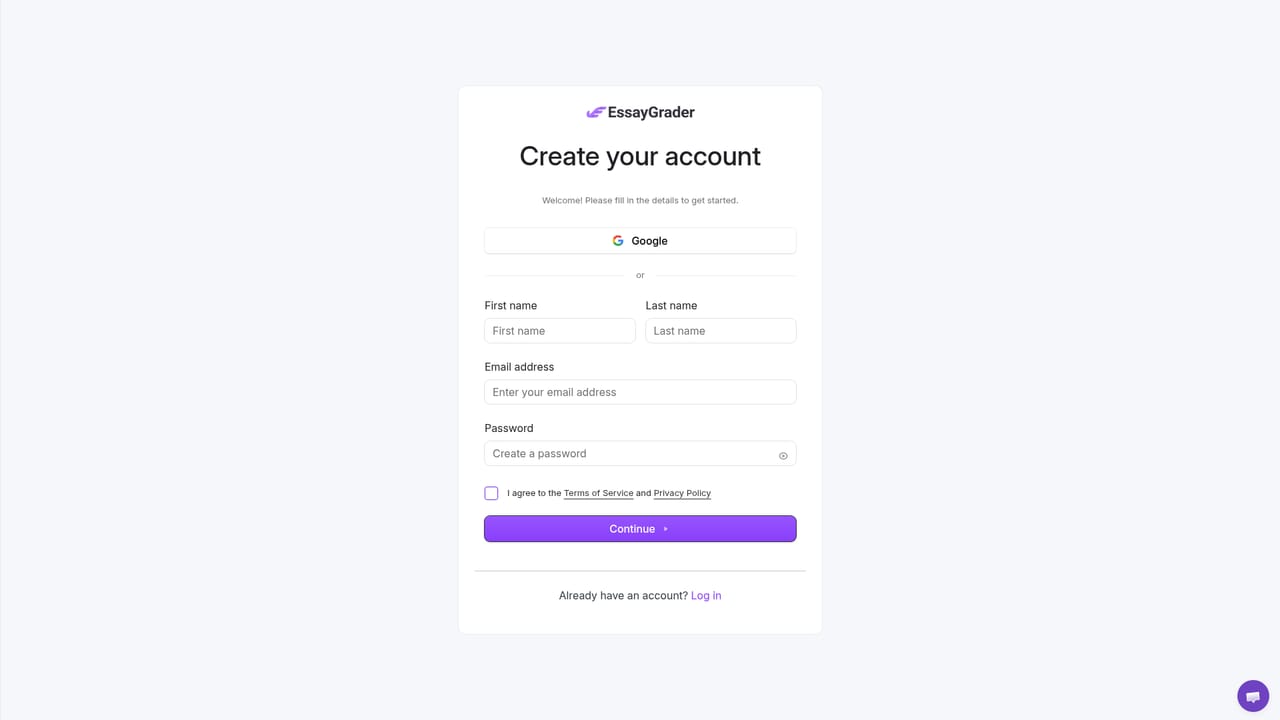
A free allowance of 100 graded essays is offered at signup, which functions as a trial of the full grading workflow.
Learn moreThe homepage advertises free plans, and new users can grade 100 essays at no cost before choosing a paid tier. Specific monthly or per-seat prices are not listed on the homepage, and district level terms are handled separately.
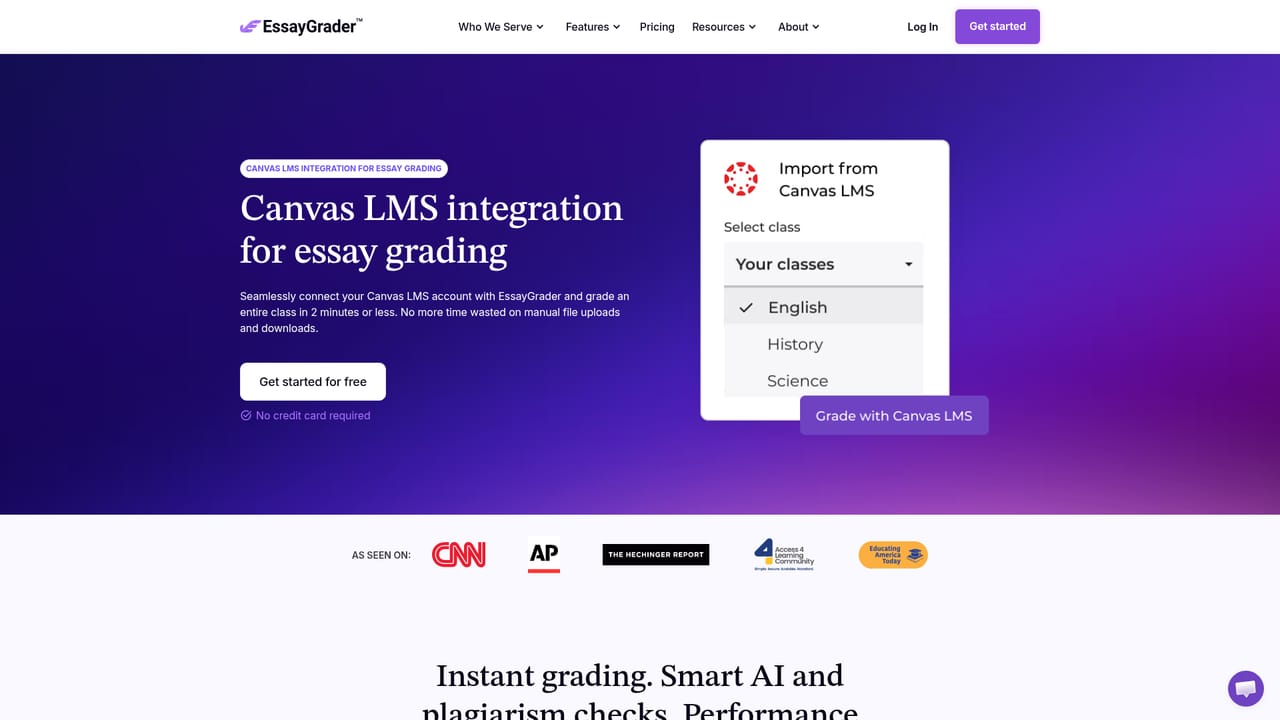
Learn moreOne click native connections to Google Classroom, Canvas and Schoology for importing assignments and pushing grades and feedback back to the LMS.
Learn moreRubric and state standards grading across 50 states, AP, IB and Common Core, learning from teacher exemplars, handwritten essay transcription, whole class PDF splitting, revision comparison, AI writing and plagiarism detection, writing growth profiles and a reteach priority list, with grades synced back to the LMS.
Learn more AI Angels400+ customizable AI girlfriends for NSFW chat, voice calls, and roleplay
 Candy AIExperience the future of companionship with AI friends who chat, role-play, and connect with you on a human level.
 ourdream.aiA vast AI roleplay platform with millions of characters for chat, images, video and voiceAI Angels400+ customizable AI girlfriends for NSFW chat, voice calls, and roleplayCandy AIExperience the future of companionship with AI friends who chat, role-play, and connect with you on a human level.ourdream.aiA vast AI roleplay platform with millions of characters for chat, images, video and voice