Free trial
A free trial is offered on the community plans, and signup requires no credit card. The homepage does not state the trial length.
Learn moreSMS RSVPs and event messaging for community organizations

Evant is an SMS community engagement platform for nonprofits, universities and event organizers. It combines 2-way mass texting, keyword triggers, a dedicated phone number and a hosted RSVP website so invitations, reminders and headcounts happen in one place.
Evant is an SMS-first community engagement platform built around a single premise: people answer texts, not emails. Nonprofits, universities, community groups, synagogues and event planners use it to send invitations and reminders by text message, collect RSVPs, and keep an attendee list in one place instead of scattered across inboxes, forms and group chats. The company reports a user base of more than 300,000. The product pairs 2-way mass messaging with a dedicated 10-digit phone number, so replies land back in the same thread rather than a shared inbox nobody owns. Keyword triggers let contacts opt in or signal intent with a short word, scheduled and targeted messaging handle reminders and segmented follow-ups, and a hosted RSVP website gives people a link to confirm attendance. Broadcast messaging, subscriber management and analytics round out the core workflow, with RSVP tracking as a documented feature area. In practice a typical setup looks like this: import or collect contacts, claim a number, draft an invitation with an RSVP link, schedule it, then watch replies arrive and follow up with the people who have not confirmed. The pitch rests on response speed, citing that 96 percent of texts are read within three minutes, and on staff time saved versus chasing replies by email or phone. Evant markets a 3x engagement guarantee and no credit card requirement at signup. Evant is narrow by design. It is not a general-purpose CRM or a marketing automation suite, although higher tiers borrow that vocabulary. Smaller groups can run the mass messaging essentials on the lower tiers, while larger institutions get custom fields, an API, role-based access and audit logs further up the ladder. Compared with horizontal SMS tools such as SimpleTexting, Evant's differentiator is the event and RSVP workflow plus vertical templates for weddings, shuls and churches, though buyers needing deep CRM or multi-channel campaigns should weigh whether a broader platform fits better.
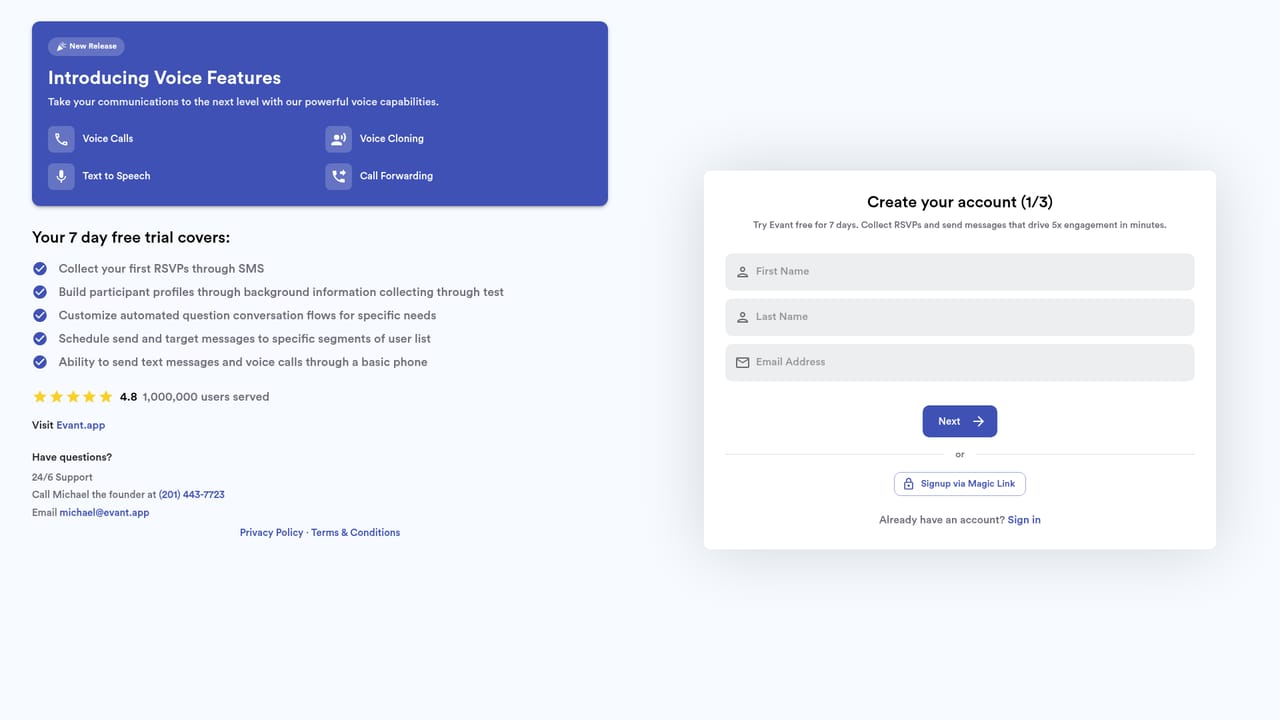

A free trial is offered on the community plans, and signup requires no credit card. The homepage does not state the trial length.
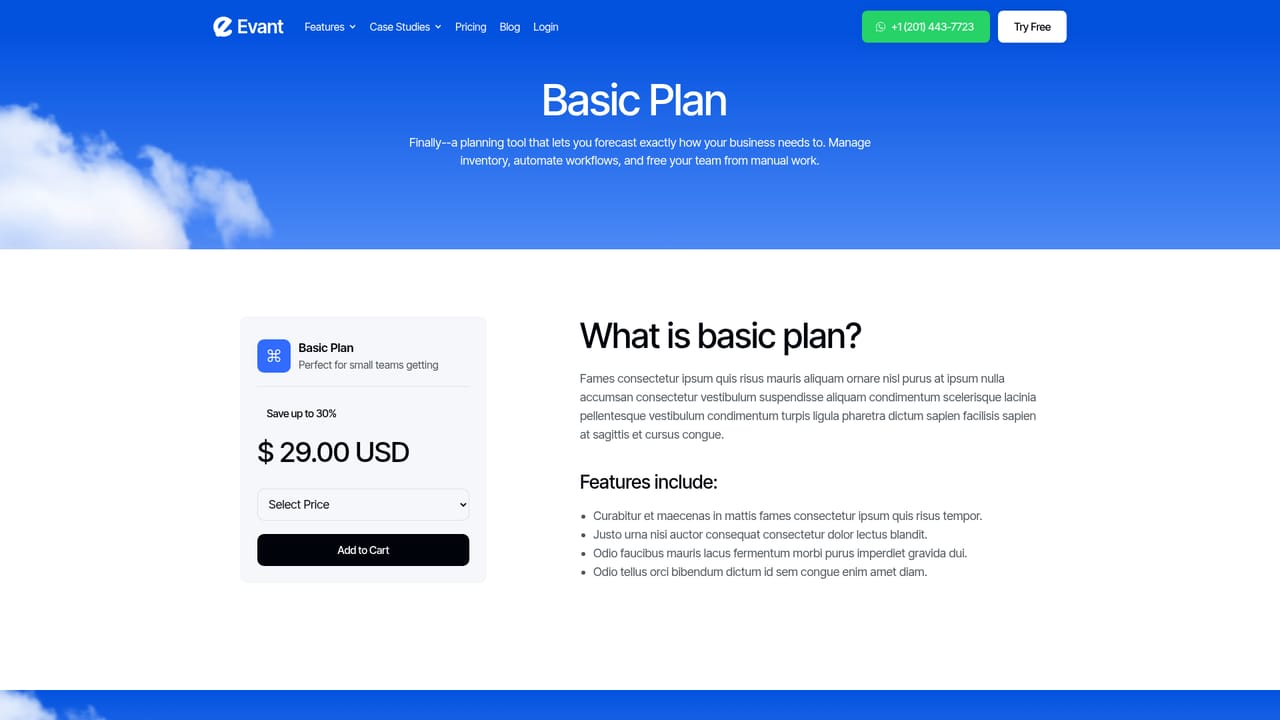
Learn moreMonthly subscriptions plus per-message fees. Starter is $27/month for under 80 people ($0.02 SMS, $0.05 MMS, $0.015/minute voice); Established is $55/month for 80 to 500+ ($0.008 SMS, $0.028 MMS). Team plans run $29 to $140 per month.
Learn moreCustomer support is included on all community plans, alongside WhatsApp contact and a demo booking option. No support hours or SLA are published.
Learn moreIntegrations are listed as a feature on every community plan and API access appears on the Enterprise tier, but the homepage does not name specific connected apps.
2-way mass messaging on a dedicated 10-digit number, keyword triggers, scheduled and targeted messaging, broadcast sends, subscriber management, a hosted RSVP website, and analytics and reporting. Higher tiers add custom fields, workflow automation, API access, advanced analytics and role-based access with audit logs.
Learn more AI Angels400+ customizable AI girlfriends for NSFW chat, voice calls, and roleplay
 Candy AIExperience the future of companionship with AI friends who chat, role-play, and connect with you on a human level.
 ourdream.aiA vast AI roleplay platform with millions of characters for chat, images, video and voiceAI Angels400+ customizable AI girlfriends for NSFW chat, voice calls, and roleplayCandy AIExperience the future of companionship with AI friends who chat, role-play, and connect with you on a human level.ourdream.aiA vast AI roleplay platform with millions of characters for chat, images, video and voice


