Free trial
Signup is free and the site states no credit card is required and you can cancel anytime, but the homepage does not specify how long a free tier lasts or what it includes.
Learn moreSEO on autopilot: competitor tracking, gap detection, and AEO-ready articles.

Evergreen AI is a content writing tool. Automated SEO and AEO content engine that tracks competitors, finds keyword gaps, writes articles, and refreshes slipping pages with a 35-step pipeline. Aimed at small businesses that want organic rankings without an agency.
Evergreen AI is an automated search engine optimization system aimed at small businesses that need organic visibility without hiring an agency. The product watches competitors, identifies terms they rank for that you do not, and turns those gaps into articles built for both classic Google results and answer engines such as ChatGPT and Perplexity. The pitch is explicitly hands-off: no SEO expertise is assumed, and the system is designed to run daily without a writer or a strategist in the loop. In practice, each article goes through a pipeline the company describes as 35 steps. That includes live SERP scans, reading the top ranking pages in full, gap detection, format scoring, schema markup, and a filter intended to remove generic AI writing. The engine also monitors Google Search Console data and site rankings, flags pages that are slipping, and rewrites or expands them before pushing the upgrade back to a CMS. A monthly cadence setting lets you choose a Deep Dive plan of 1 to 5 articles, a Balanced plan of 6 to 15, or Full Coverage at 16 to 30. The company reports that a typical customer saves over 20 hours a month and that the service is around 90 percent cheaper than an agency, and it publishes a TubTabs case study showing growth in clicks, impressions and average position. It fits best with owner-run businesses and small marketing teams in competitive local or service niches where publishing consistency is the bottleneck. It is less suited to teams that want granular editorial control, since the core value is automation, or to brands whose voice requires a human writer on every draft.

Signup is free and the site states no credit card is required and you can cancel anytime, but the homepage does not specify how long a free tier lasts or what it includes.
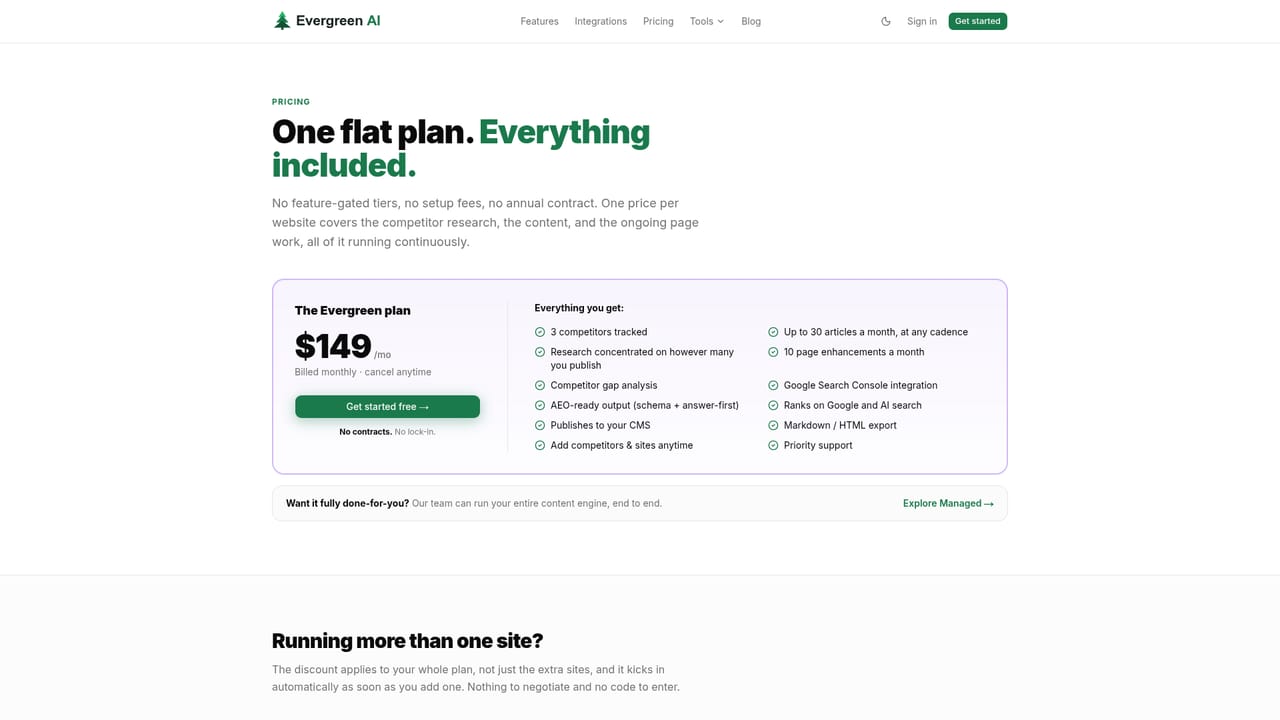
Learn moreThe homepage does not list prices. It describes three monthly publishing tiers (Deep Dive at 1 to 5 articles, Balanced at 6 to 15, Full Coverage at 16 to 30) and points to a pricing page, with no credit card required to start and cancellation promised at any time.
Learn moreThe homepage does not describe support channels or service levels. Customer quotes mention working directly with the team over a six-month period, but no formal support offering is stated.
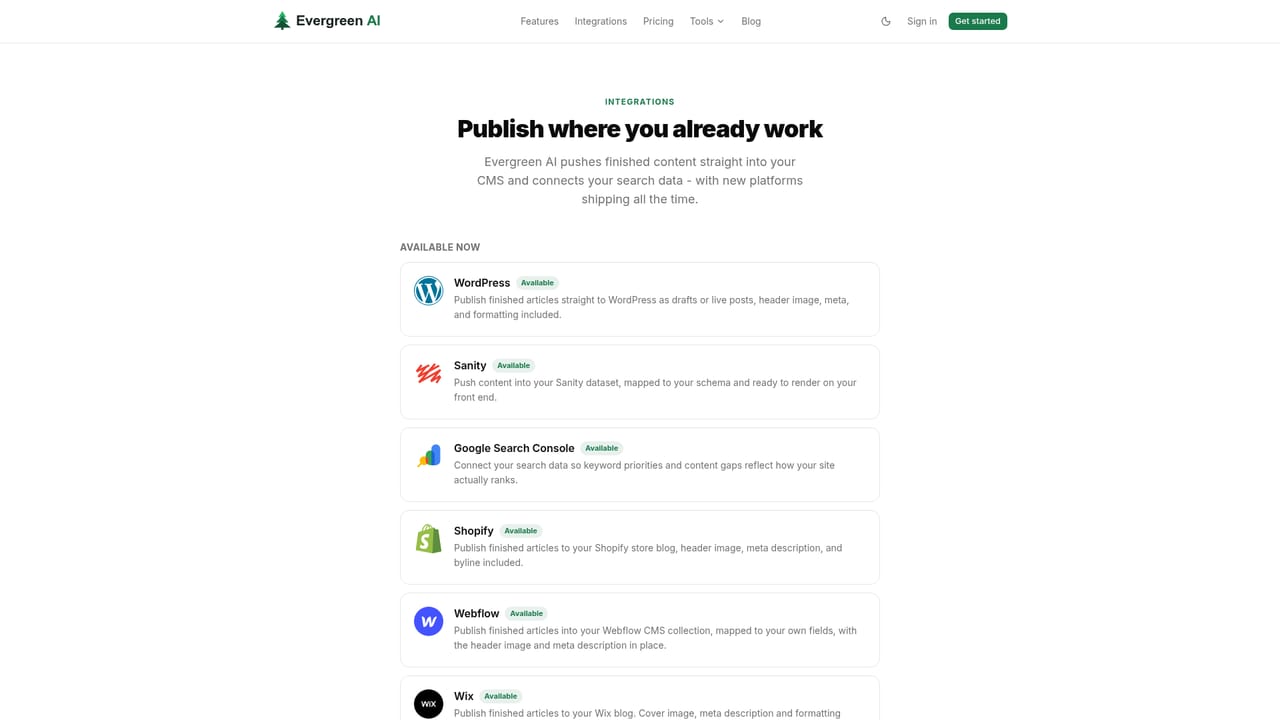
The site lists a WordPress integration for publishing articles straight to a CMS. Other CMS connections are not named on the homepage.
Learn moreCompetitor tracking, keyword gap discovery, live SERP scanning, and a 35-step research and writing pipeline that produces AEO-ready articles. Also covers Google Search Console monitoring, automated upgrades to existing pages that lose rank, schema markup, AI-slop filtering, and direct publishing to a CMS.
 AI Angels400+ customizable AI girlfriends for NSFW chat, voice calls, and roleplay
 Candy AIExperience the future of companionship with AI friends who chat, role-play, and connect with you on a human level.
 ourdream.aiA vast AI roleplay platform with millions of characters for chat, images, video and voiceAI Angels400+ customizable AI girlfriends for NSFW chat, voice calls, and roleplayCandy AIExperience the future of companionship with AI friends who chat, role-play, and connect with you on a human level.ourdream.aiA vast AI roleplay platform with millions of characters for chat, images, video and voice


