Free trial
The site invites visitors to start a free trial, but this page does not state its length or which plans include the AI features.
Learn moreOpenAI-powered assistant, semantic search and meeting notes inside your Evernote account

Evernote AI is an academic research tool. Evernote AI bundles three assistant features into the Evernote note taking app: a chat-based AI Assistant that acts on your notes and searches the web, Semantic Search that finds notes from a description, and AI Meeting Notes that record, transcribe and summarize conversations.
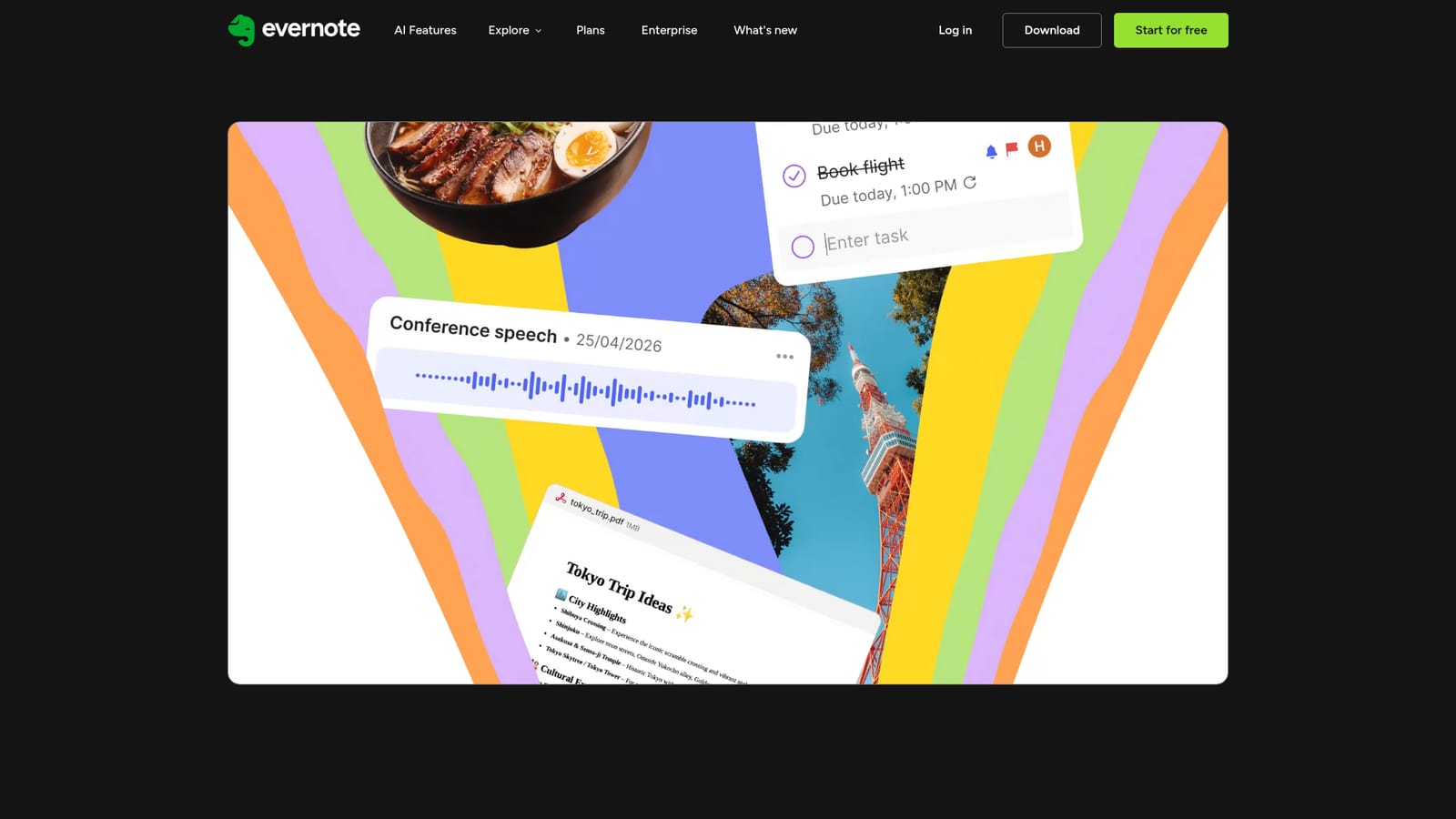
Evernote AI is the layer of assistant features that arrived with the app's v11 release, built in close collaboration with OpenAI and folded into the existing note taking workspace rather than sold as a separate product. The page groups three tools: AI Assistant, Semantic Search and AI Meeting Notes. Each one can be switched on or off individually in Settings, so a user can adopt one without committing to the whole set. AI Assistant is a dedicated chat panel that reaches into your own notes. From a written request it can generate new content, reorganize material, apply tags, and retrieve relevant notes directly in the chat window. It also pulls in information from the web without leaving Evernote, which makes it a single place to draft, tidy and research. Monthly and per-chat usage limits apply, so heavy users should expect to work inside a cap rather than treat the assistant as unlimited. Semantic Search attacks a familiar problem: you remember what a note was about but not what you called it. A plain description is enough to surface the most relevant material, and related notes appear alongside the closest match. The meeting tool records a conversation, then produces a transcript and a summary, which suits people who take calls and would rather listen than type. The privacy terms are stated plainly. Content is not used to train AI models by Evernote or any third party, AI output stored in your account stays your property, and users choose which features are active. Evernote AI is best understood as an upgrade to an existing Evernote habit: it competes less with standalone chat assistants and more with the built-in AI options in rival note apps. Anyone already storing projects and meeting notes in Evernote gets the most value; someone shopping for a general purpose chatbot will find the limits and note-bound scope narrow.
The site invites visitors to start a free trial, but this page does not state its length or which plans include the AI features.
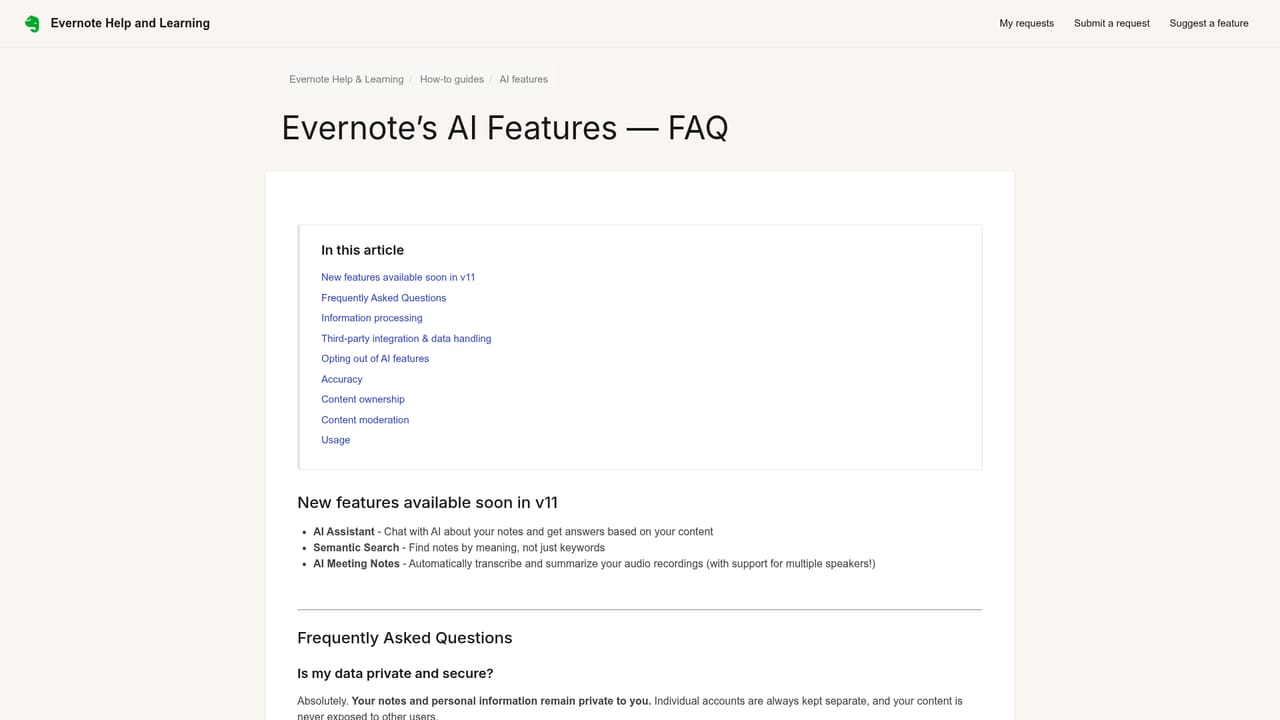
Learn moreSupport runs through Evernote's help centre, which hosts an AI Features FAQ covering access, usage limits, opt-out and data training questions.
Learn moreThree AI features ship with Evernote v11. AI Assistant is a chat built with OpenAI that generates content, organizes notes, adds tags, retrieves relevant notes and browses the web without leaving the app. Semantic Search returns the most relevant notes from a plain description, with related notes alongside. AI Meeting Notes records calls and generates transcripts and summaries. All three are available to every user, with usage limits on the assistant, and each can be toggled in Settings.
 AI Angels400+ customizable AI girlfriends for NSFW chat, voice calls, and roleplay
 Candy AIExperience the future of companionship with AI friends who chat, role-play, and connect with you on a human level.
 ourdream.aiA vast AI roleplay platform with millions of characters for chat, images, video and voiceAI Angels400+ customizable AI girlfriends for NSFW chat, voice calls, and roleplayCandy AIExperience the future of companionship with AI friends who chat, role-play, and connect with you on a human level.ourdream.aiA vast AI roleplay platform with millions of characters for chat, images, video and voice


