Free trial
A free tier allows 10 graded papers per month with every feature, in normal teaching conditions. No separate time limited trial is described on the homepage.
Learn moreAI grading for any subject, handwritten or typed

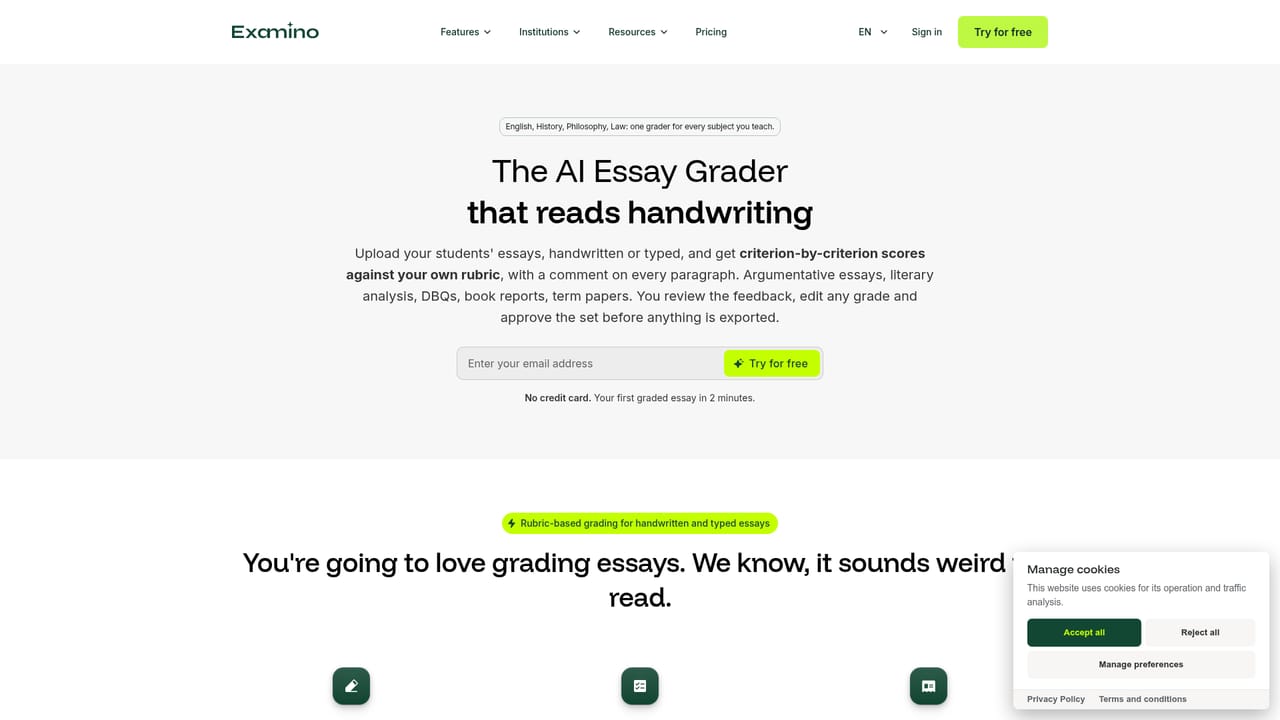
Examino is an AP history grader tool. Examino grades handwritten or typed papers in any subject against a teacher's rubric, returning editable feedback and scores that export to Word or PDF, plus class statistics and remediation exercises.
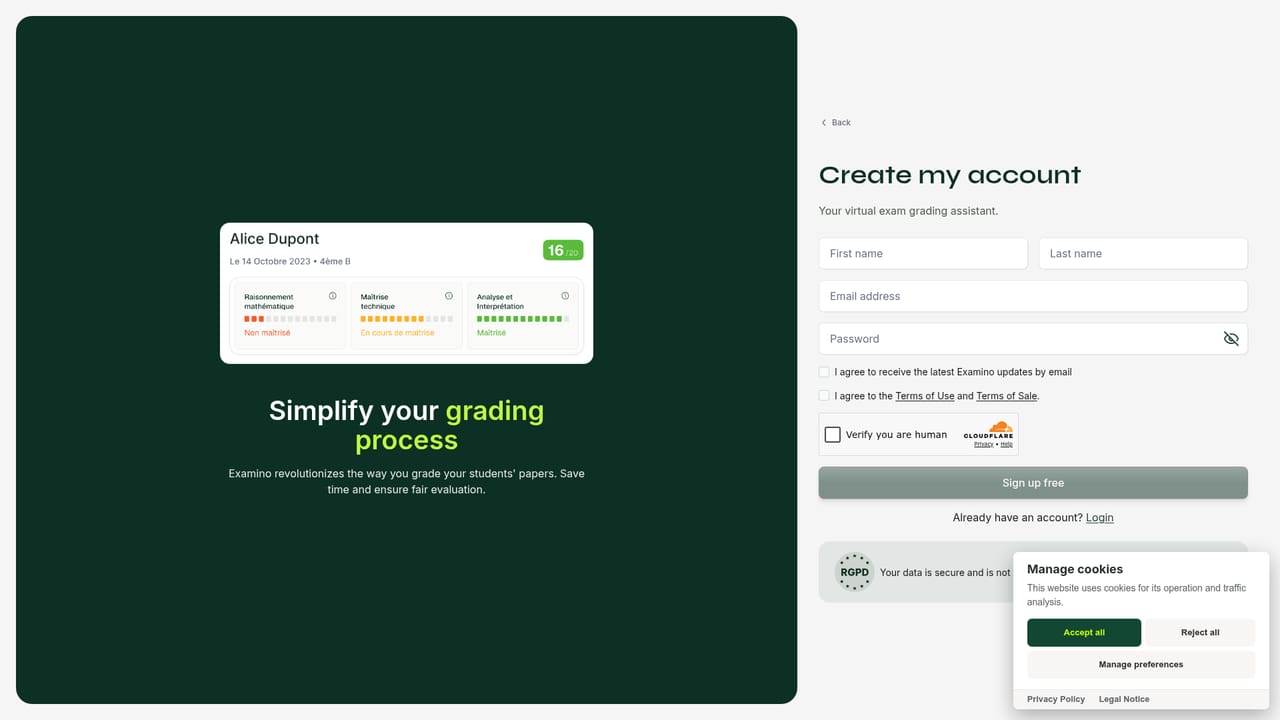
Examino is an AI grading tool built for teachers who need to work through stacks of papers without giving up control of the marks. A teacher uploads the assignment prompt, imports scans or captures pages with a phone camera through a QR code (no app install required), and the platform proposes a rubric with expected answers drawn from the prompt. The teacher adjusts that rubric or substitutes their own, then starts the grading run. Each paper returns a few seconds later with comments and a score, which the teacher reviews and edits before exporting to Word or PDF. The tool is deliberately subject agnostic. It evaluates essays and arguments, follows step by step calculations, interprets diagrams, graphs and geometric constructions, checks historical dates, and comments on writing quality. That range makes it a plausible fit for secondary school departments and for higher education courses in law, science, languages or humanities, where a single teacher may grade several different assignment types in one week. Handwriting recognition is the practical differentiator: many teachers still collect paper, and Examino is designed around that reality rather than around digital submissions only. Beyond individual papers, Examino keeps grading consistent across a set by applying the same rubric to every submission, and it surfaces class level statistics including average, median, standard deviation, grade distribution and mastery levels. It then generates remediation exercises aimed at the difficulties it detected, which moves it from a marking utility toward a feedback loop. Accounts can hold unlimited classes and subjects. On privacy, the company states that Examino is FERPA compliant, hosts student work in the EU under GDPR, redacts student names automatically, forbids its AI providers from training on student work by contract, and allows deletion of student work at any time. LMS integration exists through LTI 1.3 but is arranged at school or district level rather than self serve. Compared with pasting essays into a general chatbot, the appeal is the structured pipeline: rubric, paper capture, editable feedback, export, and class level analytics in one place.
A free tier allows 10 graded papers per month with every feature, in normal teaching conditions. No separate time limited trial is described on the homepage.
Learn moreFree tier covers 10 papers a month with all features. Standard is $7.50 per month for 100 papers; Plus is $17.90 per month for 300 papers. The pricing page carries the full details.
Learn moreA help center with tutorials and answers is published, alongside a contact form and institution level demo requests. The homepage does not describe live chat or phone support.
Learn moreLTI 1.3 is supported for LMS integration at the school or district level. Setup is handled through the contact team rather than self serve.
Learn moreHandwritten and typed paper capture via phone camera and QR code, rubric based scoring with editable AI feedback, export to Word or PDF, unlimited classes and subjects, class statistics (average, median, standard deviation, grade distribution, mastery levels), remediation exercise generation, and dedicated essay and math grading modes.
Learn more AI Angels400+ customizable AI girlfriends for NSFW chat, voice calls, and roleplay
 Candy AIExperience the future of companionship with AI friends who chat, role-play, and connect with you on a human level.
 ourdream.aiA vast AI roleplay platform with millions of characters for chat, images, video and voiceAI Angels400+ customizable AI girlfriends for NSFW chat, voice calls, and roleplayCandy AIExperience the future of companionship with AI friends who chat, role-play, and connect with you on a human level.ourdream.aiA vast AI roleplay platform with millions of characters for chat, images, video and voice