Pricing
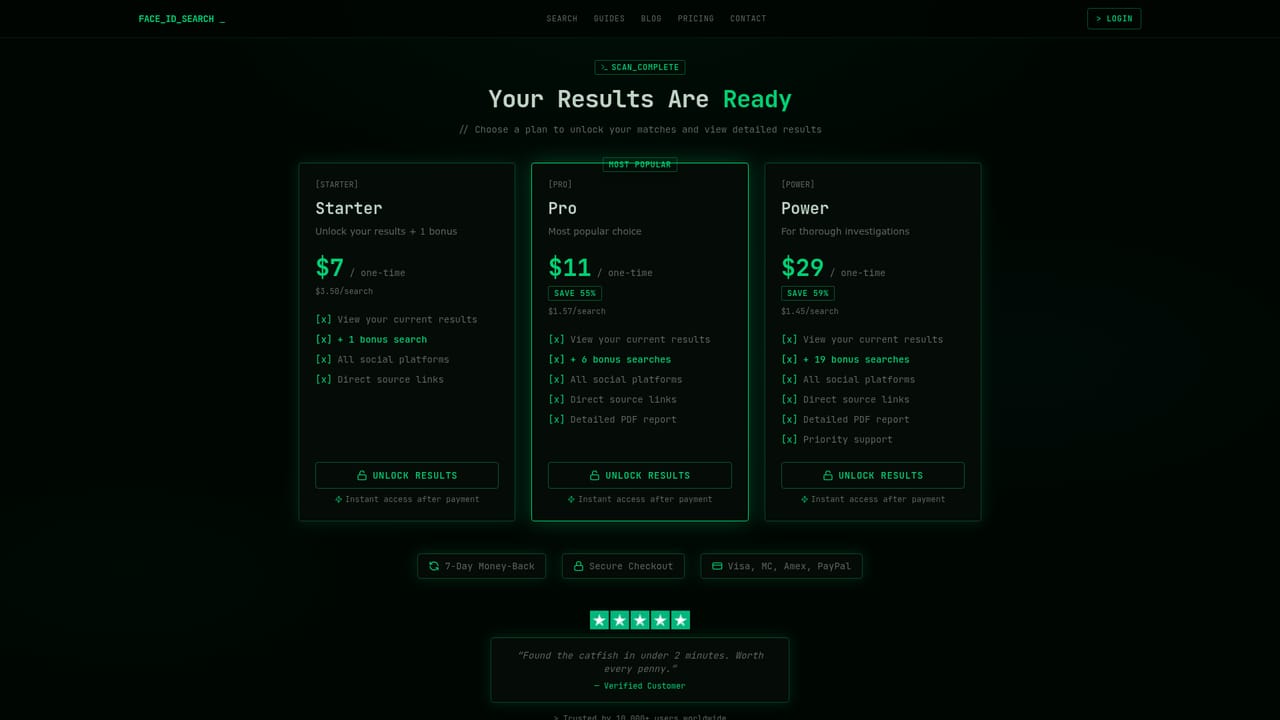
One time credits, no subscription: $7 for two searches, $11 for seven searches and $29 for twenty searches. A 7 day money back guarantee applies to eligible purchases. No free searches are mentioned on the homepage.
Learn moreReverse face search across social, dating and public record sources
Own Face ID Search.com? Verify ownership to get a dofollow link

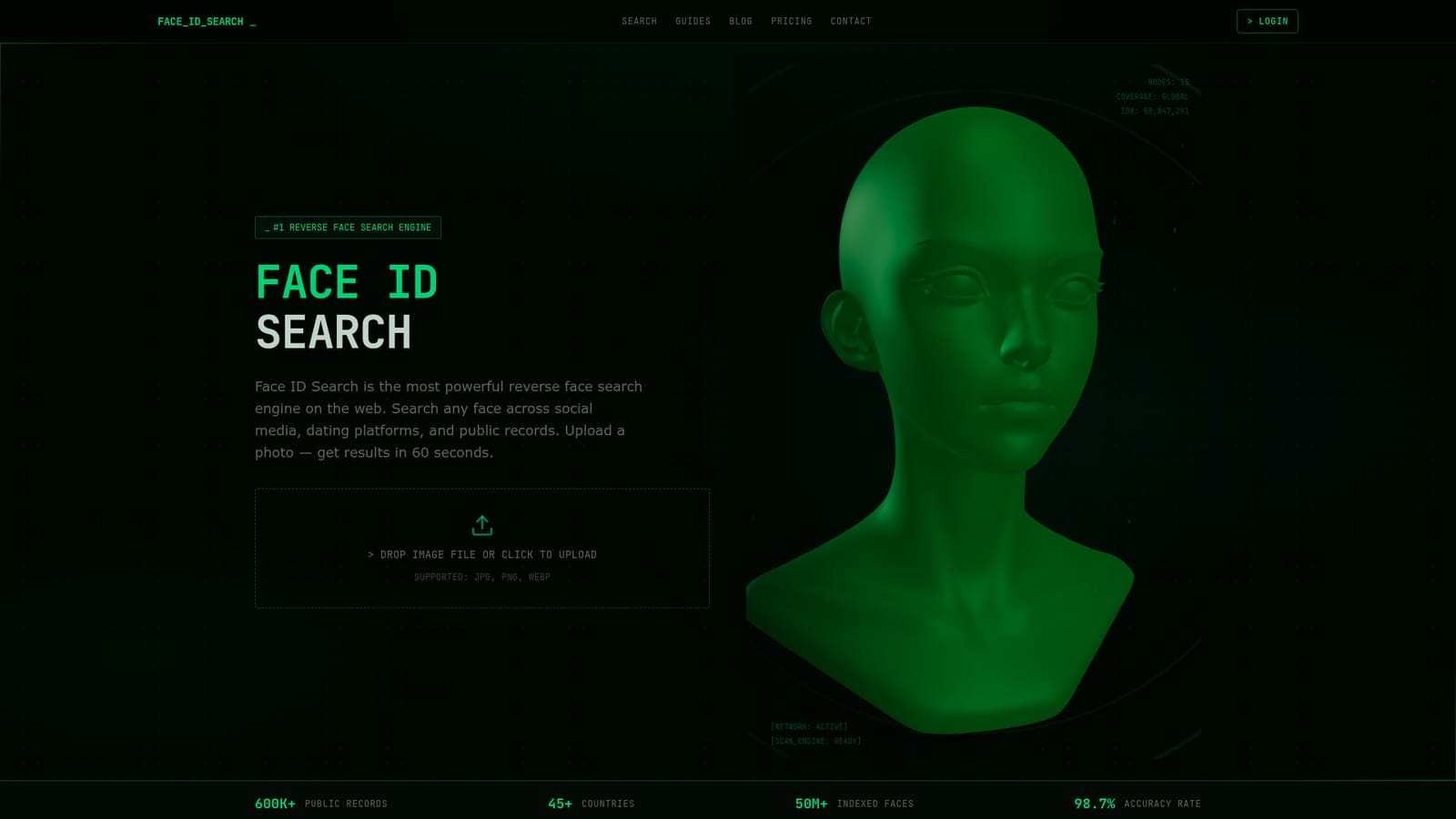
Face ID Search.com is a content detector tool. A reverse face search engine that matches an uploaded photo against roughly 50 million indexed faces from social networks, dating apps, professional listings and public records. Results arrive in under a minute with source links and similarity scores.
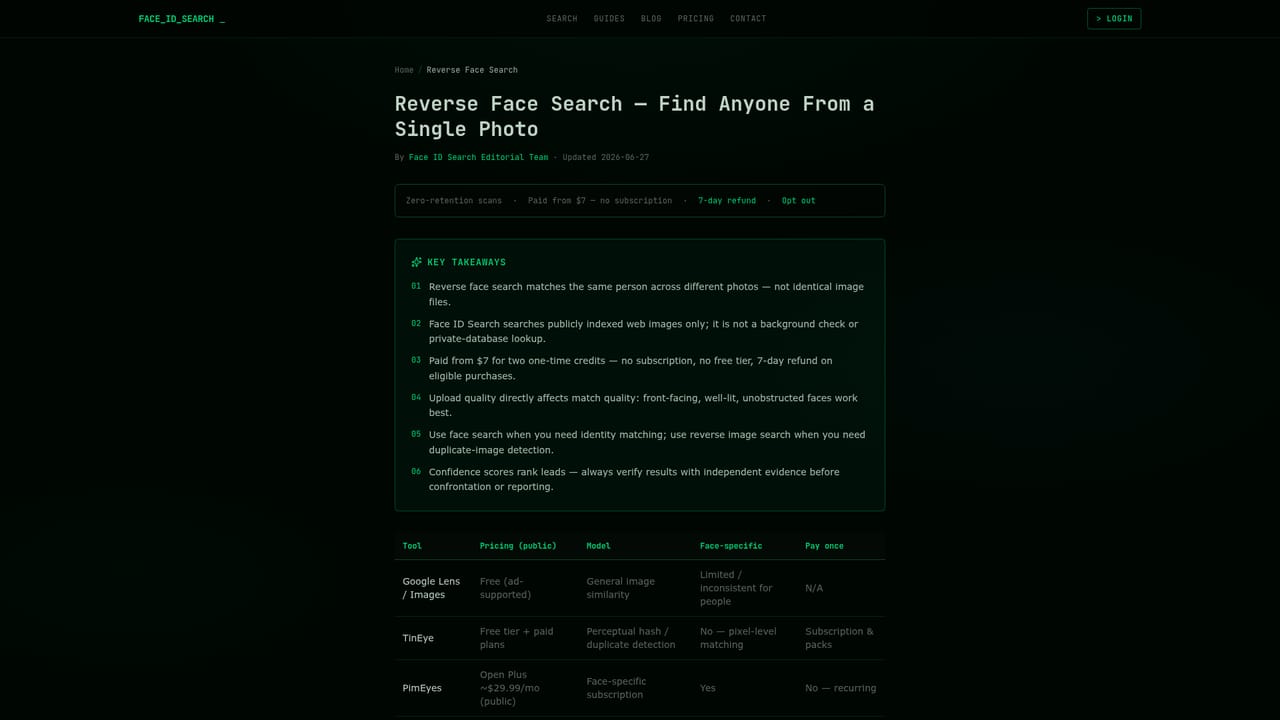
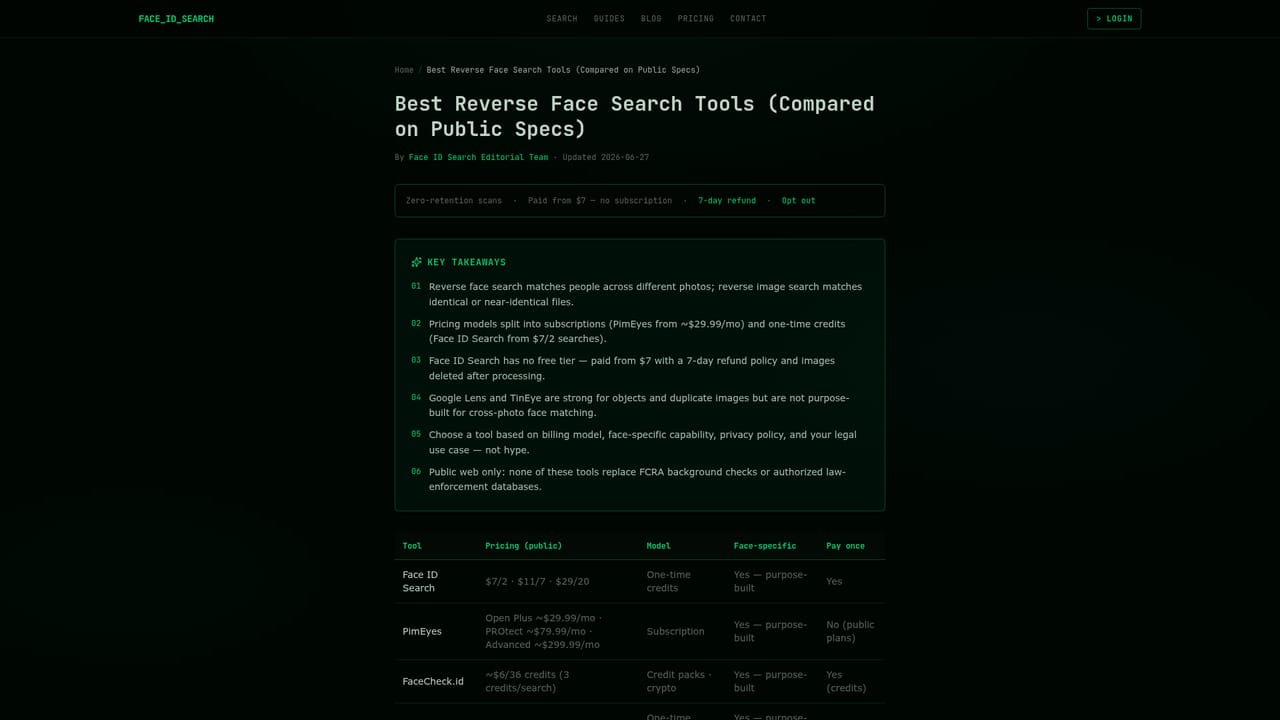
Face ID Search is a reverse face search engine. Instead of matching identical images, it converts the face in an uploaded photo into a mathematical vector and compares that vector against an index of roughly 50 million faces drawn from publicly available sources. Matches come back with the original source links, similarity scores and platform labels, so the user can verify the result rather than trusting a black box. The index spans more than 200 platforms according to the site, grouped into social networks (Instagram, Facebook, X, LinkedIn, TikTok, VK), dating services (Tinder, Bumble, Hinge, OkCupid, Match.com, Plenty of Fish), professional listings such as company directories and speaker profiles, and public records including news archives, court records and mugshot sites. The stated scan time is under 60 seconds, with a quoted 98.7 percent accuracy rate on frontal face matches. The company says the system holds up across angles, lighting and age gaps. The tool is pitched at people who need to confirm that a photo belongs to a real person: dating app users checking for catfish, HR teams and landlords running light background checks, fraud and impersonation investigators, journalists and OSINT researchers tracing aliases, and ordinary users trying to find a lost contact. Practically, the workflow is a three step loop: drop a JPG, PNG or WEBP file, run the scan, then read the report of matches and open the source pages yourself. Its main differentiator against PimEyes and FaceCheck.id is pricing structure. Face ID Search sells one time credit packs rather than monthly subscriptions, starting at $7 for two search credits, with $11 for seven and $29 for twenty. The site also leans on a zero retention promise: images are processed and deleted after the scan, search history is not logged, and no data is shared with third parties. Google reverse image search is not a direct competitor, since it matches the image rather than the identity. Readers should weigh the smaller index against the privacy and cost claims, and check local rules before using it on anyone else's photo.
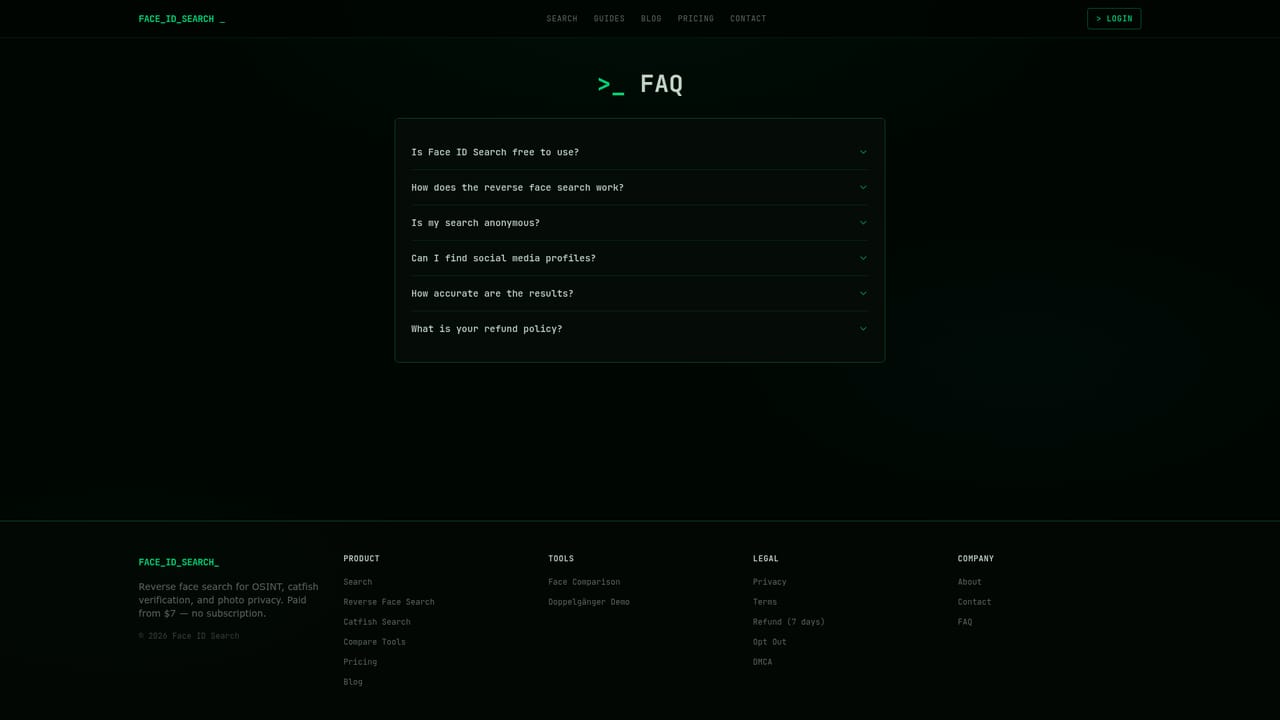
One time credits, no subscription: $7 for two searches, $11 for seven searches and $29 for twenty searches. A 7 day money back guarantee applies to eligible purchases. No free searches are mentioned on the homepage.
Learn moreA contact page and a full FAQ covering pricing, privacy, accuracy and legality. No live chat or phone support is described on the homepage.
Learn moreFacial vector matching against an index of roughly 50 million faces from 200+ platforms, including social networks, dating apps, professional listings, news archives and court records. Results arrive in under 60 seconds with source URLs, similarity scores and platform detection, and can be exported as reports. Uploads are deleted after each scan and search history is not logged.
Learn more AI Angels400+ customizable AI girlfriends for NSFW chat, voice calls, and roleplay
 Candy AIExperience the future of companionship with AI friends who chat, role-play, and connect with you on a human level.
 ourdream.aiA vast AI roleplay platform with millions of characters for chat, images, video and voiceAI Angels400+ customizable AI girlfriends for NSFW chat, voice calls, and roleplayCandy AIExperience the future of companionship with AI friends who chat, role-play, and connect with you on a human level.ourdream.aiA vast AI roleplay platform with millions of characters for chat, images, video and voice