Free trial
The homepage invites users to try the tools free and shows a promotional discount, but it does not specify how many scans or words the free tier includes or how long any trial lasts.
Learn moreDetect AI text, humanize drafts, and check plagiarism in one workspace
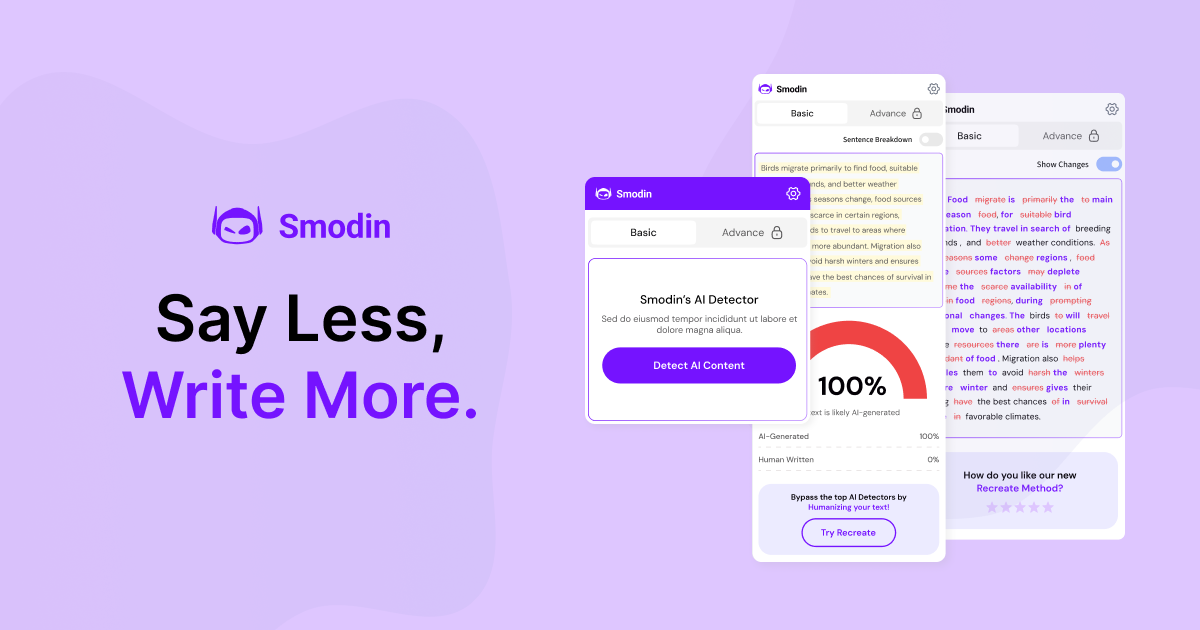
Smodin is an AI detector tool that detects AI text, humanize drafts, and check plagiarism in one workspace. A combined writing workspace with an AI content detector, AI humanizer, plagiarism checker, AI writer and chat assistant. It targets students, researchers, non-native speakers and content teams who want drafting and verification in one tab instead of several subscriptions.
Smodin bundles several writing utilities into a single browser workspace: an AI content detector, an AI humanizer, a plagiarism checker, an AI writer, and a chat assistant. The homepage pitches it as a replacement for stitching together a drafting chatbot, a paraphraser and a separate originality scanner, so a user can move a document through drafting, rewriting and verification without changing tabs. The detector is the headline tool and accepts pasted or uploaded text of roughly 50 to 100 words or more. Detection output is presented as an overall AI probability split between AI-generated and human-written, with sentence-level highlights and a plain verdict the user can show to someone else. The scan is fast and the copy states that submitted text is never stored or shared. Smodin names ChatGPT, GPT, Claude and Gemini as the model families it looks for, and claims support for more than 100 languages. The humanizer and plagiarism checker sit alongside the detector as sibling tools, and the writer and chat assistant cover drafting and brainstorming. The intended audience is broad: students and researchers checking essays and dissertations, non-native English speakers who want more confident phrasing, teachers reviewing submissions, and marketing teams producing blogs, ads and product copy at volume. University logos and a Product Hunt badge appear as social proof, alongside a stated base of over one million users. Against alternatives, Smodin competes on consolidation rather than depth in any one category. Writers already paying for a dedicated paraphraser and a separate detector will find the overlap familiar; the selling point is one subscription and one dashboard. Buyers should treat the advertised detection accuracy and pass rates as vendor claims and test them on their own documents before relying on them for high-stakes submissions.
The homepage invites users to try the tools free and shows a promotional discount, but it does not specify how many scans or words the free tier includes or how long any trial lasts.
Learn moreSmodin sells access through subscription plans, with a pricing page that lists tiers and notes that plans can be cancelled or changed at any time. The homepage promotes a limited-time 20 percent discount and a free-to-try entry point, but does not state plan prices or per-tier word or scan limits.
Learn moreCore tools are an AI content detector, an AI humanizer, a plagiarism checker, an AI writer and an AI chat assistant. The detector reports an overall AI probability, sentence-level highlights and a plain verdict, and names ChatGPT, GPT, Claude and Gemini as the models it looks for. Smodin claims support for over 100 languages and says submitted text is never stored or shared.
Learn more AI Angels400+ customizable AI girlfriends for NSFW chat, voice calls, and roleplay
 Candy AIExperience the future of companionship with AI friends who chat, role-play, and connect with you on a human level.
 ourdream.aiA vast AI roleplay platform with millions of characters for chat, images, video and voiceAI Angels400+ customizable AI girlfriends for NSFW chat, voice calls, and roleplayCandy AIExperience the future of companionship with AI friends who chat, role-play, and connect with you on a human level.ourdream.aiA vast AI roleplay platform with millions of characters for chat, images, video and voice