Free trial
No trial is needed because the Free plan is permanent: 3 humanizations per day, up to 200 words each, English only, on the Standard model, with no account or credit card required.
Learn moreRewrite AI drafts into natural prose and recheck them against detectors.

Humaniser is an AI detection remover tool that rewrites AI drafts into natural prose and recheck them against detectors. An online editor that both estimates how AI-like a passage reads and rewrites it into more natural human prose.
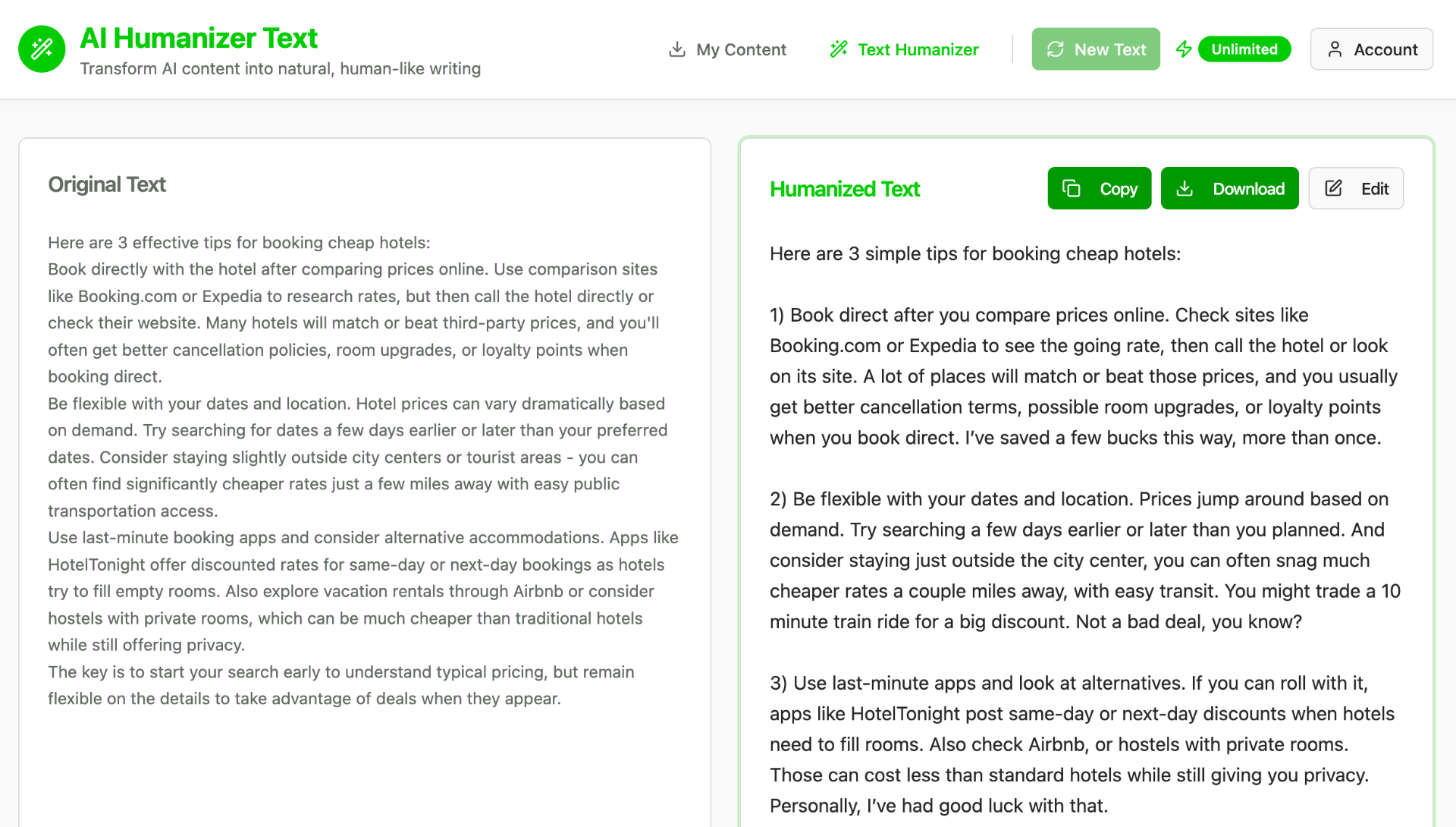
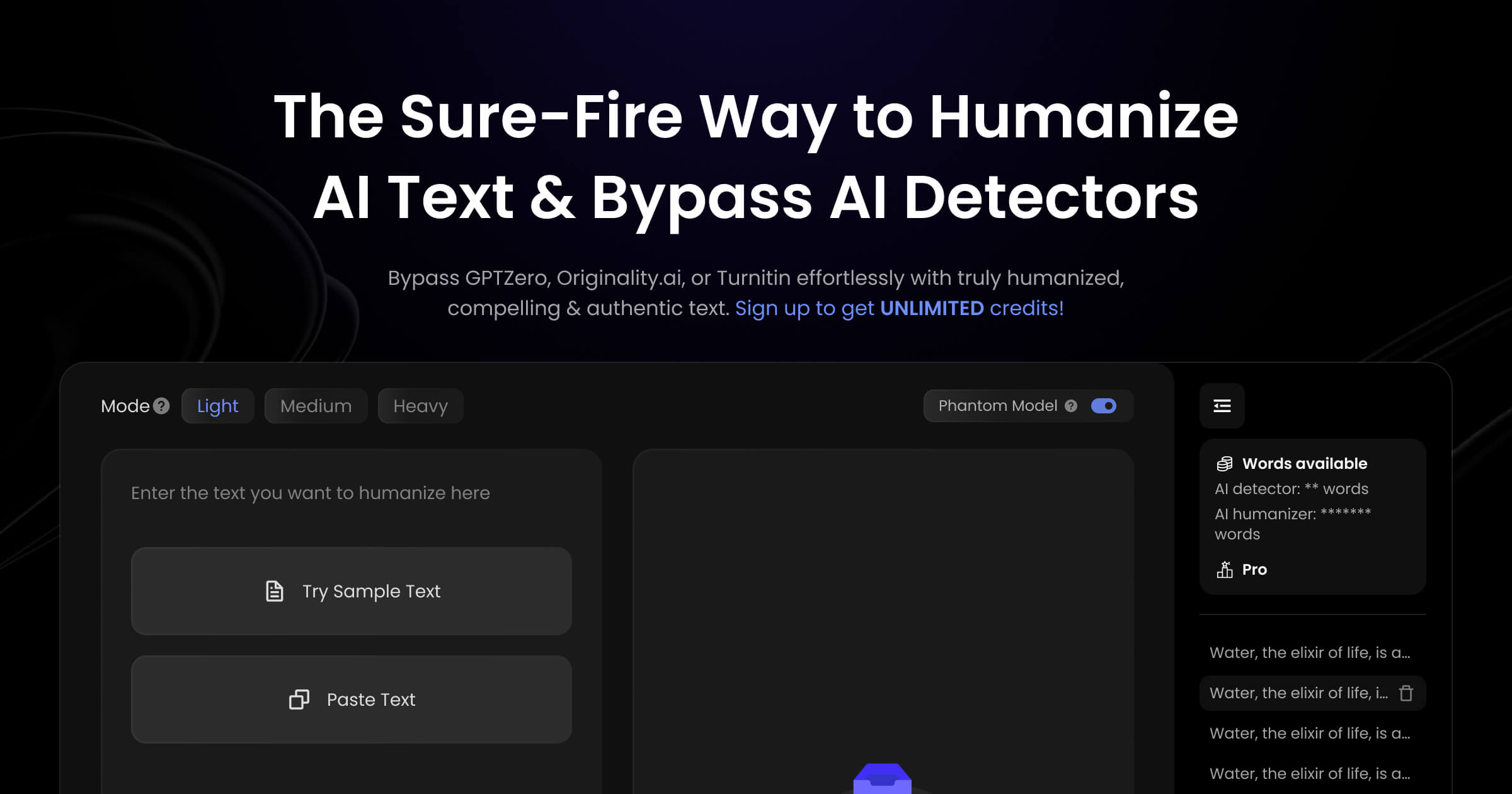
Humaniser is a browser based text tool that rewrites output from ChatGPT, Claude, Gemini and similar assistants so it reads like ordinary human prose. The editor combines two jobs in one place: a detector gives an estimate of how AI-like a passage looks, and the humanizer rewrites it with more varied sentence lengths, plainer vocabulary and fewer stock phrases. A typical loop is paste, detect, humanize, detect again, which is more convenient than shuttling text between a separate checker and a separate rewriter. The product is aimed at people whose writing gets scrutinised. Students and academics use it on AI-assisted essays and research drafts headed for Turnitin. Job seekers run cover letters and resumes through it to strip out generic phrasing. Marketers, bloggers and social media managers use it to make generated copy sound less mechanical, and business consultants apply it to proposals and reports. The site also lists product descriptions and emails as common inputs. In practice you paste text, choose Detect AI or Humanize, and copy the result. Humaniser claims the rewrite preserves meaning, facts and core message while smoothing robotic structure, and it offers multiple variations so you can compare tones. The free tier is genuinely usable for testing: three humanizations per day, up to 200 words per input, English only, on the Standard model, with no account required. Paid tiers raise daily uses and the word limit, unlock the Max model and add more than 100 languages, from Spanish and French to Chinese, Arabic and Hindi. Enterprise plans cover custom limits, team management and SLAs. Among humanizers, Humaniser spends unusual effort on detector-specific pages for GPTZero, Turnitin, Originality.ai, Copyleaks, Winston AI, ZeroGPT, Sapling and Content at Scale, plus use-case pages for essays, cover letters, blog posts and emails. The free English-only 200-word cap and daily quotas make heavy multilingual or long-form work a paid proposition.
No trial is needed because the Free plan is permanent: 3 humanizations per day, up to 200 words each, English only, on the Standard model, with no account or credit card required.
Learn moreFree forever: 3 uses daily, 200-word input limit, English only, Standard model, no account needed. Basic $5/mo (billed $60 annually) gives 15 uses daily, 500-word inputs, Max model and all languages. Pro $10/mo ($120 annually) gives 50 uses daily and 1,000-word inputs. Max $20/mo ($240 annually) is unlimited uses and input length with priority support. Enterprise pricing is custom.
Learn moreEmail support is listed for Basic and Pro with a 24-hour response target, and priority support under 2 hours is listed for Max. Enterprise plans add dedicated support and SLA guarantees; a support email address is published for custom inquiries.
Built-in AI detector and humanizer in one editor, with Standard and Max rewrite models, multiple humanization variations for comparing tone, context-aware rewriting that aims to keep facts and meaning, support for 100+ languages on paid plans, a no-signup free tier, and detector-specific guides covering GPTZero, Turnitin, Originality.ai, Copyleaks, Winston AI, ZeroGPT, Sapling and Content at Scale.
Learn more AI Angels400+ customizable AI girlfriends for NSFW chat, voice calls, and roleplay
 Candy AIExperience the future of companionship with AI friends who chat, role-play, and connect with you on a human level.
 ourdream.aiA vast AI roleplay platform with millions of characters for chat, images, video and voiceAI Angels400+ customizable AI girlfriends for NSFW chat, voice calls, and roleplayCandy AIExperience the future of companionship with AI friends who chat, role-play, and connect with you on a human level.ourdream.aiA vast AI roleplay platform with millions of characters for chat, images, video and voice