Fadr

Stem separation, remixing and DJ tools, mostly free forever

Beginner API
Screenshot of Fadr, Stem separation, remixing and DJ tools, mostly free forever

What is Fadr?

Fadr is a music platform for stem separation, remixing, mashups and DJ sets, with 16 instrument splits on the paid tier and a generous free plan that keeps unlimited MP3 exports.

Fadr is a browser based music production toolkit built around source separation. You upload a track and the platform splits it into parts: vocals, melodies, drums and bass on the free tier, expanding to lead vocals, background vocals, piano, guitar, acoustic guitar, electric guitar, wind, strings, kick, snare and more on the paid plan. From there the same song can become a remix, a mashup, an instrumental, or part of a DJ set. The pitch of the product is depth of standard processing at an unusually low price, not a wholly new model of music making. The toolset sits on two account levels. Fadr Basic is free for life and covers unlimited stems, remixes and DJ sets with high quality MP3 downloads, plus MIDI detection and the remix maker. Fadr Plus costs $10 per month or $100 per year and unlocks Pro Stems, individual vocal, drum and melody stems, lossless WAV downloads, one hour uploads, unlimited storage, concurrent stem jobs, individual remix tracks, a Stems plugin, API access, and the newer Siren and DrumGPT plugins. In practice, a session starts with an upload and a wait while the separation model runs. Users then pull individual parts into the remix maker to rearrange, or route them into a DJ controller view for live style transitions. Siren and DrumGPT take a different approach: they let users describe an instrument or drum kit in words and get something playable back, which puts them close to text to instrument tools rather than sample markets. MIDI detection is useful for producers who want to rebuild a part on their own MIDI instruments. Relative to stem splitters such as dedicated vocal removers or DAW integrated separators, Fadr's advantage is bundling separation, remixing, DJing and generative instruments under one free account with few hard limits on output volume. It is aimed at bedroom producers, remix hobbyists, DJs and content creators who want clean instrumentals quickly, plus developers who need separation through an API. The tradeoff is that serious studio work still needs a full DAW and, for the cleanest stems, careful listening to the artifacts separation leaves behind.

How do you use Fadr?

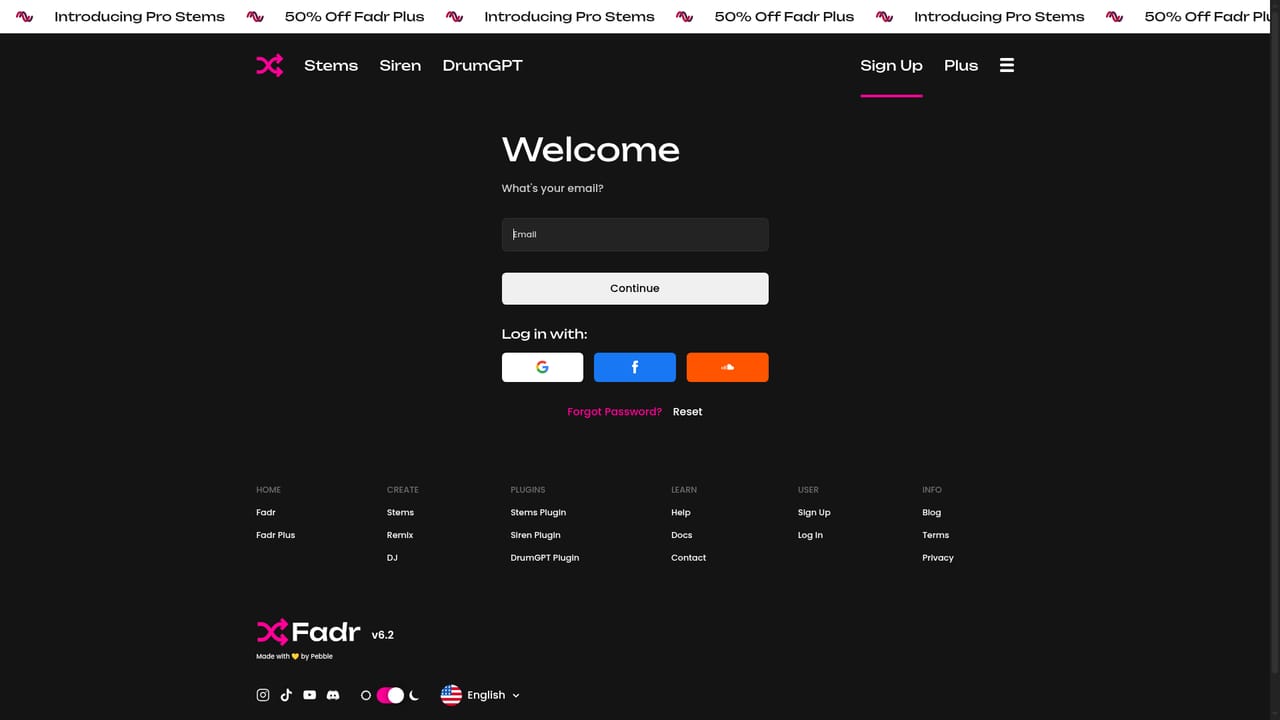
  1. 1Create a free Fadr account
    Sign up to unlock stems, remixes and DJ sets on the Basic plan. No card is needed for the free tier.
    Fadr — Create a free Fadr account
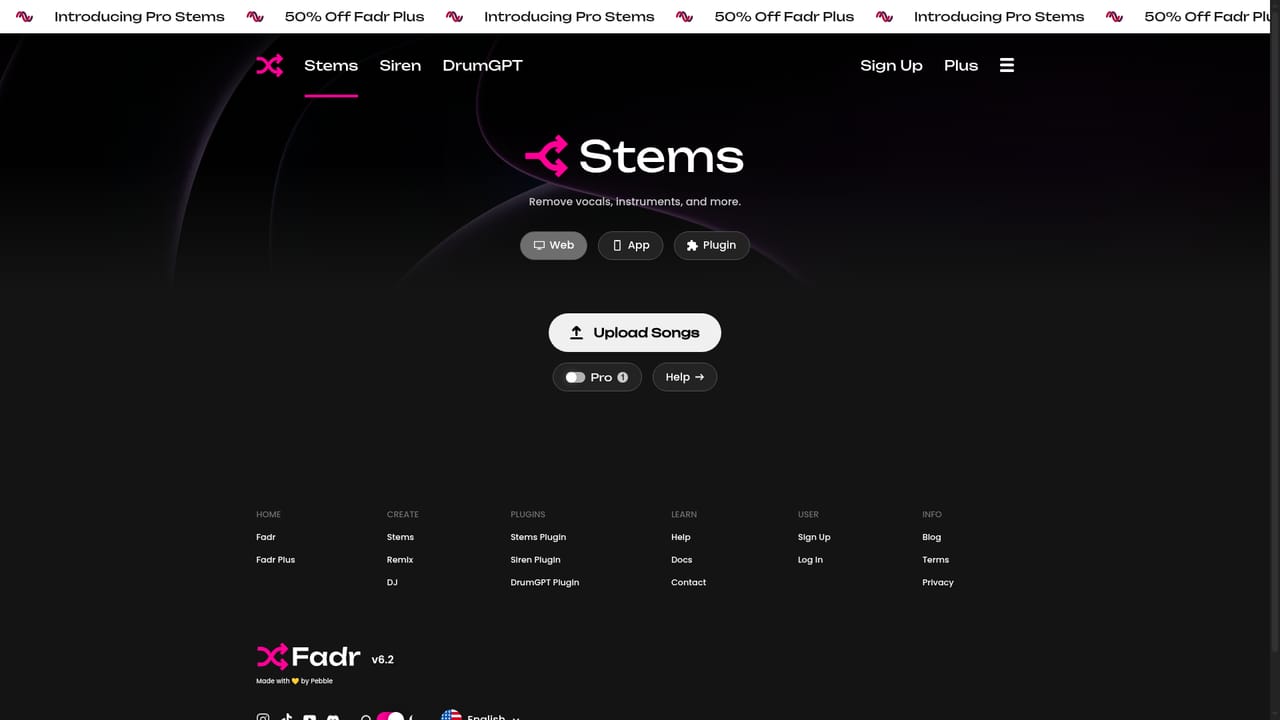
  2. 2Separate a song into stems
    Upload a track to the stems tool and let Fadr split it into vocals, melodies, drums and bass, with finer parts available on Plus.
    Fadr — Separate a song into stems
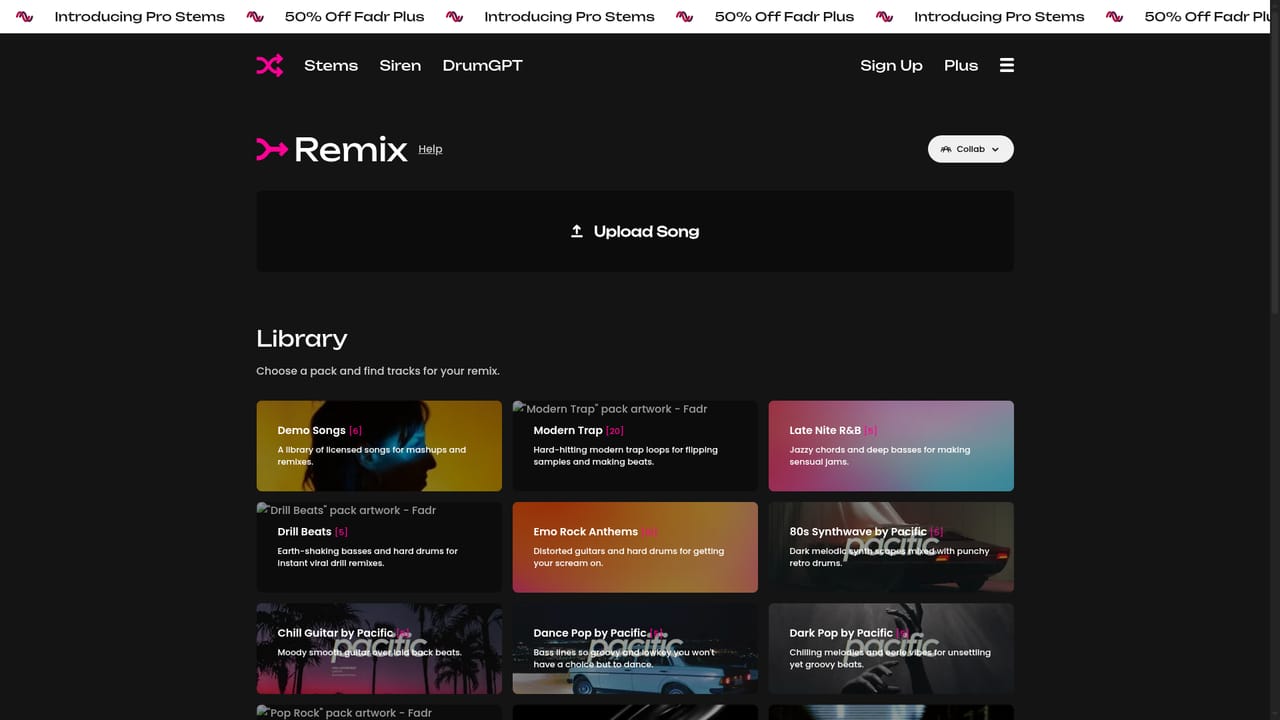
  3. 3Build a remix from the separated parts
    Send the stems into the remix maker to rearrange sections and layer parts over a new arrangement without prior remix experience.
    Fadr — Build a remix from the separated parts
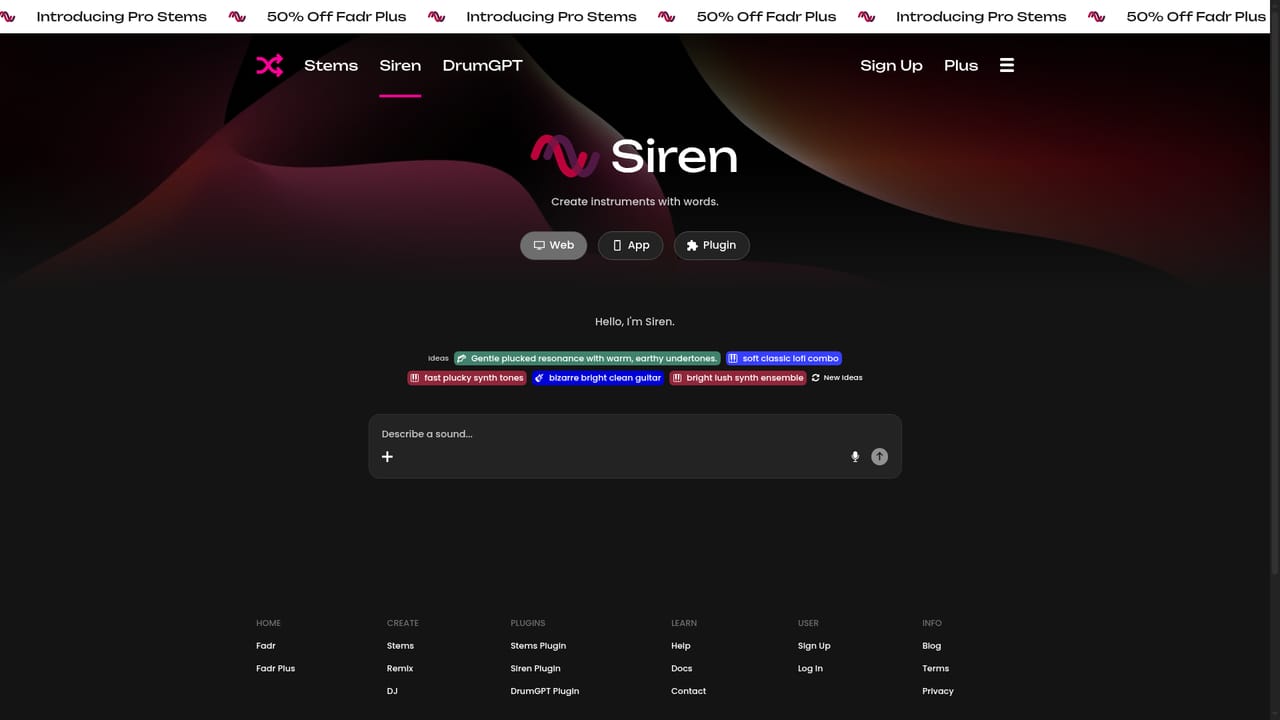
  4. 4Generate an instrument with Siren
    Describe the instrument you want in words, then play the result to see whether it fits the track before committing.
    Fadr — Generate an instrument with Siren
  5. 5Generate a drum kit with DrumGPT
    Type a description of the kit you need and audition the generated drums against your stems.
  6. 6Compare plans and upgrade if needed
    Check the Plus page for WAV downloads, isolated vocal and drum stems, API access and the plugins before paying.

Pros and cons

Pros

  • Free tier is genuinely unlimited for stems, remixes and DJ sets with MP3 downloadsAI
  • Plus tier at $10 per month is cheap for 16 way stem separation and WAV exportsAI
  • Siren and DrumGPT let users describe instruments and drum kits in words and get something playableAI
  • MIDI detection and rum maker sit alongside separation in the same browser workflowAI
  • API access on the paid plan opens separation to automated and app use casesAI

Cons

  • Lossless WAV downloads, individual drum and vocal stems, and API access all sit behind the paid planAI
  • Basic splits are coarser (vocals, melodies, drums, bass) so detailed instrument work needs PlusAI
  • Separated tracks can carry artifacts, and the site makes no claims about handling dense mixesAI
  • No offline or desktop app is described, so the workflow depends on a browser sessionAI
  • One hour uploads arrive only on Plus, which limits long mixes for free accountsAI

How much does Fadr cost?

Pricing

Two plans. Fadr Basic is free for life with unlimited stems, remixes and DJ sets, MP3 downloads, basic stems and MIDI detection. Fadr Plus is $10 per month or $100 per year and adds Pro Stems, individual vocal, drum and melody stems, WAV downloads, one hour uploads, unlimited storage, the Siren and DrumGPT plugins, a Stems plugin and API access.

Learn more

Support

Support is handled through a contact form on the site, with email at contact@fadr.com and Instagram direct messages as fallbacks. Feature requests are accepted through the same form.

Integrations

The homepage lists API access on Fadr Plus and a Stems plugin, but names no third party integrations.

Features

Core features are stem separation (vocals, melodies, drums and bass on Basic; up to 16 parts including lead and background vocals, guitar types, keys, wind, strings, kick and snare on Plus), a remix maker, mashup and DJ controller workflows, MIDI detection, MP3 and WAV export, and the Siren and DrumGPT text to instrument and text to drum kit plugins.

Learn more

Frequently asked questions about Fadr

  • How much does Fadr cost?
    Two plans. Fadr Basic is free for life with unlimited stems, remixes and DJ sets, MP3 downloads, basic stems and MIDI detection. Fadr Plus is $10 per month or $100 per year and adds Pro Stems, individual vocal, drum and melody stems, WAV downloads, one hour uploads, unlimited storage, the Siren and DrumGPT plugins, a Stems plugin and API access.
  • Does Fadr have an API?
    Yes, Fadr offers an API.
  • How do you use Fadr?
    The walkthrough on this page covers 6 steps: 1. Create a free Fadr account 2. Separate a song into stems 3. Build a remix from the separated parts 4. Generate an instrument with Siren 5. Generate a drum kit with DrumGPT 6. Compare plans and upgrade if needed.
  • What platforms does Fadr support?
    Fadr is available on Web App.
  • What does Fadr integrate with?
    The homepage lists API access on Fadr Plus and a Stems plugin, but names no third party integrations.
  • What are the limitations of Fadr?
    Lossless WAV downloads, individual drum and vocal stems, and API access all sit behind the paid plan. Basic splits are coarser (vocals, melodies, drums, bass) so detailed instrument work needs Plus. Separated tracks can carry artifacts, and the site makes no claims about handling dense mixes.

Status

StatusActive
Views0
Outbound clicks0
Added10/21/2026

Platforms

Web App

Pricing

FreeFreemiumSubscription