Free trial
Both monthly plans include a 7-day free trial, and the lifetime deal carries a 30-day money-back guarantee.
Learn moreTurn any page URL into a selling FAQ section in seconds

FAQWidget is an HTML generator tool that turns any page URL into a selling FAQ section in seconds. An AI generator that reads a website URL and produces an embeddable, SEO friendly FAQ popup aimed at answering buyer objections and lifting conversions, with visual customization, JSON-LD markup and plans from $9 per month.
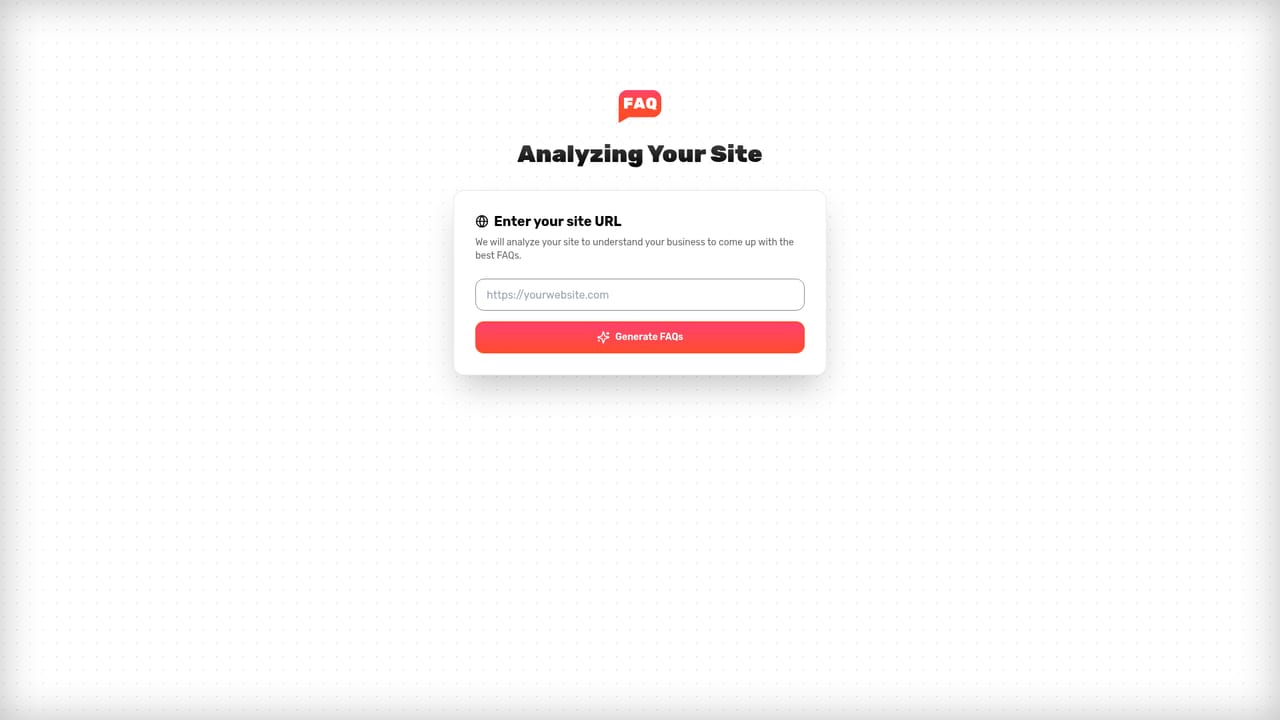
FAQWidget is a web tool that builds an FAQ section for a site by reading a page URL and writing the questions and answers with AI. The premise is that most FAQ sections sit buried at the bottom of a page and answer nothing useful, so the product moves the content into a popup widget that appears shortly after a visitor lands, defaulting to a 1.5 second delay in the live demo. Setup starts with pasting a URL, generating the section, then embedding it, and the vendor states that no coding is involved. The AI is tuned toward objections rather than definitions. The site contrasts a weak question (what an ice plunge bath is) with a stronger one (whether it is too extreme for beginners), and the same logic is applied to landing pages, product pages and dashboards, where different questions matter. Customization exists so the widget can match the site's design, and the interface allows edits after publishing. Because the content is written into the page markup with JSON-LD schema and semantic markup, it stays visible to crawlers, which is the SEO argument for using the product instead of a third party chat box. It suits small ecommerce stores, SaaS marketing pages and solo founders who want conversion oriented copy without hiring a writer, and the pricing is aimed at that market rather than at enterprises. The main caveats are that generated answers need a human check before they go live, and the claimed 25 percent sales lift comes from the vendor's own user reports rather than independent measurement. Compared with general AI chatbots, FAQWidget does one narrow job and does it inside the page, which makes it easier to deploy but narrower in scope.
Both monthly plans include a 7-day free trial, and the lifetime deal carries a 30-day money-back guarantee.
Learn moreMonthly plans are Hobby at $9 for 3 sites or pages and Pro at $29 for unlimited sites, both with customization, AI features, SEO, watermark removal and a contact form. A one-time $299 lifetime deal covers unlimited sites with lifetime updates.
Learn moreSupport is offered through a contact form embedded in the widget itself. The site does not list email, chat or documentation channels.
URL to FAQ generation, an interactive popup widget with a configurable delay, objection focused copywriting, design customization, a contact form, JSON-LD schema and semantic markup for SEO, keyword targeting, and reuse across landing, product and dashboard pages with post publish editing.
 AI Angels400+ customizable AI girlfriends for NSFW chat, voice calls, and roleplay
 Candy AIExperience the future of companionship with AI friends who chat, role-play, and connect with you on a human level.
 ourdream.aiA vast AI roleplay platform with millions of characters for chat, images, video and voiceAI Angels400+ customizable AI girlfriends for NSFW chat, voice calls, and roleplayCandy AIExperience the future of companionship with AI friends who chat, role-play, and connect with you on a human level.ourdream.aiA vast AI roleplay platform with millions of characters for chat, images, video and voice


