Free trial
A free starting point is advertised on the homepage ("Try Emailgic free"), and a free campaign flow package can be requested. No trial length or usage limits are stated.
Learn moreDescribe an email, get a responsive HTML template you can export

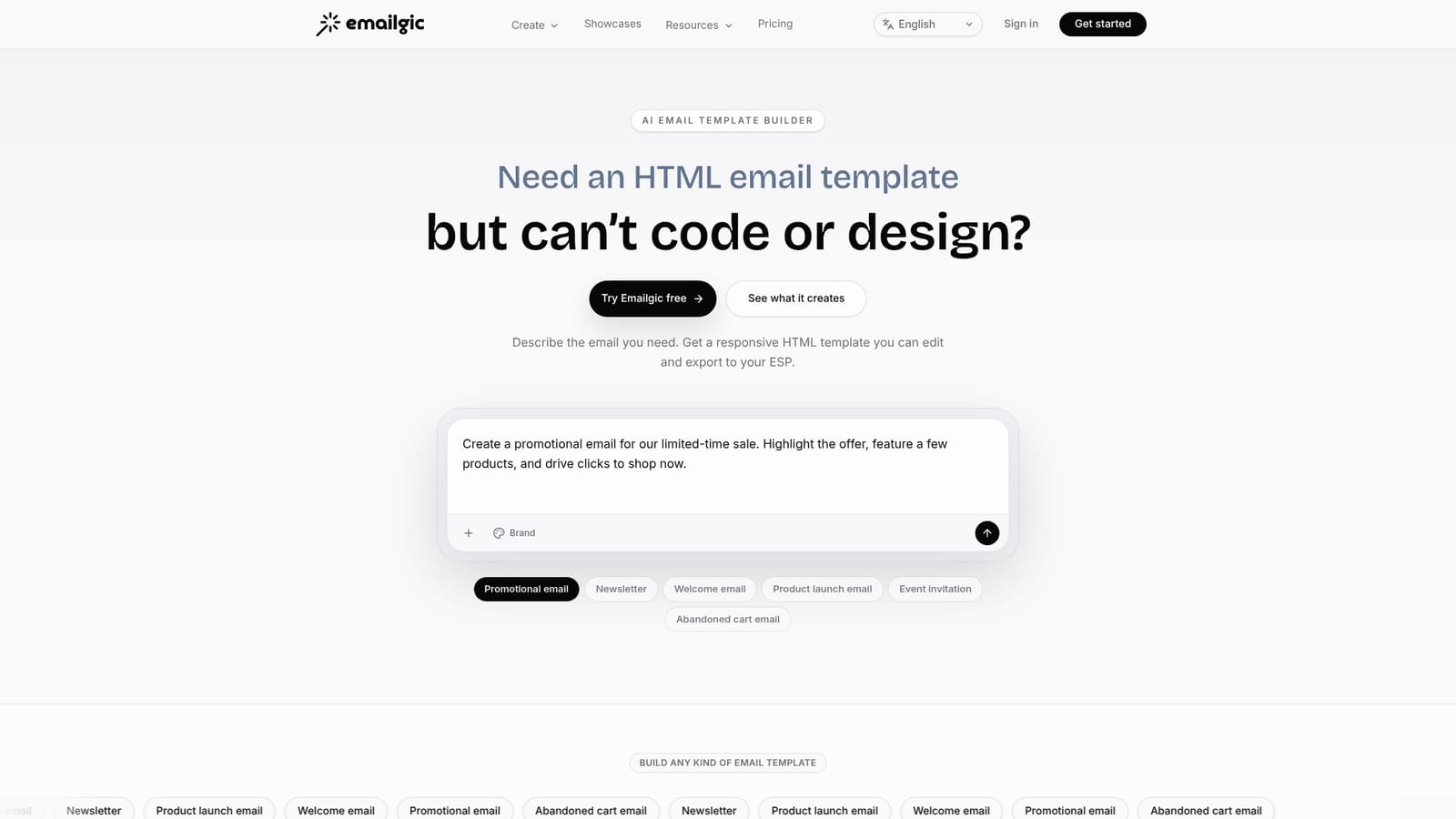
Emailgic turns a plain-language brief into a responsive HTML email template with copy, layout and calls to action, then lets you refine it in chat and export to Klaviyo, Mailchimp or raw HTML. Campaign mode generates coordinated multi-email sets, and brand profiles keep colors, type and voice consistent.
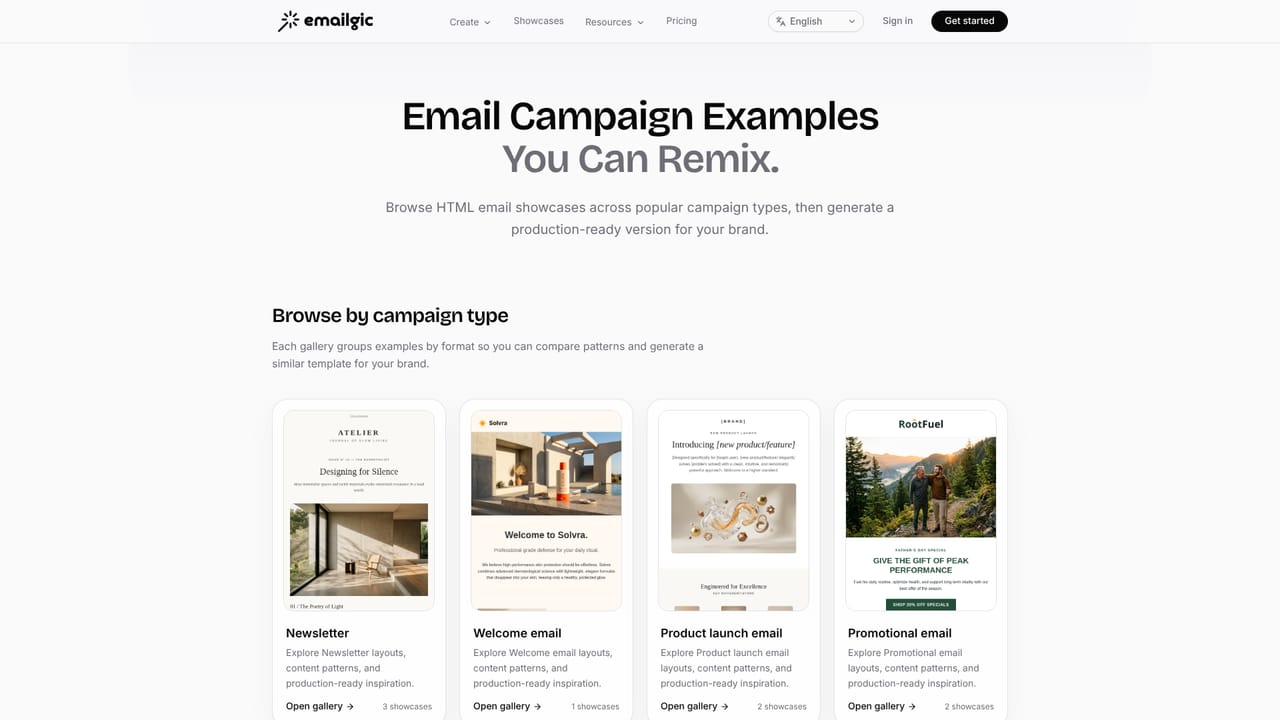
Emailgic is a conversational builder for HTML email templates. Instead of starting from a blank editor or a purchased template pack, you describe the email you need in chat: its purpose, the copy it should carry, and the mood it should strike. The tool returns a complete design with copy, visual hierarchy, imagery and calls to action already arranged, delivered as responsive HTML rather than a flat visual mockup. The output is meant to be previewed, revised and then moved into the sending platform you already use. The product covers both single sends and multi-step campaigns. A campaign mode generates a coordinated set of templates in one pass, which suits welcome sequences, product launches, cart recovery, order confirmations, event invitations and newsletters. Revisions happen in plain language: ask for a stronger hero, tighter copy, different featured products or a more premium feel, and the template plus its version history stay attached to the conversation. A brand profile feature can capture colors, typography, logo usage, voice and social links from a pasted website URL or a manually created profile, then reuse that context across templates, flow-node emails and export drafts. Export is deliberately narrow in scope. You download the HTML or hand the template to a supported ESP such as Klaviyo or Mailchimp for final review and sending. Emailgic builds the template; audiences, automation and delivery stay with your existing platform. The responsive output is prepared for a stated 40 plus email clients, including Gmail, Apple Mail, Outlook, Yahoo and HEY. The tool fits marketing teams and small ecommerce operators who need on-brand email design but have no dedicated designer or HTML developer. It is less relevant for teams already fluent in a drag-and-drop builder who want pixel control, since the workflow here is prompt and revise rather than place and drag. Showcases on the site demonstrate newsletter, product launch, order confirmation, birthday and cart recovery outputs for reference before committing. Pricing tiers are not itemized on the homepage, though a free entry point is advertised and a free campaign flow package is offered on request.
A free starting point is advertised on the homepage ("Try Emailgic free"), and a free campaign flow package can be requested. No trial length or usage limits are stated.
Learn moreKlaviyo and Mailchimp are named as template handoff destinations, with raw HTML download for any other platform. The homepage does not list further named integrations.
Conversational HTML email template generation with copy, layout, imagery and calls to action. Plain-language revisions with saved version history. Campaign mode for coordinated multi-email sets. Reusable brand profiles covering colors, typography, logo, voice and social links. Responsive output prepared for 40 plus email clients. Export as HTML or hand off to a supported ESP such as Klaviyo or Mailchimp.
 AI Angels400+ customizable AI girlfriends for NSFW chat, voice calls, and roleplay
 Candy AIExperience the future of companionship with AI friends who chat, role-play, and connect with you on a human level.
 ourdream.aiA vast AI roleplay platform with millions of characters for chat, images, video and voiceAI Angels400+ customizable AI girlfriends for NSFW chat, voice calls, and roleplayCandy AIExperience the future of companionship with AI friends who chat, role-play, and connect with you on a human level.ourdream.aiA vast AI roleplay platform with millions of characters for chat, images, video and voice


