Free trial
The homepage advertises a free AI clothes changer and states that the service is free to try with no registration required, though no plan limits or expiry terms are listed.
Learn moreSee any outfit on your own body before you buy it

FashionLabs is an AI lookbook tool. A no-signup virtual fitting room that renders clothing and branded looks onto a photo of you, aimed at holiday shoppers, outfit planners and small e-commerce sellers who want previews or model imagery without a studio shoot.
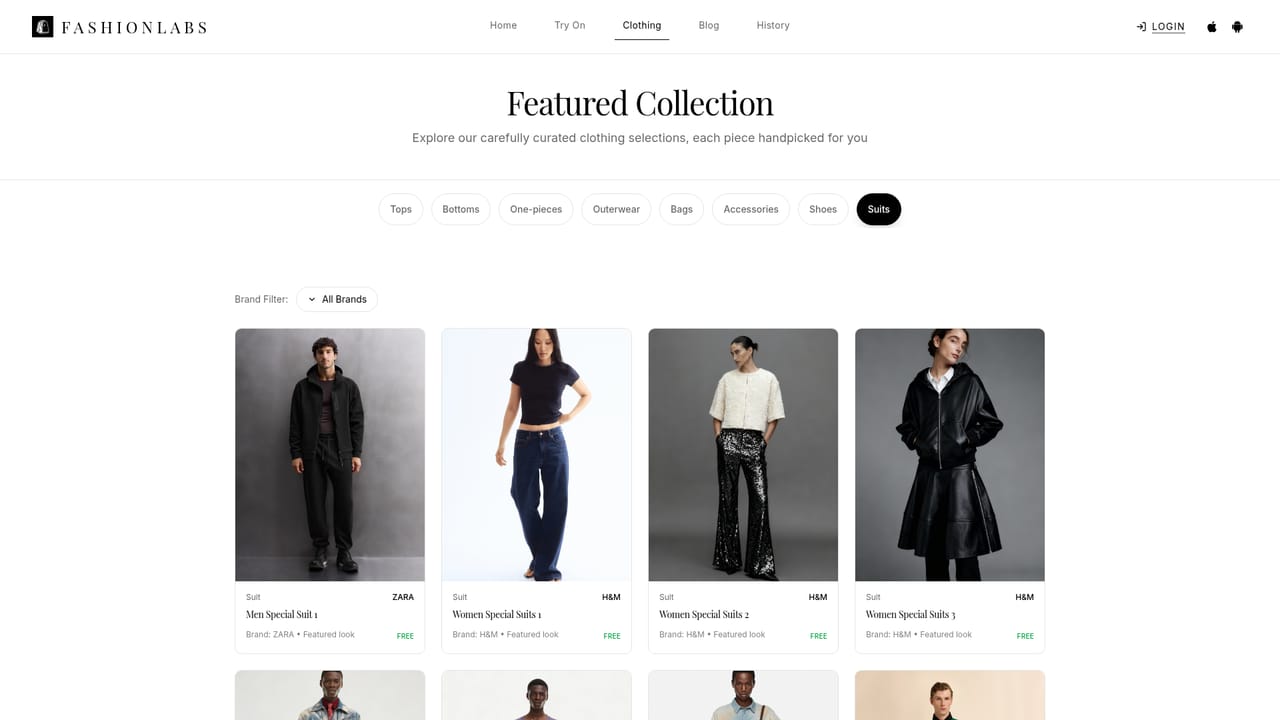
FashionLabs is a browser based virtual fitting room that puts clothing on a photo of you instead of on a model. The core promise is simple: upload a full body shot, pick a garment or a preset look from the built in collection, and the service renders a photorealistic result in seconds. The catalogue leans heavily on branded menswear suits (Ralph Lauren, Zara, Burberry, Hollister) alongside festive pieces such as Christmas sweaters, New Year's Eve dresses and bikini try-ons, so the tool is clearly aimed at shoppers planning a specific occasion rather than at general wardrobe browsing. The workflow is deliberately thin. No account is required to begin, drag and drop handles the upload, and the output arrives without a queue or a visible editing timeline. Results can be downloaded, saved to a personal collection, or shared with friends for a second opinion. Good lighting and a clear standing pose are the stated conditions for a convincing render, which means the quality ceiling depends on the photo you supply as much as on the model itself. Beyond individual shoppers, FashionLabs positions itself as a light production aid for e-commerce sellers who want model imagery and product presentation without booking a shoot. That is a fair extension of the same engine, though the site frames it as a benefit rather than a documented workflow, and there is no visible API or bulk pipeline for teams that need volume. Where it fits: it sits closer to a consumer styling and outfit preview tool than to an enterprise garment digitisation platform. Compared with studio grade virtual try-on systems that require garment scans and size charts, FashionLabs trades precision for speed and zero setup. Compared with generic AI image editors, it removes the prompt work entirely, since the clothing is chosen rather than described. The trade is control: there are few levers for fine tuning a render, and the surrounding features (planning, collections, sharing) are lighter than what dedicated wardrobe apps offer.
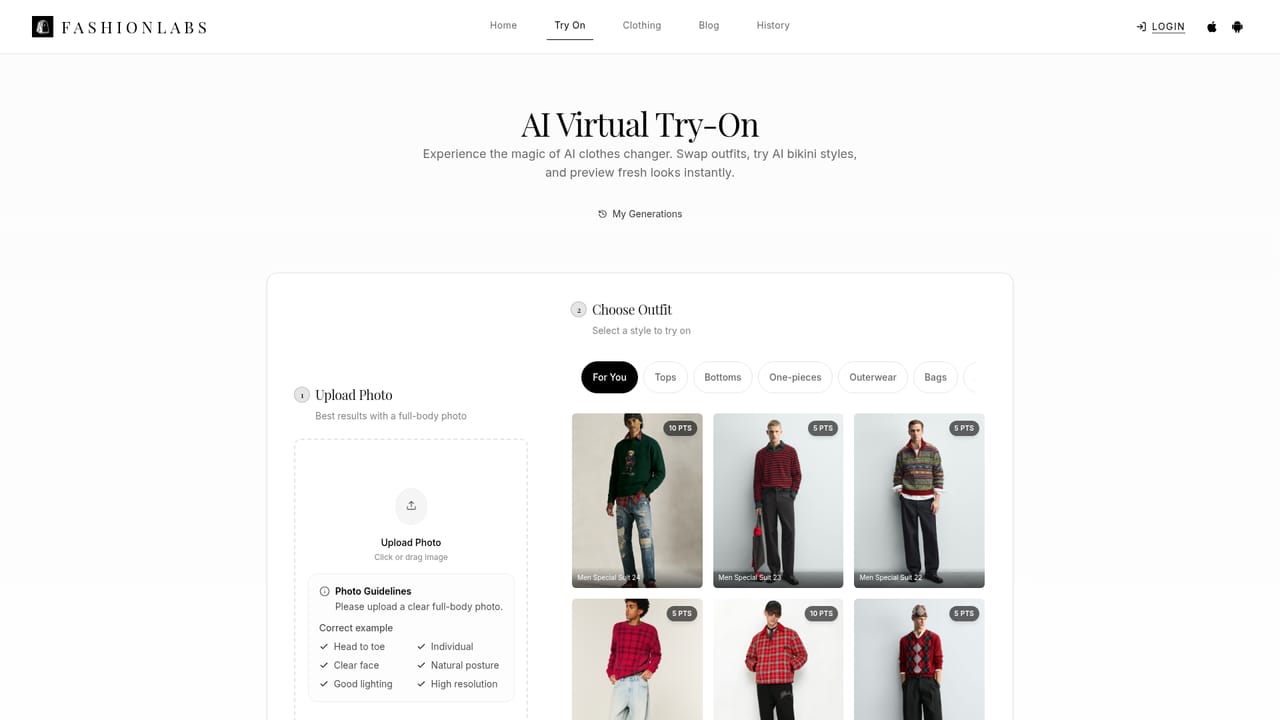
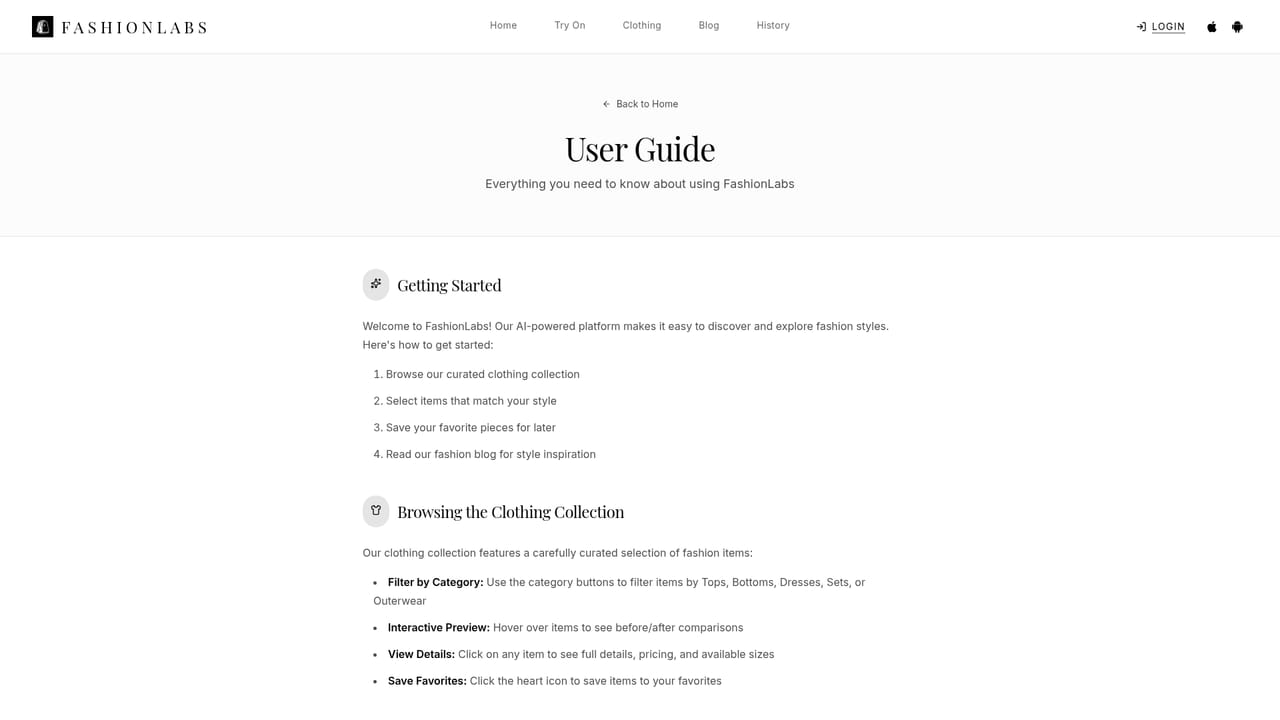
The homepage advertises a free AI clothes changer and states that the service is free to try with no registration required, though no plan limits or expiry terms are listed.
Learn moreVirtual try-on and clothes swapping from a single photo, an AI bikini try-on mode, holiday outfit previews for Christmas and New Year styling, a catalogue of branded menswear suits and dresses, instant rendering, one-click saving to a personal collection, and sharing for feedback. Sellers can use the same engine to produce model imagery for product listings.
Learn more AI Angels400+ customizable AI girlfriends for NSFW chat, voice calls, and roleplay
 Candy AIExperience the future of companionship with AI friends who chat, role-play, and connect with you on a human level.
 ourdream.aiA vast AI roleplay platform with millions of characters for chat, images, video and voiceAI Angels400+ customizable AI girlfriends for NSFW chat, voice calls, and roleplayCandy AIExperience the future of companionship with AI friends who chat, role-play, and connect with you on a human level.ourdream.aiA vast AI roleplay platform with millions of characters for chat, images, video and voice