Free trial
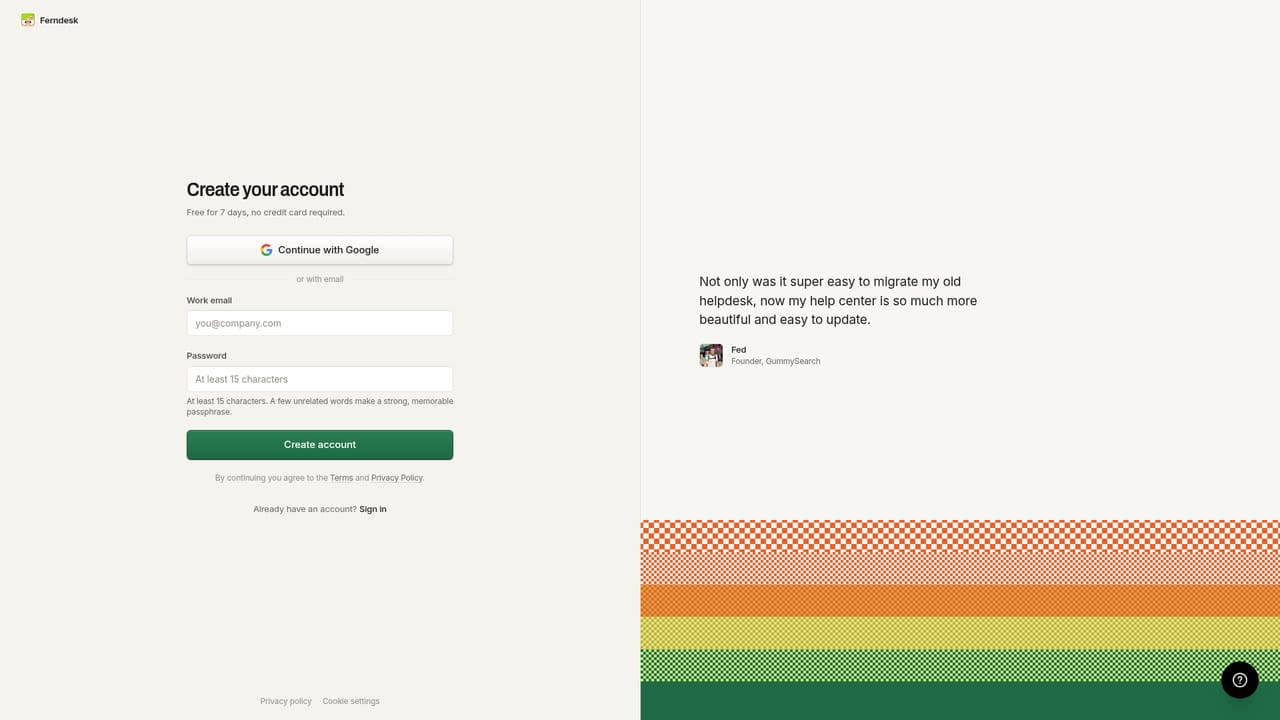
A 7-day free trial is offered with no credit card required at signup.
Learn moreA help center that audits itself against your shipping product

Ferndesk is a help center platform whose agent, Fern, verifies articles against your codebase, live product and support inbox, then drafts fixes and new articles from merged pull requests for you to approve.
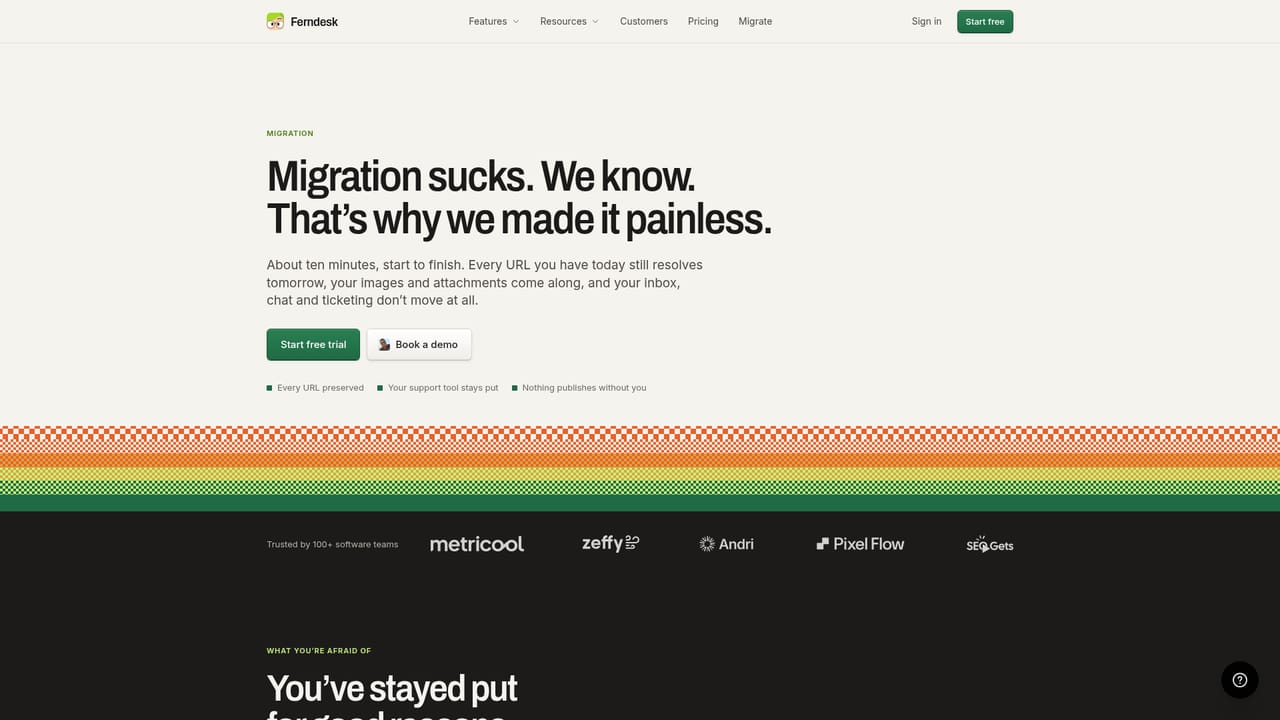
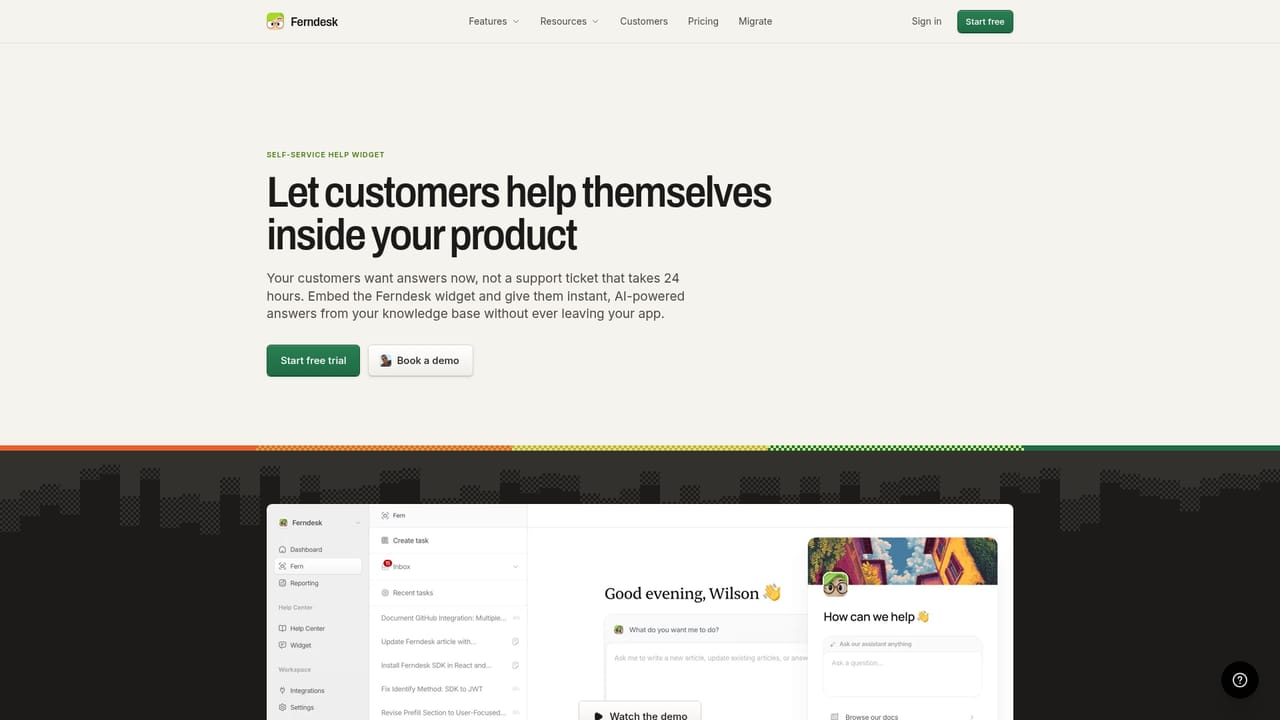
Ferndesk is a hosted help center built around an agent called Fern that keeps documentation aligned with the product it describes. Rather than storing articles in a passive CMS, Ferndesk checks each factual claim in an article against the connected codebase, the live application and the support inbox, then returns anything out of date as a proposed edit. The editor reviews the change, sees the reason behind it, and publishes. Nothing goes live automatically. The second half of the loop is release driven. When a pull request merges, Fern reads it and drafts the article for the feature that just shipped, so documentation lands around the same time as the code. Around this core sit the parts a support team expects from a mature knowledge base: a public portal on a custom domain or a /help subfolder, plain language AI answers grounded in the verified articles, an in-app widget installed with one script tag, an OpenAPI reference with a try it playground, private docs gated by magic link, OIDC or JWT, and a multilingual setup with glossary support and language prefixed routes. Ferndesk is aimed at small to mid size software teams whose help content drifts because engineers ship weekly and nobody owns the docs. Founders in the published customer stories describe saving hours each month and a measurable drop in support requests. It suits teams already on GitHub, Intercom, Zendesk, Linear, Slack, Help Scout or Discord, since those connections are what make verification possible. Where alternatives sit: Ferndesk is not a full ticketing suite and does not try to replace one. Intercom, Zendesk and Help Scout stay in place and receive escalations when the widget cannot answer. Migration from Intercom, Zendesk, Crisp, Help Scout, HubSpot, GitBook and Document360 happens through a one click import that preserves URLs and creates redirects. The tradeoff is that Fern only maintains articles hosted inside Ferndesk, so the help center itself has to move.
A 7-day free trial is offered with no credit card required at signup.
Learn moreQuestions can be sent to support@ferndesk.com, where the site says a human answers. A demo can be booked directly.
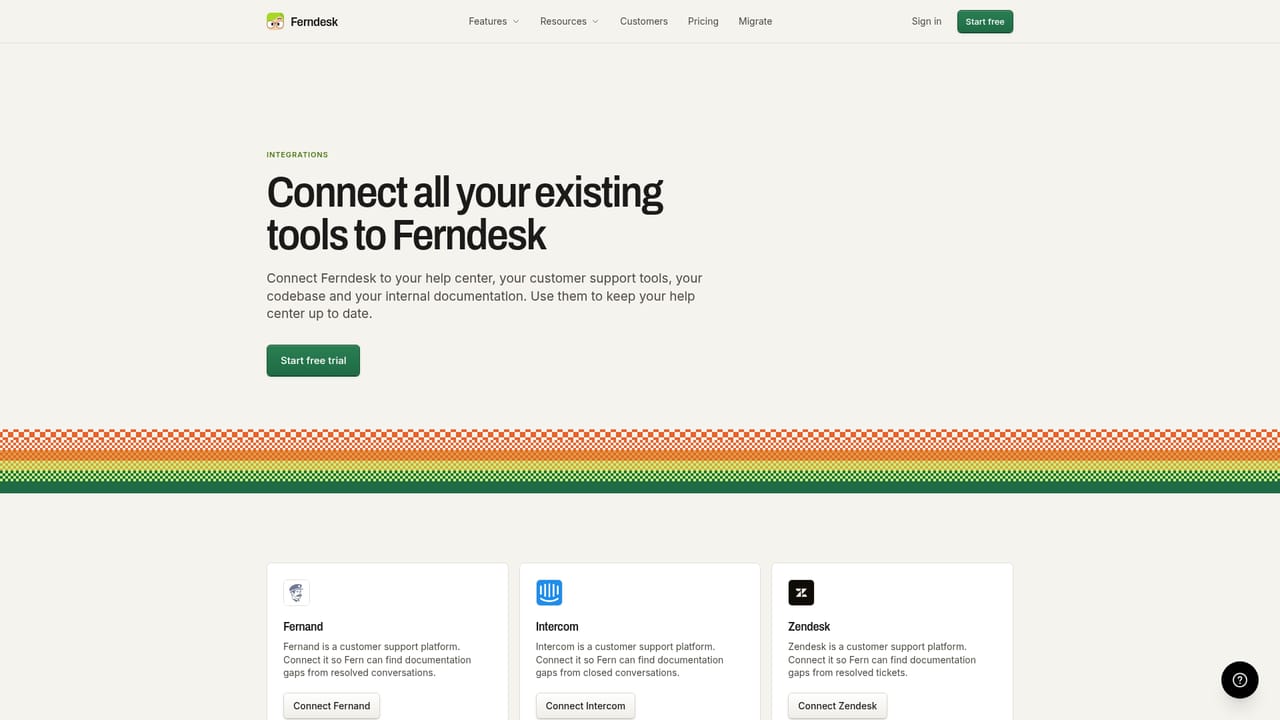
Connects GitHub, Linear, Slack, Intercom, Zendesk, Help Scout and Discord, and escalates unanswered widget conversations into Intercom, Zendesk or Help Scout.
Learn morePublic help center on your domain or /help, AI answers drawn from verified articles, an in-app widget, OpenAPI documentation with a try it playground, private docs via magic link, OIDC or JWT, multilingual content with glossaries and language routes, search and answer analytics, escalation to your existing support desk, and verification plus automatic drafting driven by your codebase and pull requests.
Learn more AI Angels400+ customizable AI girlfriends for NSFW chat, voice calls, and roleplay
 Candy AIExperience the future of companionship with AI friends who chat, role-play, and connect with you on a human level.
 ourdream.aiA vast AI roleplay platform with millions of characters for chat, images, video and voiceAI Angels400+ customizable AI girlfriends for NSFW chat, voice calls, and roleplayCandy AIExperience the future of companionship with AI friends who chat, role-play, and connect with you on a human level.ourdream.aiA vast AI roleplay platform with millions of characters for chat, images, video and voice


