Free trial
A free trial is offered through a Try for Free link on the homepage. No trial length, usage cap, or card requirement is stated.
Learn moreAI product design agent that learns your app before it drafts UX

Figr AI is a figma design generator tool. A product design agent for teams with a live app. It captures your product through a Chrome extension, imports your Figma design system, and remembers context across sessions before producing PRDs, user flows, edge cases, UX reviews, and Figma-ready UI designs.
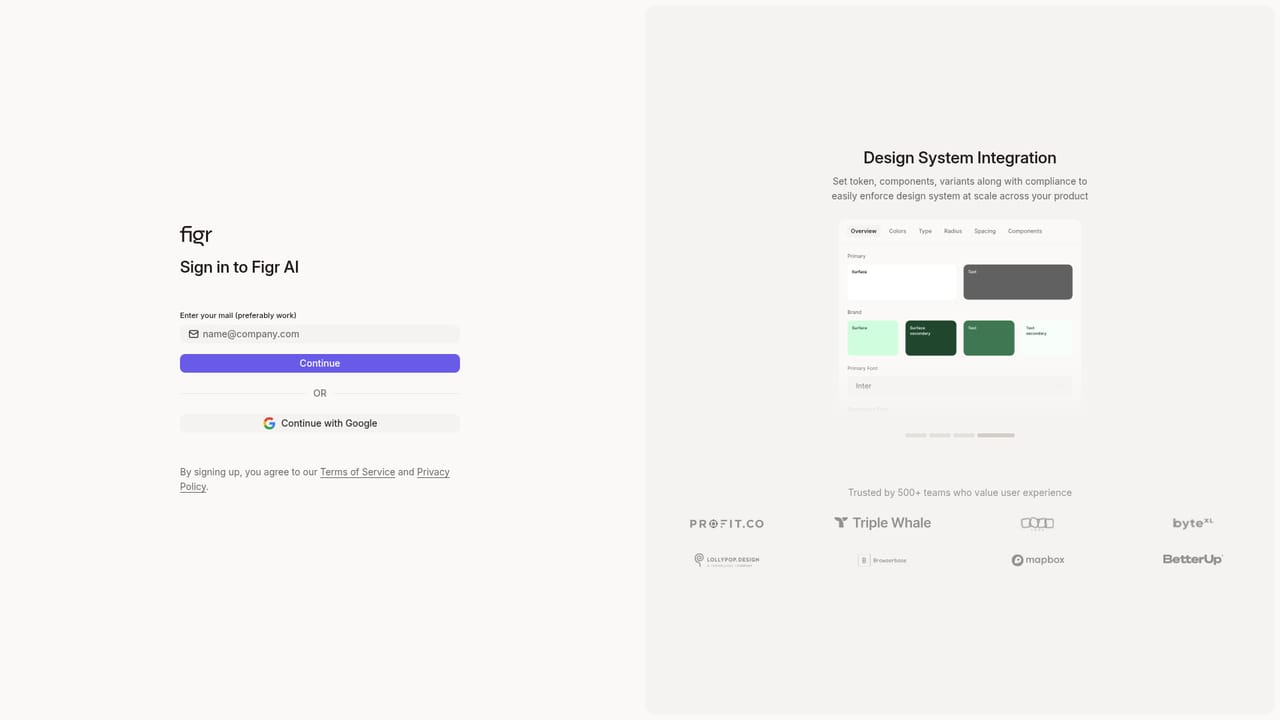
Figr AI is a product design agent built for teams working inside an existing application rather than a blank canvas. The tool starts from a simple observation: most AI design generators assume a prompt is enough, which holds up for marketing pages but falls apart when the work involves a shipped product with a design system, established flows, and decisions nobody wrote down. Figr's answer is to build a persistent context layer first, then design against it. That context comes in through several channels. A Chrome extension reads the HTML of your live product in one click, so the agent can see real screens rather than descriptions of them. Figma files can be imported with tokens intact, keeping components and styling aligned with what engineering already ships. Screenshots, screen recordings, product docs, analytics CSVs, and MCP connections add further inputs. The agent stores what it learns across sessions, which means the product does not need to be re-explained on every visit. Outputs span the work that usually precedes screens: product requirement documents, user flows, information architecture, persona mapping, mind maps, edge case lists, test cases, comparison documents, and UX reviews. Figr claims its review and edge case suggestions draw on a corpus of more than 200,000 screens. From there it produces UI designs and prototypes intended to match your existing components instead of generic templates, and it can generate A/B variations and refined iterations. The audience is product teams at software companies: designers, product managers, and founders who need rigor before speed. Figr positions itself against prompt-to-UI tools by deliberately slowing the front end of the process, asking for context and reflecting on problem framing before generating. Teams that want instant screenshots from a sentence will find that friction. Teams tired of re-teaching an AI tool about their own product every session are the intended fit. The site cites more than 500 product teams, and a gallery of sample projects (Stripe, Spotify, Dropbox, Wise and others) shows the kind of flow and edge case work the agent produces.
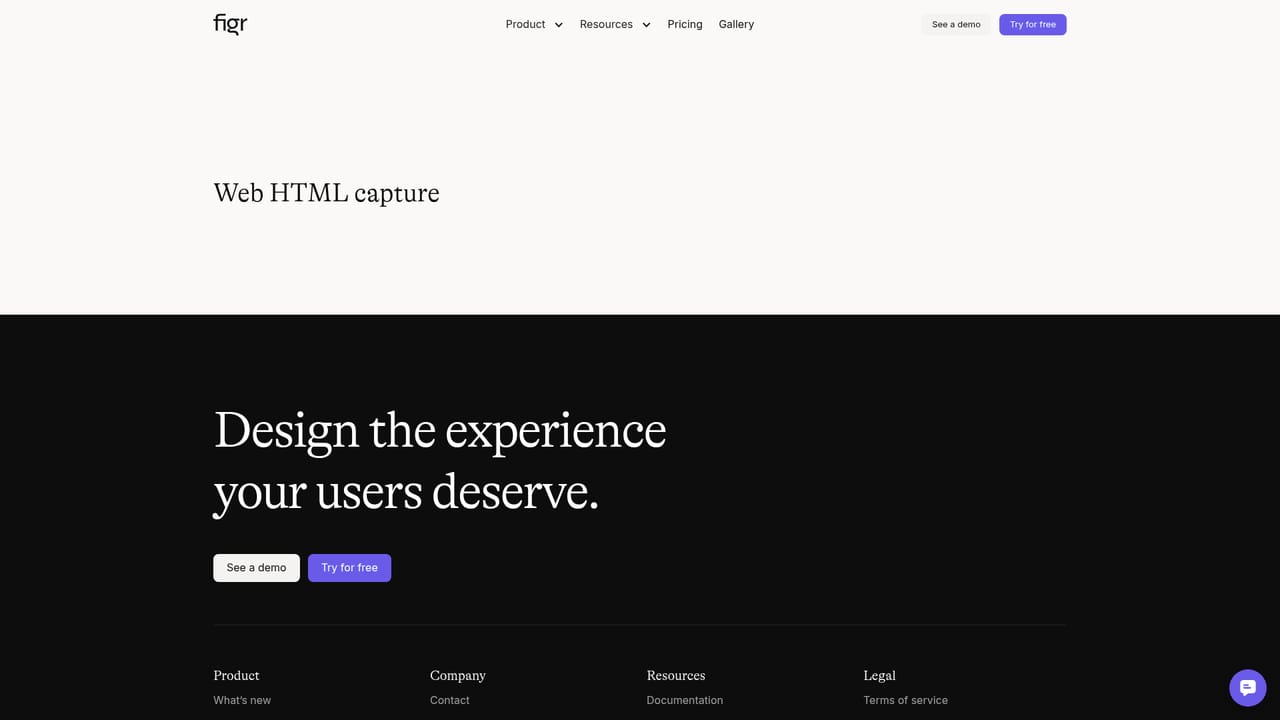
A free trial is offered through a Try for Free link on the homepage. No trial length, usage cap, or card requirement is stated.
Learn moreThe homepage names Figma imports and a Chrome extension for live product capture, plus MCP connections as an input route. No other integrations are listed.
Learn moreInputs include live HTML capture, Figma files, screenshots, screen recordings, product docs, analytics CSVs, and MCP connections. Outputs cover PRDs, user flows, information architecture, persona mapping, mind maps, edge case and test case lists, comparison docs, UX reviews, UI designs, and prototypes. A memory layer retains product context across sessions.
Learn more AI Angels400+ customizable AI girlfriends for NSFW chat, voice calls, and roleplay
 Candy AIExperience the future of companionship with AI friends who chat, role-play, and connect with you on a human level.
 ourdream.aiA vast AI roleplay platform with millions of characters for chat, images, video and voiceAI Angels400+ customizable AI girlfriends for NSFW chat, voice calls, and roleplayCandy AIExperience the future of companionship with AI friends who chat, role-play, and connect with you on a human level.ourdream.aiA vast AI roleplay platform with millions of characters for chat, images, video and voice