Free trial
A limited free tier is offered. The homepage does not describe a separate time limited free trial of the paid plans.
Learn moreAI design tool that turns prompts into production ready UI for product teams.
Own Magic Patterns? Verify ownership to get a dofollow link

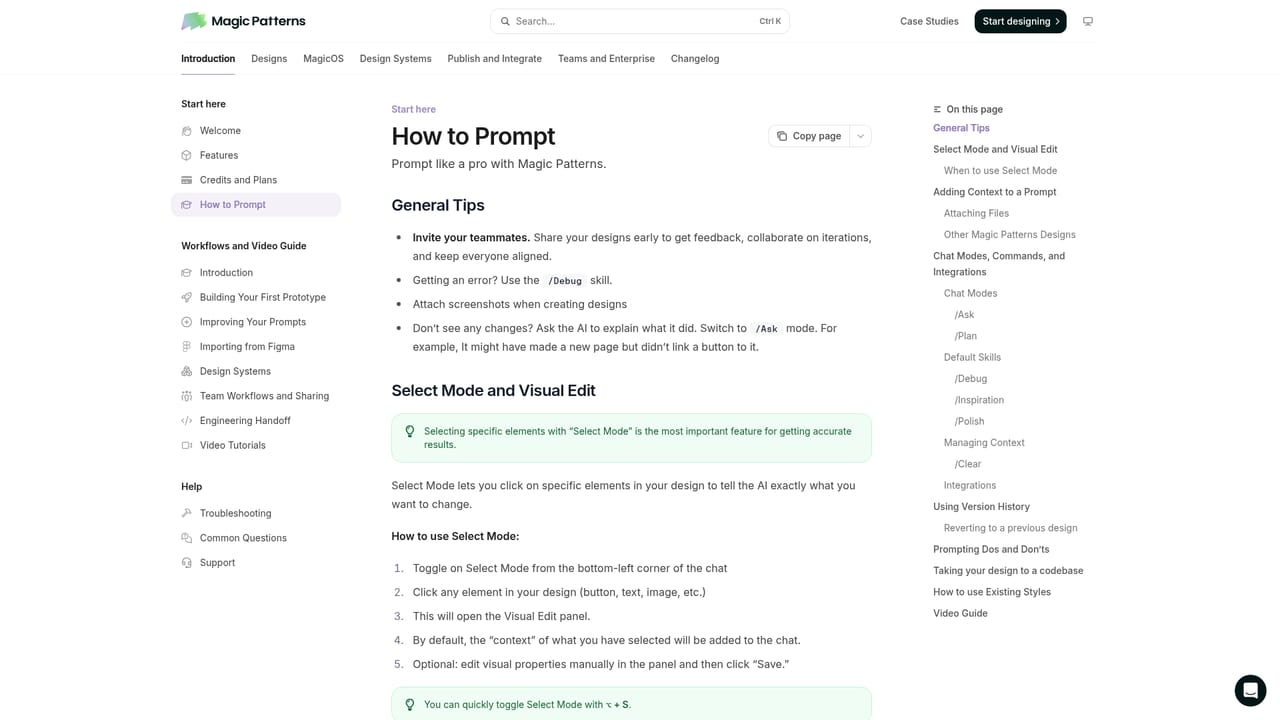
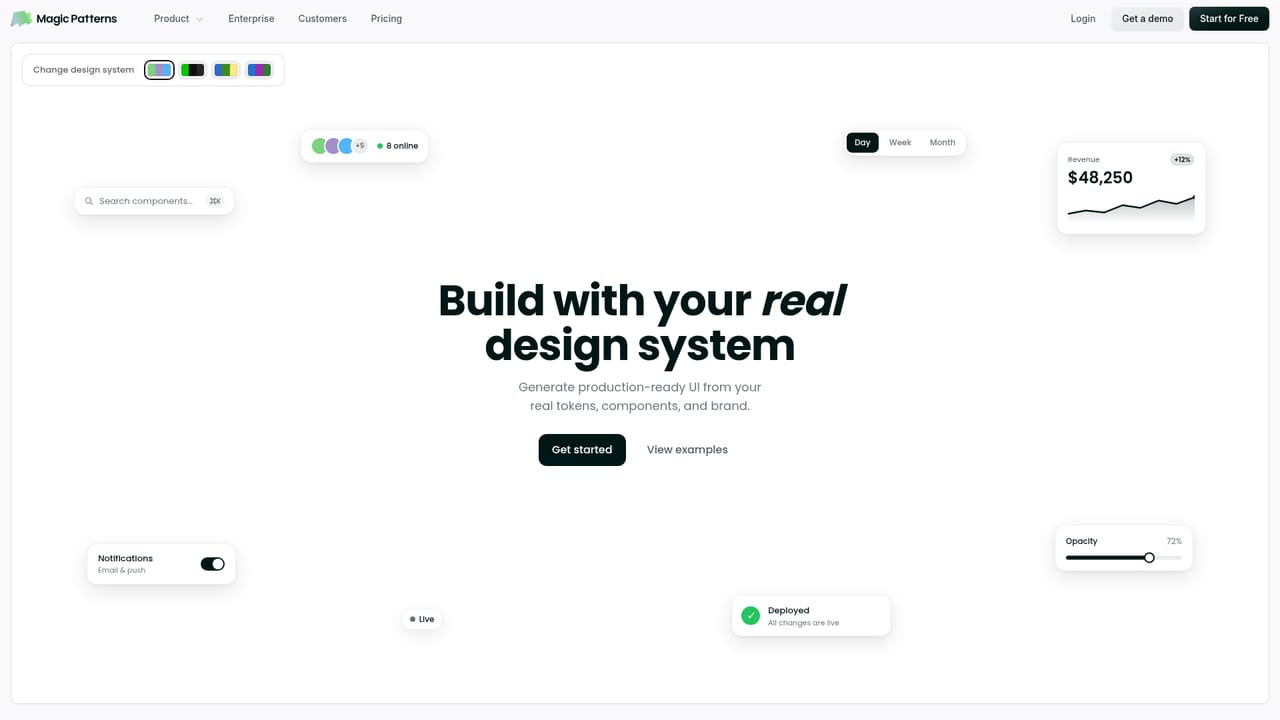
Magic Patterns generates clickable, high fidelity UI from prompts, matches your design system and product styling, and lets design and engineering iterate on prototypes together in real time. Built for product teams that want to test ideas before committing to build work.
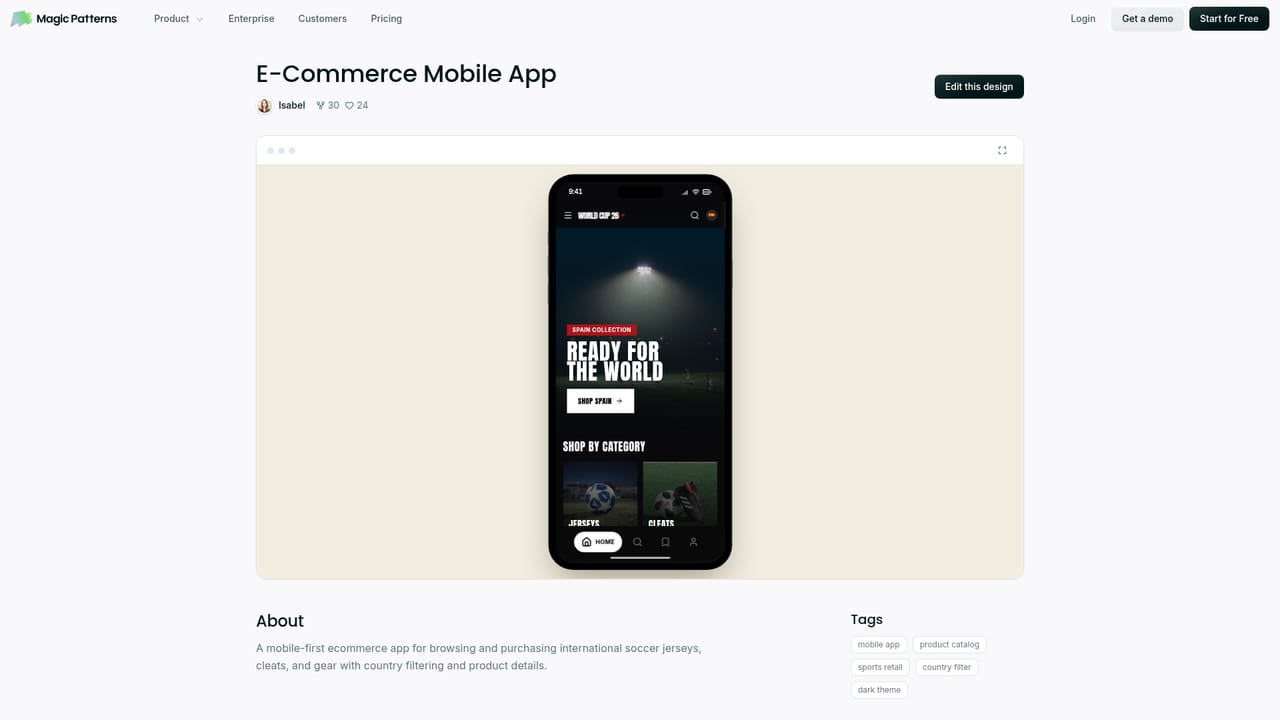
Magic Patterns is an AI design tool built for product teams that want to move from a written idea to a working, high fidelity interface without waiting on a full design cycle. A prompt, a product requirement, or a rough feature concept becomes a clickable UI in minutes, giving teams something concrete to react to before any engineering time is committed. The tool is aimed at designers, product managers, founders and engineers who need to explore several directions quickly and then settle on one worth building. The workflow centers on context. Teams can import their design system so every generated screen reflects existing components and visual rules, and they can copy the styling of their live product so prototypes read as real features rather than generic mockups. A newer canvas environment, MagicOS, lets a team hold prompts, references, a PRD and repository context in one place, generate variants, compare directions side by side, and hand the chosen result to a coding agent. Real time multiplayer means designers and engineers can edit and review the same prototype together, which shortens the feedback loop between concept and decision. In practice the tool is strongest in the early and middle stages of product work: testing an idea with customers, assembling a research ready prototype, or demonstrating a proposed feature to stakeholders. Reported uses include compressing weeks of design work into days and turning a customer call into a polished prototype within hours. It does not replace a full design or build pipeline, but it reduces the cost of trying something. Alternatives include general purpose UI generators and no code website builders, which tend to produce standalone screens without a company's design language. Magic Patterns leans on design system fidelity, collaboration and enterprise posture (SOC 2 and ISO 27001 certification) as its differentiators. Pricing runs from a limited free tier to per seat plans, with a custom enterprise option.
A limited free tier is offered. The homepage does not describe a separate time limited free trial of the paid plans.
Learn moreA limited free tier plus per seat plans: Starter at $20 per seat per month, Business at $100 per seat per month, and custom Enterprise pricing.
Learn moreSupport runs through a Slack community, product documentation, a trust center for security reports, and a demo booking route for teams.
Learn moreThe homepage mentions bringing in a PRD, repository and references for context, but lists no named integrations or an integration directory.
Prompt to UI generation, design system import, styling that copies your existing app, variant comparison on the MagicOS canvas, real time multiplayer collaboration, template gallery, and enterprise security with SOC 2 and ISO 27001 certification.
Learn more AI Angels400+ customizable AI girlfriends for NSFW chat, voice calls, and roleplay
 Candy AIExperience the future of companionship with AI friends who chat, role-play, and connect with you on a human level.
 ourdream.aiA vast AI roleplay platform with millions of characters for chat, images, video and voiceAI Angels400+ customizable AI girlfriends for NSFW chat, voice calls, and roleplayCandy AIExperience the future of companionship with AI friends who chat, role-play, and connect with you on a human level.ourdream.aiA vast AI roleplay platform with millions of characters for chat, images, video and voice