Free trial
No separate trial is described. A free daily search is included for signed in users, and Deep Search is a Pro feature costing 20 credits per run.
Learn moreUpload a photo and AI pinpoints where it was taken.
Own FindPicLocation? Verify ownership to get a dofollow link

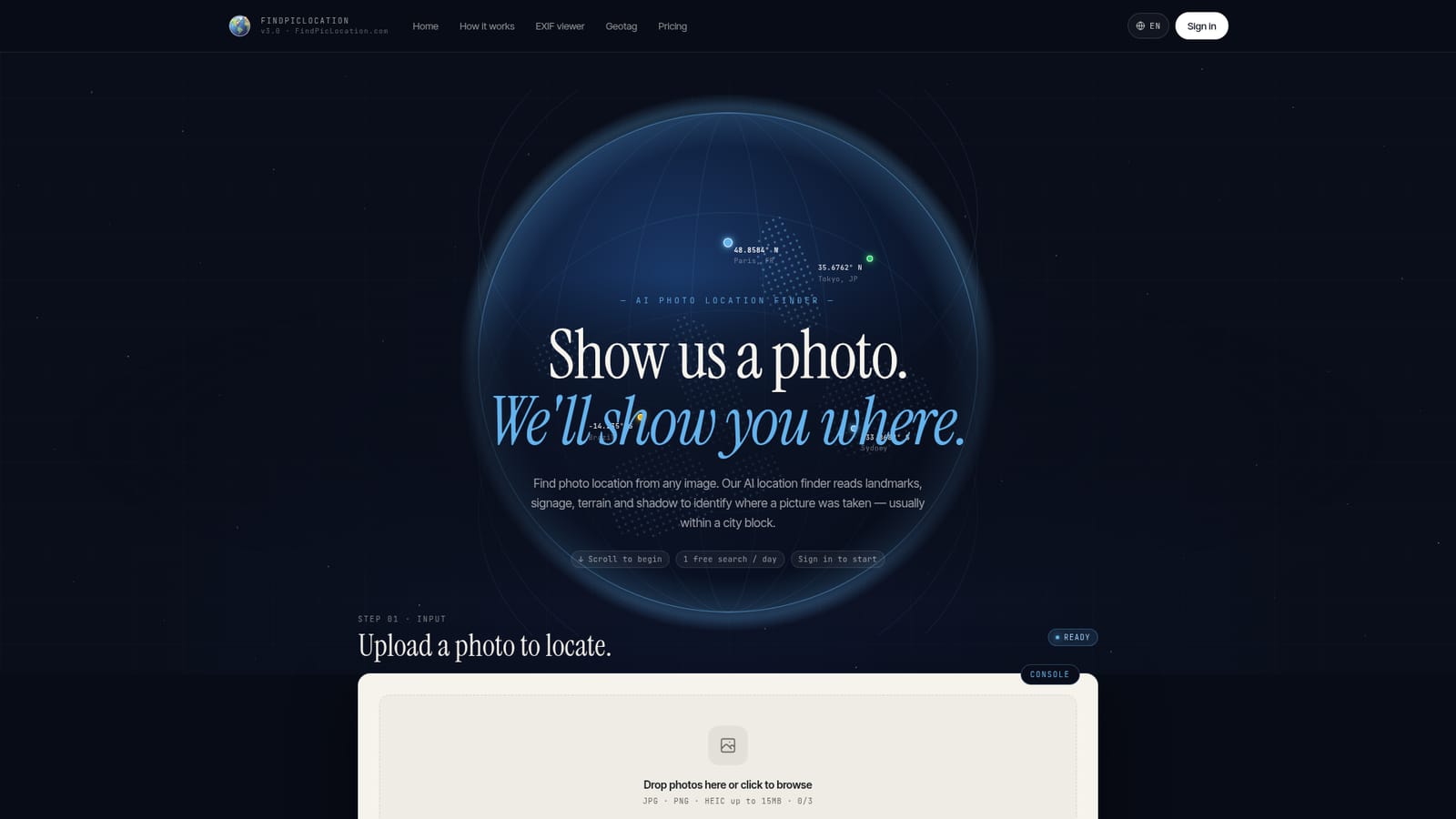
FindPicLocation is an image analysis tool. FindPicLocation identifies where a photo was taken using EXIF GPS data when present and visual AI analysis of landmarks, signage, terrain and shadows when it is not. A Pro Deep Search mode cross checks hypotheses against live map and street view data for better verified results.
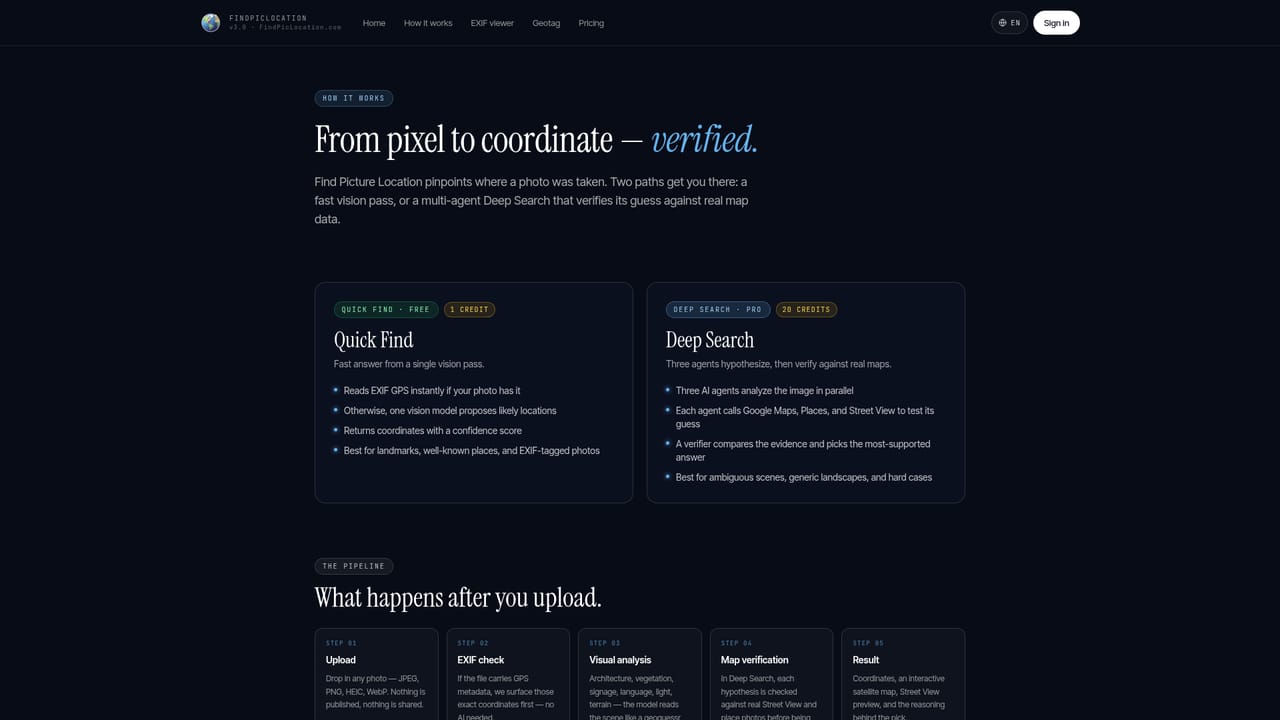
FindPicLocation is a web based image geolocation tool that works out where a photograph was taken. It accepts JPG, PNG and HEIC files up to 15MB and runs two separate detection paths. If the file still carries EXIF GPS coordinates, those are read and mapped immediately. If the metadata has been stripped, which is common for screenshots and images shared through social platforms, the visual AI takes over and looks for landmarks, signage, terrain and shadow patterns that hint at a real world place. Results are presented as several candidate locations with confidence scores, plotted on satellite and street view maps so the guess can be checked against what the picture actually shows. Ordinary searches run on the standard engine. Deep Search, a Pro feature that costs 20 credits per run, takes a different approach: three independent AI agents analyse the image in parallel, each queries Google Maps, Places, Street View and place photos to test its own hypothesis, and a final verifier model compares the three evidence trails and returns the answer with the strongest backing. That extra verification is what separates the tool from a plain visual guess, and it matters most for ambiguous scenes with few readable clues. The tool suits travelers trying to name a spot from an old snapshot, journalists and researchers checking whether an image matches its claimed origin, and anyone who has saved a postcard, film still or social media screenshot without a caption. It is not built for batch processing or for outdoor scenes without distinctive features, and a location described within a city block is still an estimate rather than a surveyed coordinate. A finished search can be made public and shared as a direct result link, which helps when several people need to review the same image.
No separate trial is described. A free daily search is included for signed in users, and Deep Search is a Pro feature costing 20 credits per run.
Learn moreFree users get one search per day, resetting at 00:00 UTC. Deep Search is a Pro feature priced at 20 credits per search. The homepage does not list subscription tiers or credit prices beyond that.
Learn moreDeep Search draws on Google Maps, Places, Street View and place photos as data sources during verification. No user facing integrations or API connections are described.
EXIF GPS detection for photos that retain metadata, visual AI analysis of landmarks, signage, terrain and shadows, ranked location suggestions with confidence scores, satellite and street view maps, shareable public result links, and a Deep Search mode that sends three parallel AI agents to verify hypotheses against Google Maps, Places and Street View before a verifier selects the best answer.
Learn more AI Angels400+ customizable AI girlfriends for NSFW chat, voice calls, and roleplay
 Candy AIExperience the future of companionship with AI friends who chat, role-play, and connect with you on a human level.
 ourdream.aiA vast AI roleplay platform with millions of characters for chat, images, video and voiceAI Angels400+ customizable AI girlfriends for NSFW chat, voice calls, and roleplayCandy AIExperience the future of companionship with AI friends who chat, role-play, and connect with you on a human level.ourdream.aiA vast AI roleplay platform with millions of characters for chat, images, video and voice