Integrations
Direct connections are documented with Stripe, Revolut Business, Chase, Brex and Wio, covering transaction sync, auto-categorization and reconciliation for payments and spend.
Learn moreAI accounting and invoicing for global small businesses.

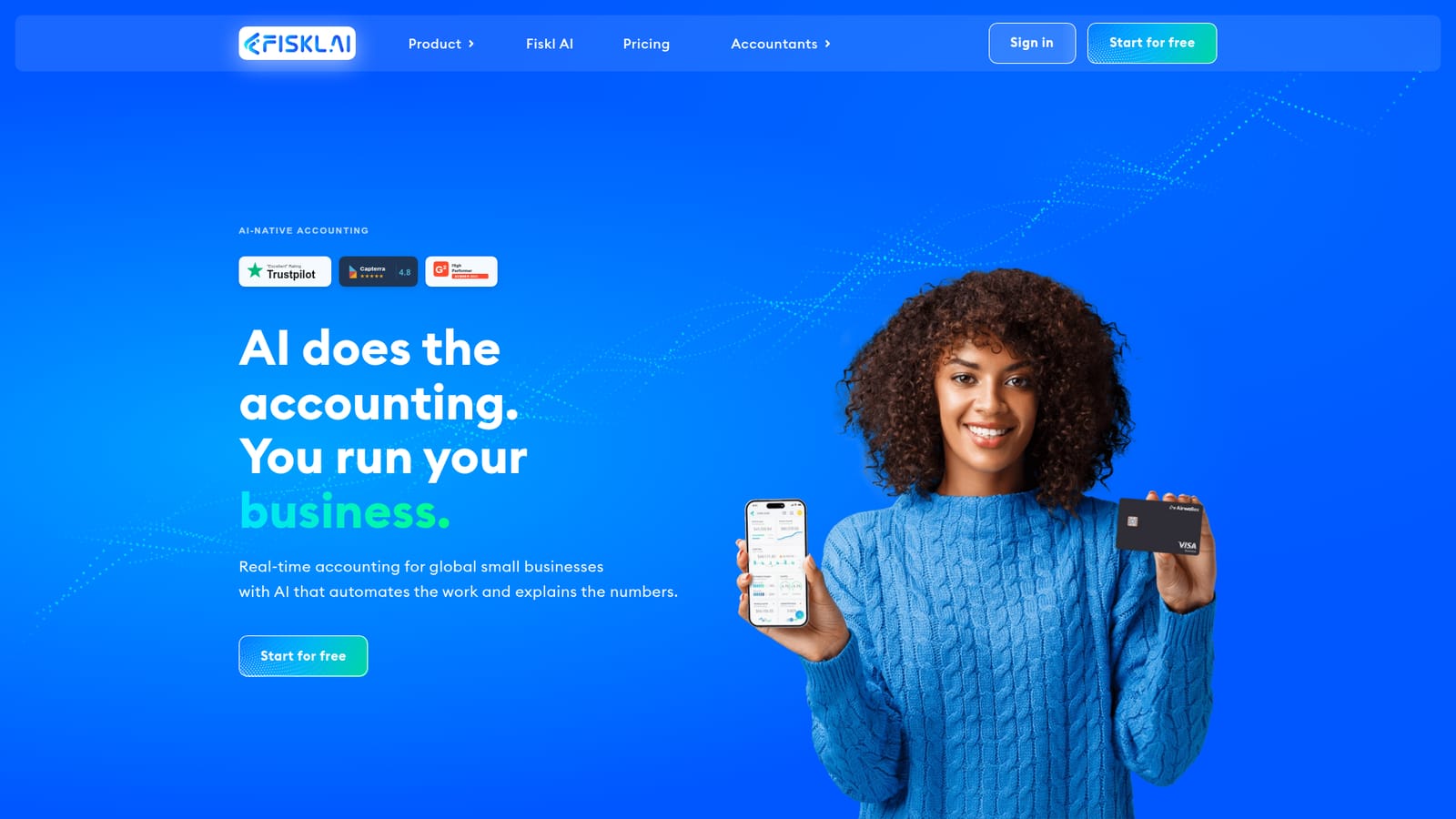
Fiskl is an AI-powered accounting and invoicing platform for global small businesses, combining multi-currency invoicing, payments, bank sync across 21,000+ feeds and automated reconciliation in one workspace.
Fiskl is an AI-native financial management platform built for small businesses, freelancers, startups and creators who operate across borders. It combines accounting, invoicing, payments and cash flow oversight in a single workspace, with AI handling the repetitive bookkeeping work and surfacing plain-language explanations of the numbers. The core promise is a real-time view of the business rather than a quarterly scramble. The platform connects to more than 21,000 bank feeds worldwide, automatically categorizing and matching transactions to the correct ledgers. Invoicing and payments are built for international trade: 170+ currencies, localized pricing in over 200 countries and invoice and payment documents in 60+ languages. The AI layer runs across sync, categorization, reconciliation and advisory prompts, so a transaction arriving from a bank or payment processor is sorted before the owner opens the app. Partners such as Stripe, Revolut Business, Chase, Brex and Wio are documented as direct connections that reduce manual entry, with vendor claims of high automatic reconciliation rates on those channels. Fiskl is aimed at owner-operators and small finance teams rather than enterprise accounting departments. A construction firm, a marketing agency, a solo creator billing clients in several currencies and an early-stage startup collecting Stripe payouts all fit the same mold: they need clean books without hiring a bookkeeper for every hour of data entry. Accountants who serve several such clients are a secondary audience. Against established small business accounting suites, Fiskl leans on its multi-currency and cross-border design and on AI that is present throughout the workflow rather than bolted onto reporting. Buyers who need deep inventory, payroll or large-team approval chains may find it narrower, and the mobile apps are rated well but not perfectly. Teams that want one place for invoices, bank feeds and an automated ledger should shortlist it; teams that need a heavyweight ERP should not.

Direct connections are documented with Stripe, Revolut Business, Chase, Brex and Wio, covering transaction sync, auto-categorization and reconciliation for payments and spend.
Learn moreAI accounting with automated categorization and reconciliation, multi-currency invoicing in 170+ currencies, payments and bank sync across 21,000+ feeds, real-time cash flow and financial metrics, AI insights, financial goals, and localized pricing for 200+ countries with documents in 60+ languages.
 AI Angels400+ customizable AI girlfriends for NSFW chat, voice calls, and roleplay
 Candy AIExperience the future of companionship with AI friends who chat, role-play, and connect with you on a human level.
 ourdream.aiA vast AI roleplay platform with millions of characters for chat, images, video and voiceAI Angels400+ customizable AI girlfriends for NSFW chat, voice calls, and roleplayCandy AIExperience the future of companionship with AI friends who chat, role-play, and connect with you on a human level.ourdream.aiA vast AI roleplay platform with millions of characters for chat, images, video and voice