Free trial
A 5-day free trial is offered for the AI tax research tool. The vendor recommends starting with the trial rather than a demo for research-only users.
Learn moreCited AI tax research and multi-year planning for professional firms

HiveTax is an accounting homework help tool. HiveTax pairs an AI tax research assistant that answers with checkable citations and an agentic planning tool built on a library of proprietary strategies. It targets CPA firms, tax advisors and in-house teams, sells on a 5-day free trial, and leans on SOC 2 alignment and PII redaction as its trust story.
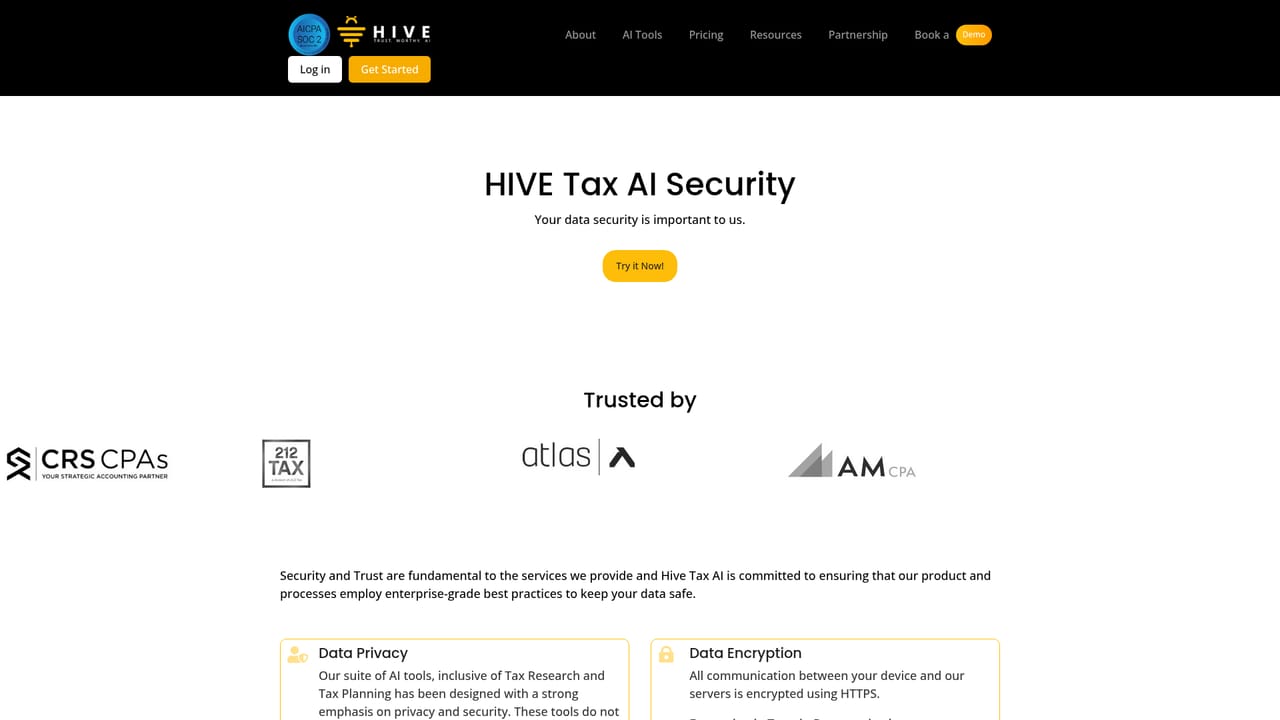
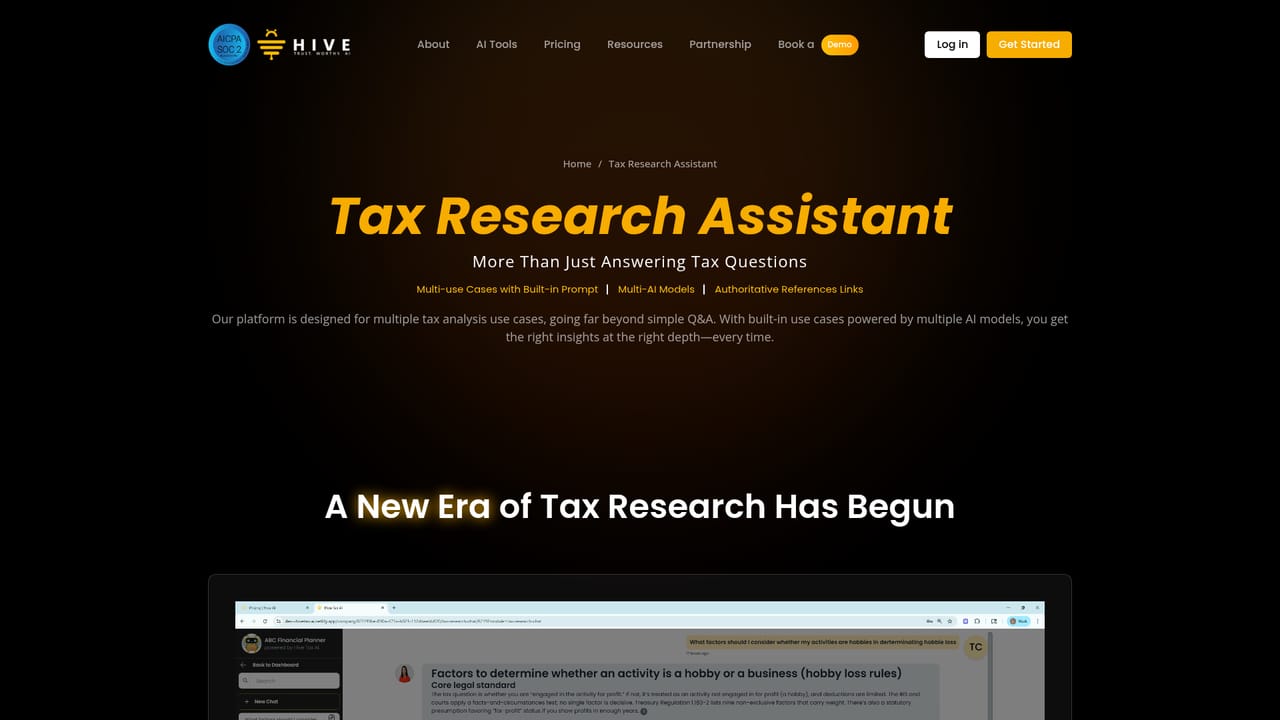
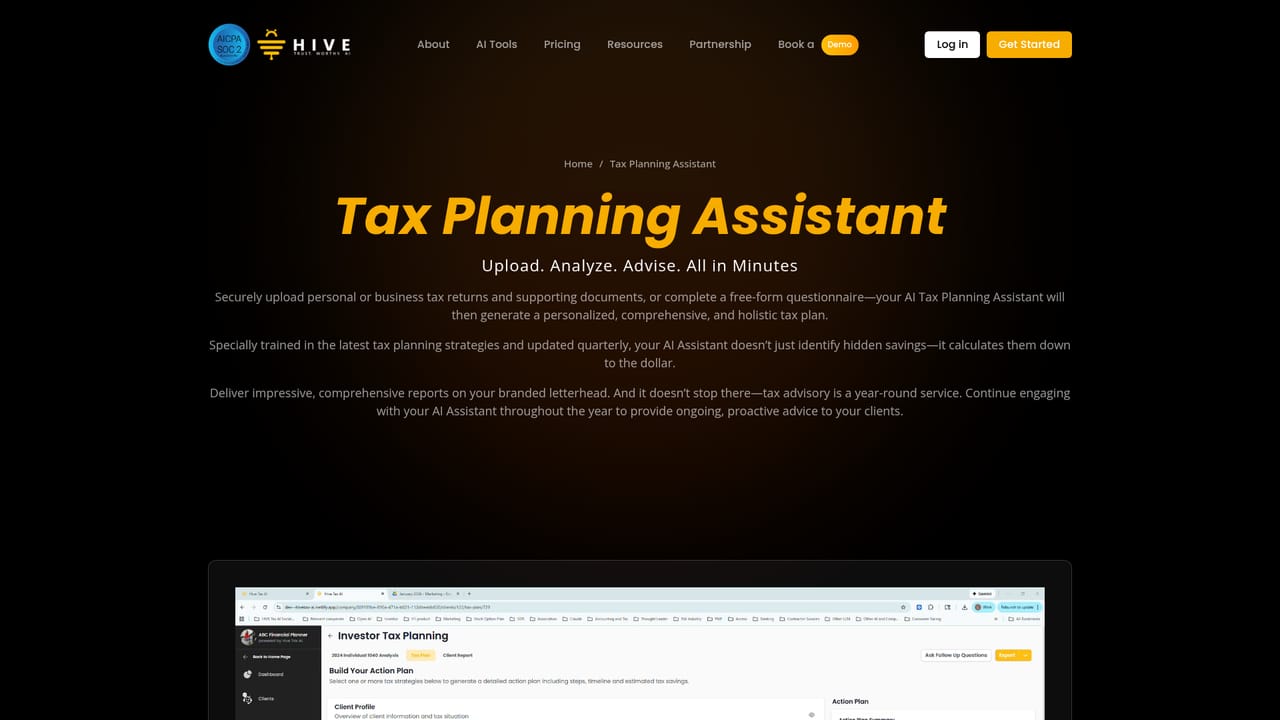
HiveTax is a vertical AI application built for tax work rather than general question answering. It bundles two products on one platform: an AI tax research assistant that returns answers with verifiable citations, and an AI tax planning assistant that turns a client's documents and circumstances into structured strategies. The stated audience is CPA firms, tax professionals, financial advisors and in-house tax teams, with the vendor reporting more than 1,000 professional users. Research and planning share the same secure workspace, so a question answered during research can feed directly into a planning engagement. The research side runs on a curated data pipeline covering primary federal and state material: the Internal Revenue Code, Treasury Regulations, IRS private letter rulings, CCAs, TAMs, revenue procedures, rulings and notices, forms and publications, Tax Court cases, state codes and regulations, state administrative sites and Tax Foundation resources. Federal and state data refresh in real time. A routing layer sends simple questions to faster, lighter models and pushes complex ones to higher-reasoning models, and every answer carries citations a professional can check. Responses can be requested in detailed, summary or client-facing formats. Planning uses a multi-step agentic workflow across several models, drawing on a library of proprietary strategies that is refreshed quarterly. Users describe a client situation and receive a plan that covers areas such as estate work, multi-state income allocation and deduction maximization, with potential savings calculated per strategy. One documented workflow converts a tax return into an analysis draft printed on the firm's own letterhead, which reviewers then edit. Security is pitched at regulated practices: SOC 2 alignment, automatic PII redaction on uploaded files, encrypted transfer and processing, strict access controls, and a commitment not to train models on user input or output. Accuracy is managed through weekly testing of 200-plus questions, a feedback loop reviewed within 24 hours and continuous model monitoring. Alternatives include general large language models, which lack curated primary sources and citation discipline, and legacy research libraries that are slower to search but broader in editorial commentary.
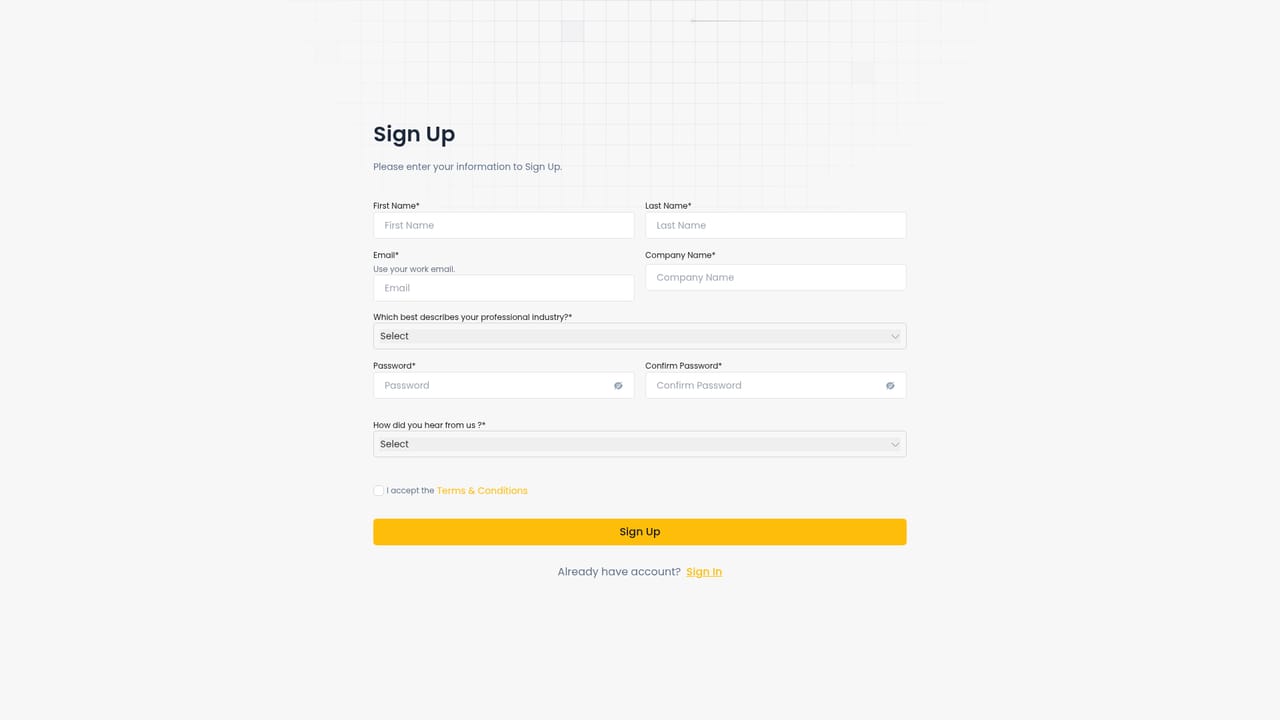
A 5-day free trial is offered for the AI tax research tool. The vendor recommends starting with the trial rather than a demo for research-only users.
Learn moreSupport runs through a user feedback loop with responses reviewed within 24 hours, weekly Thursday group training sessions, demo booking, and a resources section holding FAQs, case studies, blog articles and events.
Learn moreTwo modules share one platform. Tax research returns cited answers drawn from a curated federal and state database with real-time IRS updates, using model routing that matches question complexity to reasoning depth. Tax planning runs an agentic multi-model workflow over a proprietary strategy library, producing tailored plans with projected savings. Uploaded files are PII-redacted and processing is encrypted.
Learn more AI Angels400+ customizable AI girlfriends for NSFW chat, voice calls, and roleplay
 Candy AIExperience the future of companionship with AI friends who chat, role-play, and connect with you on a human level.
 ourdream.aiA vast AI roleplay platform with millions of characters for chat, images, video and voiceAI Angels400+ customizable AI girlfriends for NSFW chat, voice calls, and roleplayCandy AIExperience the future of companionship with AI friends who chat, role-play, and connect with you on a human level.ourdream.aiA vast AI roleplay platform with millions of characters for chat, images, video and voice