Free trial
A free sign-up is offered from the homepage, so new users can start in the workspace before committing. The length and limits of free access are not stated.
Learn moreGenerative AI canvas that puts 50+ models on one creative workspace

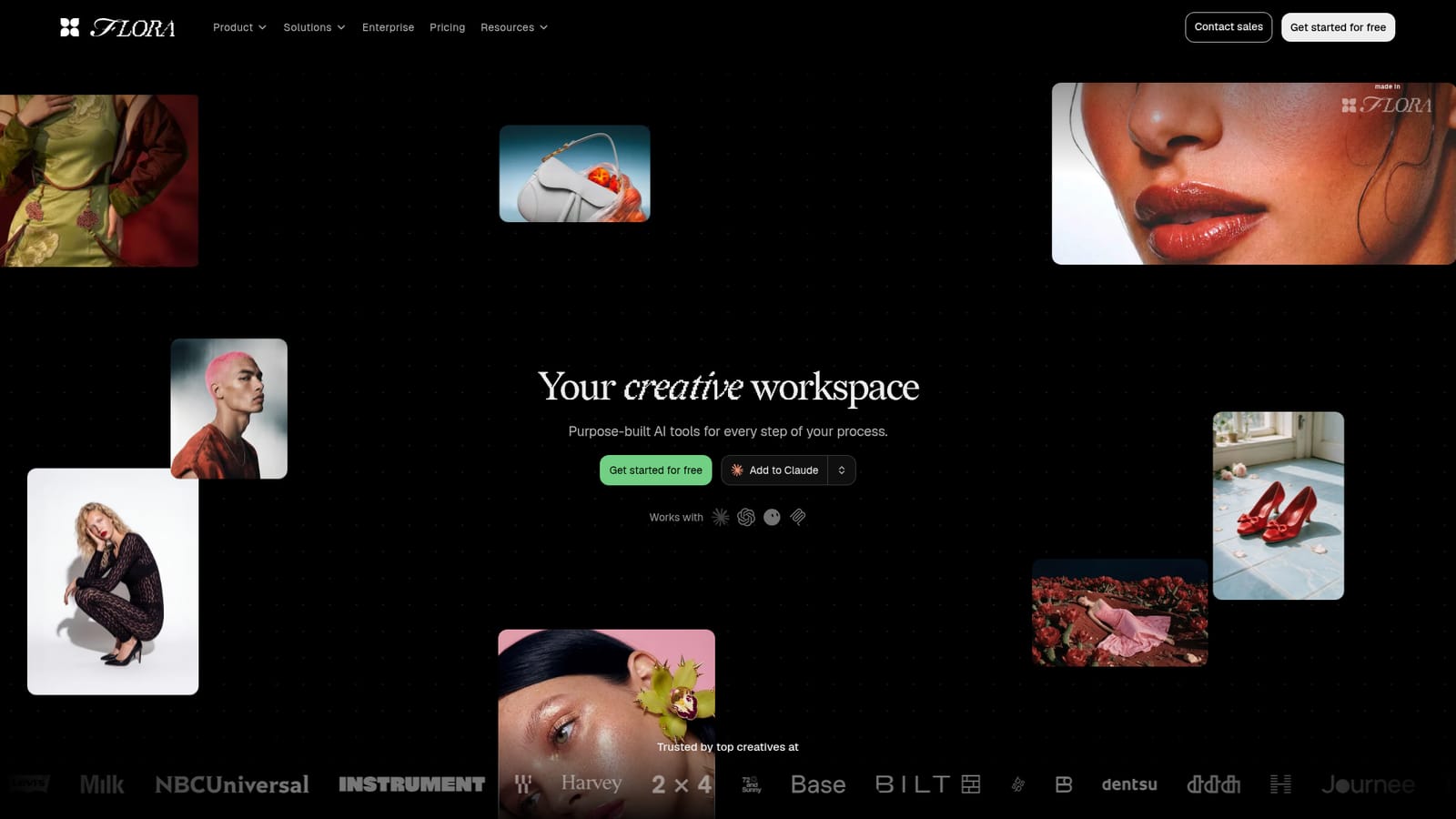
Flora.ai is a generate concepts tool. A collaborative generative AI canvas for designers, brand teams and agencies, combining 50+ image, video and text models with reusable creator-built workflows for concepting, campaigns and production assets.
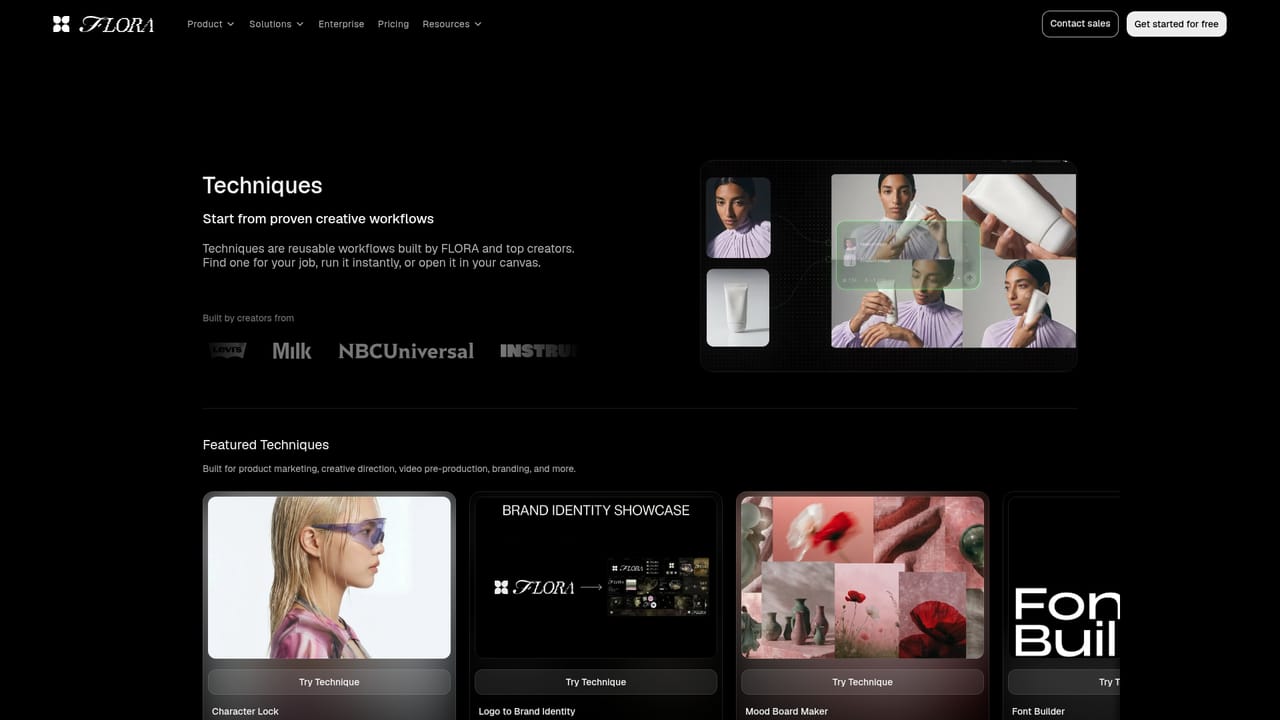
Flora.ai is a browser-based generative canvas built for professional creative work rather than one-off prompt experiments. The product gathers text, image and video models from several providers (including Gemini, Nano Banana, Veo, Runway and Wan families) into a single workspace, so a concept can move from a first sketch to a finished asset without hopping between separate subscriptions and browser tabs. The canvas is the core idea. Each element in a project lives as a node that can be connected, rearranged and reused, so a reference image, a prompt, a generation and a video clip sit in one visible chain of work. Teams can iterate together in real time, and a single concept can be expanded into hundreds of assets with consistent styling, which is the part agencies and brand groups care about most. Documented use cases cover visual effects, fashion try-ons, advertising previz, photography, sketch to render, branding, motion graphics and architecture renders. Flora also ships Techniques, which are reusable workflows published by Flora and by outside creators such as Base Design. Examples include Character Lock for consistent angles of a person, Logo to Brand Identity, Mood Board Maker, Font Builder, Fit Check for outfit swaps and Brand Extension Generator. A technique can be run as-is or opened in the canvas and edited, which lowers the starting cost for people who do not want to build node graphs from scratch. This is aimed at designers, art directors, brand teams and production studios rather than casual hobbyists. The pitch is a single subscription across many models, with an emphasis on high volume production work. Anyone expecting a simple text box for quick images will find the canvas model heavier than needed, and teams with strict procurement or data residency rules should check terms before adopting.
A free sign-up is offered from the homepage, so new users can start in the workspace before committing. The length and limits of free access are not stated.
Learn moreThe homepage advertises one plan covering 50+ models and a free sign-up, but no prices, tiers or usage limits are published. Costs are handled through a sales conversation or a booked call.
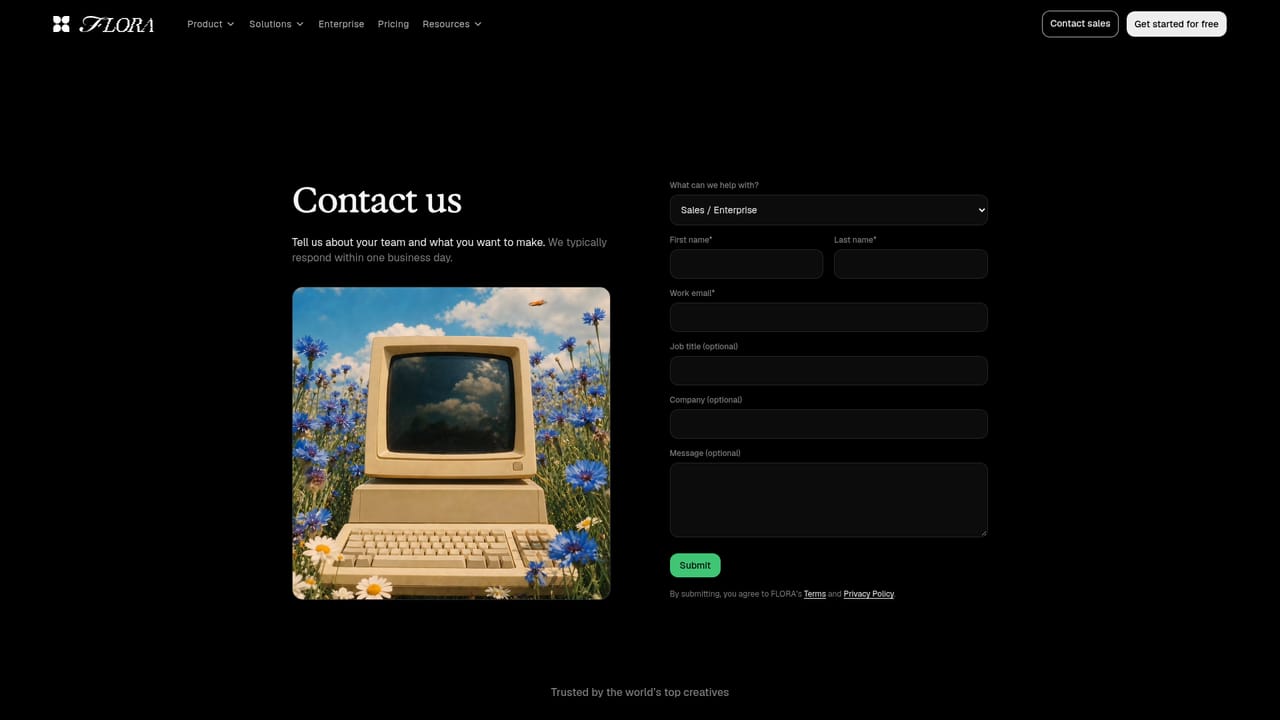
Learn moreA contact page offers sales calls and a message route for questions. No help centre, documentation or support tiers are listed on the homepage.
Learn moreWorks with Claude, ChatGPT and Grok through a connector, and supports MCP, so the canvas can be reached from external assistants.
A collaborative node canvas for text, image and video models from providers including Google Gemini, Nano Banana, Veo, Runway and Wan. Supports ideation, real-time team iteration, scalable asset production, and a library of reusable Techniques such as Character Lock, Logo to Brand Identity, Font Builder and Fit Check.
Learn more AI Angels400+ customizable AI girlfriends for NSFW chat, voice calls, and roleplay
 Candy AIExperience the future of companionship with AI friends who chat, role-play, and connect with you on a human level.
 ourdream.aiA vast AI roleplay platform with millions of characters for chat, images, video and voiceAI Angels400+ customizable AI girlfriends for NSFW chat, voice calls, and roleplayCandy AIExperience the future of companionship with AI friends who chat, role-play, and connect with you on a human level.ourdream.aiA vast AI roleplay platform with millions of characters for chat, images, video and voice





