Pricing
One resume is free forever, with unlimited watermark-free PDF downloads, all templates and no credit card. A Pro plan exists and includes AI writing tools, but the homepage does not publish Pro prices or full plan limits.
Learn moreFree resume builder with 100+ ATS-friendly templates and unlimited PDF downloads.

FlowCV is a web-based resume builder with a free-forever first resume, over 100 customizable templates, resume import from PDF, DOCX and images, a live editor preview, and unlimited watermark-free PDF exports. AI writing help sits in the paid Pro tier.
FlowCV is an online resume and CV builder built around a generous free tier. One resume is free forever, with no trial countdown, no credit card entry and no automatic upgrade. That free resume comes with unlimited PDF downloads and no branding: no FlowCV logo, no watermark. A wider library of resumes requires the paid Pro plan, which adds AI writing help and likely extra documents, though the homepage only details the free tier in depth. The editor walks through four stages: pick a template, add your experience, adjust layout and design, then download. A live side-by-side preview updates as you type, so formatting changes are visible immediately rather than after an export. Resume templates are treated as starting points rather than fixed designs, so fonts, colors, spacing, section order and page layout can all be changed. Over 100 templates are offered, spanning traditional one-column designs and two-column layouts with sidebars. Importing is a strong point for anyone with an existing document. FlowCV accepts PDF, DOCX, PNG and JPG files, and also takes pasted raw text, then extracts and structures the content so a redesign does not mean retyping. Export is PDF only, with computer-readable text and embedded fonts intended to survive applicant tracking systems. The site notes that modern systems parse one- and two-column layouts, while a one-column design is safer for older parsers. FlowCV suits job seekers at any stage: first-time applicants who need a clean document quickly, career changers redesigning an old file, and professionals maintaining a master resume for tailored applications. It is privacy-first and GDPR-compliant, and user data is not shared and can be deleted at any time. Against paid builders that gate downloads or add watermarks, the pitch is straightforward: a complete, unbranded resume costs nothing.
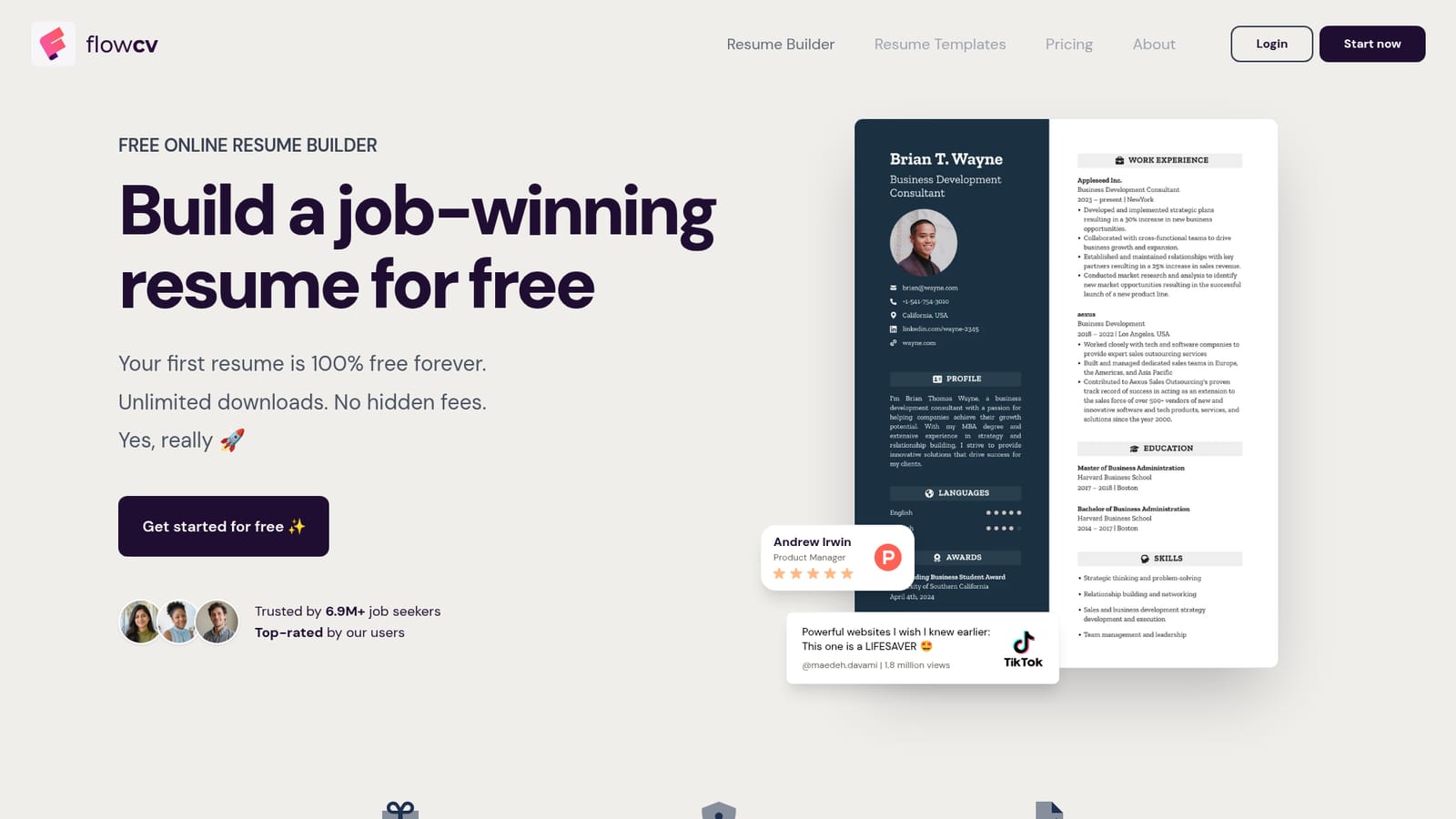
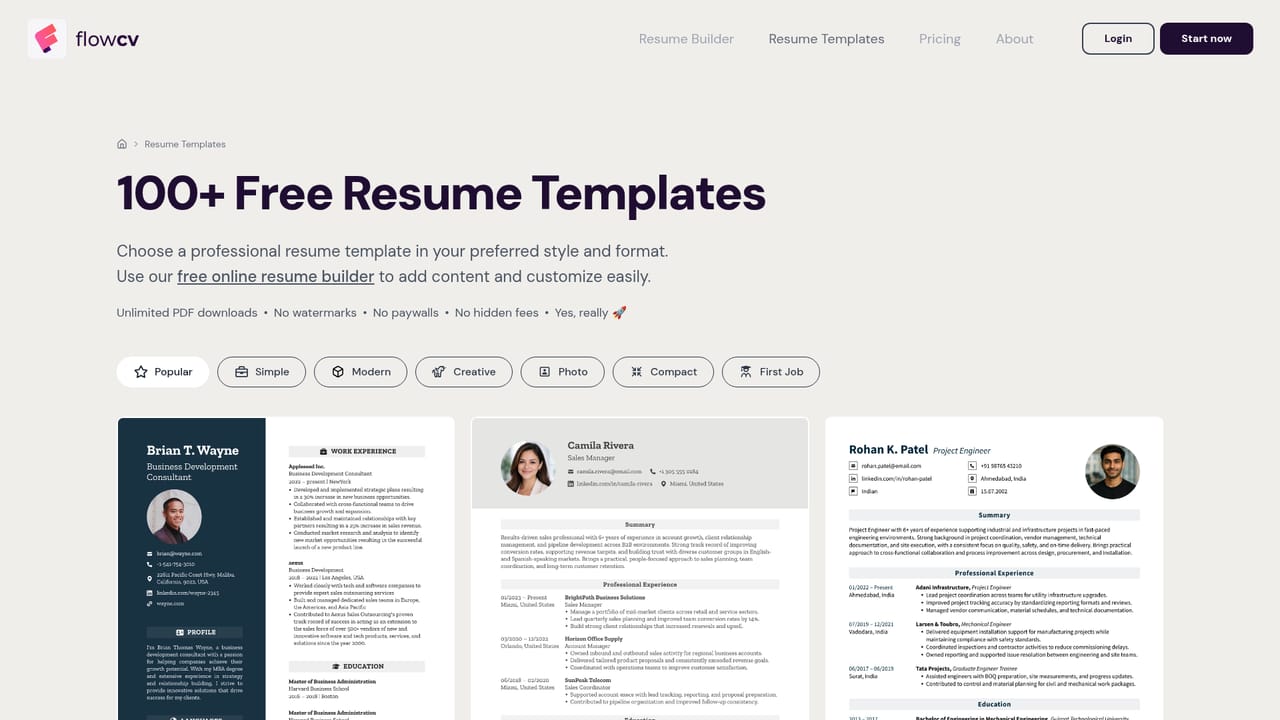
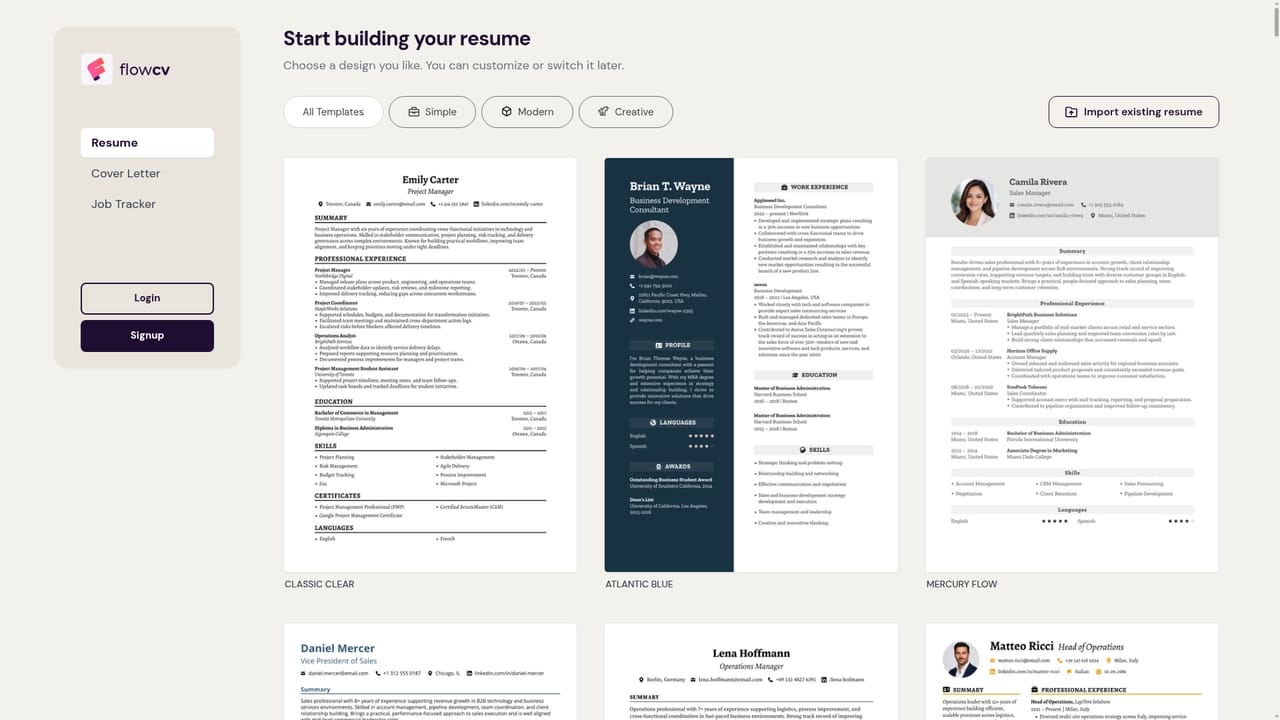
One resume is free forever, with unlimited watermark-free PDF downloads, all templates and no credit card. A Pro plan exists and includes AI writing tools, but the homepage does not publish Pro prices or full plan limits.
Learn moreTemplate selection with over 100 designs, guided content entry with automatic structure and spacing, live side-by-side preview, full control over fonts, colors, spacing, section order and page layout, resume import from PDF, DOCX, PNG and JPG, ATS-friendly PDF export with embedded fonts, and AI writing, grammar and translation tools on the Pro plan.
Learn more AI Angels400+ customizable AI girlfriends for NSFW chat, voice calls, and roleplay
 Candy AIExperience the future of companionship with AI friends who chat, role-play, and connect with you on a human level.
 ourdream.aiA vast AI roleplay platform with millions of characters for chat, images, video and voiceAI Angels400+ customizable AI girlfriends for NSFW chat, voice calls, and roleplayCandy AIExperience the future of companionship with AI friends who chat, role-play, and connect with you on a human level.ourdream.aiA vast AI roleplay platform with millions of characters for chat, images, video and voice


