Free trial
The homepage offers a free start through the Get Started Free link and labels every individual converter tool as free, but it does not publish the limits of that free access.
Learn moreTurn text, files, or code into polished flowcharts with an AI agent

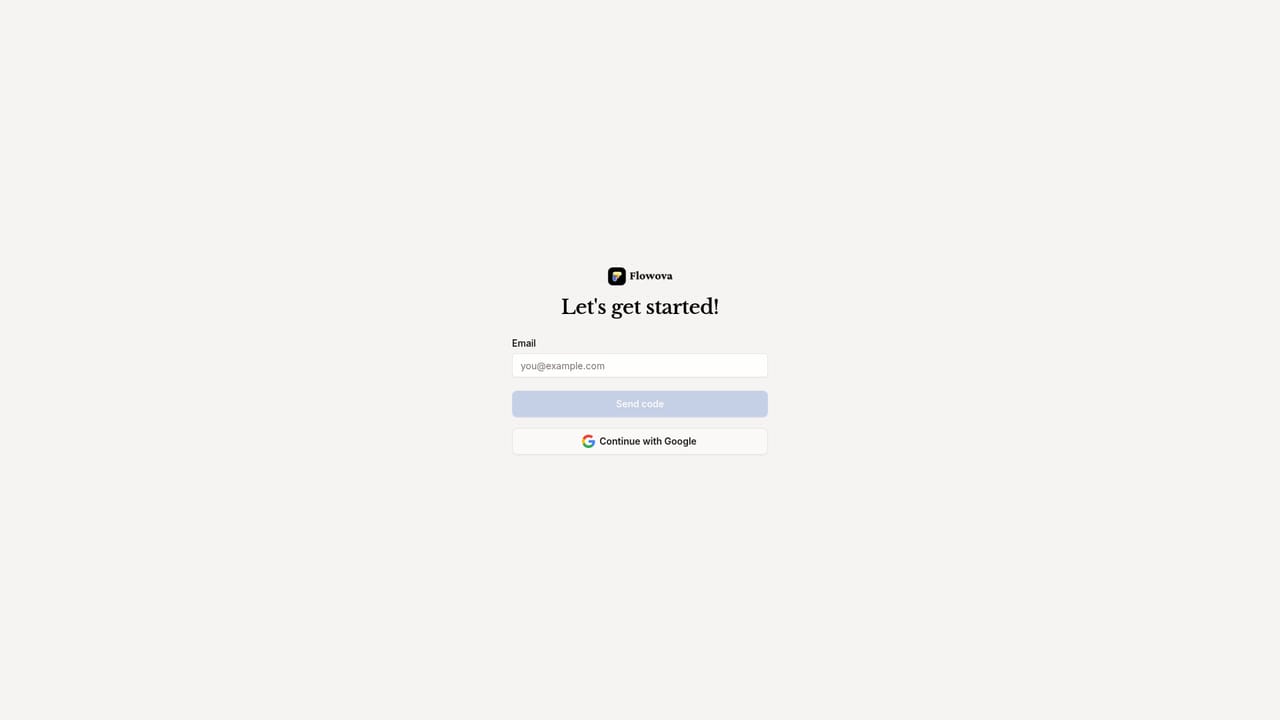
Flowova AI is an AI project builder tool that turns text, files, or code into polished flowcharts with an AI agent. Flowova is an AI flowchart agent that converts text, images, PDFs, spreadsheets, code, Mermaid and URLs into editable diagrams, then lets users refine them in a visual editor with themes, auto layout and PNG, SVG or Mermaid export.
Flowova is an AI flowchart agent that accepts a wide range of inputs and returns a structured, editable diagram. Text prompts, images, PDFs, Word documents, Excel sheets, PowerPoint decks, Markdown, JSON, CSV, URLs and source code are all listed as supported sources, with more than 45 formats covered in total. The agent parses the input, decides which shapes fit each step, wires the connections in a logical order, and renders a live preview while it works. The output is not a static picture: it lands in a full editor where nodes can be dragged, renamed and reconnected. The editor is where most of the real work happens. It offers 18 or more shape types, from plain rectangles to decision diamonds, plus five edge styles and grouping through frames, which can be exported as separate images. A chat agent sits alongside the canvas, so instructions like adding a review step between two existing nodes can be issued in plain language instead of moving boxes by hand. One-click auto layout cleans up a diagram that has grown messy, and more than 40 color themes handle the visual side without design skills. Finished charts export as PNG, SVG or Mermaid code, and a public share link lets recipients view the result without signing in. Teams that already work in Mermaid will care most about round-trip support: existing Mermaid code can be imported, edited visually and exported back. Cloud sync and auto-save cover the practical side of not losing work across devices, and keyboard shortcuts cover undo, redo, copy, paste and delete. The tool suits product managers, engineers, analysts, HR and marketing staff who need process diagrams, onboarding flows or architecture sketches without opening a heavyweight diagramming suite. It sits between plain Mermaid editors and full visual tools like draw.io or Lucidchart, trading deep manual control for AI generation and quick refinement. Presenters who mainly need slide-ready images will find the export path short; teams that need live multi-user co-editing are not promised it on the homepage.
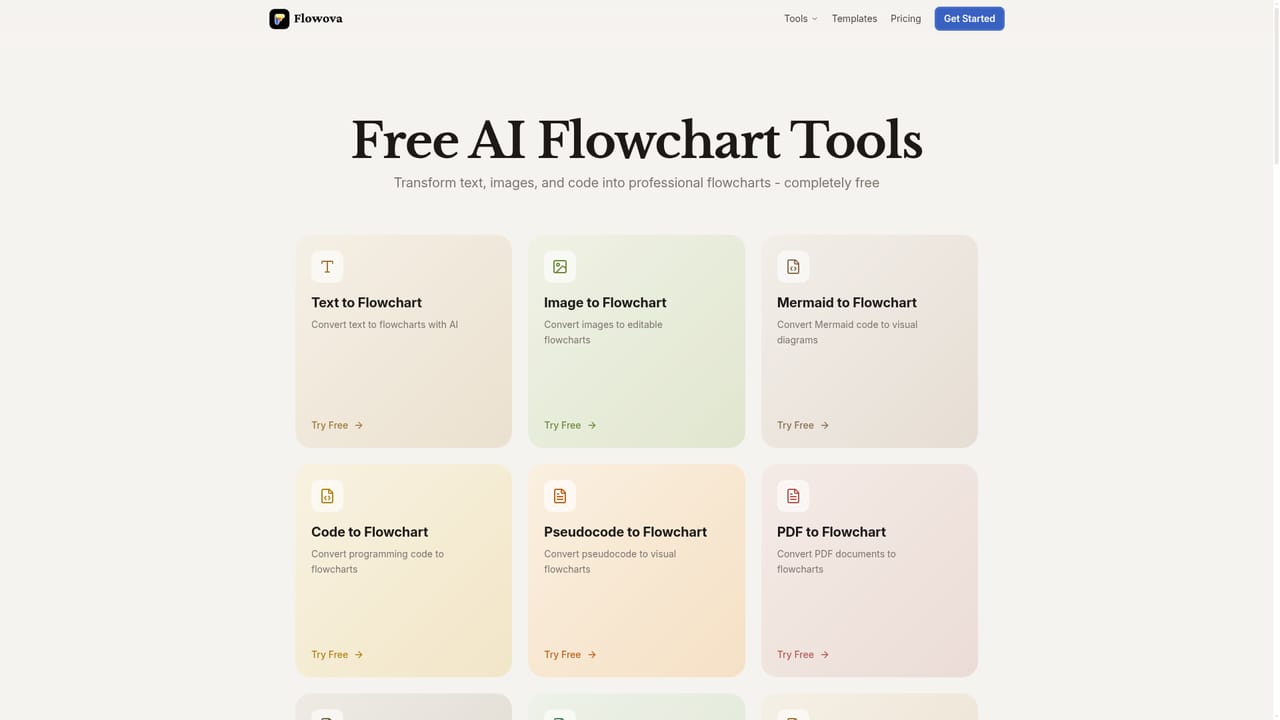
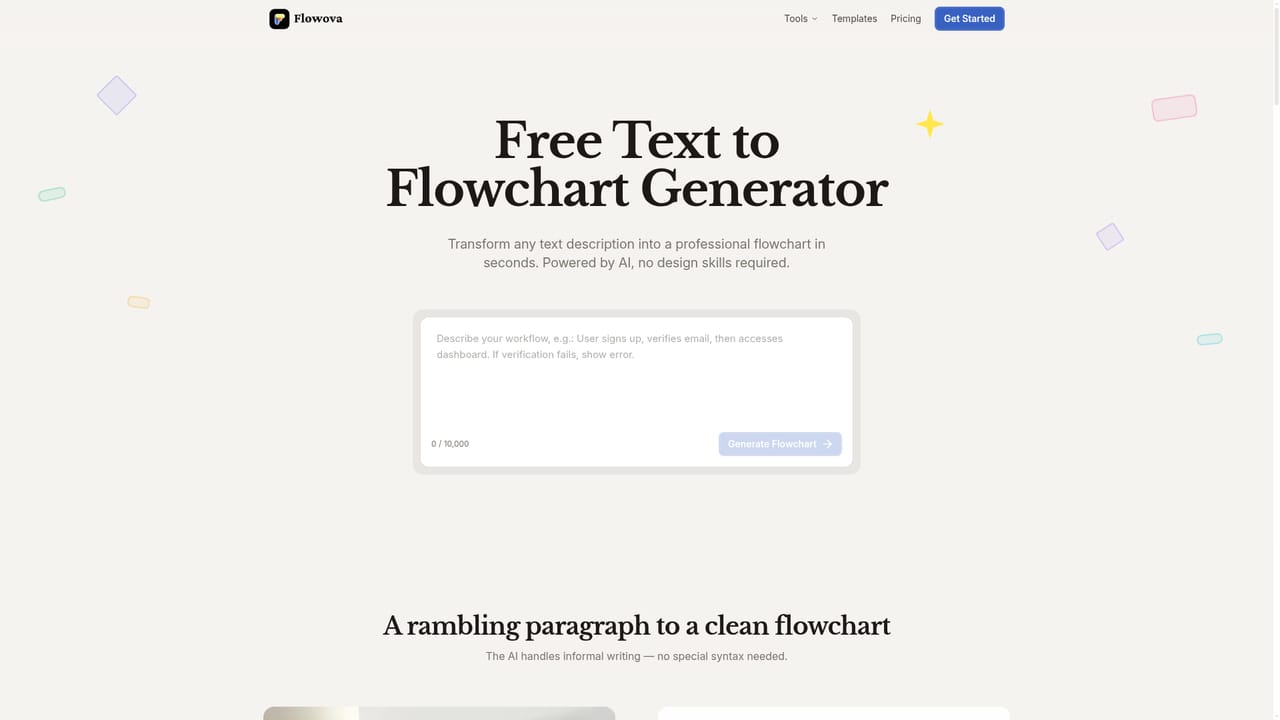
The homepage offers a free start through the Get Started Free link and labels every individual converter tool as free, but it does not publish the limits of that free access.
Learn moreInput handling spans 45 or more formats: images such as PNG, JPEG, WebP, HEIC and SVG, documents including PDF, Word, Excel, PowerPoint, Markdown, JSON and CSV, plus URLs and source code. The editor provides 18 or more shapes, five edge styles, frames and grouping, keyboard shortcuts, cloud sync and auto-save. An AI chat agent makes natural language edits, one-click auto layout fixes messy diagrams, and over 40 themes and 40 templates speed up styling.
Learn more AI Angels400+ customizable AI girlfriends for NSFW chat, voice calls, and roleplay
 Candy AIExperience the future of companionship with AI friends who chat, role-play, and connect with you on a human level.
 ourdream.aiA vast AI roleplay platform with millions of characters for chat, images, video and voiceAI Angels400+ customizable AI girlfriends for NSFW chat, voice calls, and roleplayCandy AIExperience the future of companionship with AI friends who chat, role-play, and connect with you on a human level.ourdream.aiA vast AI roleplay platform with millions of characters for chat, images, video and voice