Free trial
No card is required to analyze your site for free, which reveals positioning and topic suggestions. The homepage does not state whether full article generation can be tested without paying.
Learn moreDaily research-backed SEO articles generated from a single URL

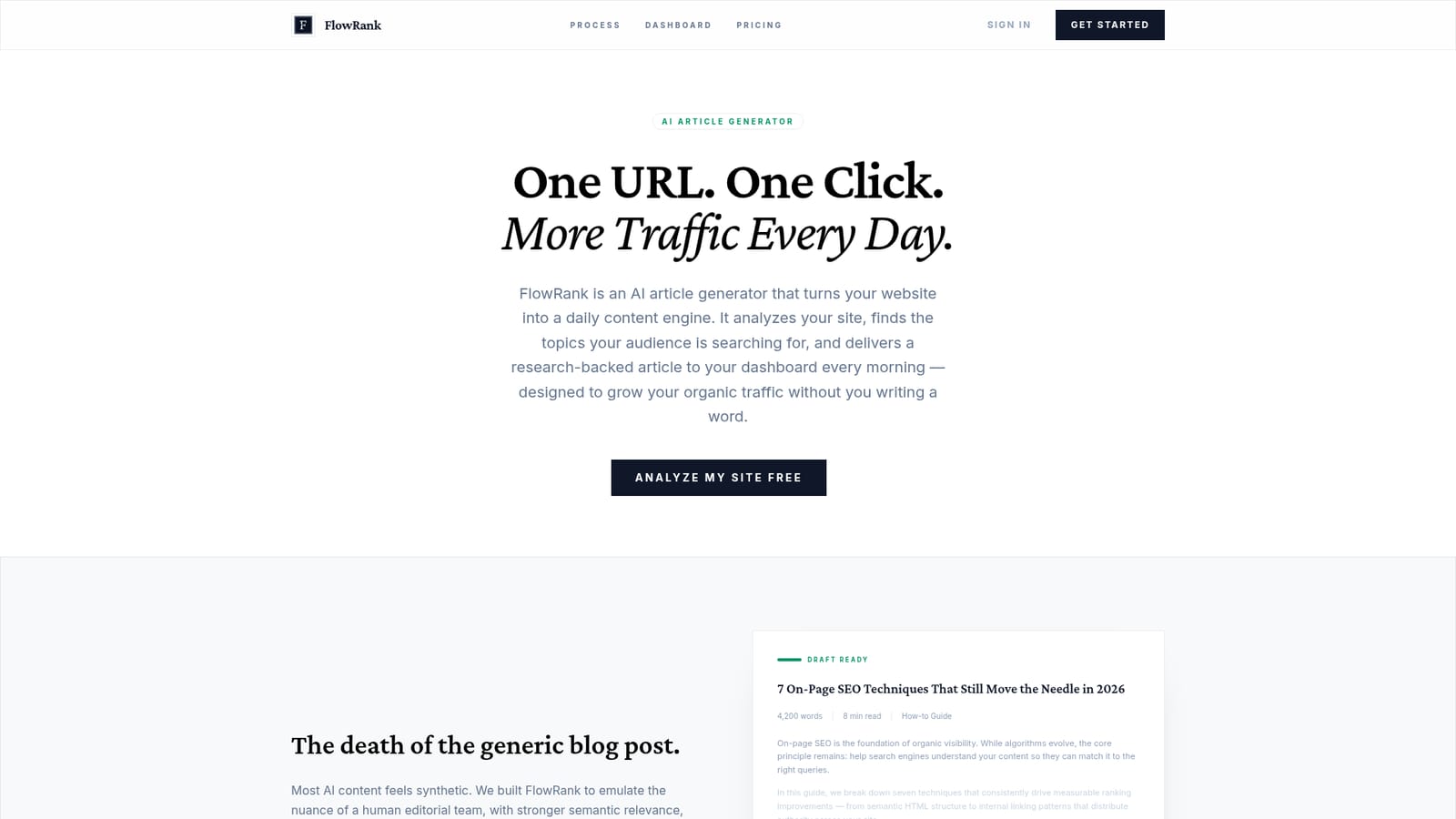
FlowRank is an autoblogger tool. An AI article generator that analyzes a website, proposes topics, and delivers one researched SEO draft per day to a calendar dashboard, with Markdown export for any CMS.
FlowRank is an AI article generator built around a narrow, deliberate promise: point it at your website once, and it produces one researched SEO article per day for your dashboard. The setup starts with a domain analysis. FlowRank ingests your existing URLs and sitemap to map your market positioning, then proposes topics with high search intent in your niche. You confirm the topics, and from there the system runs on a daily cycle. Generation is the part that separates it from a plain chatbot prompt. Before writing, FlowRank performs web research and competitor analysis, and the resulting drafts cite real sources rather than inventing them. Output is structured with an editorial voice, semantic relevance in mind, and lengths that suit long-form guides (a sample posted on the site runs around 4,200 words). Drafts land in a calendar dashboard with a status-led view, so you can see which pieces are still writing, which are ready for review, and which have been copied or published. An in-product editor lets you revise before export, and everything leaves as Markdown for WordPress, Webflow, Ghost or another CMS. The tool suits small marketing teams, solo founders and SEO consultants who need steady publishing volume without hiring writers. It does not host a blog: FlowRank creates and manages drafts, and you handle review and publishing. That is the main contrast with general-purpose assistants such as ChatGPT or Jasper, which generate text on demand but do not analyze your site, maintain a topic calendar or run research per piece. Buyers should also weigh that the workflow is built around a single daily cadence and a fixed article count per month, which is a poor match for teams that publish in bursts or need many pieces on one theme at once.
No card is required to analyze your site for free, which reveals positioning and topic suggestions. The homepage does not state whether full article generation can be tested without paying.
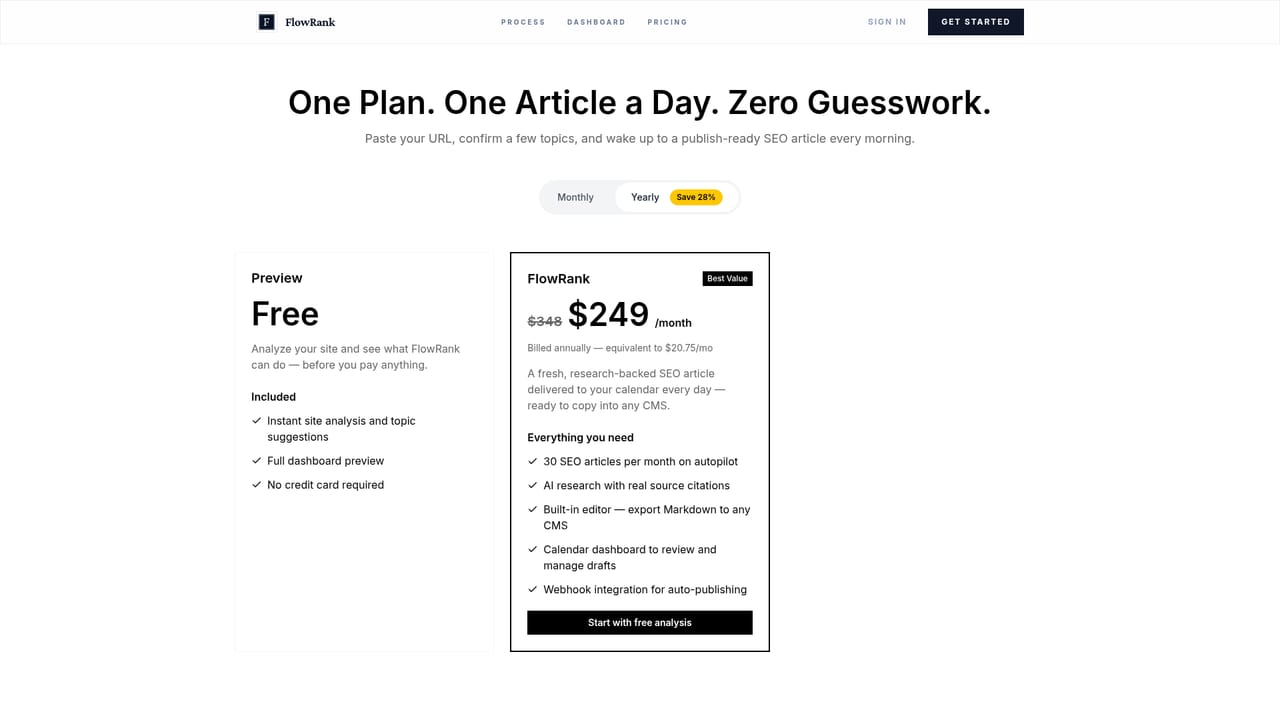
Learn moreA single plan covers 30 SEO articles per month. Monthly billing is $29; yearly billing is $249, shown as $20.75 per month and a 28 percent saving. The plan includes research with citations, the built-in editor, the calendar dashboard and webhook publishing. Site analysis is free and needs no credit card.
Learn moreThe documented route out is Markdown export for any CMS (WordPress, Webflow and Ghost are named) plus a webhook integration for automatic publishing. No other native connectors are listed on the homepage.
Domain analysis from your sitemap and URLs, topic suggestions, research with real source citations, competitor analysis per piece, an editor with Markdown export, a status-based calendar dashboard and webhook auto-publishing. The site positions output as long-form, structured and editorially voiced rather than generic chatbot text.
 AI Angels400+ customizable AI girlfriends for NSFW chat, voice calls, and roleplay
 Candy AIExperience the future of companionship with AI friends who chat, role-play, and connect with you on a human level.
 ourdream.aiA vast AI roleplay platform with millions of characters for chat, images, video and voiceAI Angels400+ customizable AI girlfriends for NSFW chat, voice calls, and roleplayCandy AIExperience the future of companionship with AI friends who chat, role-play, and connect with you on a human level.ourdream.aiA vast AI roleplay platform with millions of characters for chat, images, video and voice


