Free trial
A 7 day free trial is offered on the app, and it can be cancelled at any time. The homepage does not state whether the trial covers full CPA filing or only software features.
Learn moreAI finds your deductions, CPAs file your 1099 taxes

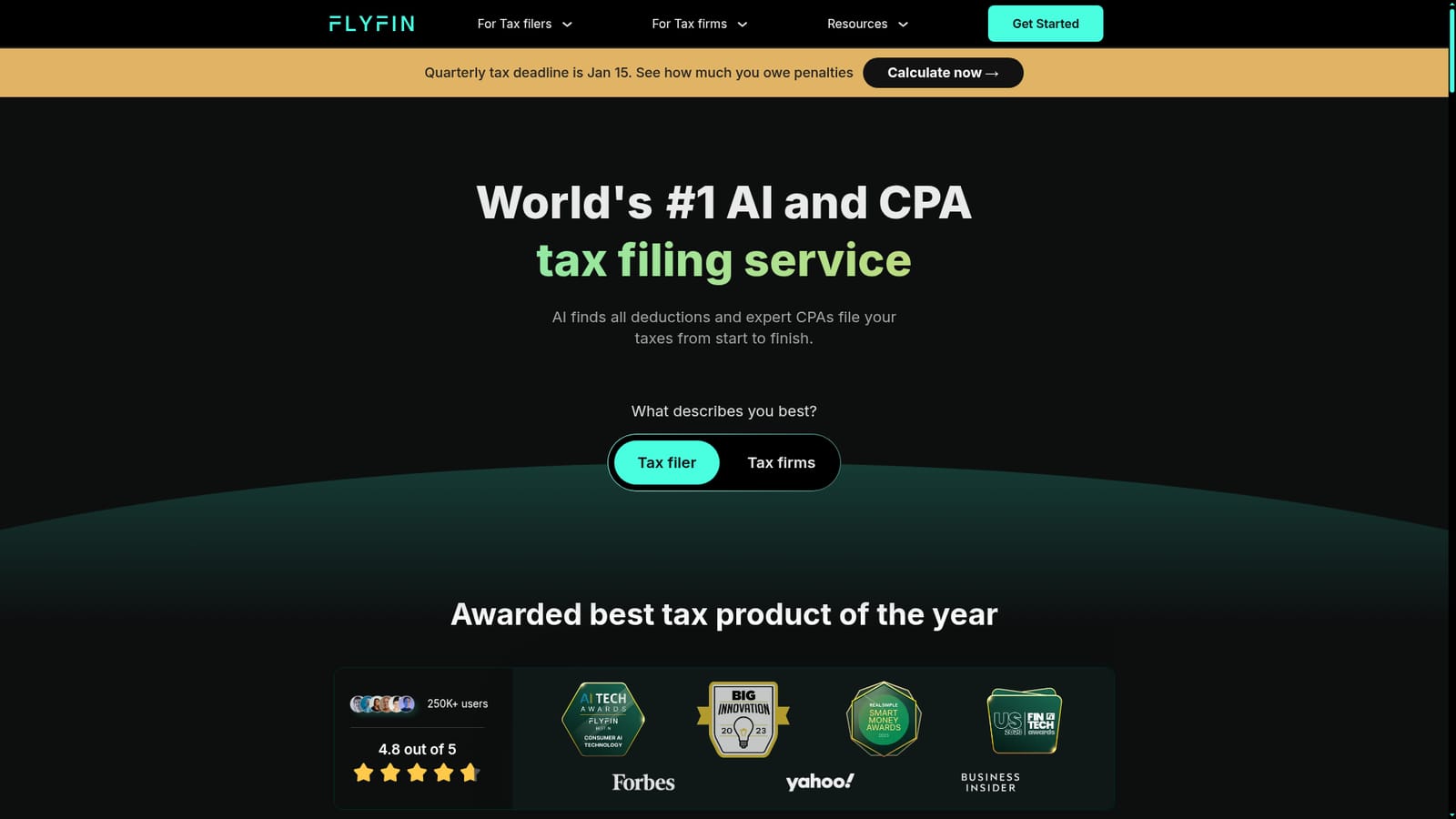
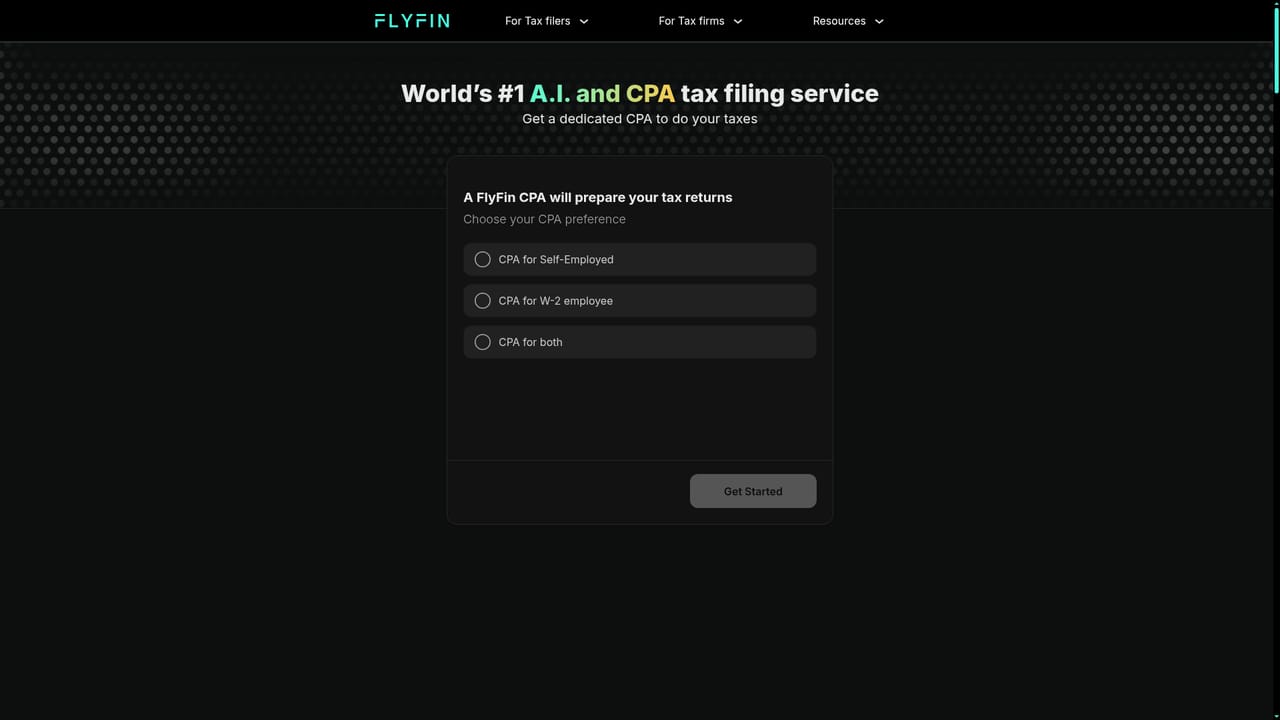
Flyfin tax is an accounting tool. FlyFin combines AI expense scanning with a CPA team that prepares and e-files 1099 and self-employed tax returns. It targets freelancers, contractors and small business owners who want maximum deductions with human review, plus quarterly tax estimates and audit insurance on paid plans.
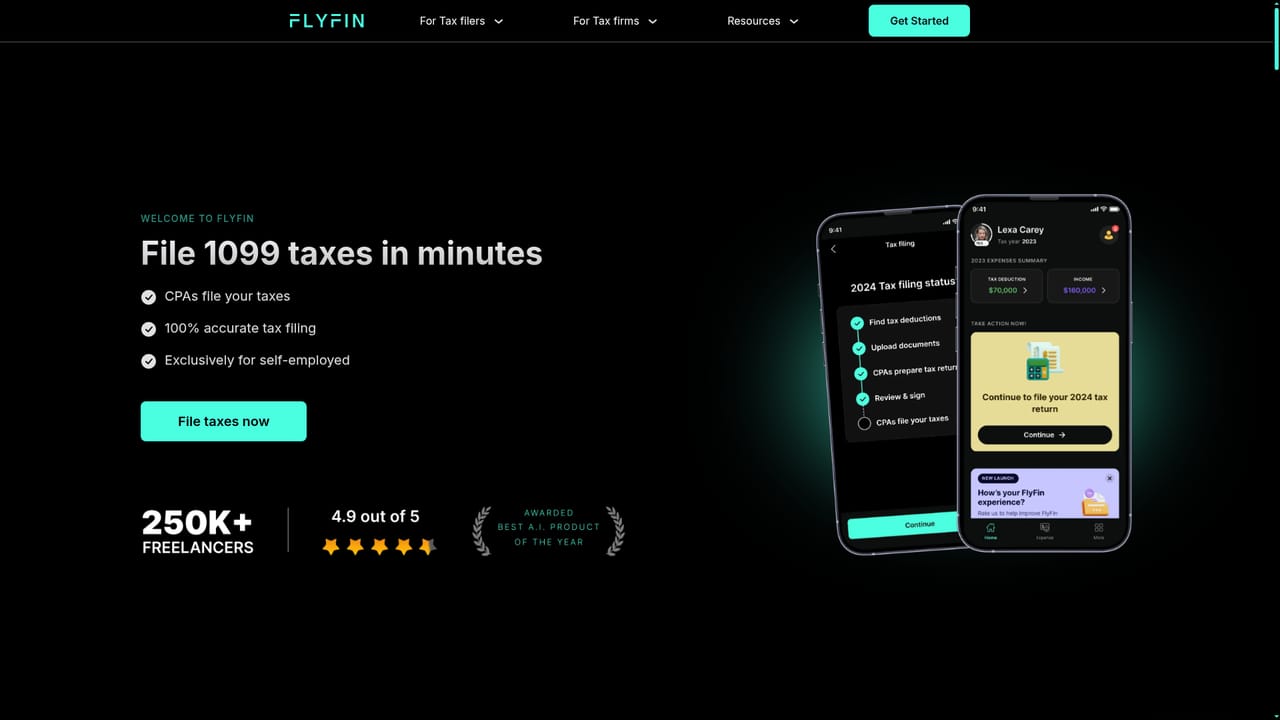
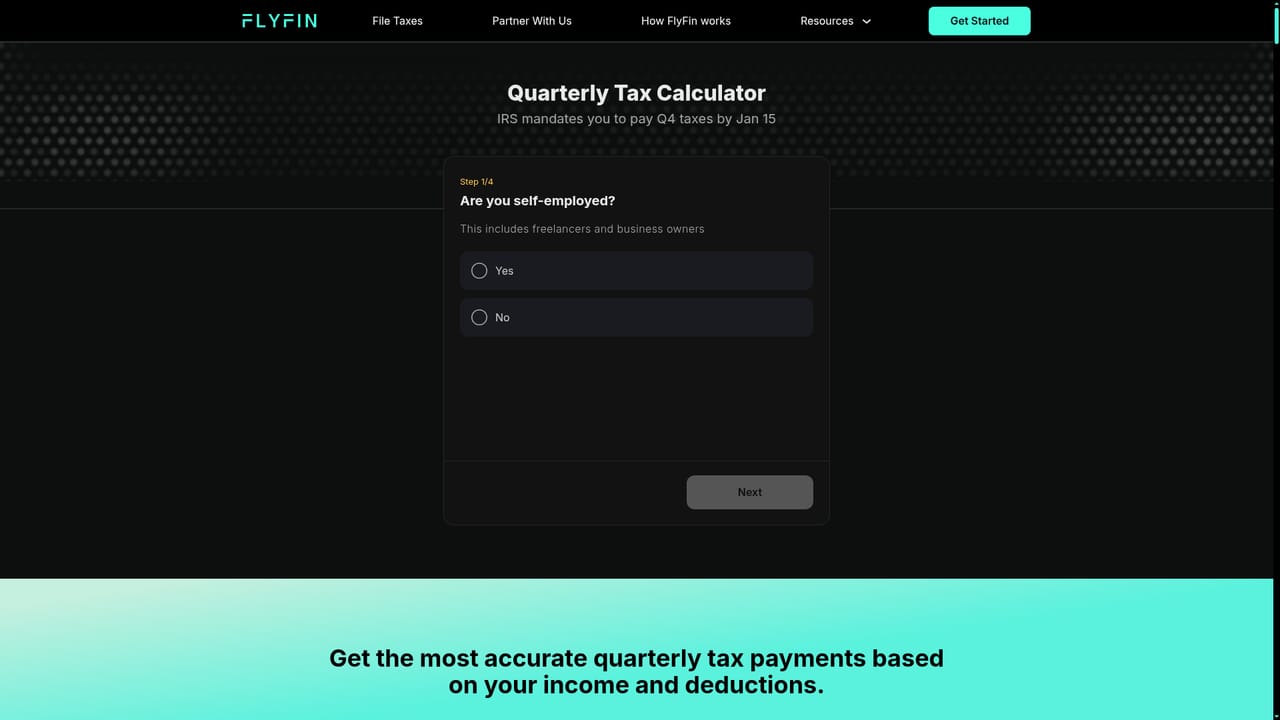
FlyFin is a tax filing service built around a pairing of automated deduction tracking and human CPA review. Its stated focus is the self-employed: freelancers, independent contractors, gig workers and sole proprietors working on 1099 income, plus W-2 employees, LLCs and larger entities. The pitch is that the software handles the tedious discovery work (scanning expenses and proposing write-offs across 200+ deduction categories) while licensed CPAs prepare, review and e-file the federal and state returns. In practice the workflow runs in four stages. The AI connects to your expense accounts and categorizes transactions, then presents deductions you can swipe to accept or reject, flagging unclear items for a CPA. You complete a tax profile, and the CPA team uses it to build a document checklist tailored to your situation. The CPAs then prepare the return for your review and e-signature and file it electronically. Alongside filing, the app includes a quarterly tax estimator, a monthly set-aside calculator, a CPA-certified AI assistant for quick questions, and audit insurance on the paid plans. The plans are tiered by complexity: individual and Schedule C filing, then LLC or sole proprietorship filing with a designated CPA and 1:1 Zoom calls, then S-corp, C-corp, partnership and trust filing. Every tier is quoted as including a free federal extension and data export, and the company advertises a 7 day free trial with cancellation at any time. Compared with a traditional CPA firm, FlyFin competes on price and speed rather than bespoke advisory work; compared with pure DIY software, it adds a human reviewer and audit coverage. It is a US-focused product, so filers outside the American system should look elsewhere. Support is via contact and Ask FlyFin pages, with a blog and a partner program for CPA firms that want to route client filings through the platform.
A 7 day free trial is offered on the app, and it can be cancelled at any time. The homepage does not state whether the trial covers full CPA filing or only software features.
Learn morePlans are split into tiers for individual and Schedule C filing, LLC or sole proprietorship filing with a designated CPA and calls, and entity filing for S-corps, C-corps, partnerships and trusts. Hourly rates are not shown on the homepage; FlyFin states that exact pricing is always available in the latest app version.
Learn moreA contact page is available, plus the Ask FlyFin assistant for tax questions and unlimited or designated CPA access depending on the plan. Some tiers include 1:1 Zoom calls with a CPA.
Learn moreLinks to expense accounts at 2,000+ financial institutions for read-only transaction access. No other third-party integrations are described on the homepage.
AI deduction tracking across 200+ categories, swipe based accept or reject review, monthly financial tracking, a quarterly tax calculator and set-aside tool, a CPA certified AI assistant, unlimited or designated CPA support depending on plan, full CPA review and e-filing for federal and state returns, audit insurance, free federal extension and data export.
Learn more AI Angels400+ customizable AI girlfriends for NSFW chat, voice calls, and roleplay
 Candy AIExperience the future of companionship with AI friends who chat, role-play, and connect with you on a human level.
 ourdream.aiA vast AI roleplay platform with millions of characters for chat, images, video and voiceAI Angels400+ customizable AI girlfriends for NSFW chat, voice calls, and roleplayCandy AIExperience the future of companionship with AI friends who chat, role-play, and connect with you on a human level.ourdream.aiA vast AI roleplay platform with millions of characters for chat, images, video and voice