Free trial
A Start Trial link appears prominently on the homepage and routes to the app sign up, but the trial length and what it includes are not stated.
Learn morePlan, create and schedule social content with AI models in one studio
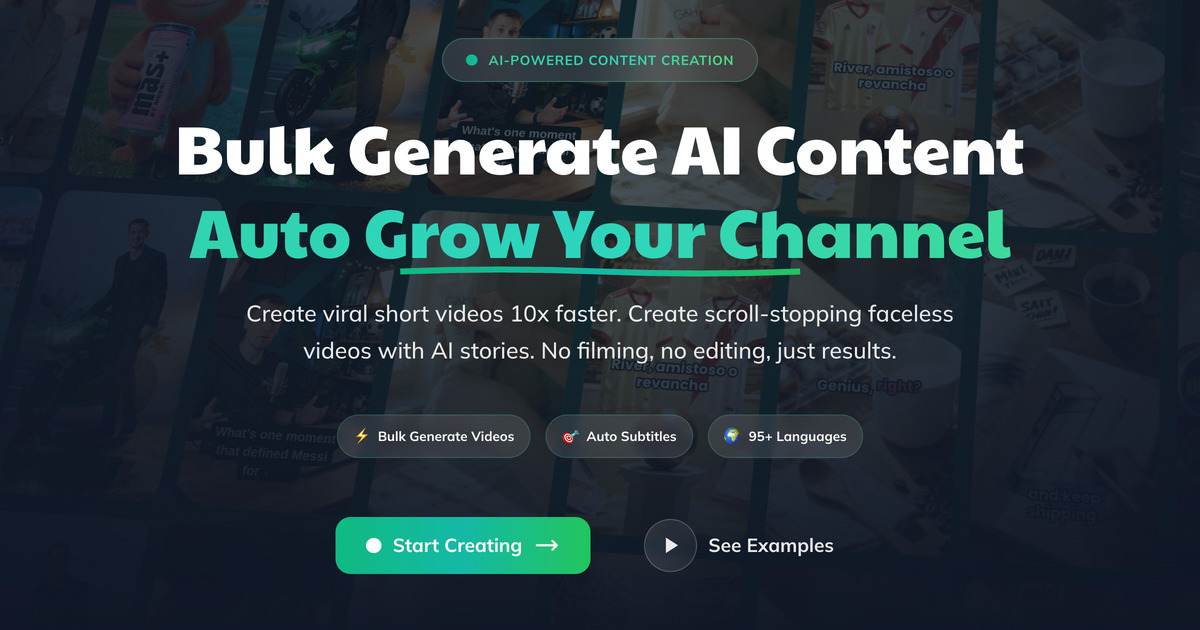
Followr is a content tool that plans create and schedule social content with AI models in one studio.
Followr is a social media management platform that bundles a content studio, a scheduling calendar and an analytics dashboard into a single workspace. The pitch is consolidation: instead of pairing a generative image tool with a copywriting assistant, a video generator and a separate publishing scheduler, teams work inside one app that handles production and distribution together. The homepage positions it as an all-in-one operating layer for brands that post frequently and want to cut the number of tools involved. The creative side is a model aggregator rather than a single in-house engine. Text generation runs on OpenAI GPT-5 and Claude 4.5, images come through Stability AI, Google Nano Banana and Google Imagen 4, and video comes from Google Veo 3 and Sora, with Gemini 2.5 in the mix. A separate module builds talking-head AI avatars in seconds, offering preset voices with accents and tones, custom voice training, and multilingual output for product demos, testimonials and unboxing clips. A news content feature turns trending stories sourced from live feeds into drafted posts, and a writing assistant handles captions and channel copy. In practice the workflow is create, then schedule, then measure. Generated assets land in the studio, the calendar tool queues them across connected channels, and the analytics dashboard reports performance, with the platform describing predictive analysis and automation triggered by results. An inbox view consolidates messages and comments from connected accounts so replies happen in one place. There is also a white label dashboard, which points to agencies and resellers managing several brands. It suits small marketing teams, solo creators and social agencies that want volume without hiring production crews. The tradeoff is depth: model access is rented from third parties and may lag their newest releases, avatar video is a specific format rather than full editing, and the breadth of the suite means evaluation takes longer than a single purpose tool. Teams with an established stack of best of breed apps should compare carefully before consolidating.
A Start Trial link appears prominently on the homepage and routes to the app sign up, but the trial length and what it includes are not stated.
Learn moreThe homepage leads to a main pricing page with plans and to a separate AI studio pricing page, which suggests generation credits are billed on their own terms. No plan prices, tiers or limits are stated on the homepage, so figures must be checked directly.
Learn moreThe homepage advertises 24/7 AI availability and describes expert human support as a differentiator, without naming channels, hours or response targets.
The platform names the AI model providers it runs on (OpenAI, Anthropic, Google, Stability AI) and describes connecting social channels for publishing, messaging and analytics, but no social platform list is published on the homepage.
Content studio powered by OpenAI GPT-5, Claude 4.5, Google Veo 3, Sora, Gemini 2.5, Stability AI, Google Nano Banana and Google Imagen 4; AI avatars with trained voices and 95+ languages; news to post drafting; calendar scheduling and automated posting; analytics with predictive insights; consolidated message and comment inbox; white label dashboard.
Learn more AI Angels400+ customizable AI girlfriends for NSFW chat, voice calls, and roleplay
 Candy AIExperience the future of companionship with AI friends who chat, role-play, and connect with you on a human level.
 ourdream.aiA vast AI roleplay platform with millions of characters for chat, images, video and voiceAI Angels400+ customizable AI girlfriends for NSFW chat, voice calls, and roleplayCandy AIExperience the future of companionship with AI friends who chat, role-play, and connect with you on a human level.ourdream.aiA vast AI roleplay platform with millions of characters for chat, images, video and voice


