Free trial
14 day free trial with 300 AI credits included and no credit card required. The vendor states setup takes about five minutes.
Learn moreAI cold email outreach that personalizes each message per prospect

NuReply is a B2B cold email platform that uses AI to write a unique subject line and body for every prospect instead of merging variables into one template. It bundles sender warm up, multi step sequences with conditional follow ups, list import with validation, and direct connections to Gmail, Outlook and SMTP.
NuReply is a cold email outreach platform that puts AI copywriting at the centre of the sending workflow. Rather than filling merge fields into one master template, the tool reads the details of each prospect (their role, their company, and other publicly available information) and drafts a subject line and body that read as though they were written for that one person. The stated goal is outreach that feels one to one instead of one to many, which matters in B2B inboxes where generic sequencing is easy to spot. Around that core sit the two plumbing features that cold email depends on. Email warm up runs automated sending and receiving activity to build sender reputation before and during campaigns, which the vendor says improves primary inbox placement and reduces spam filtering. Campaign management covers multi step sequences with conditions, delays, triggers and follow ups, so the AI drafts sit inside a structure rather than being sent as one offs. Lists can come from a CSV upload, a paste out of a CRM, or be built inside the platform, with automatic deduplication and email validation on the import path. Setup is deliberately undemanding. Gmail, Outlook or any SMTP account is connected directly, so existing mailboxes stay where they are and no migration is involved. The vendor positions the platform for solo founders who want reach without hiring reps, sales teams that want prospecting automated away from closing time, and marketing teams running outbound alongside inbound. Compared with conventional cold email suites, the differentiator is native per prospect generation plus built in warm up, which removes the usual need to bolt on a separate reputation tool. Pricing is published as six tiers from $25 to $400 per month, and a 14 day trial with 300 AI credits is offered without a card. The credit limit is worth tracking: heavy campaigns will consume AI drafts quickly, so plan the tier around volume rather than headcount.
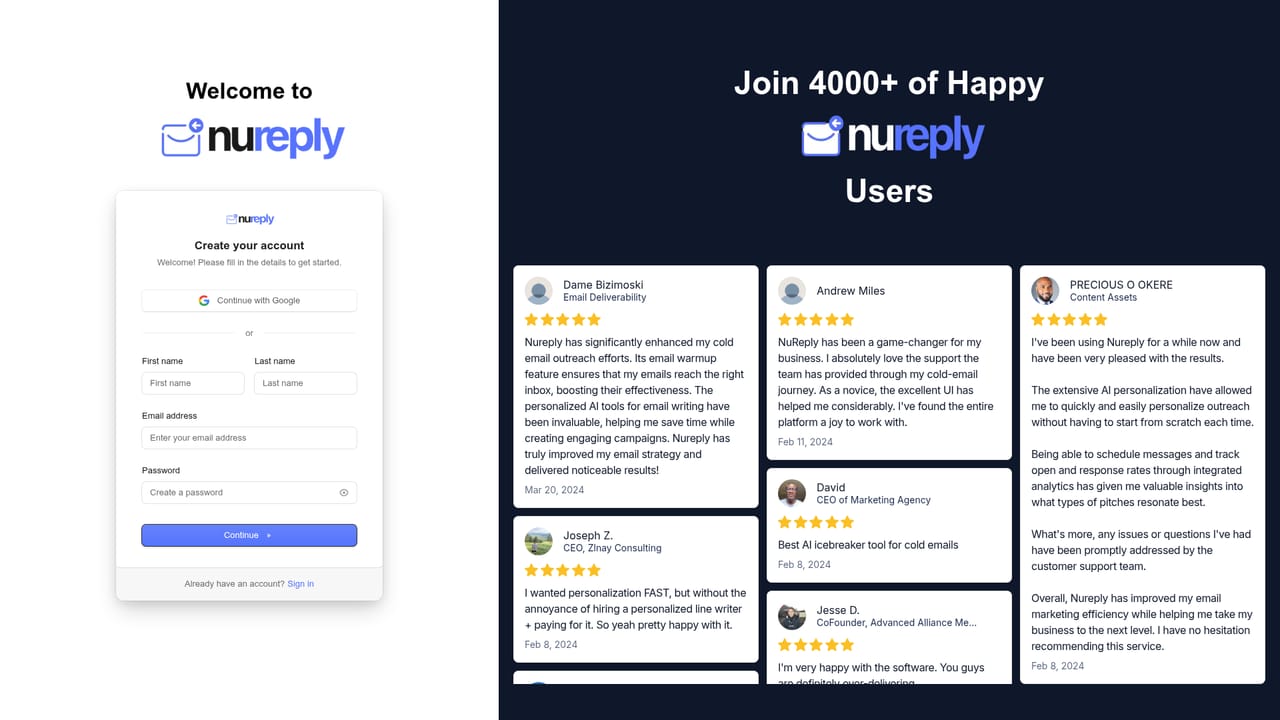
14 day free trial with 300 AI credits included and no credit card required. The vendor states setup takes about five minutes.
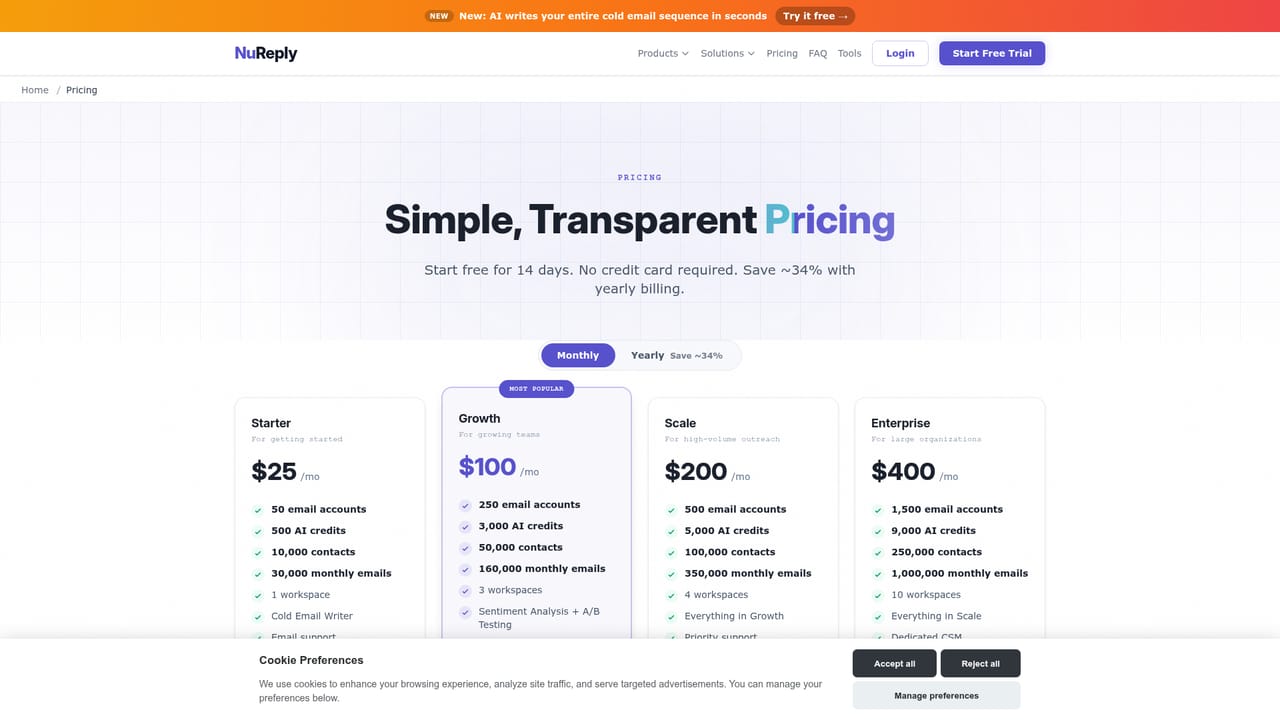
Learn moreSix plans from $25 to $400 per month: Starter ($25), Launch ($50), Growth ($100), Scale ($200), Pro ($300) and Enterprise ($400). Every plan includes the 14 day trial with AI credits. Credit allowances per tier are not published on the homepage, so match the plan to expected sending volume.
Learn more24/7 support is listed among the platform's headline metrics, alongside 99.9% uptime. No support channels or response time commitments are detailed on the homepage.
Gmail, Outlook, HubSpot, Zapier, any SMTP provider and a REST API for custom workflows, CRM syncing and programmatic campaign management.
Three pillars: AI personalization that generates a unique subject line and body per prospect from role, company and public data; automated warm up and boost to build sender reputation and improve primary inbox placement; and multi step campaign management with automated sequences, conditional follow ups, delays and triggers, plus list import with automatic deduplication and email validation.
 AI Angels400+ customizable AI girlfriends for NSFW chat, voice calls, and roleplay
 Candy AIExperience the future of companionship with AI friends who chat, role-play, and connect with you on a human level.
 ourdream.aiA vast AI roleplay platform with millions of characters for chat, images, video and voiceAI Angels400+ customizable AI girlfriends for NSFW chat, voice calls, and roleplayCandy AIExperience the future of companionship with AI friends who chat, role-play, and connect with you on a human level.ourdream.aiA vast AI roleplay platform with millions of characters for chat, images, video and voice


