Free trial
A free 30 minute diagnostic call is offered. It is a scoping conversation, not a product trial, and the paid audit that follows runs two to four weeks.
Learn moreAI email drafting that follows your firm's rules

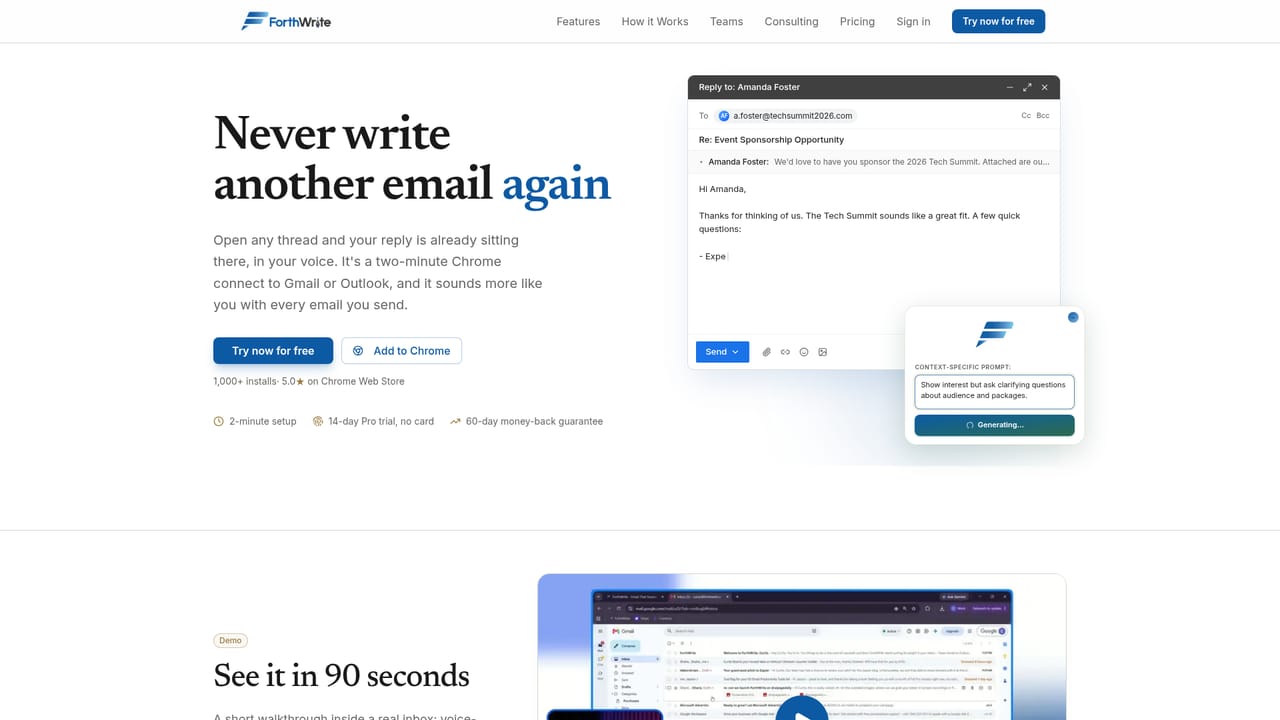
ForthWrite is a content writing tool. Email drafting built for accounting, advisory and lending firms. ForthWrite runs inside Gmail and Outlook, learns from mail you have already sent, and lets a firm enforce its rules on every draft before a person sends it.
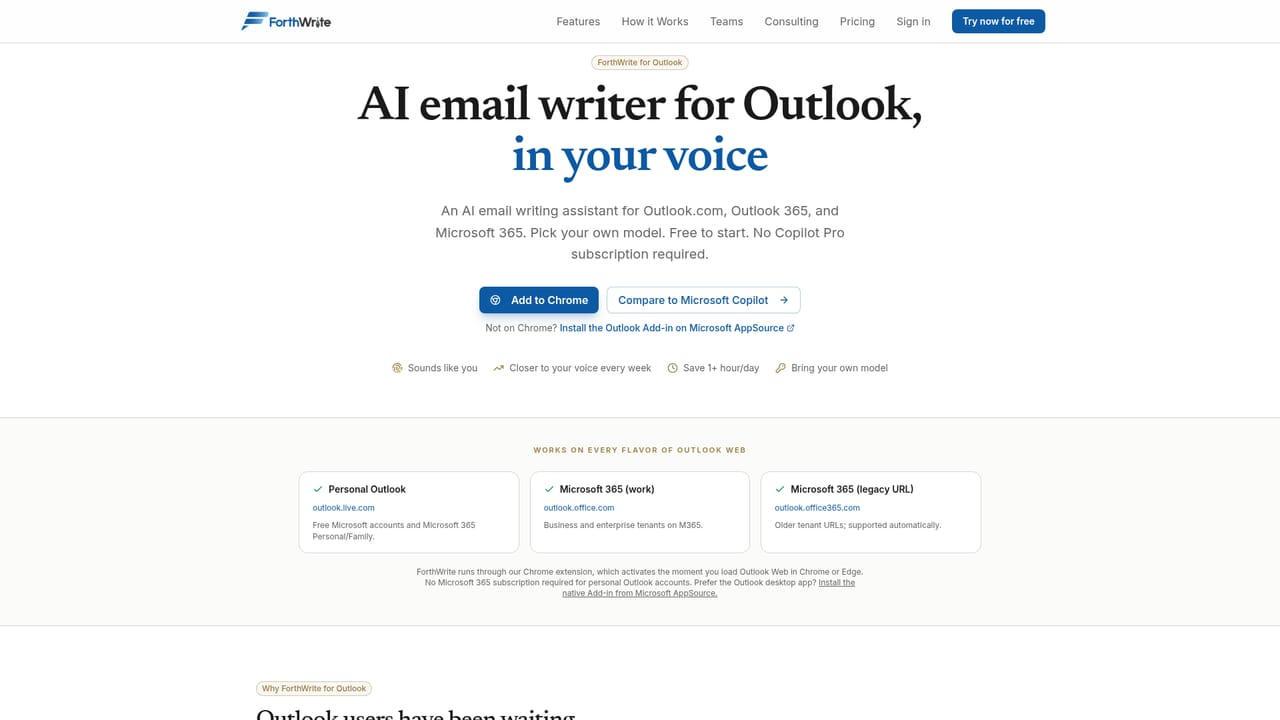
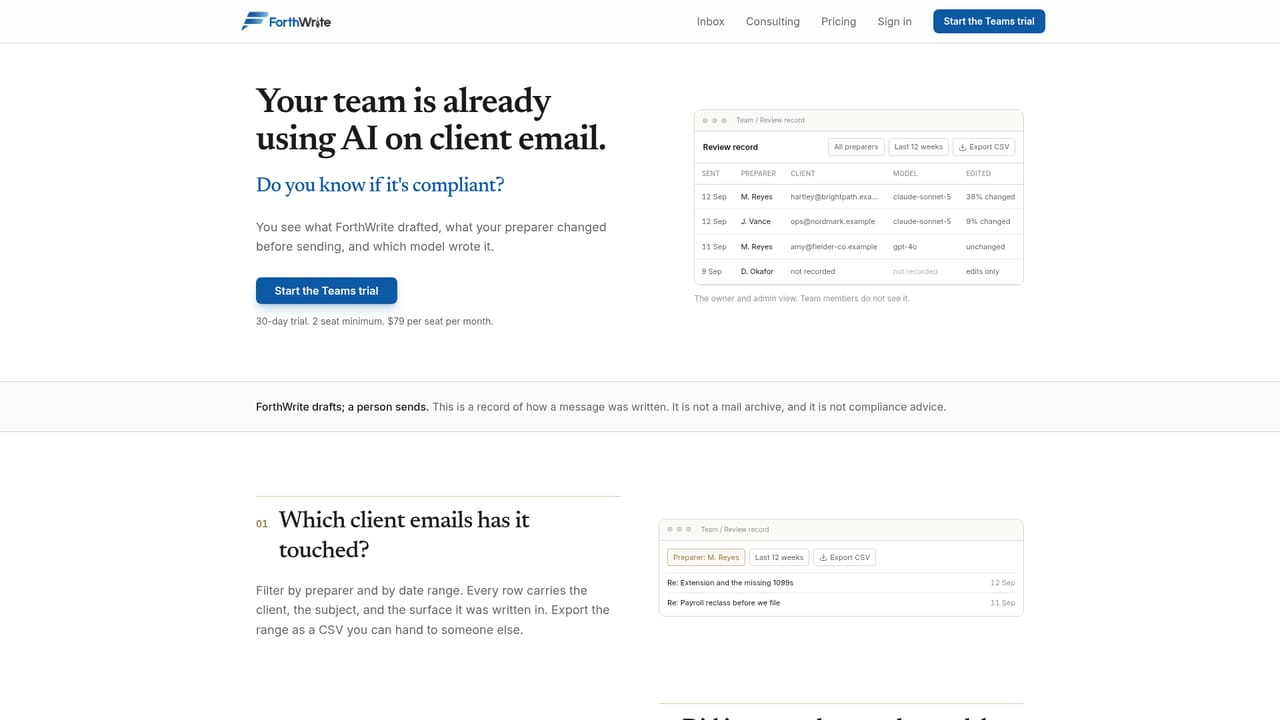
ForthWrite is an AI drafting layer for professional services firms, built by a founder who has worked inside the accounting and advisory world. Rather than asking teams to adopt a new writing platform, it places drafting inside the mailbox people already use, Gmail and Microsoft Outlook, and leaves the sending decision with a human. The company describes its core principle plainly: ForthWrite drafts, a person sends. That positioning separates it from general purpose writing assistants that output text into a blank page with no context about who is allowed to say what. The product is sold in three tiers that mirror how much of the work a firm wants handled. Inbox is the self serve entry point, aimed at an individual who writes client email all day. It studies mail the person has already sent so the first draft lands close to their own voice, and it runs in the normal compose box. Teams adds governance: a firm sets its rules once and every generated draft is checked against them, with a noncompliant draft blocked until the preparer records a written reason to proceed. Reporting afterward shows which rules were in force, where they were broken and who overrode them. Consulting is the services track, tracing how work actually moves through a firm before any software gets built. Buyers here are accounting and tax practices, advisors and registered investment advisers, and lenders and brokers, organizations where client correspondence carries compliance exposure and where nobody can read every outgoing message. The vendor is explicit about its boundaries: it is not an email archive and it does not provide compliance advice, so it complements record keeping and legal review rather than replacing them. On paid plans a firm can supply its own model key, with Anthropic Claude and Google Gemini named as options. A diagnostic call is offered free at 30 minutes, and the paid audit that follows carries a fixed scope of two to four weeks.

A free 30 minute diagnostic call is offered. It is a scoping conversation, not a product trial, and the paid audit that follows runs two to four weeks.
Learn moreThree routes rather than a single price list. Inbox is the self serve entry for an individual, Teams adds rule enforcement for a firm, and Consulting is scoped services work. The homepage does not state prices; the suite begins with a free 30 minute diagnostic, followed by a paid audit with fixed scope lasting two to four weeks. Paid plans can use your own model key.
Learn moreEngagements include an onboarding path with written SOPs your team can follow, and the vendor stays until the team is using the build. No help centre or ticket channel is described on the homepage.
Works with Gmail and Microsoft Outlook as the drafting environment. Anthropic Claude and Google Gemini are supported as model providers through an optional key of your own on paid plans.
Learn moreDrafting inside Gmail and Outlook, voice learned from previously sent mail, firm rules applied to every draft, a block on noncompliant sends until a written reason is given, and reporting on rules in force, violations and overrides per person. Paid plans allow a customer supplied model key, with Anthropic Claude and Google Gemini listed.
Learn more AI Angels400+ customizable AI girlfriends for NSFW chat, voice calls, and roleplay
 Candy AIExperience the future of companionship with AI friends who chat, role-play, and connect with you on a human level.
 ourdream.aiA vast AI roleplay platform with millions of characters for chat, images, video and voiceAI Angels400+ customizable AI girlfriends for NSFW chat, voice calls, and roleplayCandy AIExperience the future of companionship with AI friends who chat, role-play, and connect with you on a human level.ourdream.aiA vast AI roleplay platform with millions of characters for chat, images, video and voice


