
Frankenfile

Describe the file job in plain words, AI does the rest on your Mac.

Beginner
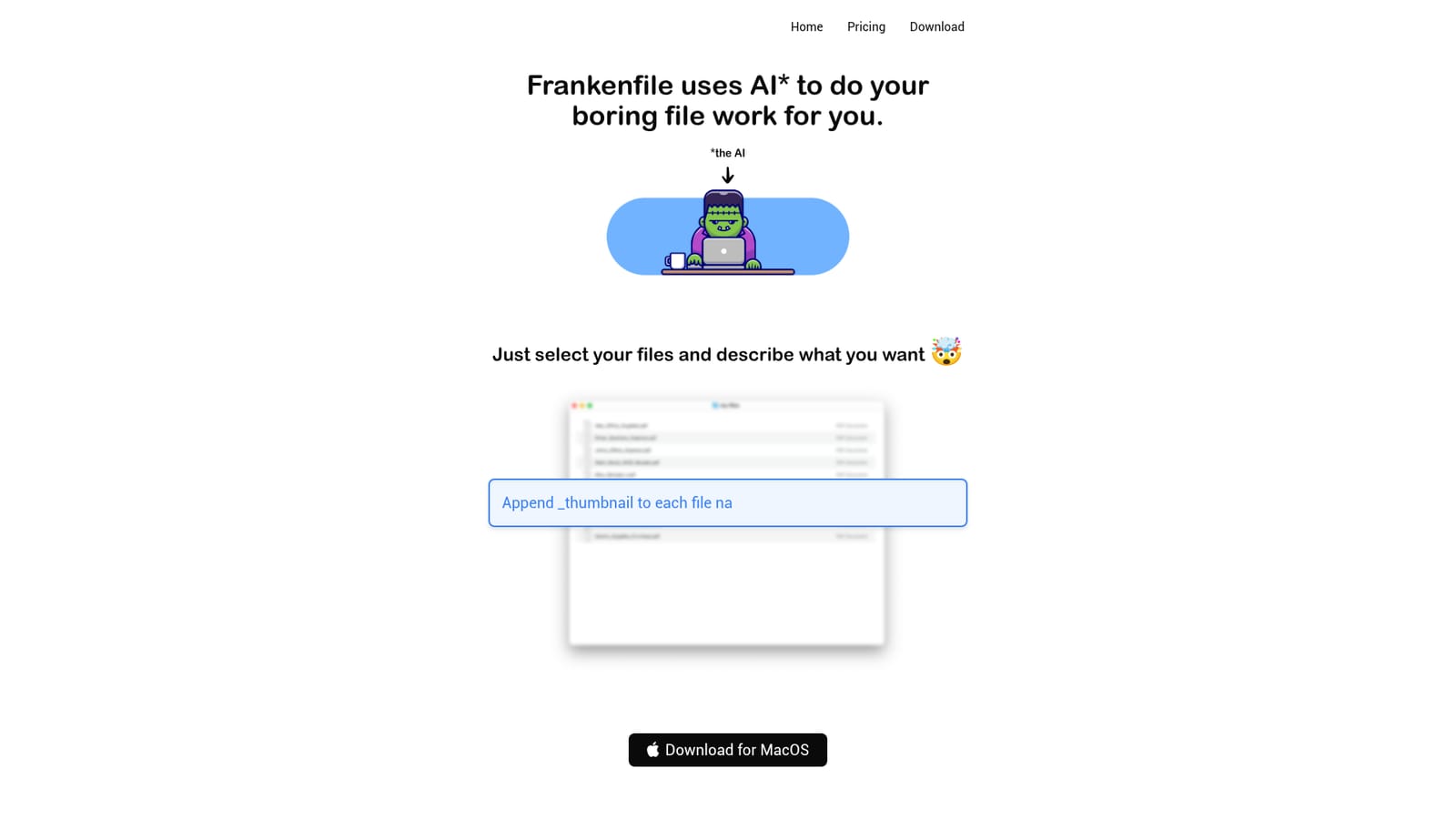
Screenshot of Frankenfile, Describe the file job in plain words, AI does the rest on your Mac

What is Frankenfile?

Frankenfile is a Mac app that executes plain language instructions on your files: resize images, watermark video, split PDFs, trim audio and rename batches. Processing runs locally with no uploads, which makes it a fit for private or unreleased material.

Frankenfile is a Mac utility that turns plain language instructions into finished file operations. Instead of clicking through a menu for every resize, rename or conversion, you select the files you want to work on, type a sentence describing the outcome, and let the app carry it out. The examples shown on the site range from resizing images to a fixed edge, to turning photos into circular thumbnails, to dropping a watermark over the centre of a video clip. It covers the routine formats most people deal with. For images that means format conversion across png, jpg, gif and similar, resizing, cropping, watermark overlays and thumbnail generation. For video it handles conversion between mp4, mov and other containers, clipping and trimming, resizing, and pulling the audio out of a clip. Audio files can be converted between mp3 and wav, cut, compressed or split into separate tracks. PDFs can be split by page range, merged together or converted. Sorting and sequential renaming of batches also fall inside its scope. The working model suits people who already know what they want but not which tool does it: freelancers cleaning up client assets, office workers wrangling receipts and expense scans, editors preparing thumbnails, or anyone with a folder of mismatched files. Because processing happens on the machine and nothing is uploaded, it also appeals to users handling private documents or unreleased media who would rather not push files to a web service. The tradeoff is that it is a Mac only download, not a browser tool, so it does not travel across devices. Compared with general purpose AI chat tools that can describe a workflow but cannot touch your disk, Frankenfile is narrower but actually executes. Against classic batch utilities, it wins on flexibility for one-off jobs that would otherwise mean hunting for the right submenu or writing a shell command. It does not try to be a full digital asset manager or a cloud storage layer; it is a task runner for files you already have locally.

How do you use Frankenfile?

  1. 1Download Frankenfile for Mac
    Get the Mac build from the site. The app is a local download rather than a web tool, so installation happens on the machine where your files already live.
    Frankenfile — Download Frankenfile for Mac
  2. 2Select the files you want to change
    Point Frankenfile at the images, videos, audio or PDFs for the job. Working from a folder of originals keeps the source material intact.
  3. 3Describe the task in plain language
    Type an instruction such as resizing images to a set edge, overlaying a watermark on a clip, or sorting files into named folders with sequential numbers.
  4. 4Review the output and rename or resort if needed
    Check the produced files. If the result is not quite right, rephrase the instruction to be more specific about sizes, page ranges or naming order.
  5. 5Check the plans page before committing
    Pricing is listed separately from the homepage. Visit the plans page to see what is offered before paying for the download.
    Frankenfile — Check the plans page before committing

Pros and cons

Pros

  • Natural language instructions remove the need to hunt for the right menu or command for one-off file jobsAI
  • Handles images, video, audio and PDFs in a single app rather than several separate convertersAI
  • Local processing with no file uploads keeps private documents and unreleased media on the machineAI
  • Practical examples on the site (splitting PDF page ranges, sequential renaming, watermark placement) map closely to real admin workAI
  • Useful for batch cleanup where a full asset manager would be overkillAI

Cons

  • Mac only, so Windows and Linux users have no route to the app and work does not follow you across devicesAI
  • The AI layer is the whole interface, so an ambiguous instruction can produce an unexpected result and you still have to check the outputAI
  • No stated integrations with cloud storage or creative suites, meaning files must already be on the local diskAI
  • Nothing on the homepage describes a free tier or trial period, so evaluating it before paying is unclearAI

How much does Frankenfile cost?

Features

Plain language task execution on local files: image conversion, resizing, cropping, watermark overlays and thumbnail generation; video conversion, trimming, resizing and audio separation; audio conversion, cutting, compression and track splitting; PDF split, merge and convert; plus batch sorting and sequential renaming. All processing runs on the Mac with no uploads.

Frequently asked questions about Frankenfile

  • How do you use Frankenfile?
    The walkthrough on this page covers 5 steps: 1. Download Frankenfile for Mac 2. Select the files you want to change 3. Describe the task in plain language 4. Review the output and rename or resort if needed 5. Check the plans page before committing.
  • What platforms does Frankenfile support?
    Frankenfile is available on MacOS.
  • What are the limitations of Frankenfile?
    Mac only, so Windows and Linux users have no route to the app and work does not follow you across devices. The AI layer is the whole interface, so an ambiguous instruction can produce an unexpected result and you still have to check the output. No stated integrations with cloud storage or creative suites, meaning files must already be on the local disk.

Status

StatusActive
Views0
Outbound clicks0
Added10/21/2026

Platforms

MacOS

Pricing

Paid