Free trial
No separate trial is needed: the tool is free to use with daily AI limits of two renames and 50 files per run.
Learn moreRename and reorganize whole folders locally, with AI or regex rules.
Own Bulk Rename Utility? Verify ownership to get a dofollow link

Bulk Rename Utility is a bulk video generator tool. A local-first bulk file renamer that runs in the browser, combining plain-English AI renaming with regex and JavaScript rules, plus a file organizer and a photo renamer. Files are never uploaded; the free plan allows two AI renames per day at up to 50 files each.
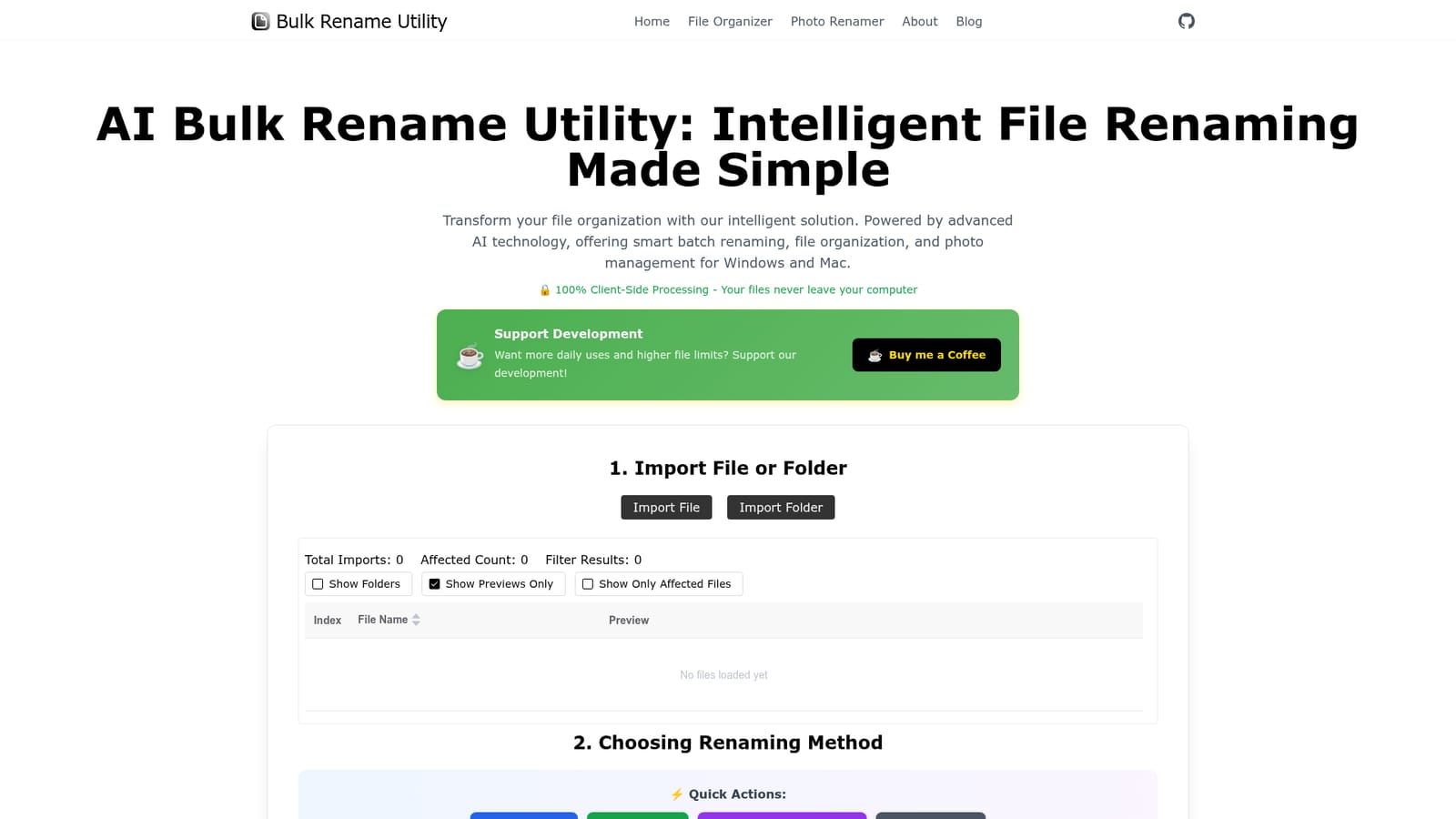
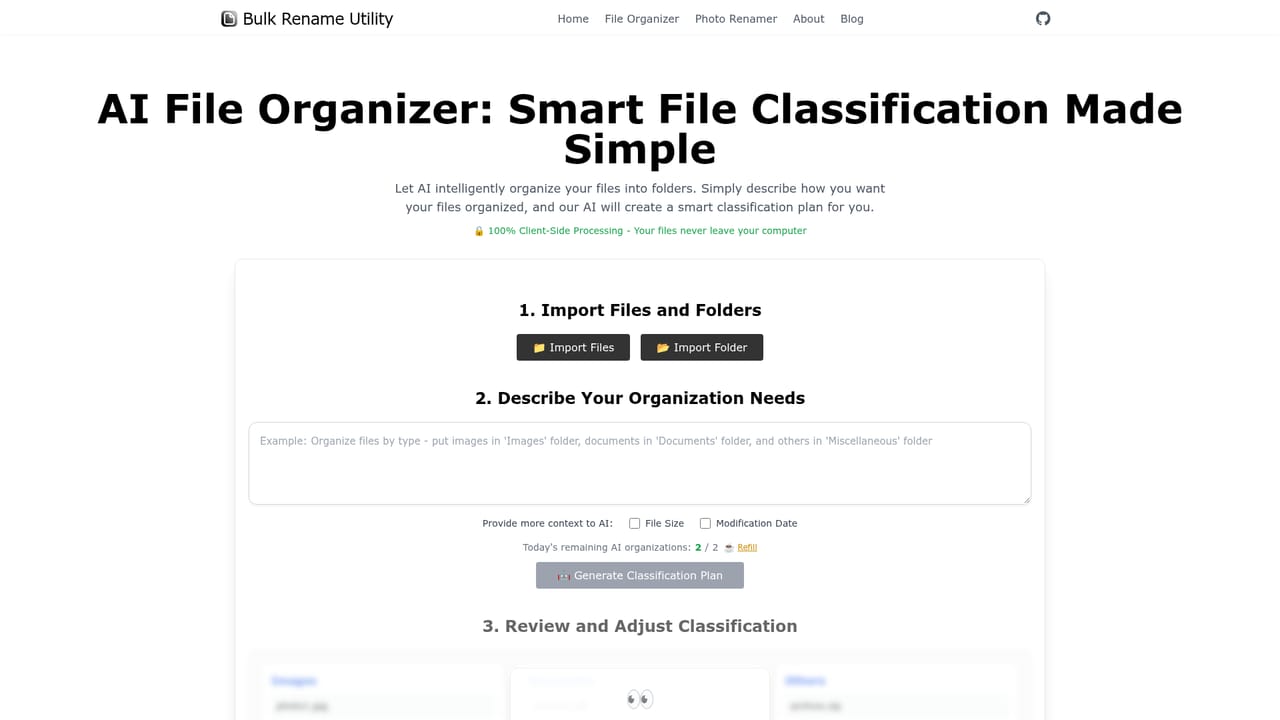
Bulk Rename Utility is a browser-based tool for renaming large groups of files in one pass. You import files or folders, and the app reads only their names rather than uploading the contents, so photos, documents and project assets stay on your machine. Two modes cover the work: an AI Mode where you describe the desired result in plain English, and a Rule Mode built for precise, repeatable patterns using regex and JavaScript. Quick actions handle the common cases without any setup: add a prefix, insert the current date, apply sequential numbering, or convert names to lowercase. The workflow is import, preview, execute. After loading files, the table shows the original name beside a preview of the new one, and filters let you narrow the list to folders, previews only, or just the files that will actually change. Nothing is committed until you confirm. Two companion pages extend the same engine: a File Organizer that sorts messy folders into categories from a natural language description, and a Photo Renamer aimed at photographers who want images named by shoot date, event or sequence. The audience is anyone sitting on a folder of badly named files: photographers, video editors, developers managing assets, and office users cleaning up shared drives. It sits between heavyweight desktop renamers that need installing and cloud tools that ask for uploads. Because everything runs client-side, File System Access API support matters, and the site recommends Chrome or Edge for the full experience. The free tier is real but tight: two AI renames per day at up to 50 files per run, with top-ups available through a coffee donation link. Rule Mode carries no stated AI quota, which makes it the practical route for large jobs. There is no account system, no server-side history and no API, so the tool suits one-off cleanups and repeat local sessions rather than automated pipelines.
No separate trial is needed: the tool is free to use with daily AI limits of two renames and 50 files per run.
Learn moreFreemium. The free plan allows two AI renames per day with up to 50 files per run, and the site notes no download or installation is required. Extra daily uses and higher file limits are offered in exchange for supporting development through a Buy me a Coffee link. No fixed subscription price is listed on the homepage.
Learn moreSupport runs through a Buy me a Coffee page where users can fund development to unlock more daily uses and higher file limits. No help centre or ticketing is described on the homepage.
AI Mode renames files from a natural language description, while Rule Mode supports regex and JavaScript patterns. Quick Actions add prefixes, dates, sequential numbers or lowercase names. A preview table with folder, preview and affected-file filters shows results before execution, and companion pages provide an AI File Organizer for categorising folders and a Photo Renamer for date, event or sequence naming.
 AI Angels400+ customizable AI girlfriends for NSFW chat, voice calls, and roleplay
 Candy AIExperience the future of companionship with AI friends who chat, role-play, and connect with you on a human level.
 ourdream.aiA vast AI roleplay platform with millions of characters for chat, images, video and voiceAI Angels400+ customizable AI girlfriends for NSFW chat, voice calls, and roleplayCandy AIExperience the future of companionship with AI friends who chat, role-play, and connect with you on a human level.ourdream.aiA vast AI roleplay platform with millions of characters for chat, images, video and voice


