Free trial
A free starting allowance of 50 lifetime credits is offered without a card. No time-limited trial is described on the homepage.
Learn moreAsk once, get five AI opinions and one honest verdict.
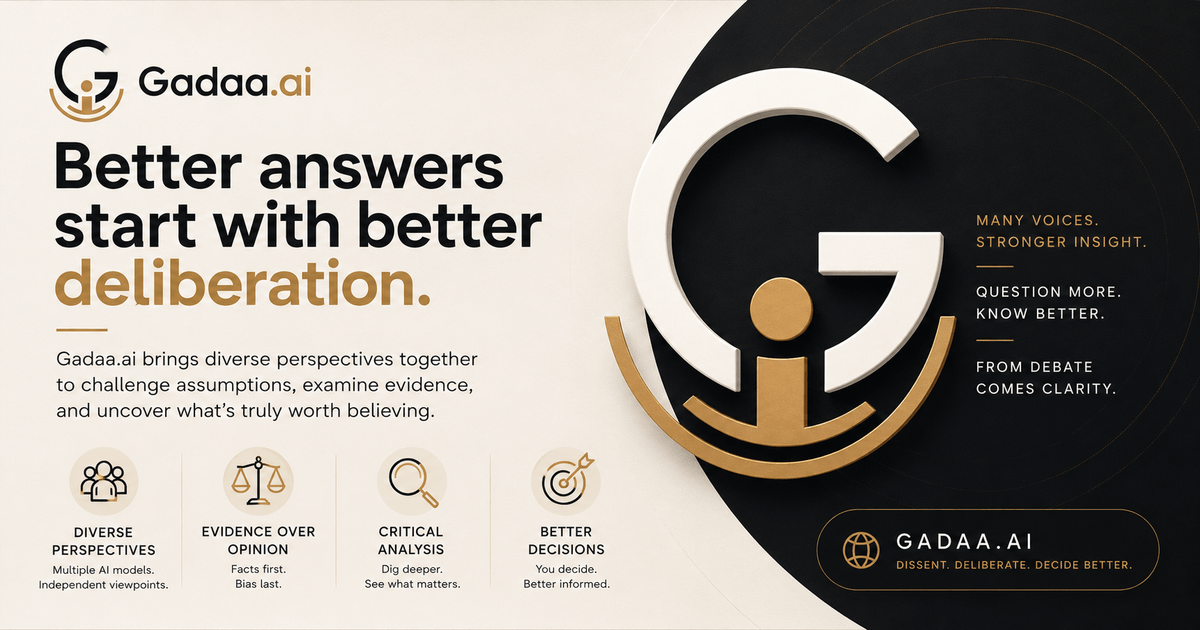
Gadaa /Ask is an advice giver tool. Gadaa /Ask sends one question to five independent frontier AIs and returns a single verdict with a confidence tier, showing where the models agree and where they split. Each deliberation comes with a shareable record and a Docent that answers follow-ups from that record only.
Gadaa /Ask is a multi-model deliberation tool that routes a single question to five independent large language models drawn from different labs (the homepage names Anthropic, Google, OpenAI, xAI, DeepSeek and Moonshot as its council sources). Each seat answers without seeing the others, so agreement carries weight and disagreement becomes visible rather than smoothed over. The output is one readable verdict tagged with a confidence tier: Strong Consensus, High Confidence, Advisory or Dissent. The mark tells you how much agreement stood behind the answer before you read it. In practice, you submit a question, the council deliberates independently, and you receive a structured answer plus a deliberation record showing where the models converged and where they split. A built-in guide called the Docent answers follow-up questions strictly from that record, so you can probe a split without accidentally resolving it. The record is shareable, which matters for teams: attaching it to a decision keeps the reasoning auditable after the meeting ends. The tool is deliberately scoped. Gadaa says it is built for high-stakes decisions, claims you need to verify before repeating them, contested questions where expert disagreement is likely, and research synthesis where one model's blind spot could skew a conclusion. It advises against using the council for drafting, brainstorming, creative work, coding, quick lookups or casual chat, where a single model is faster and cheaper. Compared with a standard chat assistant, Gadaa /Ask trades speed for a second through fifth opinion and an explicit honesty signal. It is not a replacement for general-purpose AI tools; it is a verification layer for questions where a confident wrong answer is expensive. The product is web based and free to start.
A free starting allowance of 50 lifetime credits is offered without a card. No time-limited trial is described on the homepage.
Learn moreFree to start with 50 lifetime credits and no card required. Core is described as the tier for asking, while Plus adds the frontier council on a question by question basis. The homepage does not list specific prices; the pricing page holds the current figures.
Learn moreFive independent model seats from different labs answer without seeing each other. Output is a single verdict tagged with one of four confidence tiers, plus a full deliberation record. A Docent answers follow-ups strictly from the record. Records are shareable for team audit trails.
 AI Angels400+ customizable AI girlfriends for NSFW chat, voice calls, and roleplay
 Candy AIExperience the future of companionship with AI friends who chat, role-play, and connect with you on a human level.
 ourdream.aiA vast AI roleplay platform with millions of characters for chat, images, video and voiceAI Angels400+ customizable AI girlfriends for NSFW chat, voice calls, and roleplayCandy AIExperience the future of companionship with AI friends who chat, role-play, and connect with you on a human level.ourdream.aiA vast AI roleplay platform with millions of characters for chat, images, video and voice