Free trial
New accounts receive 20 free credits with no credit card required, enough to try artwork generation, animation and sprite sheet export before committing.
Learn moreAI art, animation and sprite sheets for 2D game developers
Own Gamelabs Studio? Verify ownership to get a dofollow link

Gamelabs Studio is a fantasy map generator tool. A browser studio for 2D game developers that generates pixel-perfect artwork, animates it, and exports transparent sprite sheets with configurable grid, FPS and padding. Multi-angle reference workflows, seamless map tiles and an MCP server for AI-assisted IDEs round out the pipeline.
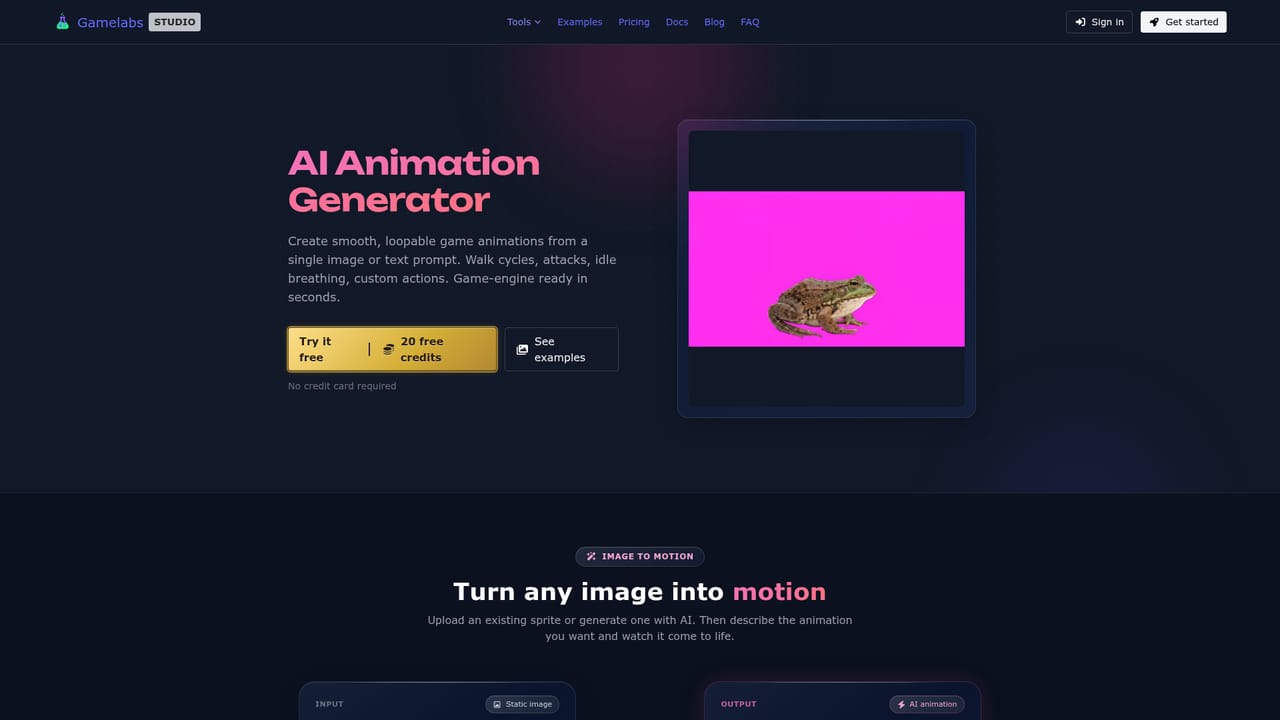
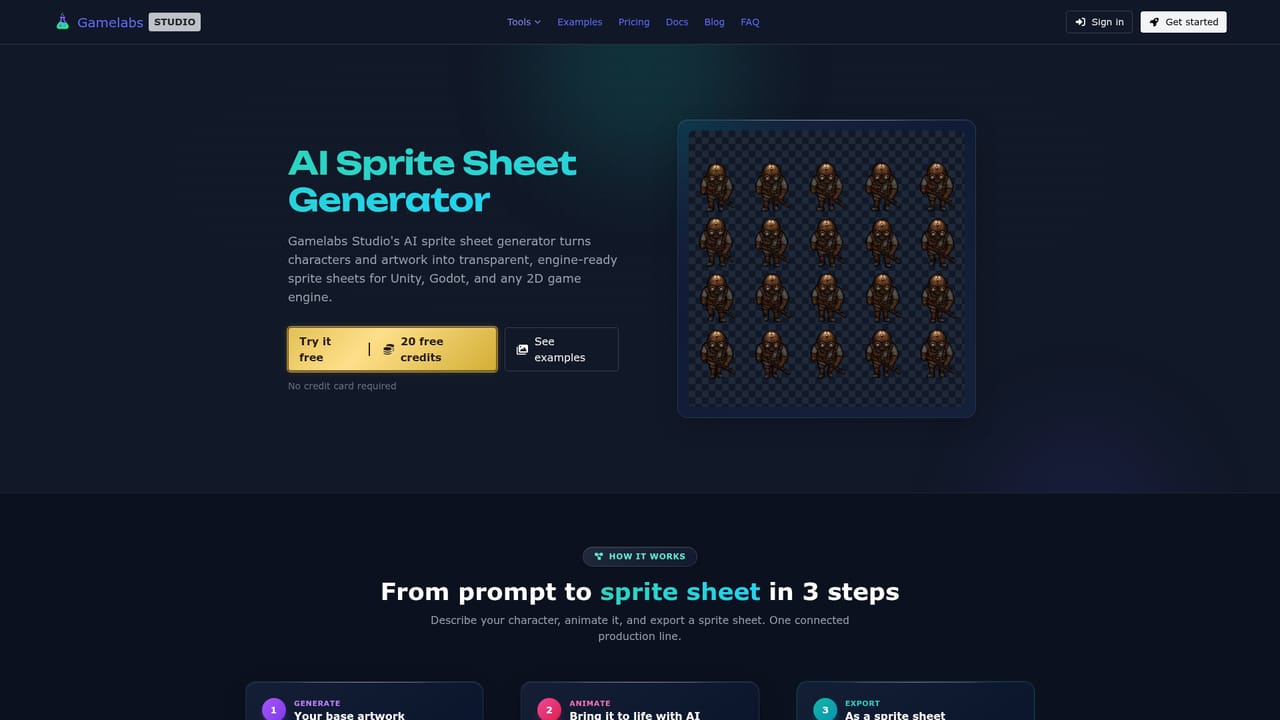
Gamelabs Studio is a browser-based production tool for 2D game art. It combines an AI image generator, an animation generator and a sprite sheet exporter into one pipeline, so a character, enemy or prop moves from a text prompt or reference image through to engine-ready files without leaving the app. The output targets Unity, Godot, Unreal, GameMaker and Construct 3, and the studio also ships with a layered image editor and a map tile workflow for building tilesets and scrolling backgrounds. The parts that separate it from a generic image generator are technical. Its model renders native pixel art at the actual target resolution rather than downscaling a high-resolution image, which avoids blurred edges and lost detail. Multi-angle consistency is handled through a reference workflow: generate a front view, set a new camera position or subject angle, then feed the first view back in as a reference so back, side and top views read as the same character. Transparency is carried through the whole chain using a chroma key background, which is removed at export to produce a PNG with true alpha, including the soft semi-transparent pixels that effects like smoke and magic rely on. Tileable textures use edge-aware generation so opposite borders match when repeated. The audience is anyone producing 2D assets on a budget or a deadline: solo developers who would otherwise wait on an artist, small studios scaling enemy and tower variants, and teams working in isometric or side-scrolling styles. Pixel art, hand-drawn, anime, retro and modern looks are all supported. A built-in MCP server lets Cursor, VS Code, Windsurf, Claude Code and Antigravity generate assets from inside the IDE, and a REST API covers scripted pipelines. The studio reports that its own tower defence title, Age of Steam Tower Defence, was built with this workflow. Against alternatives, Gamelabs is narrower than a general image model but far more specific about game constraints: alpha channels, sprite grids, frame rates and seamless tiling are first-class settings rather than afterthoughts. Generated assets carry full commercial rights and are never reused or resold to other users.

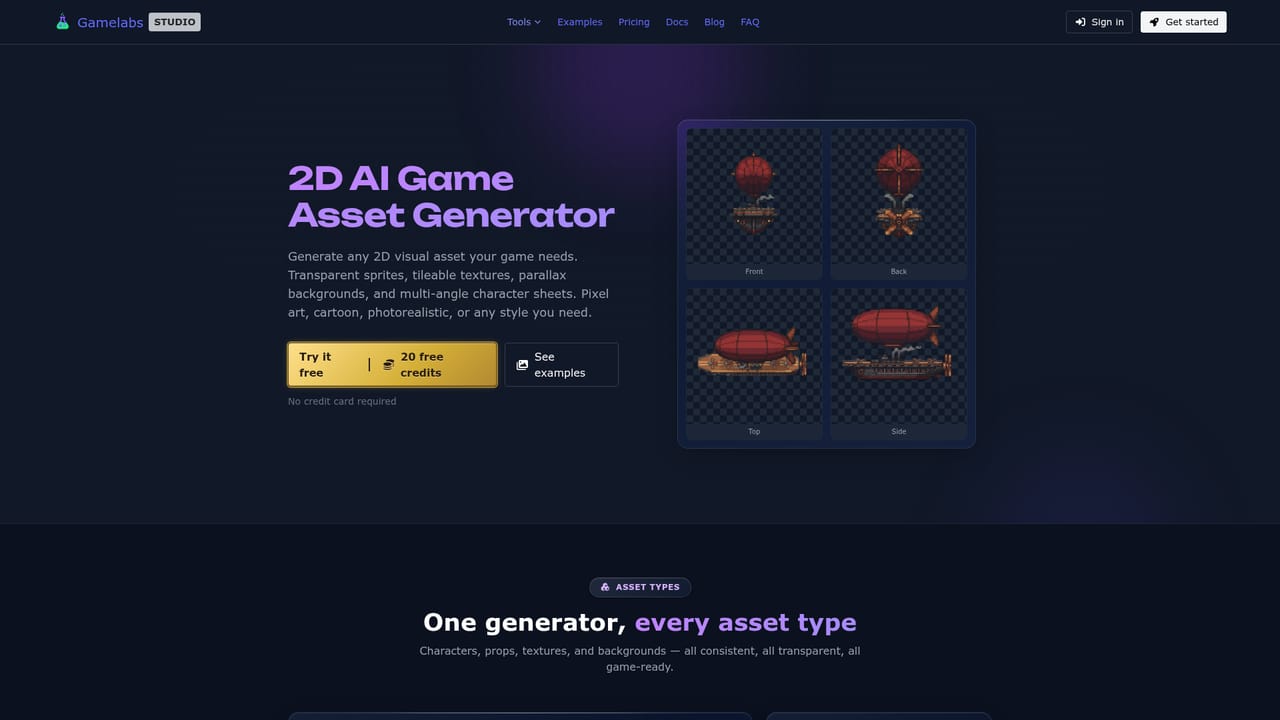
New accounts receive 20 free credits with no credit card required, enough to try artwork generation, animation and sprite sheet export before committing.
Learn moreThe homepage does not publish tier prices. It advertises 20 free credits on signup with no credit card required, which implies a credit-based model, but the cost of additional credits or any subscription plan is not stated on the page.
Learn moreSprite sheets export ready for Unity, Godot, Unreal, GameMaker and Construct 3. The MCP server works with Cursor, VS Code, Windsurf, Claude Code and Antigravity, and REST endpoints are available for custom pipelines.
Learn moreAI artwork generation in any art style with native pixel art output, reference-based multi-angle views, dynamic loopable animation, sprite sheet export with grid, FPS and padding controls, chroma key transparency with true alpha, seamless tileable textures, a wang-tile map editor with parallax splitting, a layered image editor with generative fill, and an MCP server for AI-assisted IDEs.
Learn more AI Angels400+ customizable AI girlfriends for NSFW chat, voice calls, and roleplay
 Candy AIExperience the future of companionship with AI friends who chat, role-play, and connect with you on a human level.
 ourdream.aiA vast AI roleplay platform with millions of characters for chat, images, video and voiceAI Angels400+ customizable AI girlfriends for NSFW chat, voice calls, and roleplayCandy AIExperience the future of companionship with AI friends who chat, role-play, and connect with you on a human level.ourdream.aiA vast AI roleplay platform with millions of characters for chat, images, video and voice