Gamelight

Rewarded user acquisition platform for mobile game developers

Intermediate
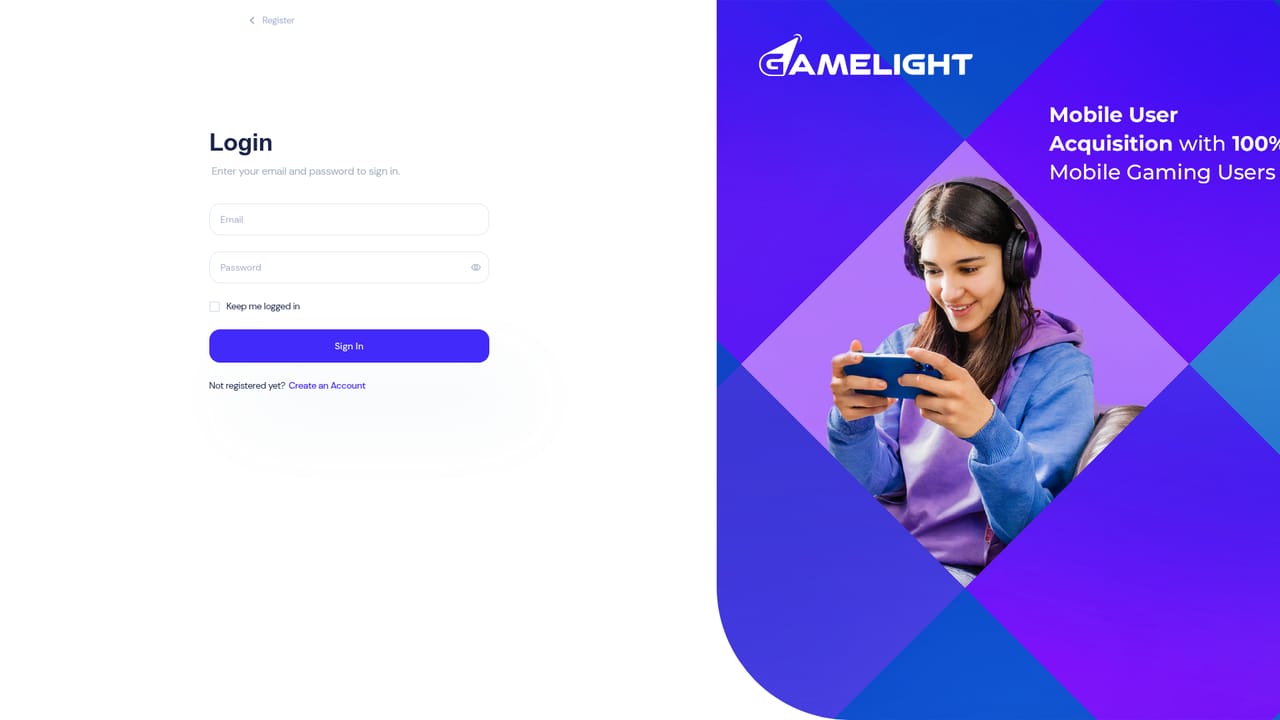
Screenshot of Gamelight, Rewarded user acquisition platform for mobile game developers

What is Gamelight?

Gamelight is a rewarded user acquisition platform for mobile games. It pays players back for playtime and in game milestones, targets by age, genre and competitor titles, and uses a ROAS algorithm to scale spend toward the best returning players.

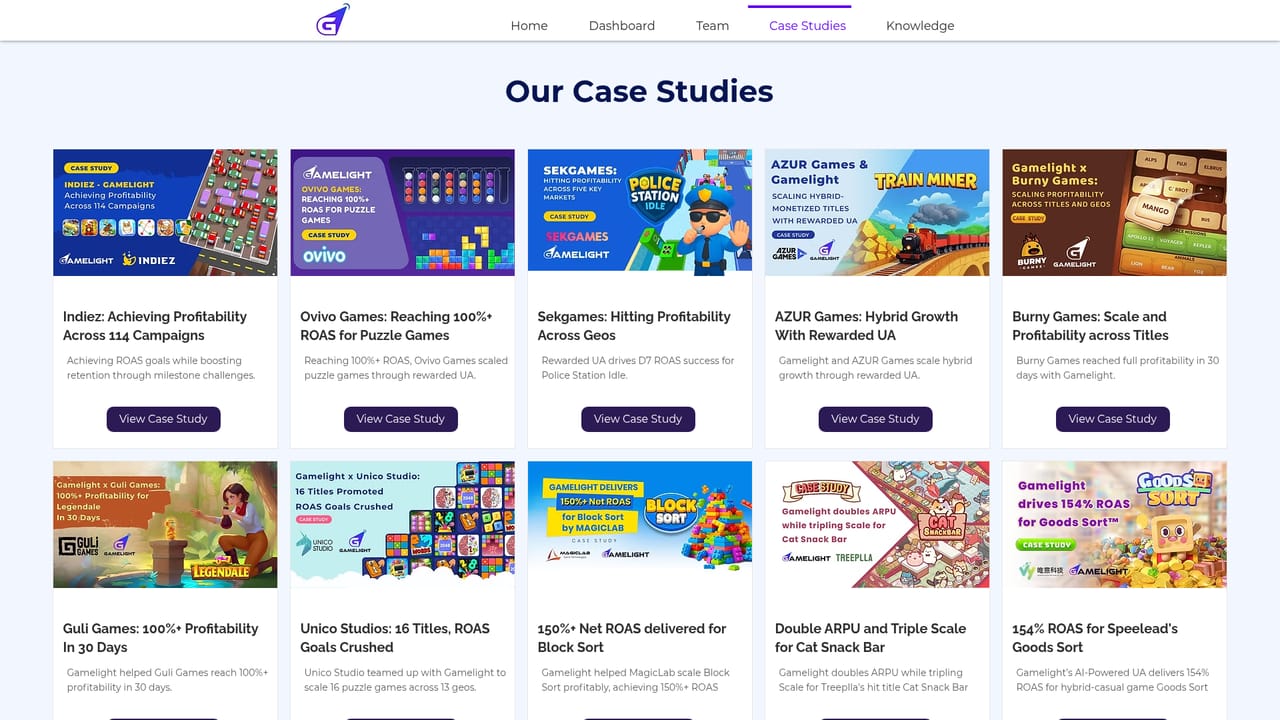
Gamelight is a user acquisition platform built for mobile games and apps, and its central idea is simple: pay users back for real engagement rather than for a single install. Advertisers get a source of direct gamer traffic, and the campaign logic is tuned so that installs convert into sessions, milestones and repeat play instead of a spike that flattens out after day one. The reward mechanics come in two forms. Playtime rewards give players something back for the time they spend inside a game, which nudges longer sessions. Event rewards trigger on key milestones, so the incentive lines up with the moments a developer actually cares about. On top of that sits a ROAS algorithm that automatically shifts spend toward the players and segments producing the best return, reducing the manual babysitting that usually comes with scaling a campaign. Targeting is where the platform earns its keep for growth teams. Campaigns can be aimed by age, by game genre and by competitor titles, so a studio can go after players who already show a taste for similar games. A self serve dashboard keeps targeting, budgets and optimisation in the advertiser's hands, and a built in privacy policy page signals that data handling is treated as part of the product rather than an afterthought. This is a specialist tool, not a general ad network. It suits mobile game studios, user acquisition managers and app marketers who already understand install campaigns and want a rewarded traffic channel alongside their existing buys. The published case studies (Ovivo, Train Miner, Unico Studio, Mattel among them) point to mid sized and larger teams with real budgets. Smaller studios without UA experience will find less hand holding here than at a full service agency.

How do you use Gamelight?

  1. 1Open a self serve dashboard account
    Start from the Gamelight site and head to the dashboard to register as an advertiser. Account setup is where billing details and team access get configured.
    Gamelight — Open a self serve dashboard account
  2. 2Define your app and campaign goal
    Add the mobile game or app you are promoting and choose the campaign objective. The platform is oriented around rewarded installs and return on ad spend, so set the goal with that in mind.
  3. 3Set targeting by age, genre and competitor titles
    Use the dashboard targeting controls to narrow the audience. Age bands, game genre and competitor titles are the three levers described on the site.
  4. 4Choose playtime or event rewards
    Decide which reward type fits the game: time based rewards for longer sessions, or milestone rewards that fire at key moments in the player journey.
  5. 5Set budgets and let the ROAS algorithm optimise
    Assign a budget and allow the ROAS algorithm to shift spend toward the players delivering the strongest return. Monitor results and adjust targeting as data accumulates.
  6. 6Review case studies before scaling
    Read the published case studies to see how comparable studios structured their campaigns before committing larger budgets.
    Gamelight — Review case studies before scaling

Pros and cons

Pros

  • Reward mechanics tied to playtime and milestones, which target engagement rather than raw install volumeAI
  • Targeting by age, game genre and competitor titles lets campaigns chase players with proven genre interestAI
  • ROAS algorithm automatically reallocates spend toward the best performing playersAI
  • Self serve dashboard keeps budgets, targeting and optimisation under the advertiser's direct controlAI
  • Published case studies from studios including Unico Studio and Mattel give concrete reference pointsAI

Cons

  • No pricing, minimum spend or fee structure is published on the homepage, so budgeting needs a sales conversationAI
  • Built specifically for mobile games and apps, so non gaming advertisers get little valueAI
  • The self serve dashboard assumes existing UA knowledge, with limited guidance described for newcomersAI
  • No integration or SDK documentation is surfaced on the homepage, which makes technical evaluation harderAI
  • Rewarded traffic depends on users wanting in game incentives, a model that suits some genres far better than othersAI

How much does Gamelight cost?

Features

Core features include playtime rewards that encourage longer sessions, event rewards triggered by key in game milestones, a self serve dashboard for targeting, budgets and optimisation, and a ROAS algorithm that automatically scales spend toward the highest returning players. Targeting can be set by age, game genre and competitor titles, with traffic described as direct gamer traffic.

Frequently asked questions about Gamelight

  • How do you use Gamelight?
    The walkthrough on this page covers 6 steps: 1. Open a self serve dashboard account 2. Define your app and campaign goal 3. Set targeting by age, genre and competitor titles 4. Choose playtime or event rewards 5. Set budgets and let the ROAS algorithm optimise 6. Review case studies before scaling.
  • What platforms does Gamelight support?
    Gamelight is available on Web App.
  • What are the limitations of Gamelight?
    No pricing, minimum spend or fee structure is published on the homepage, so budgeting needs a sales conversation. Built specifically for mobile games and apps, so non gaming advertisers get little value. The self serve dashboard assumes existing UA knowledge, with limited guidance described for newcomers.

Status

StatusActive
Views0
Outbound clicks0
Added10/21/2026

Platforms

Web App

Pricing

Paid