Pricing
The homepage does not state plan prices. It promotes a free starting point and points to a dedicated pricing page, so the paid tiers and what they unlock need to be checked there before committing.
Learn moreOpen-source, no-code game engine that ships to Steam, mobile and the web

GDevelop is a courses tool. Open-source, no-code game engine with a visual event system, in-app courses and an asset store. Exports to Steam, mobile and the web, and is used for both hobby projects and commercial promotional games.
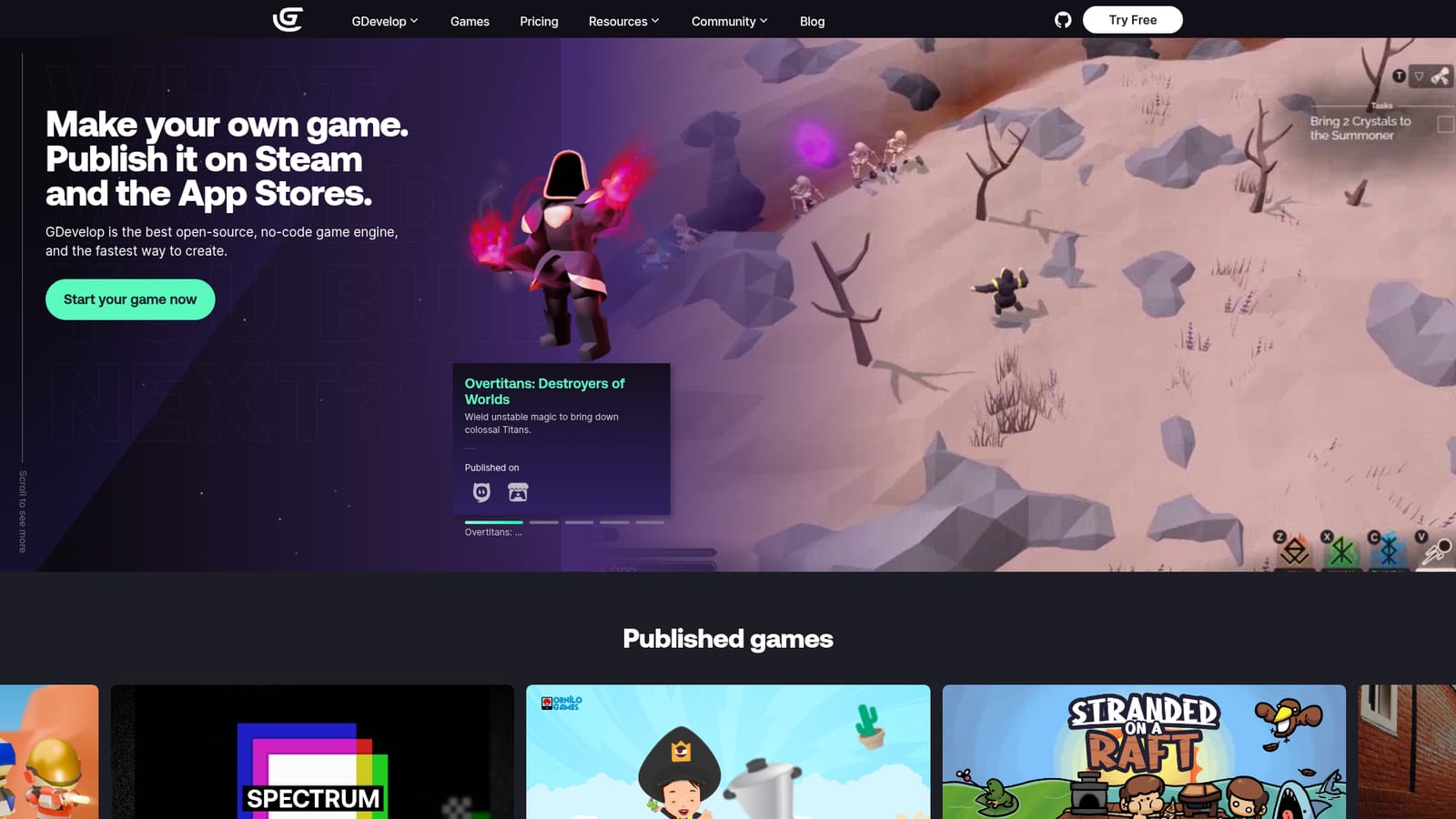
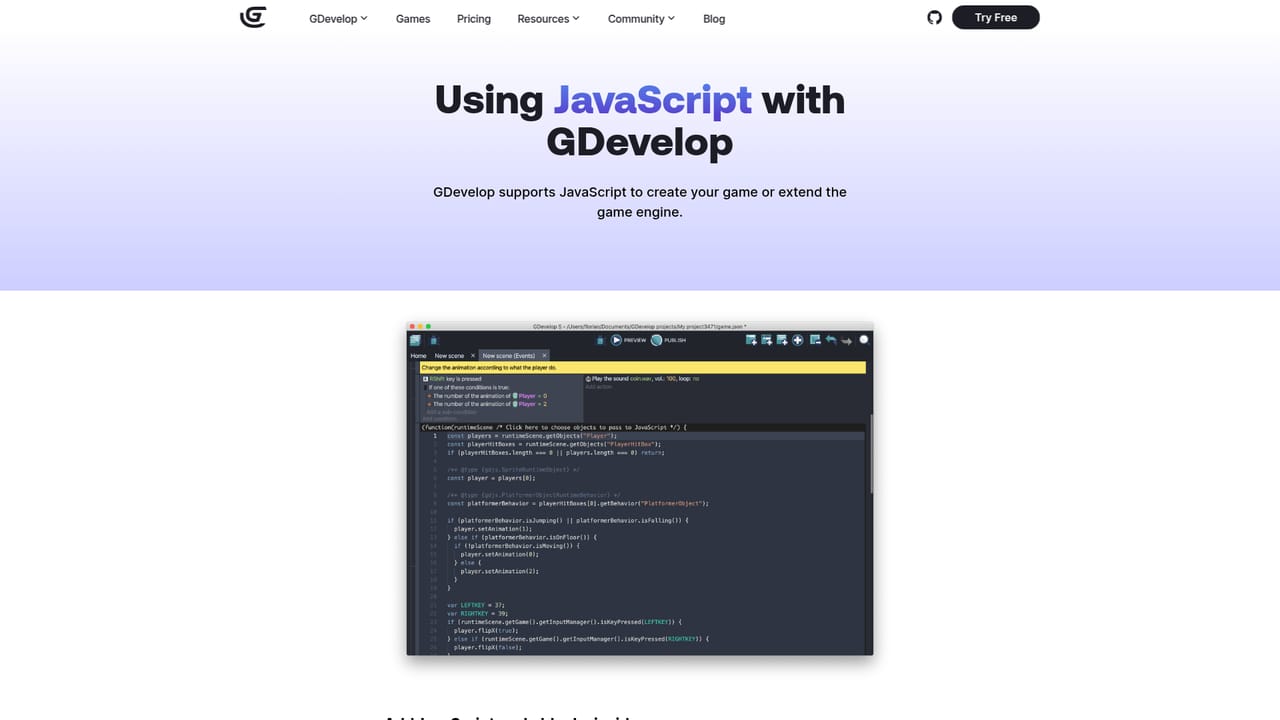
GDevelop is an open-source game engine built around a visual event system instead of a scripting language. Projects are assembled by placing objects on scenes and wiring logic through conditions and actions in the event editor, so a designer can prototype a playable level without writing code. AI assistance is folded into that workflow to help generate logic and speed up assembly, and JavaScript can be added when a project needs behaviour the event system does not cover. It targets a wide spread of makers. Hobbyists and first-time developers use the in-app tutorials and courses to move from the essentials to a finished casual game, while teachers bring it into classrooms as a coding-free introduction to programming concepts. Small studios and professional teams use it for promotional games and commercial releases. The published catalogue backs this up: the homepage lists a Prime Video promotional title for The Boys, a Brazil Mobile Game of the Year winner with over a million downloads, and web games with millions of plays. In practice a project starts from a template or a blank scene in the browser editor, then grows through the asset store, where ready-made graphics and sounds can be dropped in. Logic is expressed as events rather than text files, which keeps the structure readable to collaborators who do not program. Export targets include desktop, mobile and web, and the site documents publishing to Steam and the app stores. Where GDevelop fits is the middle ground between block-based teaching tools and full professional engines. Its own comparison pages position it against Unity, GameMaker, Scratch, Stencyl and Bubble, arguing for ease of use over depth. That trade is the core decision for buyers: faster onboarding and a gentler learning curve, in exchange for a smaller ecosystem and less control than a code-first engine gives.
The homepage does not state plan prices. It promotes a free starting point and points to a dedicated pricing page, so the paid tiers and what they unlock need to be checked there before committing.
Learn moreA community forum and a dedicated support page sit alongside the in-app learning material, giving users both peer help and a direct route for account or plan questions.
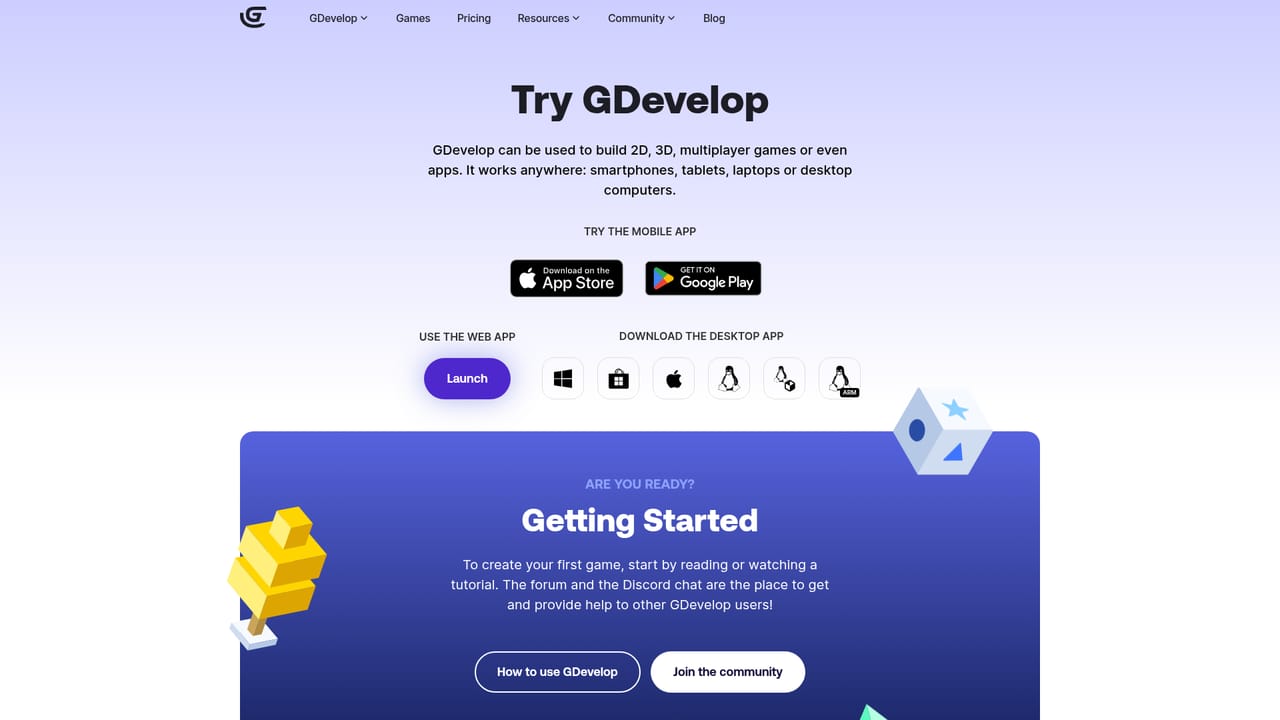
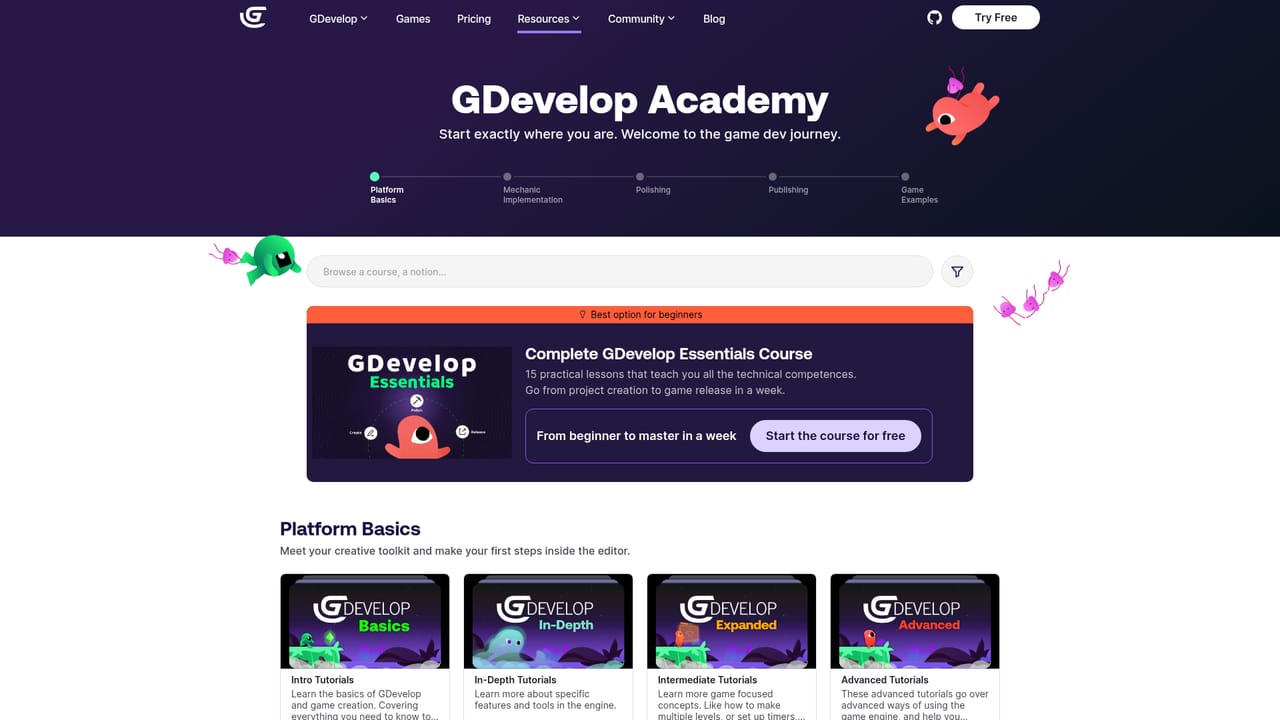
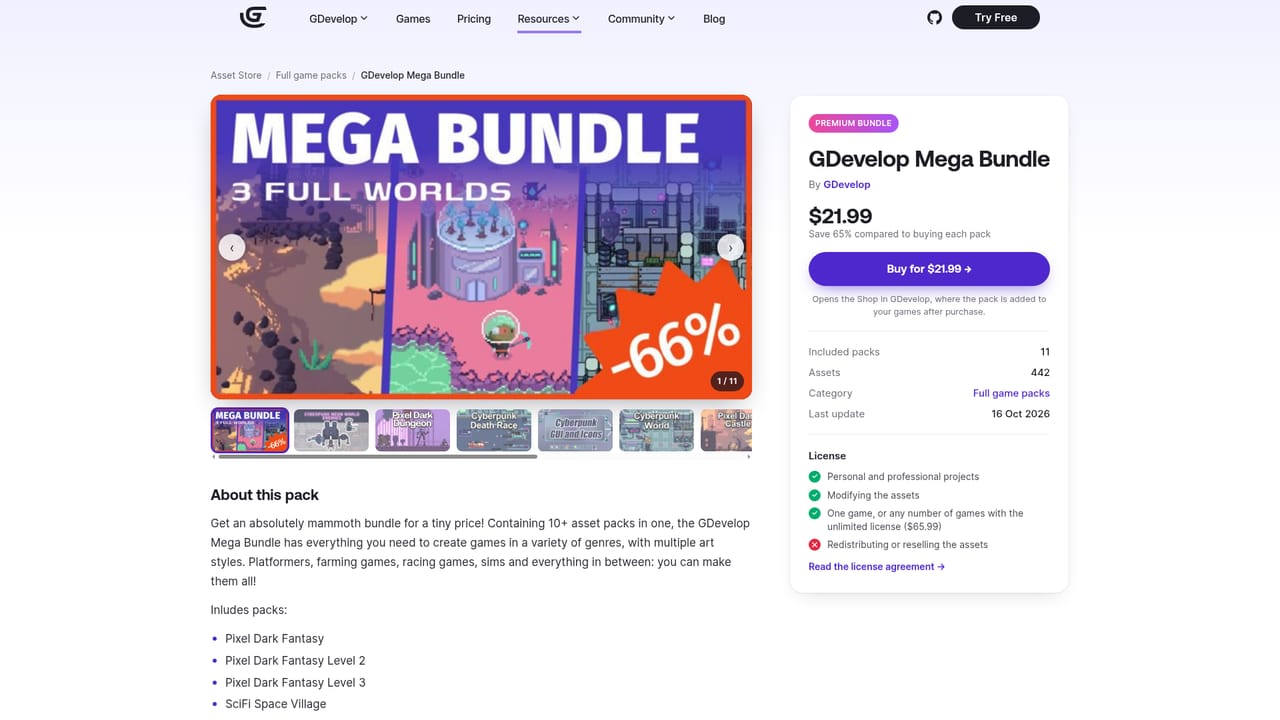
Learn moreVisual event system for building game logic without code, with AI assistance during creation and optional JavaScript for custom behaviour. In-app tutorials and courses cover the basics through to release. An asset store supplies graphics and sounds, and projects export to desktop, mobile and the web, including Steam and app store publishing.
Learn more AI Angels400+ customizable AI girlfriends for NSFW chat, voice calls, and roleplay
 Candy AIExperience the future of companionship with AI friends who chat, role-play, and connect with you on a human level.
 ourdream.aiA vast AI roleplay platform with millions of characters for chat, images, video and voiceAI Angels400+ customizable AI girlfriends for NSFW chat, voice calls, and roleplayCandy AIExperience the future of companionship with AI friends who chat, role-play, and connect with you on a human level.ourdream.aiA vast AI roleplay platform with millions of characters for chat, images, video and voice


