Integrations
The homepage states that giosg agents can connect to existing systems so replies use real customer data, but it does not name specific third party integrations.
AI agents plus live chat for support, sales and lead capture

Giosg is an AI chat bot tool. Giosg combines configurable AI support, lead and shopping agents with live chat, phone, WhatsApp, video bots and interactive campaign content on one customer engagement platform aimed at support, sales and marketing teams.
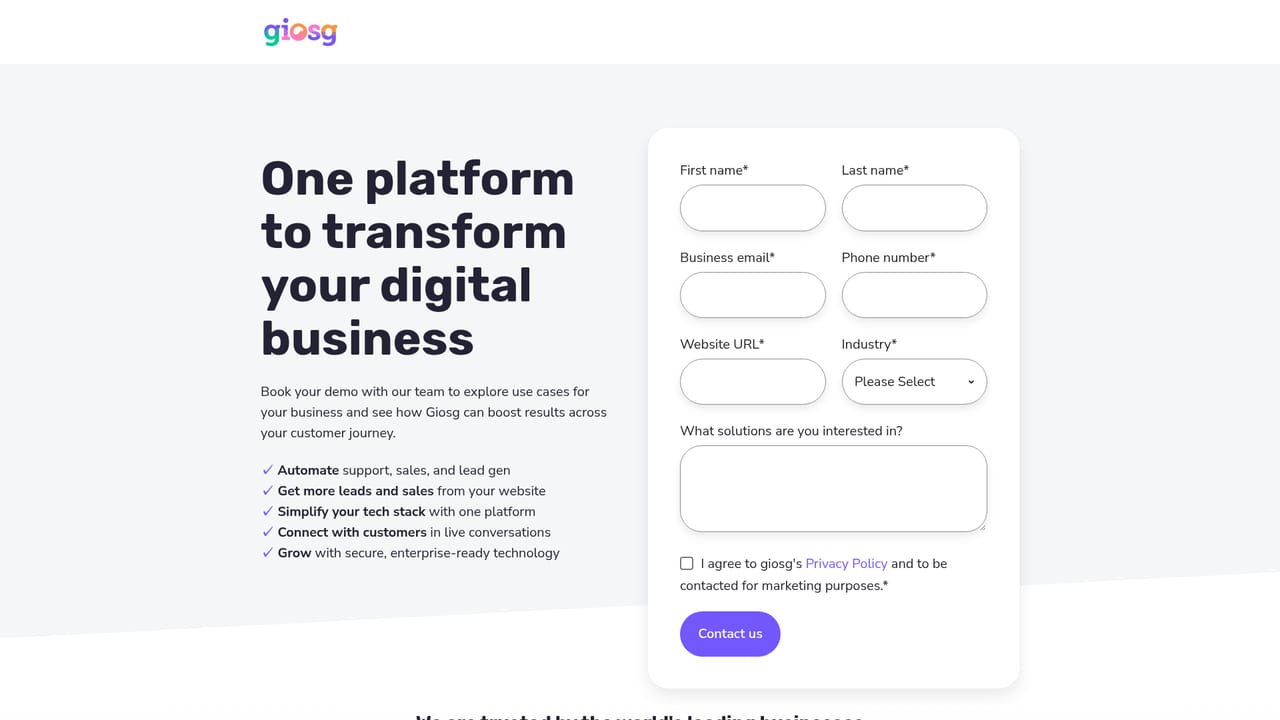
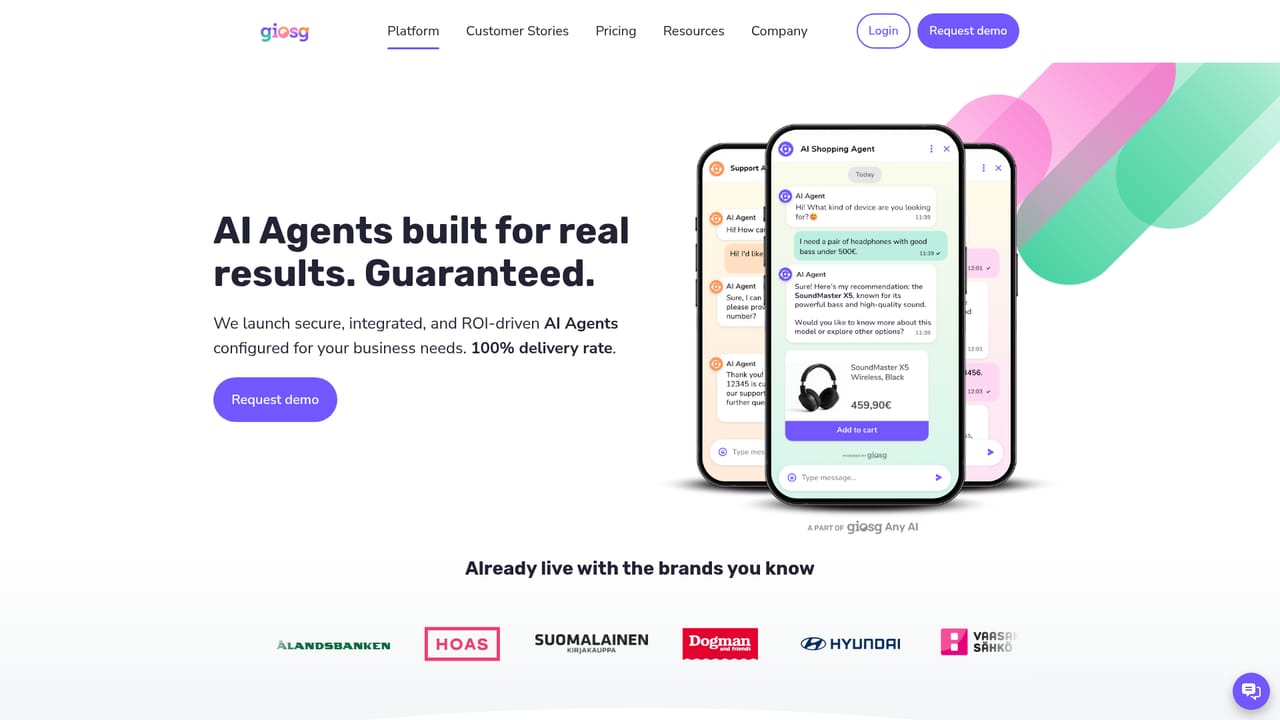
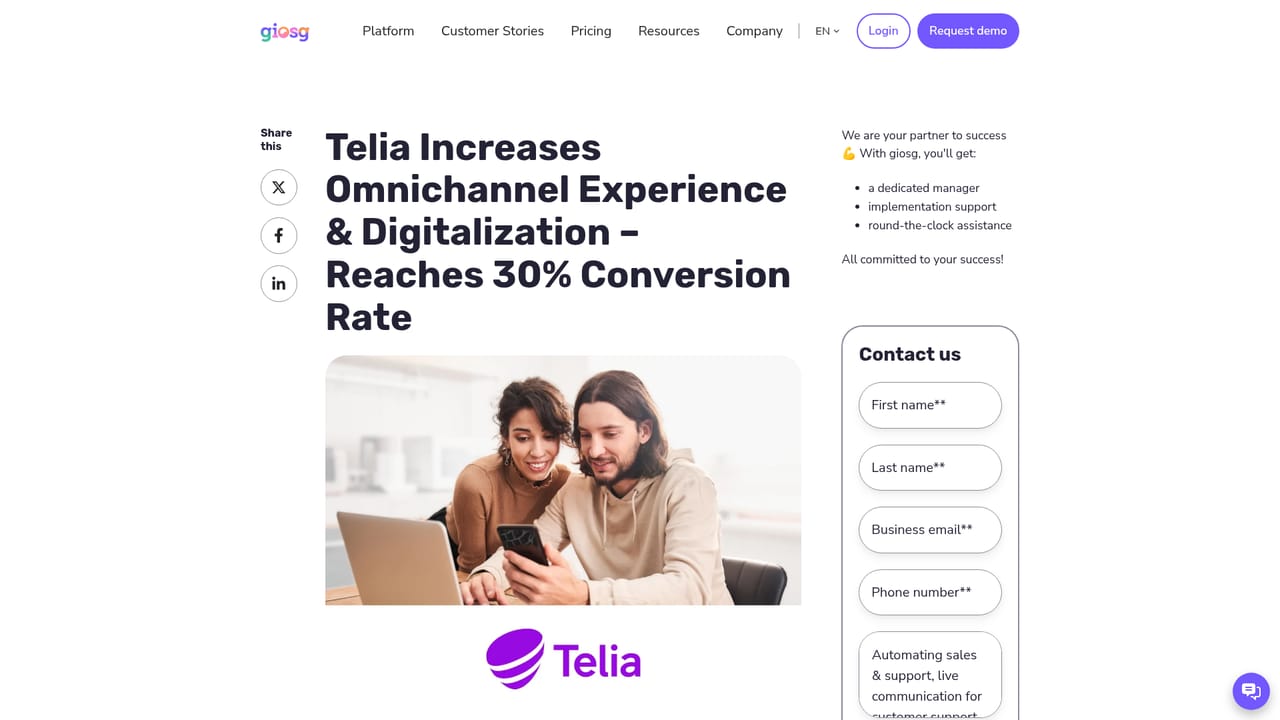
Giosg is a customer engagement platform built around a set of configurable AI agents that sit on top of a company website and handle conversations with visitors. The vendor positions the product around three outcomes: automating repetitive support requests, converting more inbound leads, and running marketing campaigns that collect contact details. Rather than selling a single chatbot, giosg bundles AI agents, live chat, video and phone conversations, WhatsApp, interactive content such as quizzes and pop ups, and website personalization into one subscription. The company argues this replaces the stack of separate point tools many teams assemble. The AI layer comes in several flavors. An AI Support Agent answers everyday questions and can be connected to back end systems so replies reflect real account or order data. An AI Lead Agent qualifies visitors and passes warm prospects to sales, an AI Shopping Agent helps buyers compare and choose products, and an Internal AI Agent handles staff requests. The agents are described as omnichannel and multilingual, and the vendor claims they can resolve the large majority of routine requests without a human. When automation is not enough, the same conversation can be handed to a live agent over chat, phone or WhatsApp, so the human and bot paths share one thread instead of splitting across tools. In practice, giosg suits support and sales teams at consumer facing companies with high web traffic: telecoms, retail and ecommerce, automotive dealers, banking and housing providers all appear in the company's case studies. A typical rollout connects the chat widget and agents to a knowledge base, defines escalation rules, then layers on lead capture forms or campaign pages. The tradeoff is that the platform is broad by design, so buyers wanting a narrow chatbot widget may find more than they need, and the strongest results in the published stories depend on customers actively tuning the setup over time rather than switching it on and walking away.
The homepage states that giosg agents can connect to existing systems so replies use real customer data, but it does not name specific third party integrations.
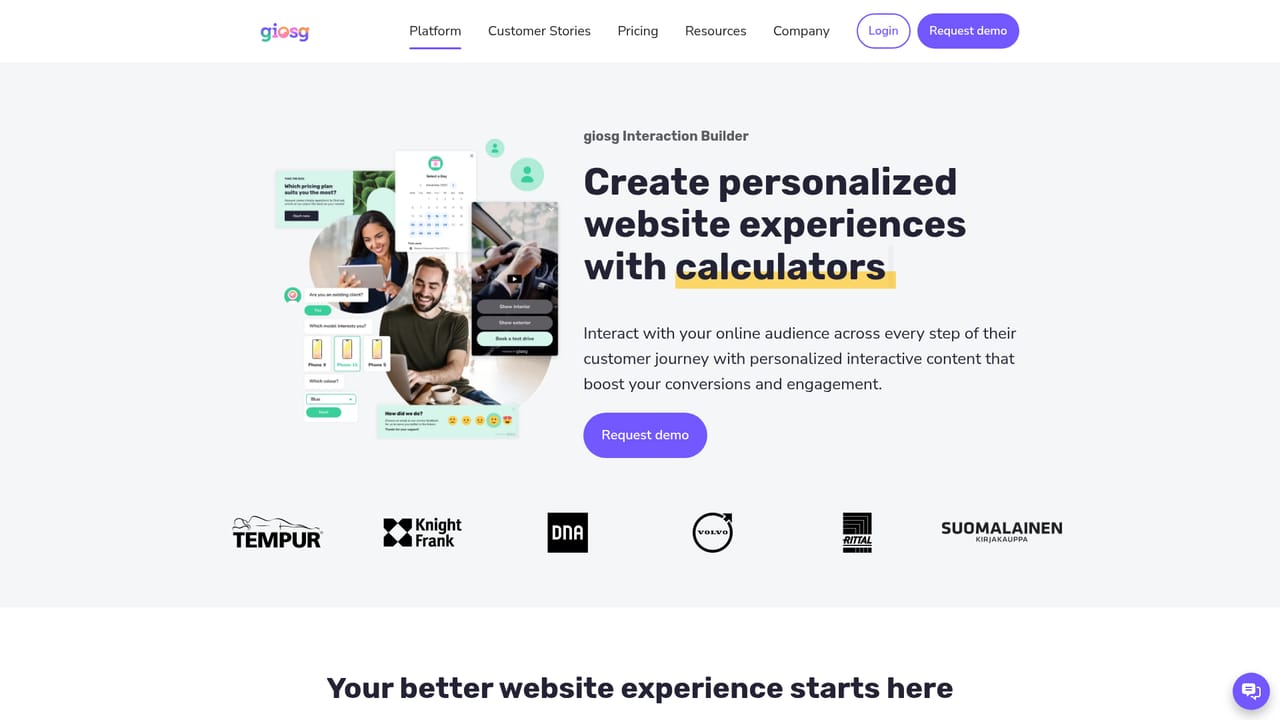
AI Support, Shopping, Lead and Internal agents; live chat, phone and WhatsApp conversations; video bots; interactive forms, quizzes and pop ups; AI lead capture and lead scoring; website personalization; omnichannel and multilingual handling with handover from automation to human agents.
Learn more AI Angels400+ customizable AI girlfriends for NSFW chat, voice calls, and roleplay
 Candy AIExperience the future of companionship with AI friends who chat, role-play, and connect with you on a human level.
 ourdream.aiA vast AI roleplay platform with millions of characters for chat, images, video and voiceAI Angels400+ customizable AI girlfriends for NSFW chat, voice calls, and roleplayCandy AIExperience the future of companionship with AI friends who chat, role-play, and connect with you on a human level.ourdream.aiA vast AI roleplay platform with millions of characters for chat, images, video and voice


