Pricing
Copilot is not sold on its own. Cost depends on the Glue Up platform plan selected, and the plans are listed on the pricing page.
Learn moreAI copilot built into a membership and event management platform
Own Glue Up AI Copilot? Verify ownership to get a dofollow link

Glue Up AI Copilot is a content tool. An AI assistant embedded in Glue Up's membership, event and CRM platform that drafts event pages, surveys, invitations and campaign copy, and automates renewals, segments and engagement insights for associations and chambers.
Glue Up AI Copilot is an assistant layer inside the Glue Up platform, a suite aimed at associations, chambers of commerce, conference organizers and other membership-driven organizations. Rather than standing alone as a chatbot, the Copilot runs across the modules an organization already uses: events, CRM, marketing automation, membership administration and project management. The pitch is consolidation, so a team does not have to stitch together a separate content generator, a separate CRM assistant and a separate campaign tool. The most concrete capability on the product page is content generation. Copilot drafts event pages, surveys, invitations and campaign copy from a short brief, and teams can define a tone of voice and standing prompts so output matches the brand. Editing tools let a user ask for rewrites, discard drafts they do not want, or trim text automatically. Alongside that, the platform promises AI help with the operational side: automated renewals and onboarding for members, smart contact segments drawn from payments, emails and activity history, campaign optimization across channels, and the ability to pull insights out of member data. In practice this suits a small membership team that needs to publish event listings and outreach quickly without a dedicated copywriter, while keeping the resulting content and the contact records in one system. Larger associations get the same benefit at scale, with segmented messaging and renewal automation replacing manual follow-up. The Copilot is also positioned as a layer on top of Glue Up's project workspace, where tasks, timelines and reporting live. The buyer should weigh it as a platform decision, not a point tool. Glue Up's own comparison material frames Copilot against traditional association management systems, and the value depends on moving your membership data and events into Glue Up. Organizations already committed to a different AMS will find the AI features locked behind a migration, and the vendor itself notes that AI output can be incomplete or outdated and should be reviewed.
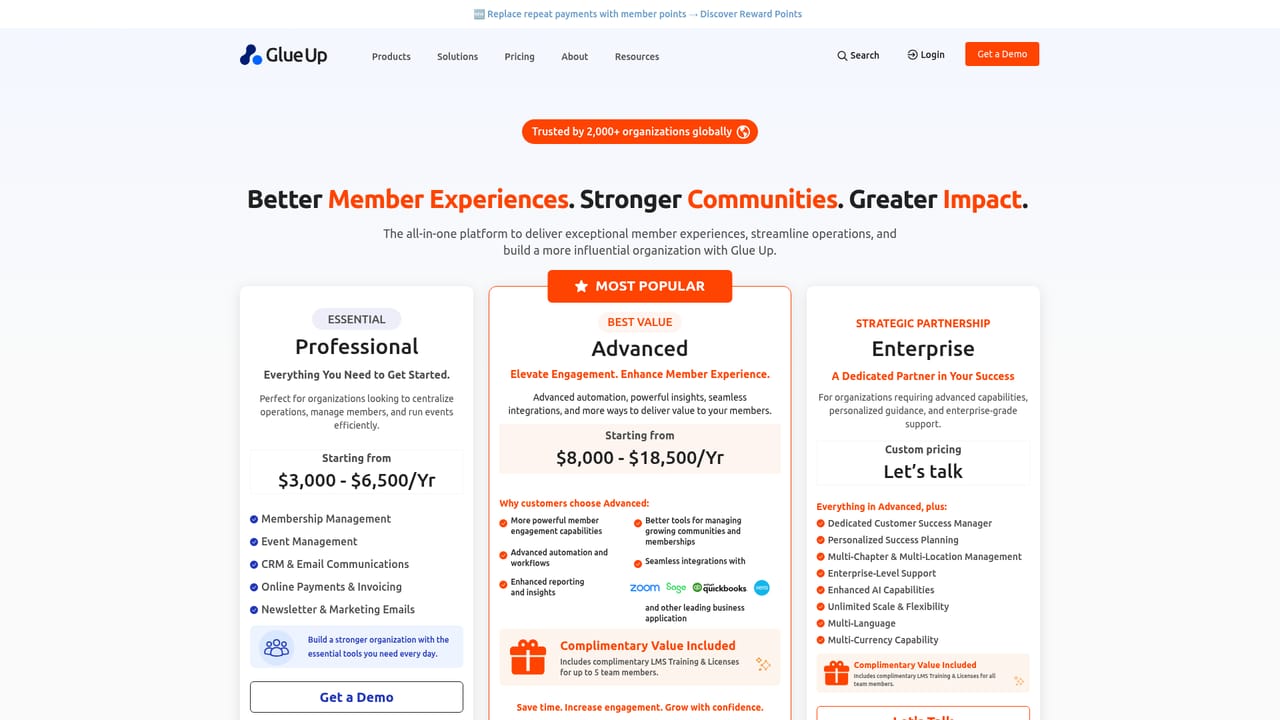
Copilot is not sold on its own. Cost depends on the Glue Up platform plan selected, and the plans are listed on the pricing page.
Learn moreThe vendor publishes a security page covering GDPR and CCPA compliance, AES-256 encryption, PCI DSS payment partners, 24/7 monitoring, audits and daily backups. No support channel details are given on the homepage.
Learn moreContent drafting for event pages, surveys, invitations and campaigns, with configurable tone of voice and saved prompts. Smart editing adds rewrite, discard and auto-trim controls. On the operations side: CRM unification across contacts, payments, emails and activity; automated renewals and onboarding; contact segmentation; cross-channel campaign optimization; member data insights; and project tracking with tasks, timelines and reporting.
 AI Angels400+ customizable AI girlfriends for NSFW chat, voice calls, and roleplay
 Candy AIExperience the future of companionship with AI friends who chat, role-play, and connect with you on a human level.
 ourdream.aiA vast AI roleplay platform with millions of characters for chat, images, video and voiceAI Angels400+ customizable AI girlfriends for NSFW chat, voice calls, and roleplayCandy AIExperience the future of companionship with AI friends who chat, role-play, and connect with you on a human level.ourdream.aiA vast AI roleplay platform with millions of characters for chat, images, video and voice


