Gojiberry AI

AI sales agent that finds warm leads and runs the outreach for you

Beginner
Screenshot of Gojiberry AI, AI sales agent that finds warm leads and runs the outreach for you

What is Gojiberry AI?

Gojiberry AI is an autonomous B2B outbound agent: enter your website, and it scores prospects against your ideal customer, reaches out across email and social, and books demos. Aimed at sales teams and founders replacing manual prospecting.

Gojiberry AI is an autonomous outbound sales agent built for B2B teams that want a fuller pipeline without adding headcount. The premise is simple: enter your website, and the agent reads it to work out what you sell, who you sell it to, and how to pitch it. From there it builds a target list, watches for buying and social signals, and contacts prospects over email and social channels. The company describes itself as Y Combinator backed and says more than 3,500 B2B sales teams use the product. The agent runs a four-stage loop. It first detects signals (things like competitor engagement, follows of your company, or activity in your space) and scores each prospect against your ideal customer profile, so only matches move forward. It then writes personalized messages, coordinates email and social touches without you building sequences, and books demos into your calendar. Every week it reviews what converted, adjusts, and benchmarks your campaigns against top performers in your industry. Replies arrive with drafts already prepared, and you choose whether the agent sends everything on its own or waits for your approval. The fit is clearest for small and mid-sized B2B sales teams, founders doing their own prospecting, and agencies that need predictable meeting flow but cannot justify a full SDR stack. Setup is pitched at a few minutes: connect, let the agent prospect, then convert. Gojiberry positions the agent as a replacement for stitched-together point tools covering copywriting, sequencing, signal tracking and lead finding, rather than as an add-on to them. The honest caveat is that the site is light on specifics. Signal sources are described as 15+ buying and social signals without naming them, the outreach stack shows an AI model provider logo without detailing the relationship, and no plan tiers or prices appear on the homepage. Teams that need to audit data provenance, or that sell to buyers who live outside email and mainstream social platforms, should ask pointed questions before committing.

How do you use Gojiberry AI?

  1. 1Create your account
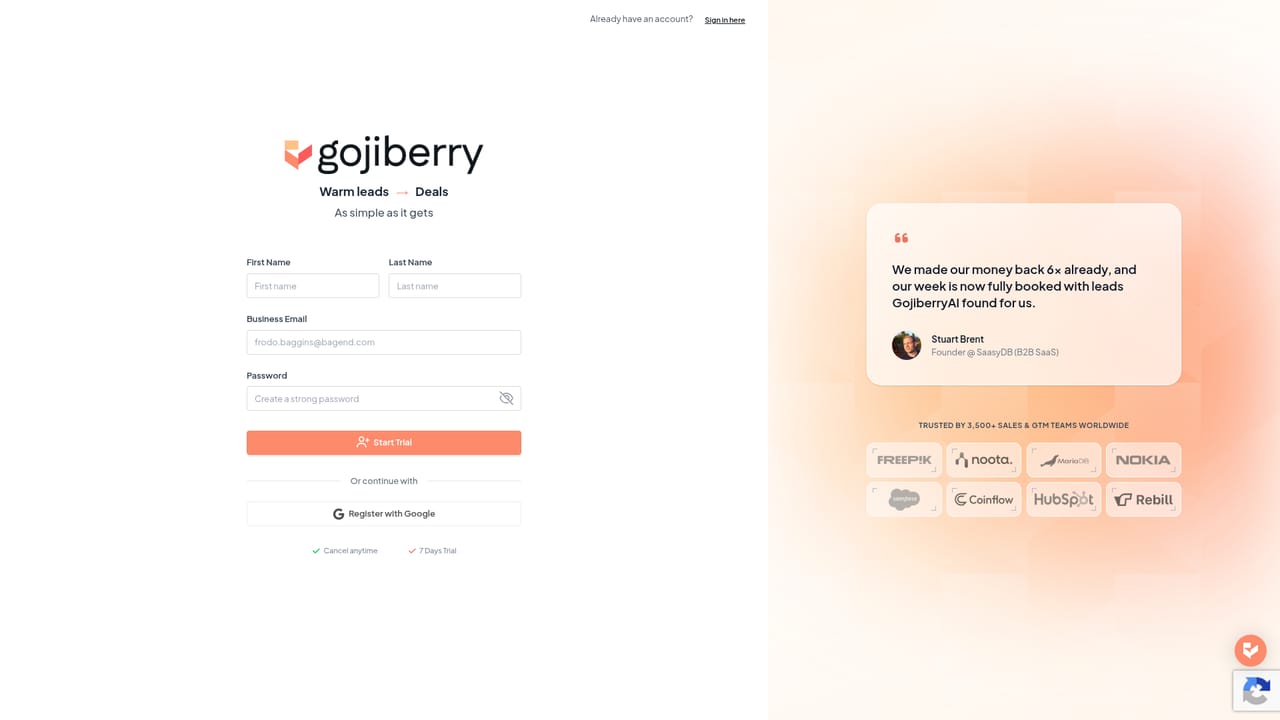
    Sign up at the registration page to open your Gojiberry workspace. The company says the agent can be running within about five minutes of signup.
    Gojiberry AI — Create your account
  2. 2Enter your website
    Paste your company URL. Gojiberry reads the site to infer what you sell, who your target buyer is and how to pitch the offer.
  3. 3Review the ideal customer profile
    Check the targeting the agent derived from your site before it starts prospecting. Correct anything it misread about your market or buyer.
  4. 4Choose your send mode
    Pick full auto, where the agent contacts prospects on its own, or approve before send, where you review messages before they leave.
  5. 5Connect email and social accounts
    Link the outreach channels the agent will use. It then coordinates touches across them without you building sequences manually.
  6. 6Work the replies
    Qualified replies land with drafts already written. Review them, send, and confirm meetings on your calendar.

Pros and cons

Pros

  • Runs the whole outbound loop (signal detection, scoring, messaging, replies, booking) in one agent rather than separate toolsAI
  • Scores and filters prospects against your ICP before any message goes out, which cuts wasted outreachAI
  • Offers a full-auto mode and an approve-before-send mode, so teams can keep human control early onAI
  • Setup starts from your website URL, with no manual configuration of what you sellAI
  • Reports weekly self-adjustment based on what actually converted, plus industry benchmarkingAI

Cons

  • No pricing, plan tiers or limits are published on the homepage, so cost has to be confirmed in a sales conversationAI
  • The 15+ buying and social signals are never named, which makes data provenance hard to auditAI
  • Outreach is limited to email and social channels, with no mention of phone, SMS or event-based touchpointsAI
  • Message quality depends entirely on what the agent infers from your website, which is thin ground for niche or multi-product businessesAI
  • Realistic results claims (15+ demos per week) come from customer quotes, not published benchmark dataAI

How much does Gojiberry AI cost?

Features

Signal detection across buying and social activity, ICP-based prospect scoring and prioritization, AI-written personalized outreach coordinated over email and socials, pre-drafted replies, calendar booking of demos, weekly self-learning with industry benchmarking, plus a choice between fully automatic sending and approve-before-send review.

Frequently asked questions about Gojiberry AI

  • How do you use Gojiberry AI?
    The walkthrough on this page covers 6 steps: 1. Create your account 2. Enter your website 3. Review the ideal customer profile 4. Choose your send mode 5. Connect email and social accounts 6. Work the replies.
  • What platforms does Gojiberry AI support?
    Gojiberry AI is available on Web App.
  • What are the limitations of Gojiberry AI?
    No pricing, plan tiers or limits are published on the homepage, so cost has to be confirmed in a sales conversation. The 15+ buying and social signals are never named, which makes data provenance hard to audit. Outreach is limited to email and social channels, with no mention of phone, SMS or event-based touchpoints.

Status

StatusActive
Views0
Outbound clicks0
Added10/21/2026

Platforms

Web App

Pricing

Freemium